
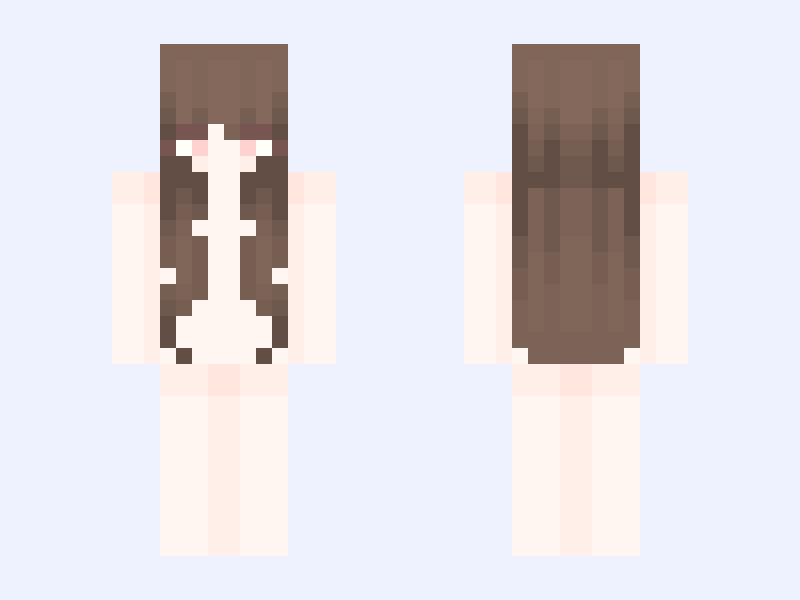

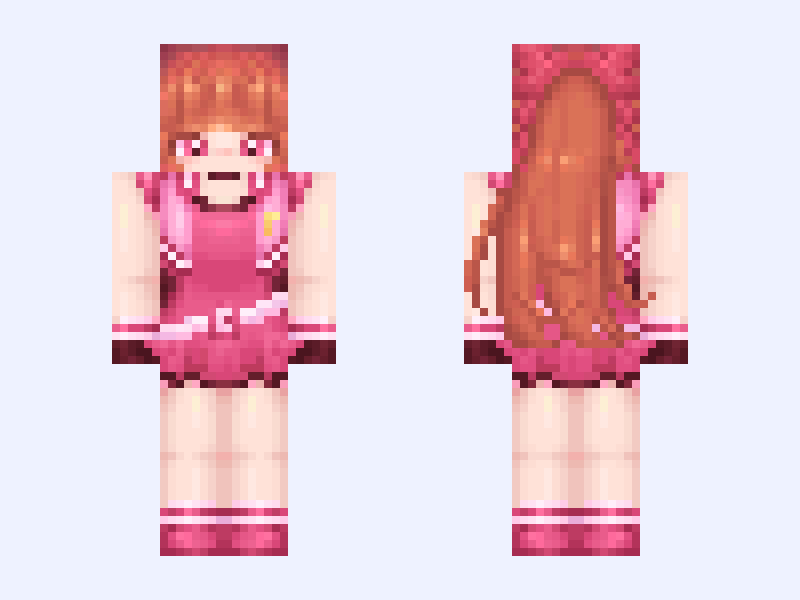
This is the skin file you download: a 64×64 PNG texture laid out in the standard Minecraft skin format.
໒꒰ྀིっ˕ -。꒱ྀི১ 64x64 Minecraft Skin
Slim
64×64
15 likes
0 comments
Download Skin
About this skin
A slim Minecraft skin. Preview it above and download the PNG to use it in Minecraft.
Skin details
- Model
- Slim (Alex, 3px arms)
- Texture size
- 64×64 pixels
- File type
- PNG with transparency
- Likes
- 15
- Comments
- 0
- Added
- September 3, 2026
How to use this skin in Minecraft Java Edition
- Select Download Skin to save the PNG file.
- Open the Minecraft Launcher and go to Skins.
- Choose New Skin and select the Slim player model.
- Browse to the downloaded PNG, then select Save & Use.
How to use this skin in Minecraft Bedrock Edition
- Select Download Skin to save the PNG file.
- Open Minecraft and go to the Dressing Room.
- Under Classic Skins, choose Import, then Choose New Skin.
- Select the PNG and pick the Slim model.
Collections this skin is in
More Minecraft skins
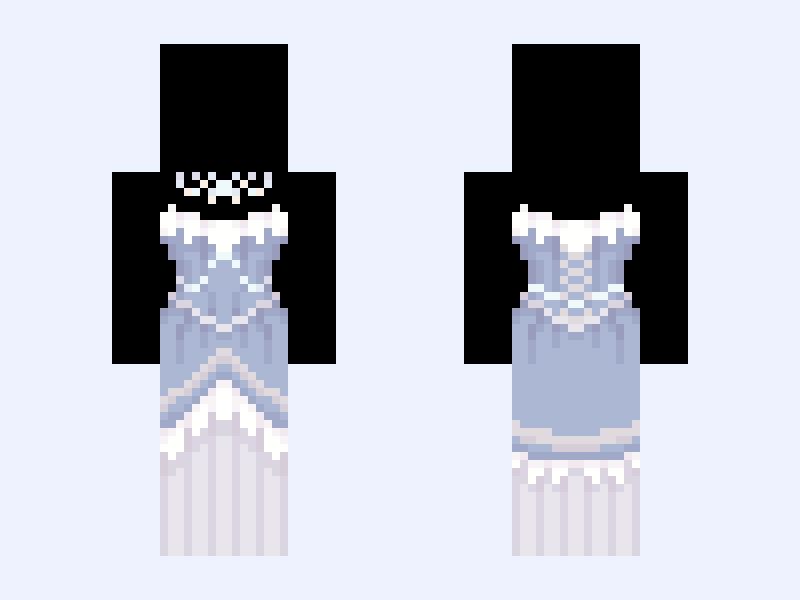 Slim
Slim
(V8) ⚜️🪽Angel Royalty🪽⚜️ white blue heaven light dress gown
44 likes
![•°~× I see who you are, you are my enemy..ו~° [DON'T REPOST!!] Minecraft skin, slim model, front and back view](/assets/image/skins/i-see-who-you-are-you-are-my-enemy-don-t-repost.png) Slim
Slim
•°~× I see who you are, you are my enemy..ו~° [DON'T REPOST!!]
48 likes
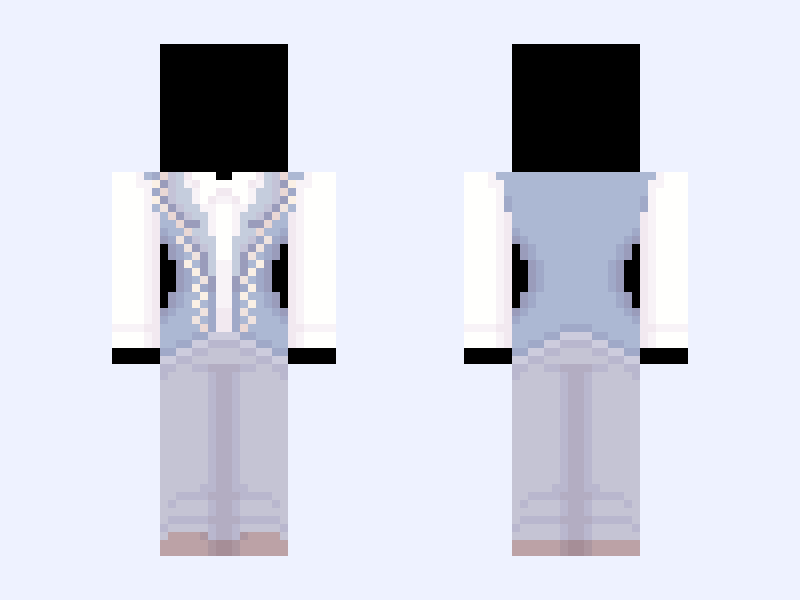 Slim
Slim
(V10) ⚜️🪽Angel Royalty🪽⚜️ white blue heaven light
42 likes
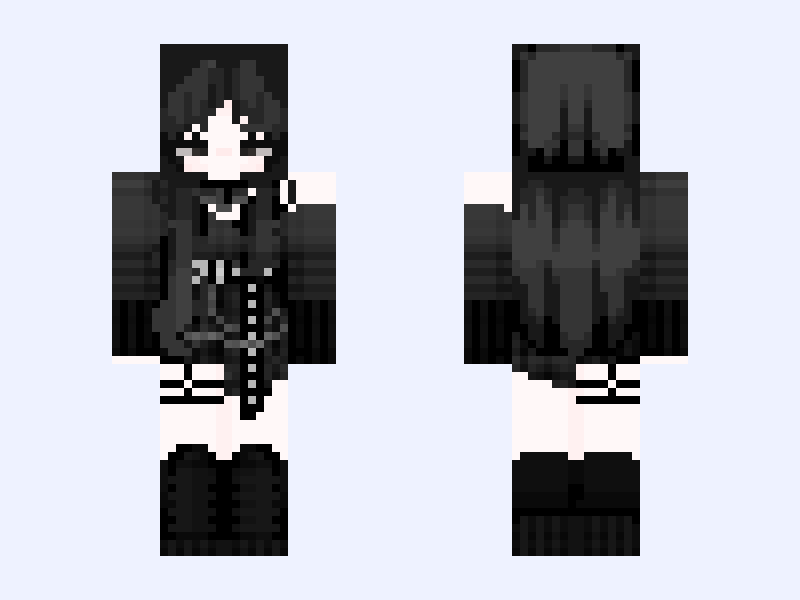 Slim
Slim
sksk
28 likes
 Slim
Slim
🌺 blossom ⋆
71 likes
 Slim
Slim
♡ Villans ♡ base blue black navy one-piece boots gloves outfit
39 likes