
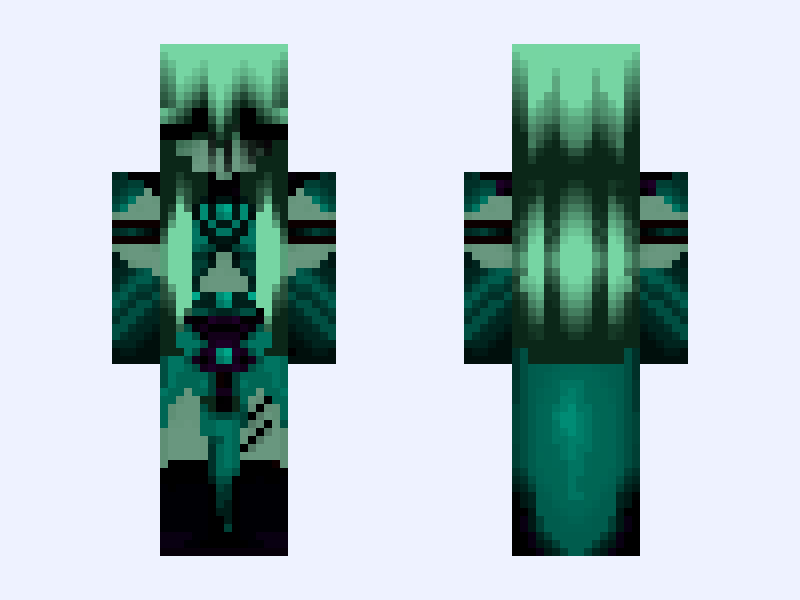
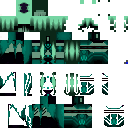
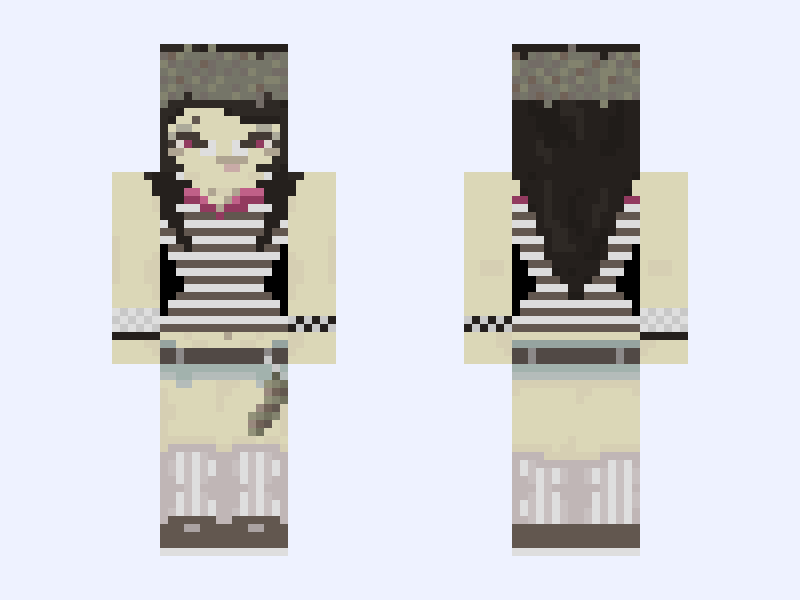
This is the skin file you download: a 128×128 HD PNG texture laid out in the standard Minecraft skin format.
𝔄𝔭𝔬𝔠𝔞𝔩𝔶𝔭𝔱𝔦𝔠 𝔅𝔞𝔡𝔡𝔦𝔢 🧟♀️ Minecraft Skin
Slim
128×128 HD
10 likes
0 comments
Download Skin
About this skin
Halloween is right around the corner and I made an alternative version of @obsessick iconic pink/purple version of this skin that she posted a year back. I hope you guys enjoy my skin editing there’s more to come! Credits: Skin: @obsessick Outfit: @SunSoul Please make sure to check out these amazing creators!
Skin details
- Model
- Slim (Alex, 3px arms)
- Texture size
- 128×128 HD pixels
- File type
- PNG with transparency
- Likes
- 10
- Comments
- 0
- Added
- September 8, 2026
How to use this skin in Minecraft Java Edition
- Select Download Skin to save the PNG file.
- Open the Minecraft Launcher and go to Skins.
- Choose New Skin and select the Slim player model.
- Browse to the downloaded PNG, then select Save & Use.
How to use this skin in Minecraft Bedrock Edition
- Select Download Skin to save the PNG file.
- Open Minecraft and go to the Dressing Room.
- Under Classic Skins, choose Import, then Choose New Skin.
- Select the PNG and pick the Slim model.
![Chica | [1981-1983] | Fredbear's Family Diner | FNAF 4 | Minecraft skin, classic model, front and back view](/assets/image/skins/chica-1981-1983-fredbear-s-family-diner-fnaf-4.png)