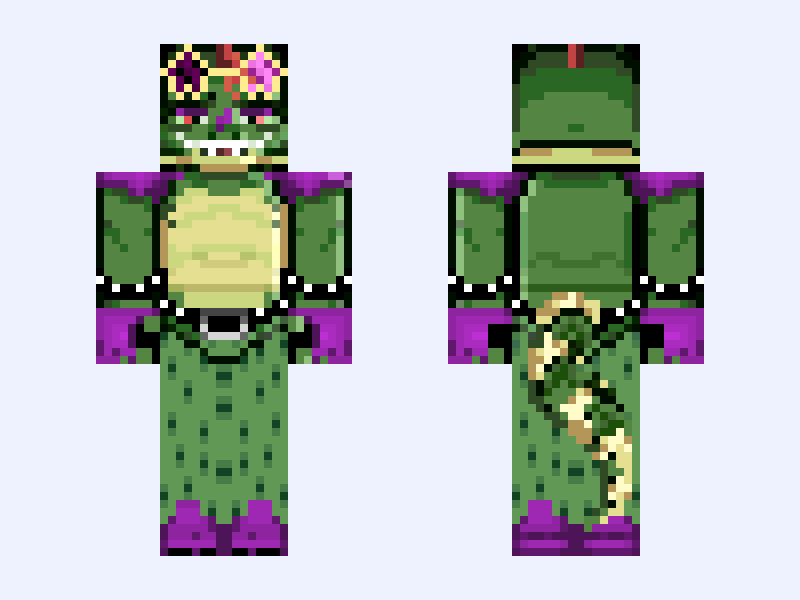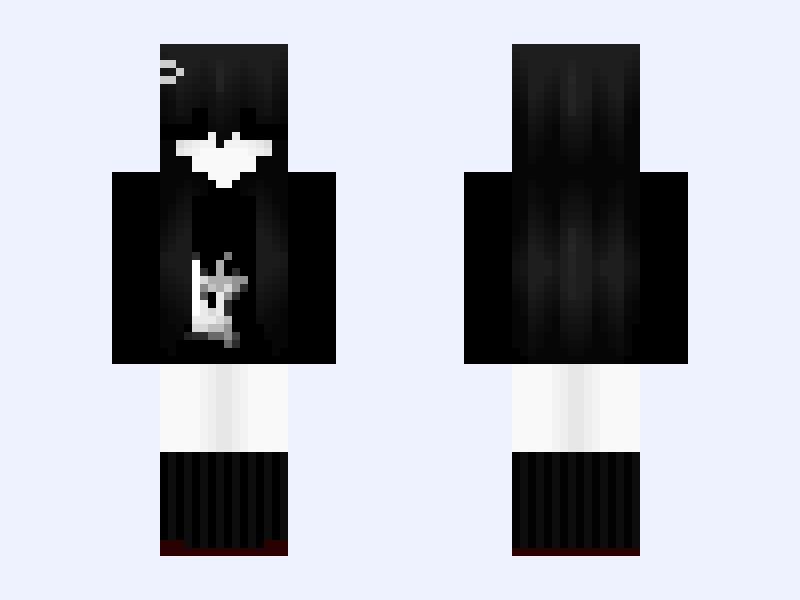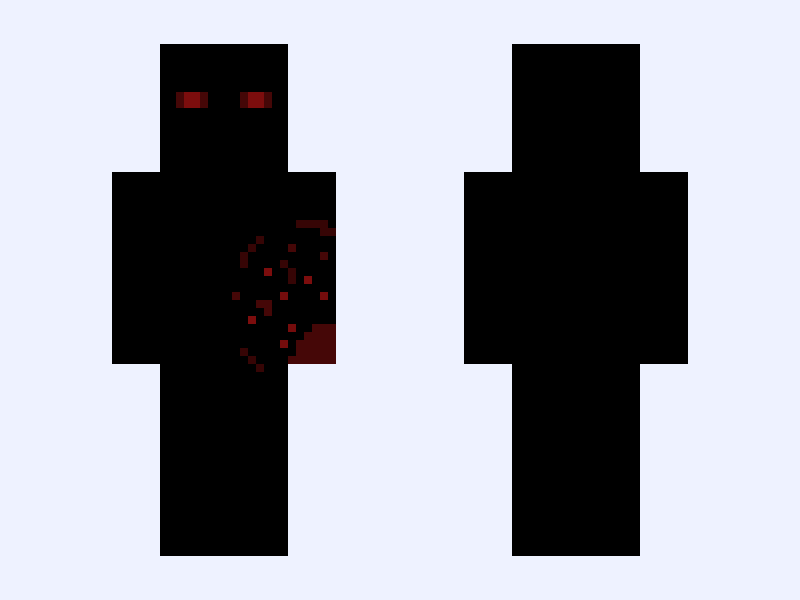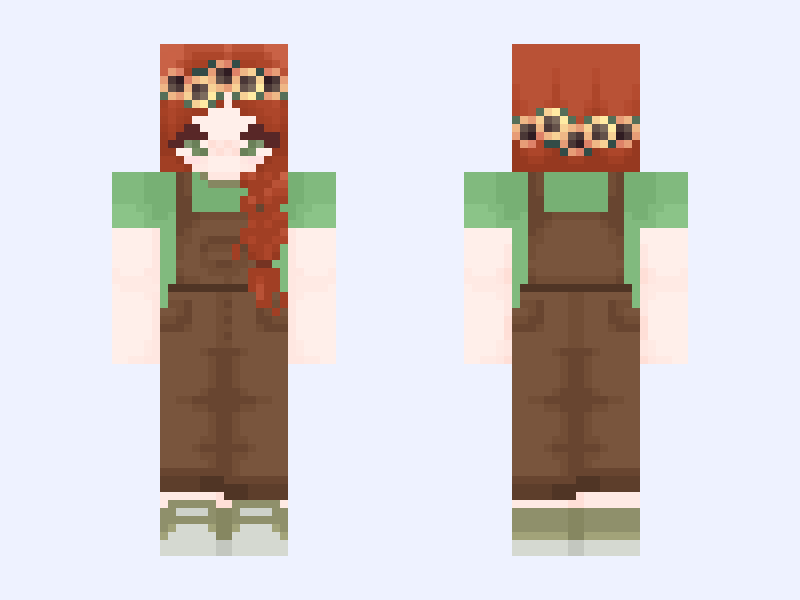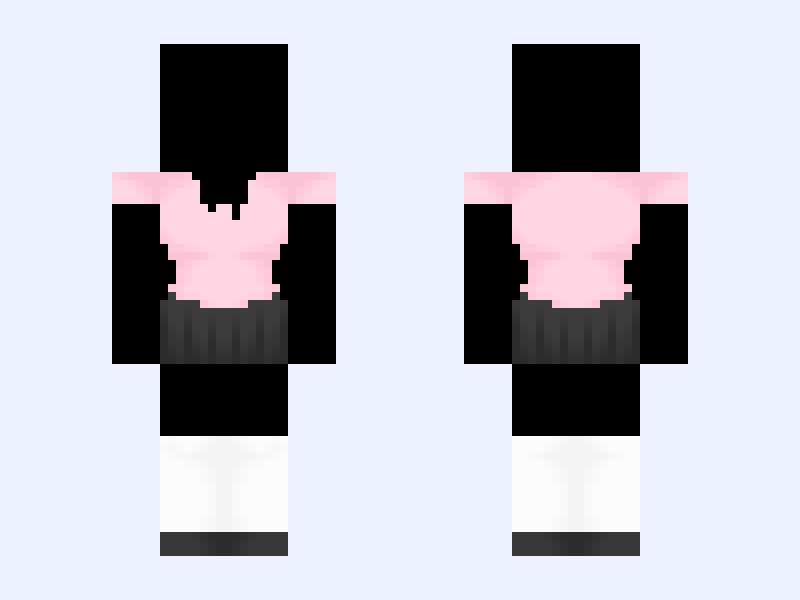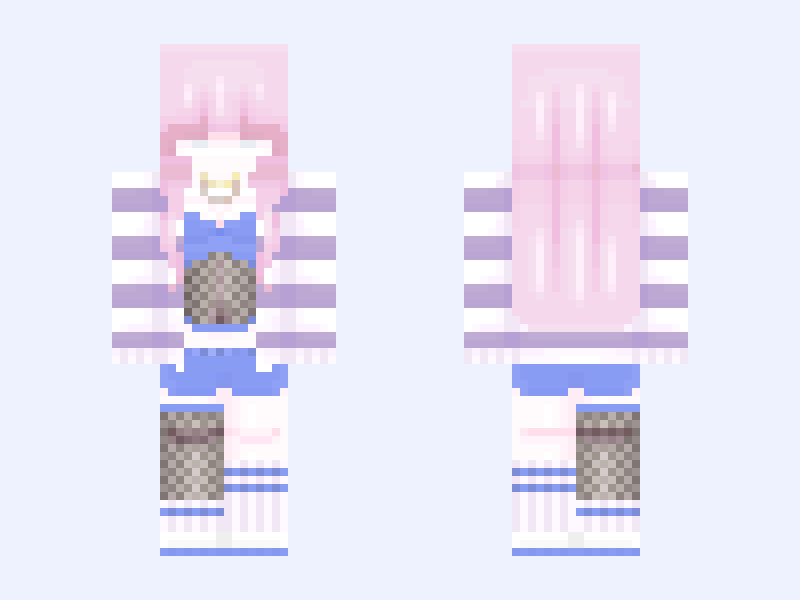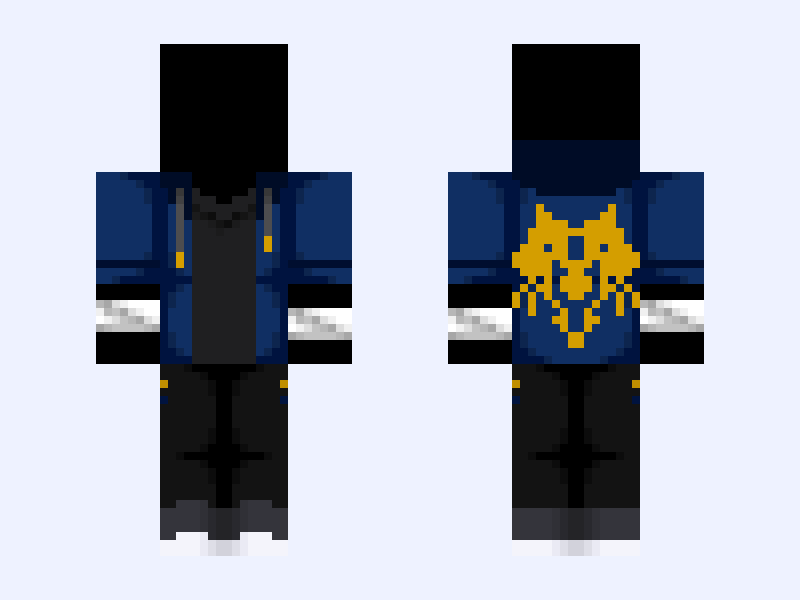
This is the skin file you download: a 128×128 HD PNG texture laid out in the standard Minecraft skin format.
Base Mix-up! - “Hail to the Victors” (Mystreet Edition) - Aaron Lycan & Michigan Wolverines Minecraft Skin
About this skin
“This is the University of Michigan where we respect integrity and honor excellence. We are loyal Wolverines. Standing for Midwestern values, hard work, determination and an enthusiasm unknown to mankind. We are the best university in the world. Students athletes and professors achieving to the highest level. This is our legacy and our future. We are proud members of the BIG Ten Conference in pursuit of national championships. We have won more games than anyone in the country. No one has won more. We believe in football... championship football. We shy away from no challenge or opponent. We bow to no man. We bow to no program. We are Michigan." - James Earl Jones With Aphmau’s recent announcements of Mystreet, My Inner Demons, Mermaid Tales, and Diaries all getting one final season each, Mystreet with 2 final seasons, I figured I’d post at least something related to it. I figured I would mix my passions with Aphmau bases! Enjoy! GO BLUE!!!!!!! (HOPEFULLY) Coming Next - Mystreet’s Aaron Lycan & Detroit Lions!
Skin details
- Model
- Classic (Steve, 4px arms)
- Texture size
- 128×128 HD pixels
- File type
- PNG with transparency
- Likes
- 6
- Comments
- 0
- Added
- September 13, 2026
How to use this skin in Minecraft Java Edition
- Select Download Skin to save the PNG file.
- Open the Minecraft Launcher and go to Skins.
- Choose New Skin and select the Classic player model.
- Browse to the downloaded PNG, then select Save & Use.
How to use this skin in Minecraft Bedrock Edition
- Select Download Skin to save the PNG file.
- Open Minecraft and go to the Dressing Room.
- Under Classic Skins, choose Import, then Choose New Skin.
- Select the PNG and pick the Classic model.