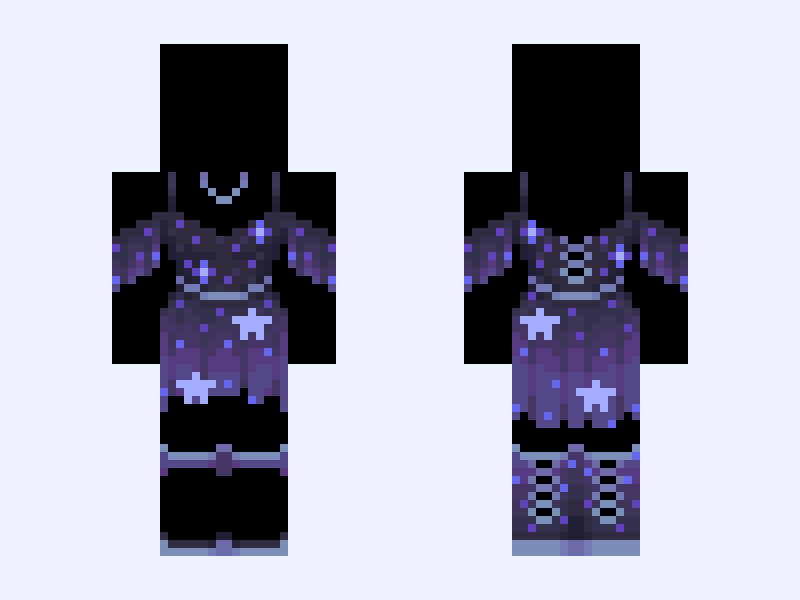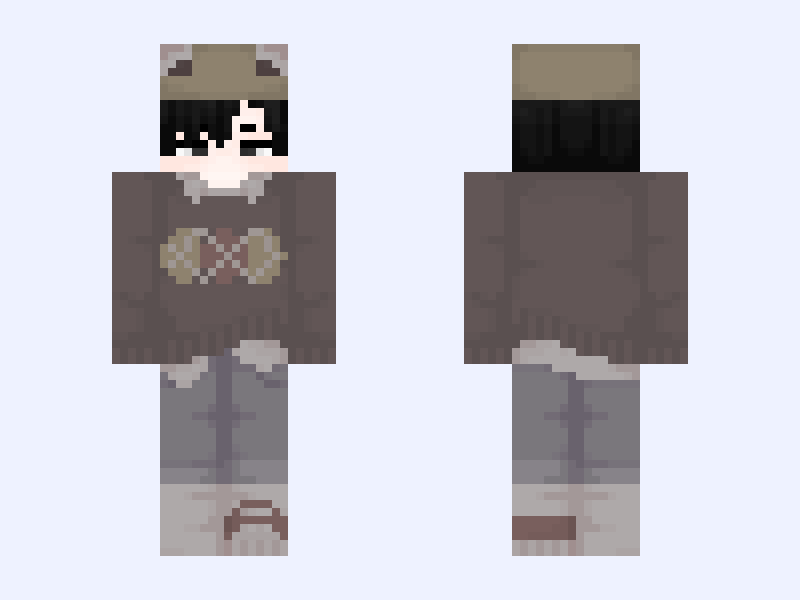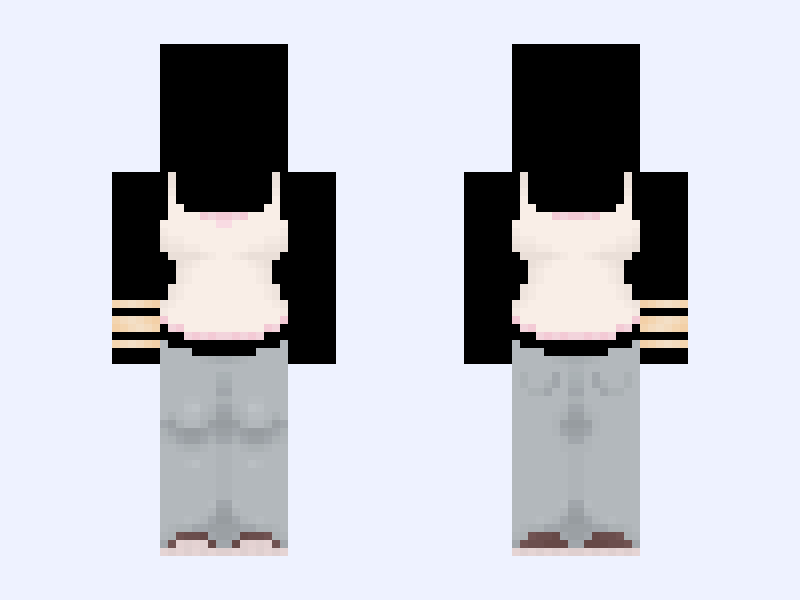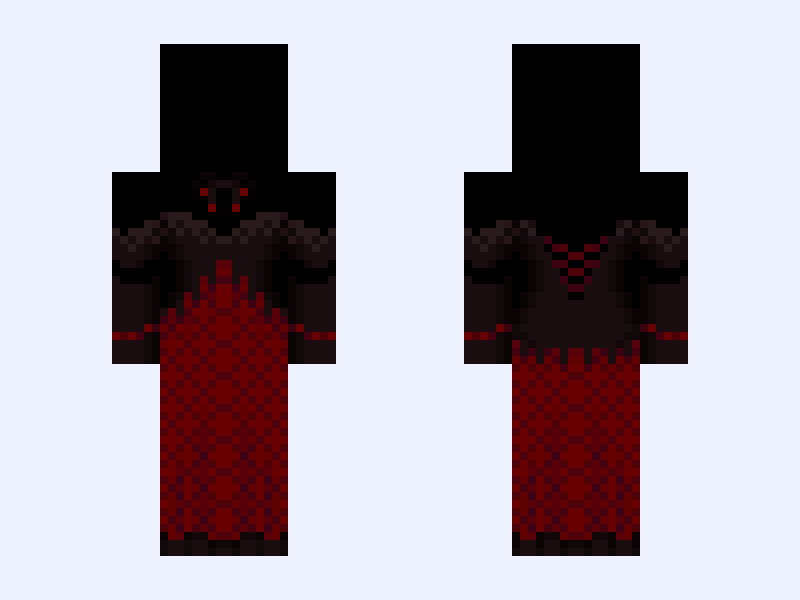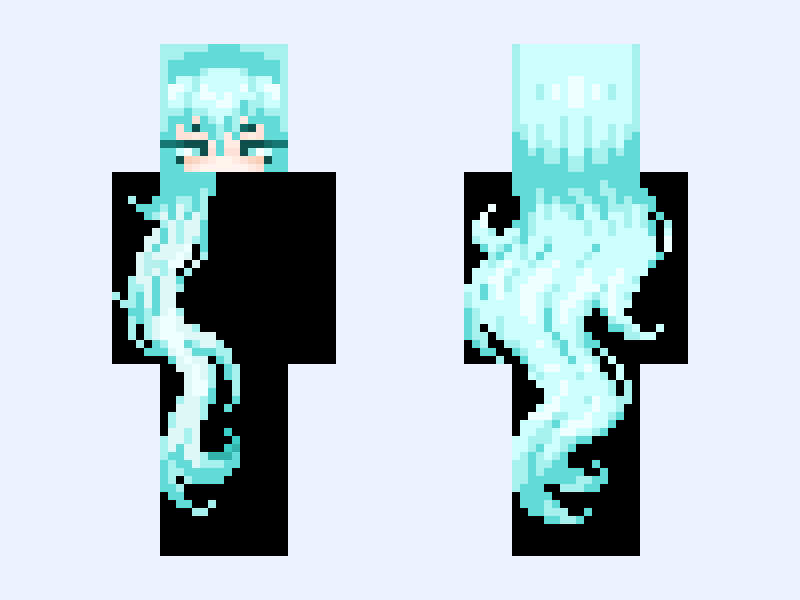
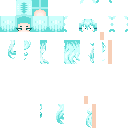
This is the skin file you download: a 128×128 HD PNG texture laid out in the standard Minecraft skin format.
bright future // hair / base / cyan / girl / cute / kawaii / long / wavy / teal / turquoise / pastel / cool Minecraft Skin
Slim
128×128 HD
41 likes
5 comments
Download Skin
About this skin
hey hey. I love this new update w the bucket and the other stuff thank you jaytay for hearing my cries also I'm employed now people!! it's. not a 9 to 5 but rather a 6pm to 1 am kinda job but it gets the money flowing, I also went to Bulgaria recently!! was fun. anyways byeeyeyee °*•★. Dos ★ Credit while using ★ Follow ★ Comment ★ Like °*•★. Donts ★ Recolor & repost ★ Minimal edits & repost ★ No credit ★ Steal #hair #hairbase #teal #cyan #turquoise #pastel #cute #kawaii #cyanide #base
Skin details
- Model
- Slim (Alex, 3px arms)
- Texture size
- 128×128 HD pixels
- File type
- PNG with transparency
- Likes
- 41
- Comments
- 5
- Added
- September 7, 2026
How to use this skin in Minecraft Java Edition
- Select Download Skin to save the PNG file.
- Open the Minecraft Launcher and go to Skins.
- Choose New Skin and select the Slim player model.
- Browse to the downloaded PNG, then select Save & Use.
How to use this skin in Minecraft Bedrock Edition
- Select Download Skin to save the PNG file.
- Open Minecraft and go to the Dressing Room.
- Under Classic Skins, choose Import, then Choose New Skin.
- Select the PNG and pick the Slim model.