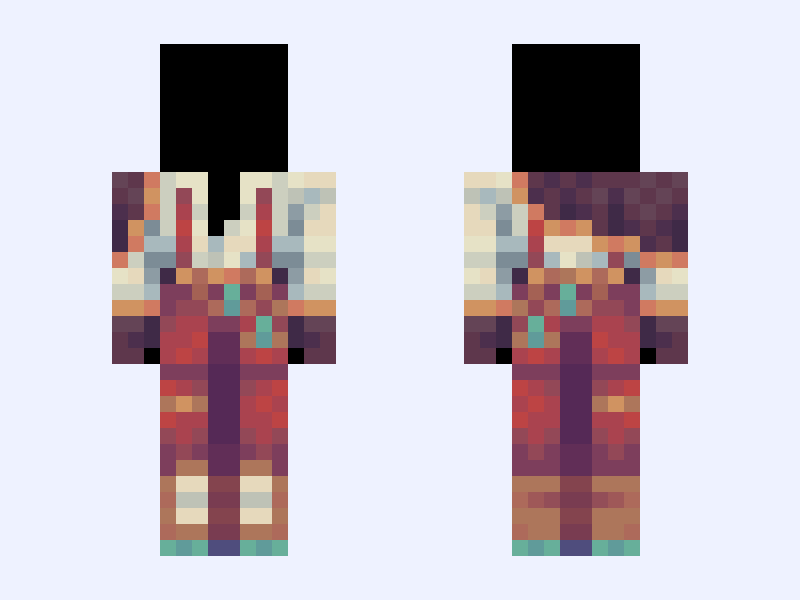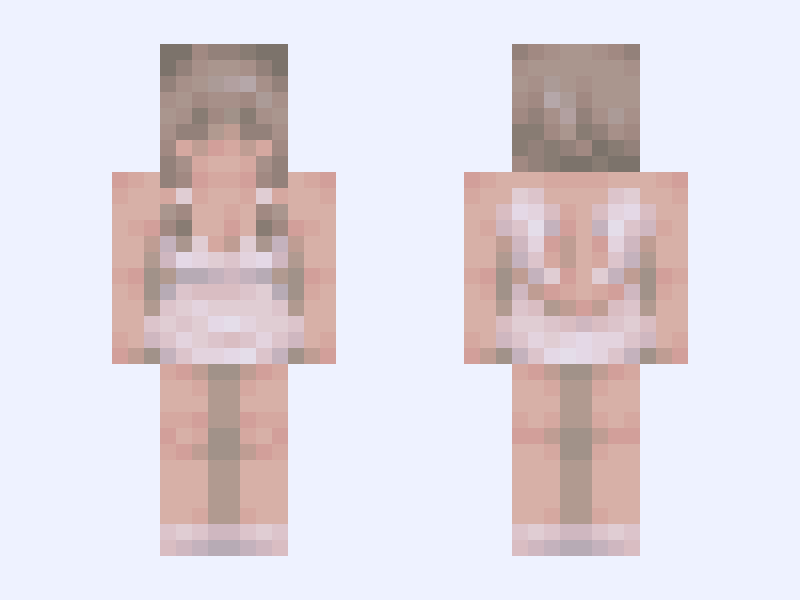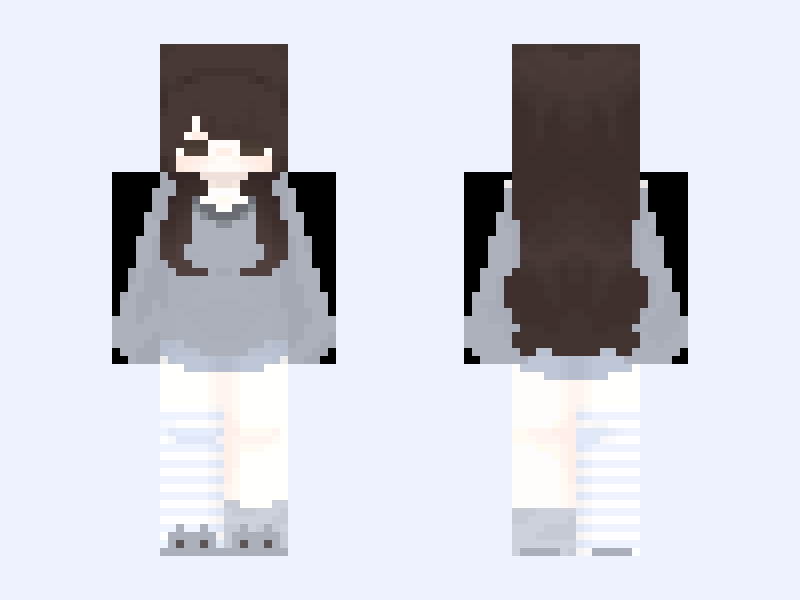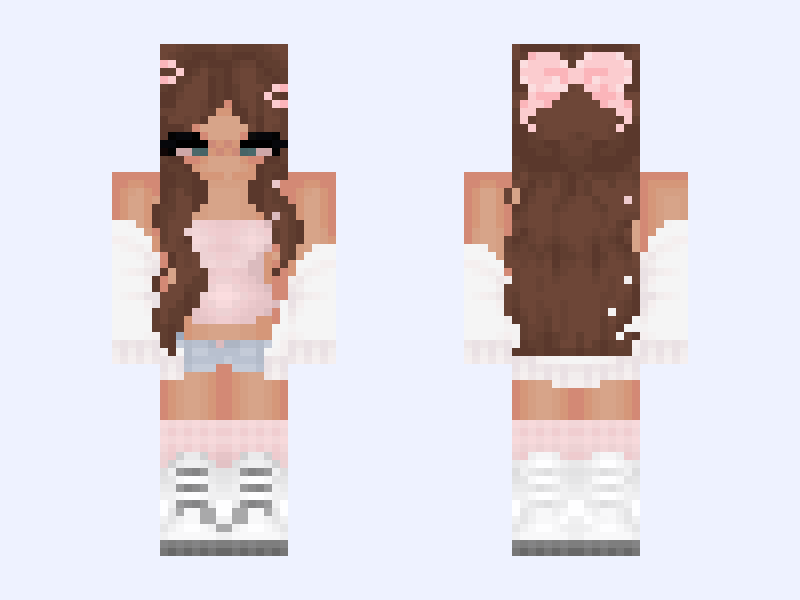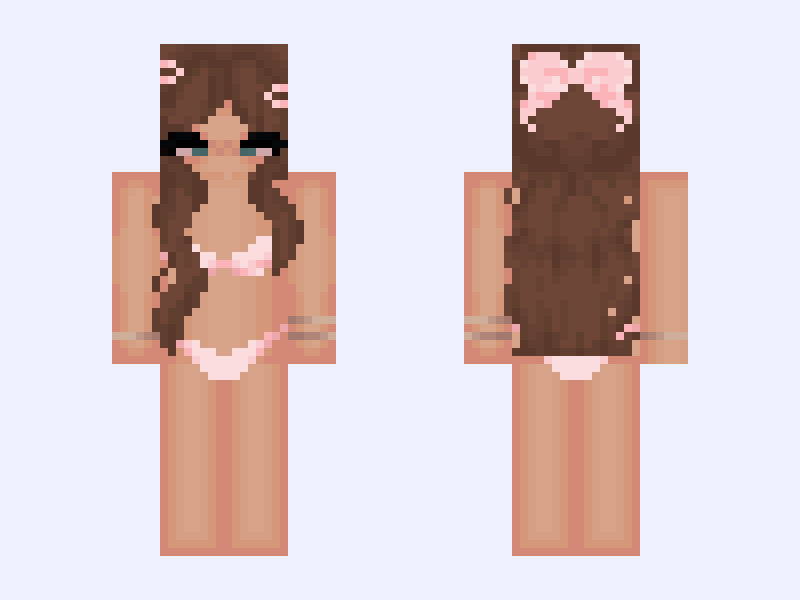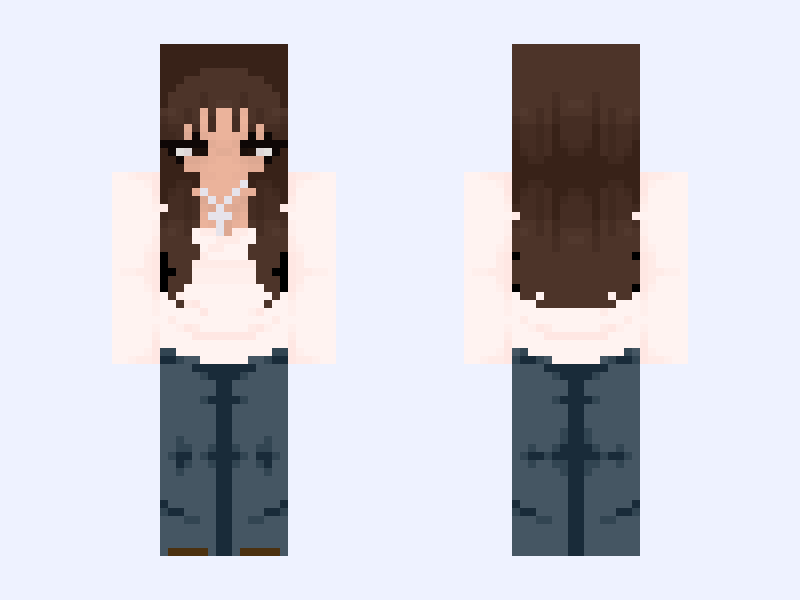
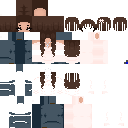
This is the skin file you download: a 128×128 HD PNG texture laid out in the standard Minecraft skin format.
𓆩. Dʀᴇᴀᴍᴇʀ .𓆪 Minecraft Skin
Slim
128×128 HD
42 likes
4 comments
Download Skin
About this skin
𝘿𝙤𝙣'𝙩 𝙧𝙚𝙥𝙤𝙨𝙩 𝙢𝙮 𝙨𝙠𝙞𝙣𝙨! «──────« ⋅ʚ🎐ɞ⋅ » ──────» "𝐿𝑖𝑣𝑖𝑛𝑔 𝑎𝑠 𝑎𝑛 𝑎𝑛𝑔𝑒𝑙 𝑔𝑖𝑟𝑙" ೃ⁀➷ 20 ; ♡₊˚ 🦢 𝓐𝓶𝓮𝓻𝓲𝓬𝓪𝓷 ・₊✧ 𓆩. 🕊 .𓆪 𝓑𝓲𝓼𝓮𝔁𝓾𝓪𝓵 ✧ ; ⭒ ˎˊ˗ 𝓢𝓪𝓻𝓪𝓱 !!!; ⚝──⭒─⭑─⭒──⚝ 𝐶𝑟𝑒𝑑𝑖𝑡: ೃ⁀➷ 𝓒𝓵𝓸𝓽𝓱𝓲𝓷𝓰 𝓫𝓪𝓼𝓮 - @Ziva ೃ⁀➷ 𝓗𝓪𝓲𝓻 𝓫𝓪𝓼𝓮 𝓻𝓮𝓶𝓪𝓴𝓮 - @Bored ೃ⁀➷ 𝓞𝓻𝓲𝓰𝓲𝓷𝓪𝓵 𝓱𝓪𝓲𝓻 𝓫𝓪𝓼𝓮 𝓼𝓱𝓪𝓭𝓲𝓷𝓰 - @Cupid ೃ⁀➷ 𝓞𝓻𝓲𝓰𝓲𝓷𝓪𝓵 𝓱𝓪𝓲𝓻 𝓫𝓪𝓼𝓮 𝓼𝓱𝓪𝓹𝓮 - @Verbena ೃ⁀➷ 𝓢𝓴𝓲𝓷 𝓫𝓪𝓼𝓮 𝓻𝓮𝓶𝓪𝓴𝓮 - @Bored ೃ⁀➷ 𝓞𝓻𝓲𝓰𝓲𝓷𝓪𝓵 𝓼𝓴𝓲𝓷 𝓫𝓪𝓼𝓮 - @Dwolls «──────« ⋅ʚ🎐ɞ⋅ » ──────» 𝐹𝑜𝑙𝑙𝑜𝑤: ♡₊˚ @Dwolls / @Dwollie , @Lwk , @FoxTaiI / @LunaStella , @Louloui , @Agonize & @Bowsy / @Bowsie ・₊✧
Skin details
- Model
- Slim (Alex, 3px arms)
- Texture size
- 128×128 HD pixels
- File type
- PNG with transparency
- Likes
- 42
- Comments
- 4
- Added
- September 7, 2026
How to use this skin in Minecraft Java Edition
- Select Download Skin to save the PNG file.
- Open the Minecraft Launcher and go to Skins.
- Choose New Skin and select the Slim player model.
- Browse to the downloaded PNG, then select Save & Use.
How to use this skin in Minecraft Bedrock Edition
- Select Download Skin to save the PNG file.
- Open Minecraft and go to the Dressing Room.
- Under Classic Skins, choose Import, then Choose New Skin.
- Select the PNG and pick the Slim model.