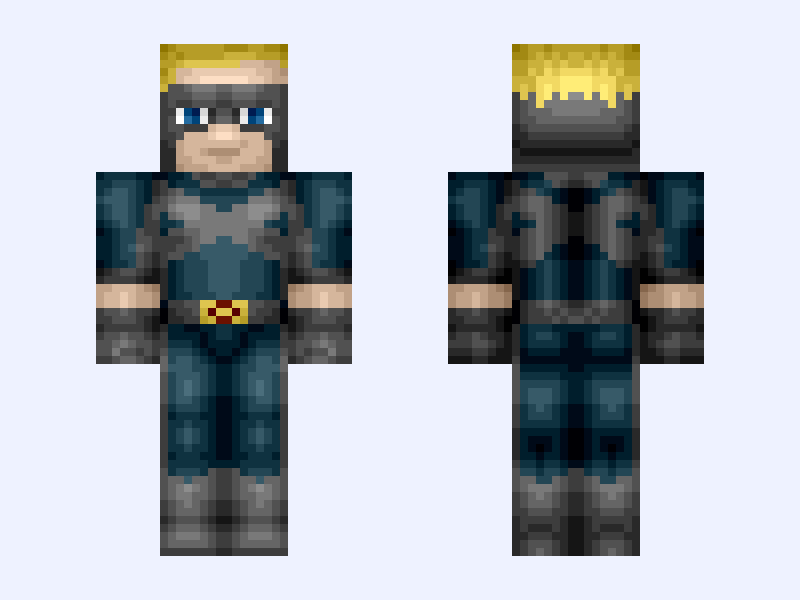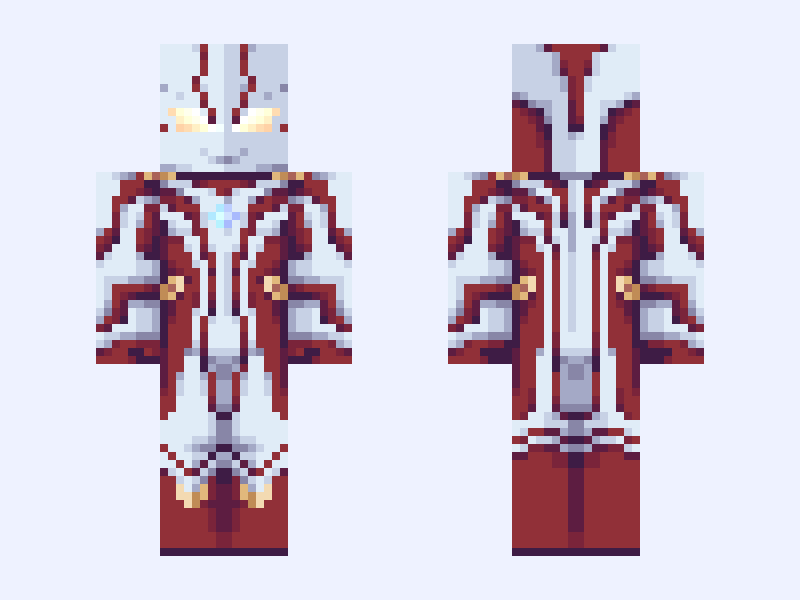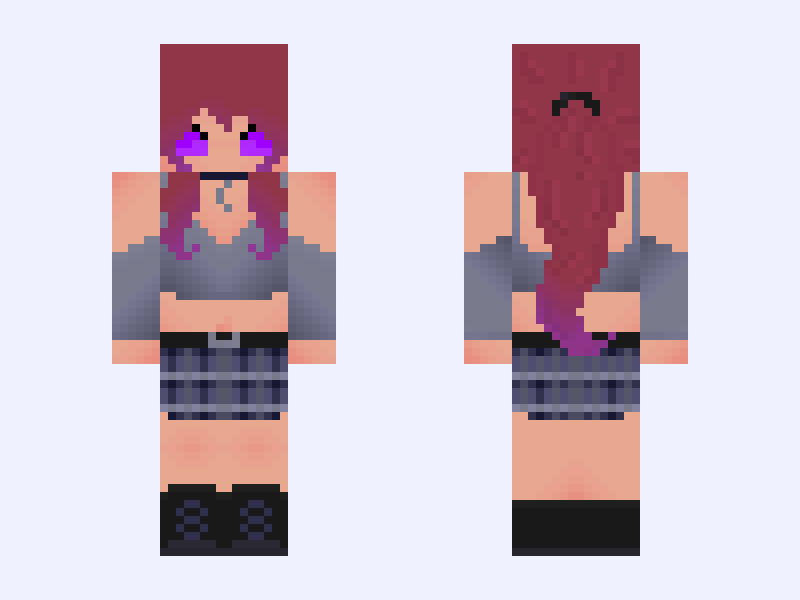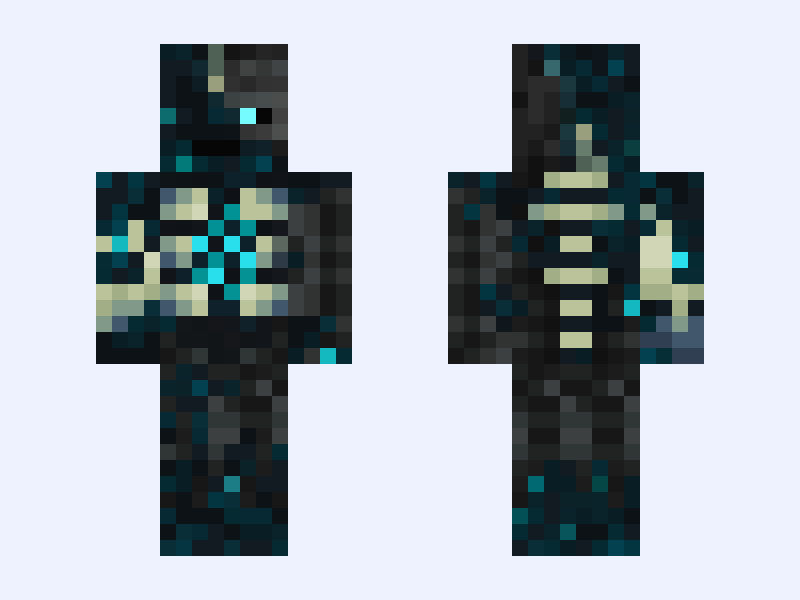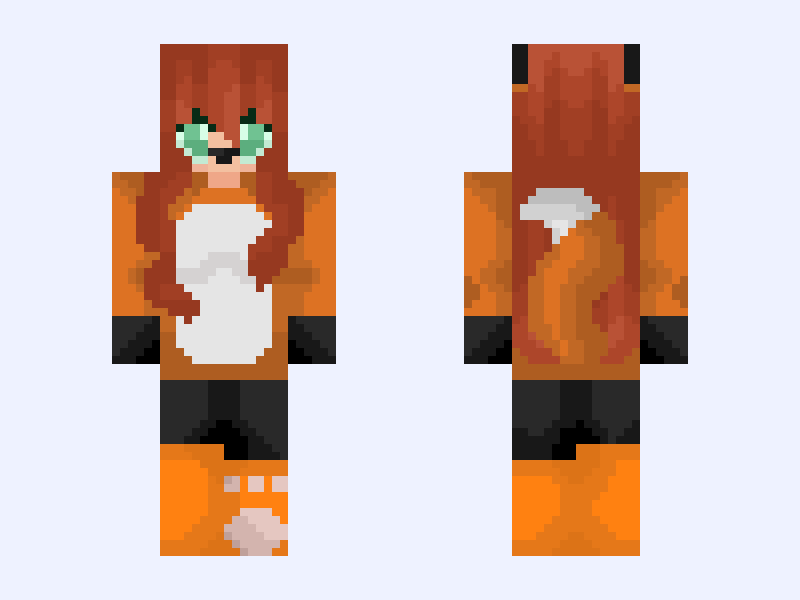
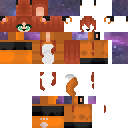
This is the skin file you download: a 128×128 HD PNG texture laid out in the standard Minecraft skin format.
{Fixed and entry} 🔥🐾Paws of ash🐾🔥 {128x128 version} Minecraft Skin
Slim
128×128 HD
6 likes
2 comments
Download Skin
About this skin
I’m entering this into #Autumnskinforaug an autumn themed contest, This fits the theme because: ~Visually: The fox is the colors of the changing leaves of fall. ~Folklore: In folklore the fox is often paired with autumn. If you don’t think it fit’s just let me know and I’ll make a different one! @Verbena’s skin base was used for the 64x64 version. ALL ME! =D (On first I used Verbena but now it’s changed enough it’s not really Verbena’s skin base 😅) Remake of @BeadiestGnat505’s “Paws of ash” all rules apply.
Skin details
- Model
- Slim (Alex, 3px arms)
- Texture size
- 128×128 HD pixels
- File type
- PNG with transparency
- Likes
- 6
- Comments
- 2
- Added
- September 16, 2026
How to use this skin in Minecraft Java Edition
- Select Download Skin to save the PNG file.
- Open the Minecraft Launcher and go to Skins.
- Choose New Skin and select the Slim player model.
- Browse to the downloaded PNG, then select Save & Use.
How to use this skin in Minecraft Bedrock Edition
- Select Download Skin to save the PNG file.
- Open Minecraft and go to the Dressing Room.
- Under Classic Skins, choose Import, then Choose New Skin.
- Select the PNG and pick the Slim model.