
This is the skin file you download: a 128×128 HD PNG texture laid out in the standard Minecraft skin format.
♡ Foxtail pfp ♡ Minecraft Skin
About this skin
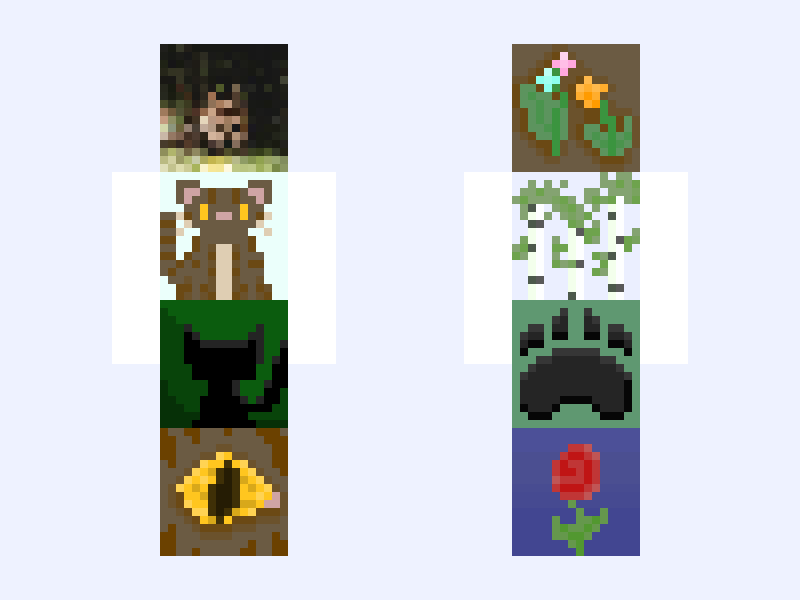
Some profile pics requested by @foxtail__ Front (foxpaw/tail themed) Cat (real pic) Other cat (why does she look so chonky 😭) Cat silhouette Cat eye Back (wild nature) Medicine Cat Herbs (got out my trusty dusty enter the clans book. the two herbs are borage and marigold) birch trees paw flower use with credits which is your favorite? Mines the birch trees drop a comment and SMASH THAT SUBSCRIBE BUTTON! okie sry for being weird 🙃 I just am really weird ok 🙃 umm anyway you dont have to credit me in you bio if you use these just dont claim as your own repost blah blah blah stuff like that
Skin details
- Model
- Slim (Alex, 3px arms)
- Texture size
- 128×128 HD pixels
- File type
- PNG with transparency
- Likes
- 8
- Comments
- 10
- Added
- September 17, 2026
How to use this skin in Minecraft Java Edition
- Select Download Skin to save the PNG file.
- Open the Minecraft Launcher and go to Skins.
- Choose New Skin and select the Slim player model.
- Browse to the downloaded PNG, then select Save & Use.
How to use this skin in Minecraft Bedrock Edition
- Select Download Skin to save the PNG file.
- Open Minecraft and go to the Dressing Room.
- Under Classic Skins, choose Import, then Choose New Skin.
- Select the PNG and pick the Slim model.
Collections this skin is in
More Minecraft skins
 Slim
Slim
paw 🐾🐈
7 likes
 Slim
Slim
…✧・゚:*Neapolitan✧・゚:* cute, scarf, cozy, winter, aesthetic, femboy, base
7 likes
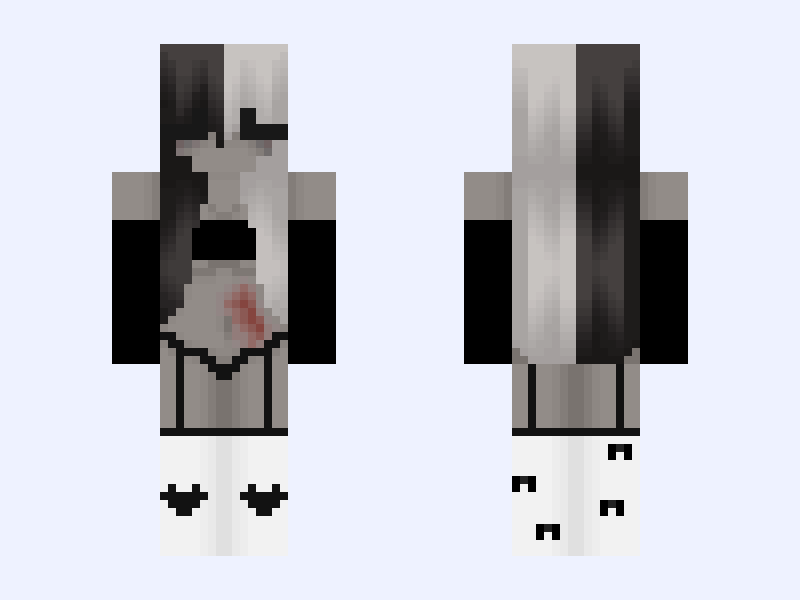 Slim
Slim
✨🖤🤍✨
8 likes
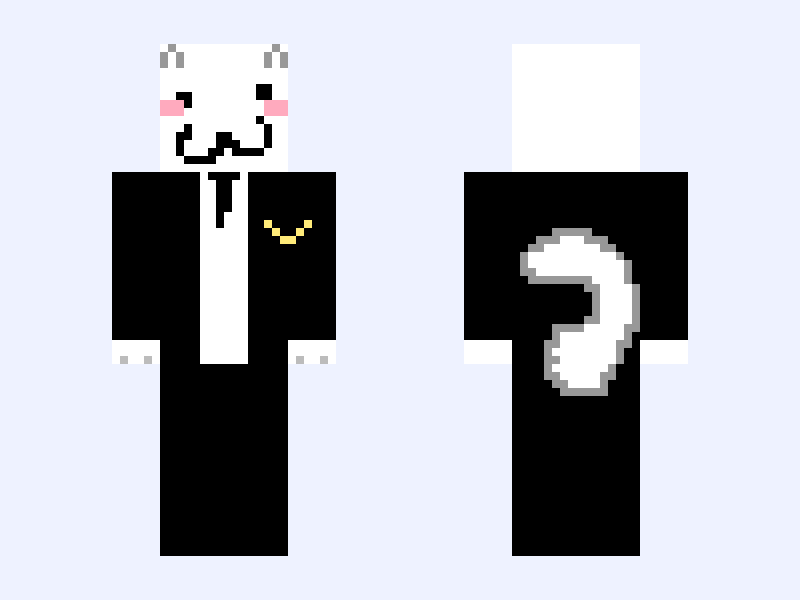 Slim
Slim
c@t r3@dy 4 @ d@nc3.. X3
6 likes
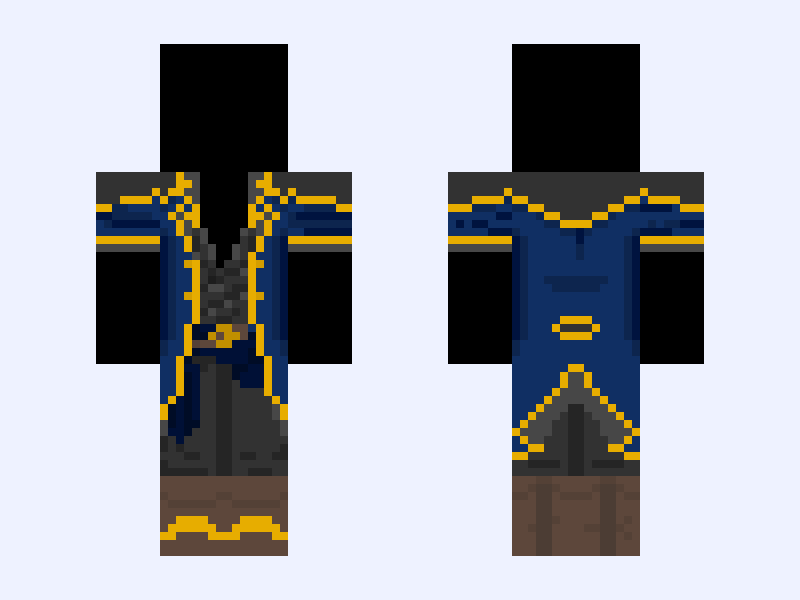 Classic
Base Mix-up! - "Hail to the Victors!" (MT Version) - Aaron Saber and Michigan Wolverines
7 likes
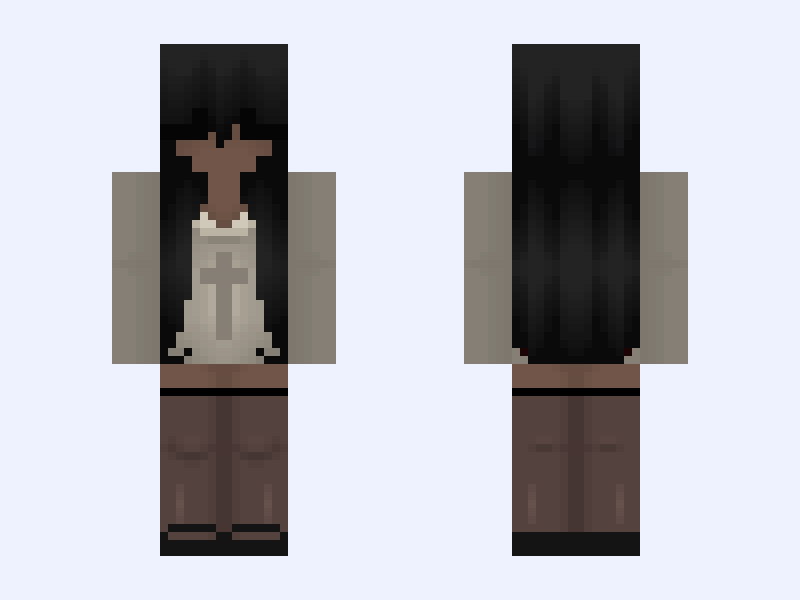 Slim
Slim
poc edit :: † girl black grunge cute skirt dress goth
7 likes