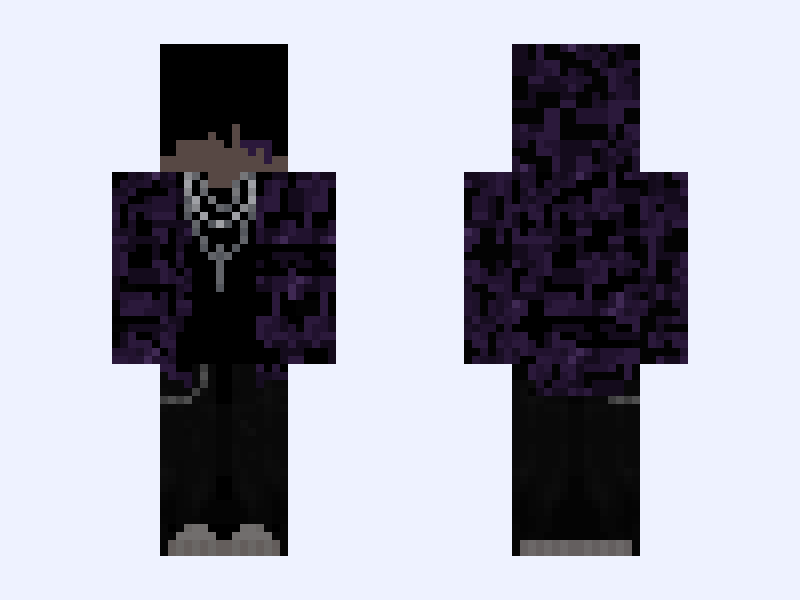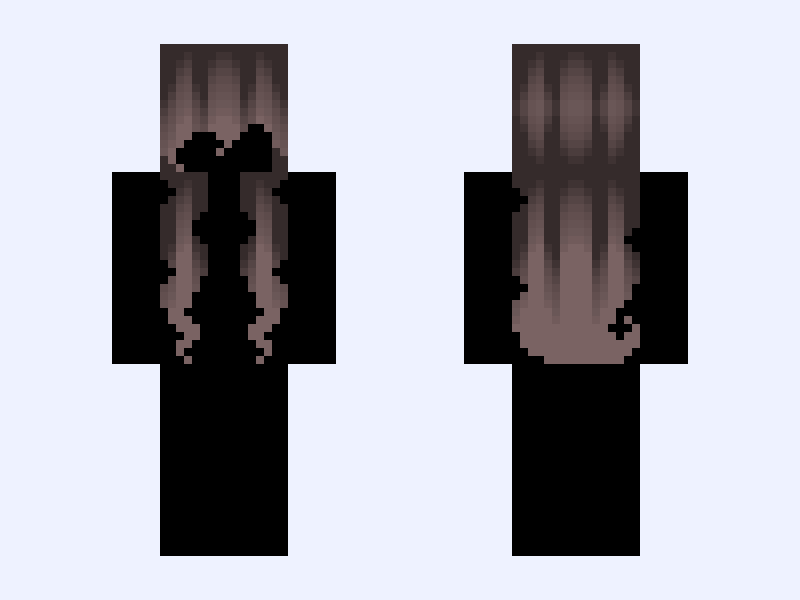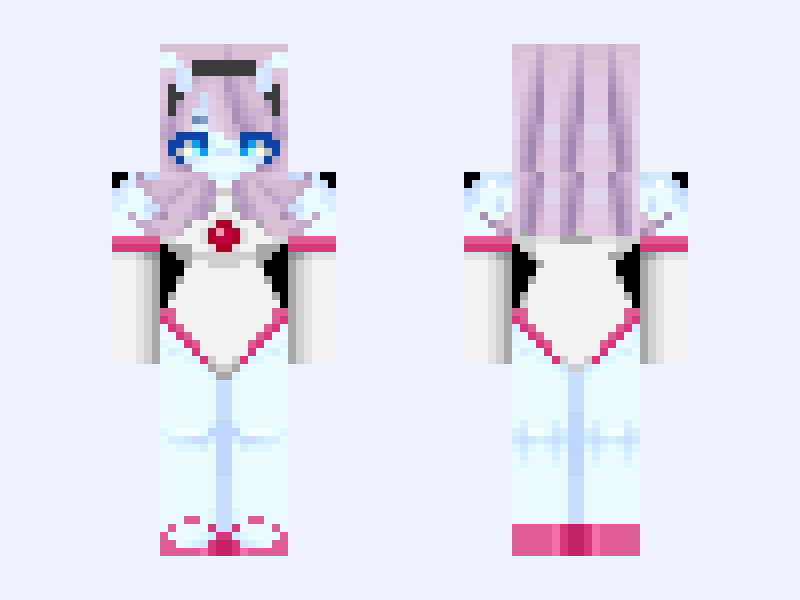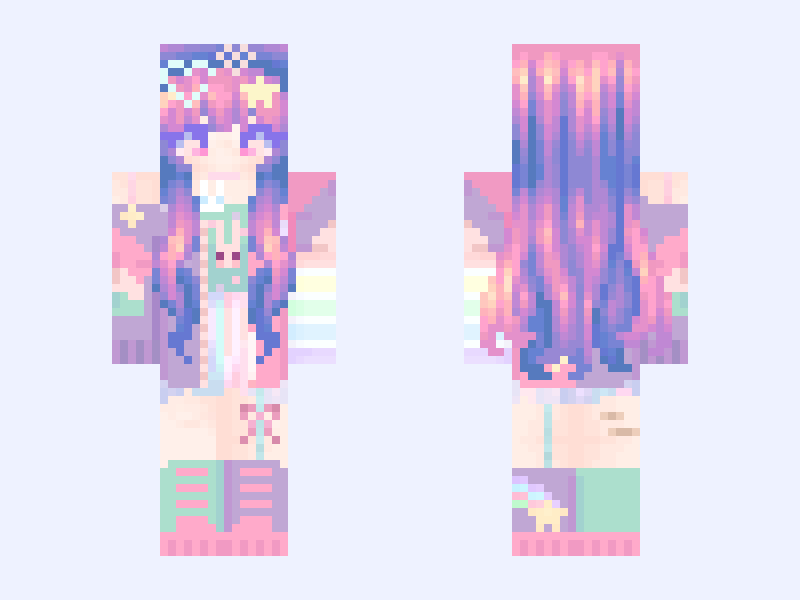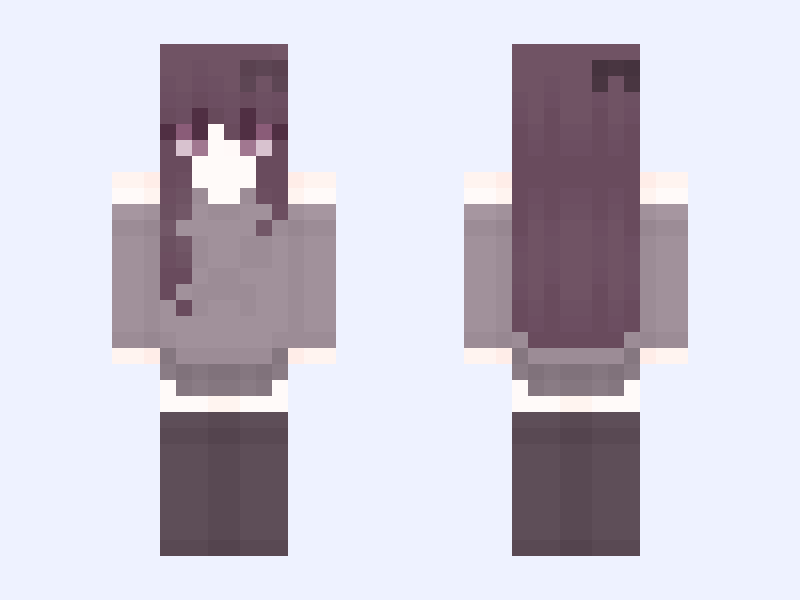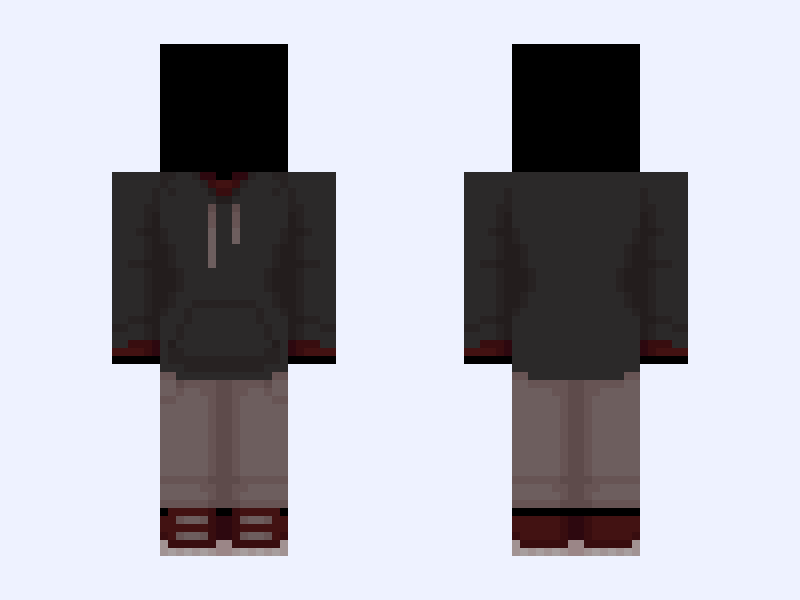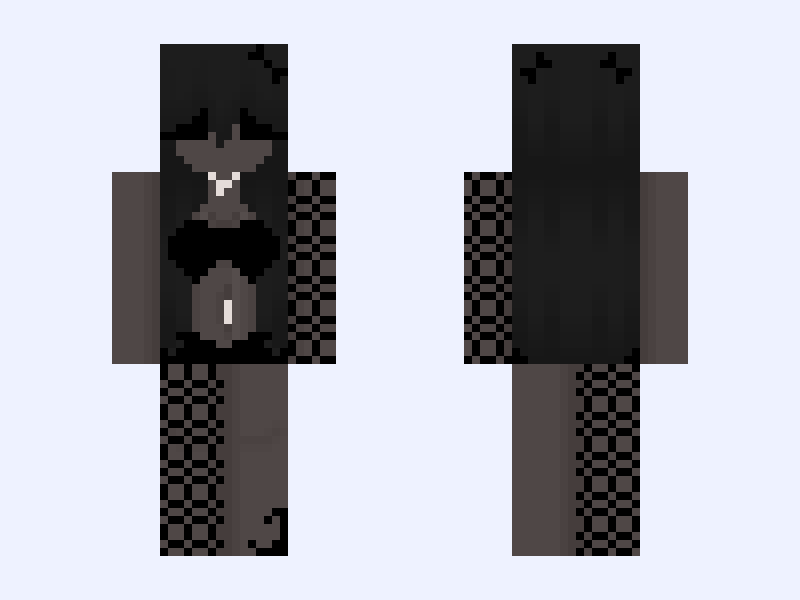
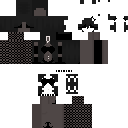
This is the skin file you download: a 128×128 HD PNG texture laid out in the standard Minecraft skin format.
𓆩♱𓆪 Hey guys.. Minecraft Skin
About this skin
Hey guys.. the description is quite a long story rn.. hopefully you read it all. So recently people are just hating on me, way too much to handle, I'm not quite talented, I feel as if I'm failing my skins, I honestly hate all the skins I created, I can't quite seem to like anything I create anymore. if you guys have any suggestions of what I should create, please say, I hate my own ideas, I spend too much time on many skins I end up throwing away later, please, give me suggestions, and do any of you guys have ideas on why almost all of skinseed is hating on me? I've tried my hardest, but I always fail. I won't be quite active anymore, I'll probably make 1 skin every 10 days, please be patient while I heal everything that broke in my life. thank you for listening, god bless you all. Credits: @Qit3ui , and @summbum207 for the shirt.
Skin details
- Model
- Slim (Alex, 3px arms)
- Texture size
- 128×128 HD pixels
- File type
- PNG with transparency
- Likes
- 12
- Comments
- 9
- Added
- September 8, 2026
How to use this skin in Minecraft Java Edition
- Select Download Skin to save the PNG file.
- Open the Minecraft Launcher and go to Skins.
- Choose New Skin and select the Slim player model.
- Browse to the downloaded PNG, then select Save & Use.
How to use this skin in Minecraft Bedrock Edition
- Select Download Skin to save the PNG file.
- Open Minecraft and go to the Dressing Room.
- Under Classic Skins, choose Import, then Choose New Skin.
- Select the PNG and pick the Slim model.