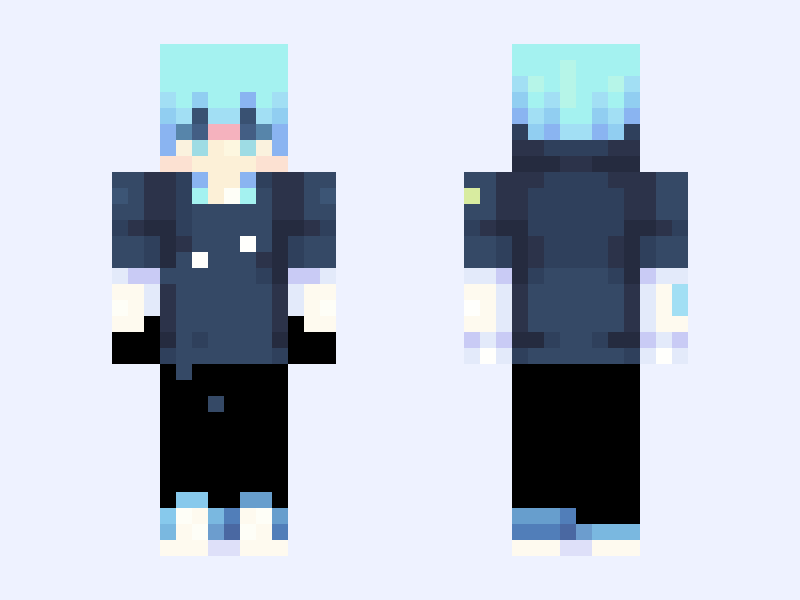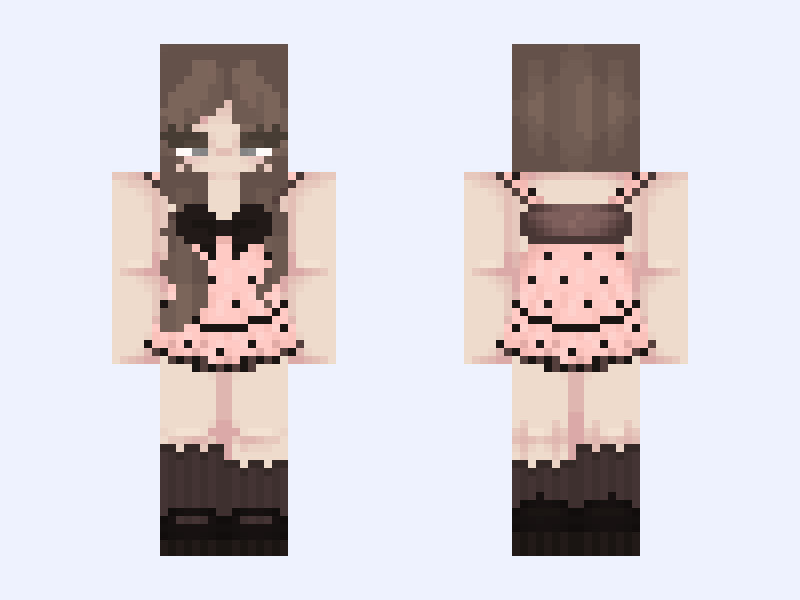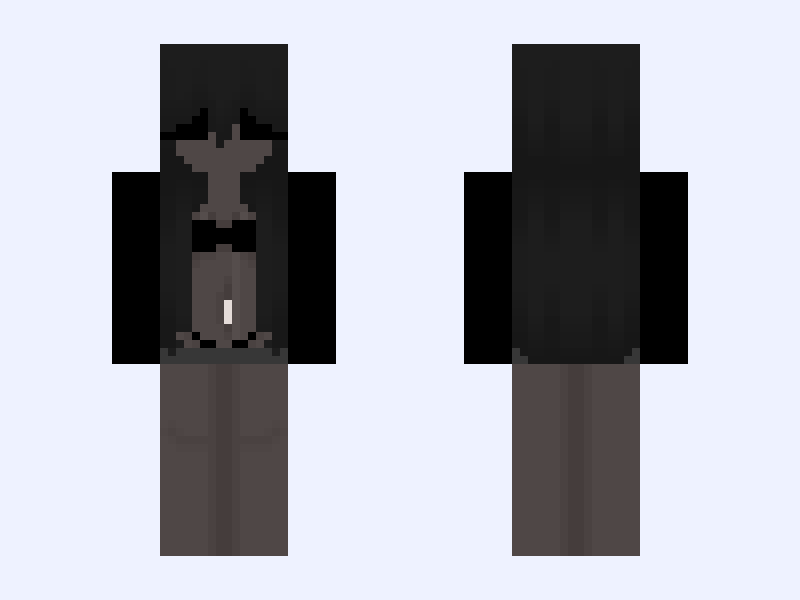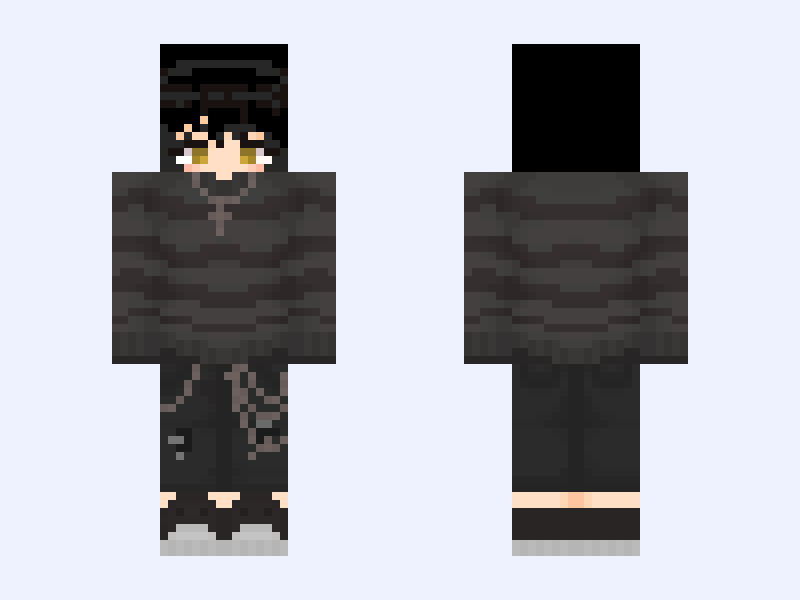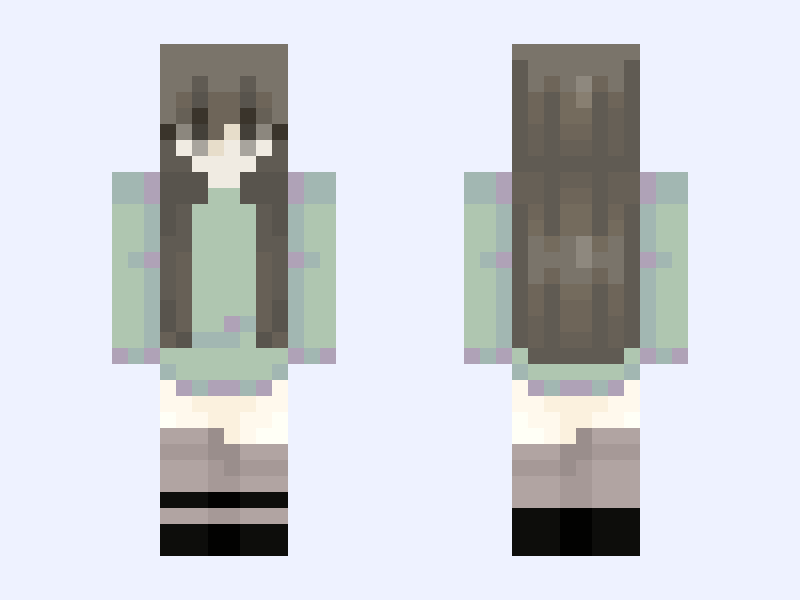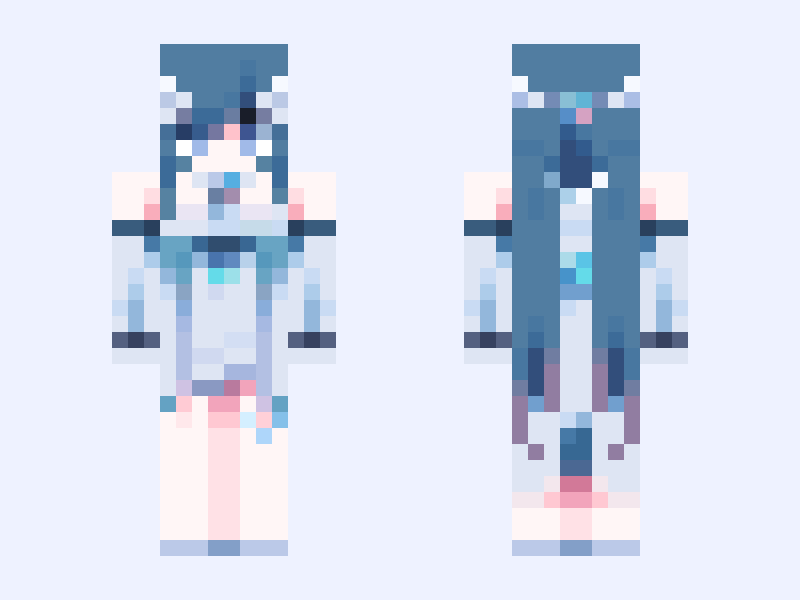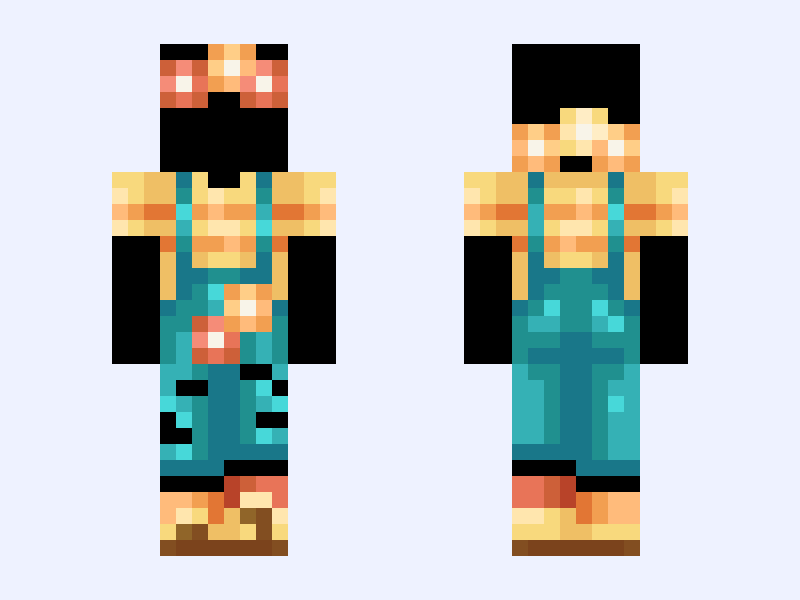

This is the skin file you download: a 64×64 PNG texture laid out in the standard Minecraft skin format.
✧・゚:*Latana✧・゚:* girl, boy, aesthetic, cute, steve, femboy, flower, overalls, summer Minecraft Skin
Slim
64×64
18 likes
0 comments
Download Skin
About this skin
✧!!PLEASE LIKE BEFORE YOU DOWNLOAD!!✧ Most recent follower: @Sc00p Tysm for following! Credits: 100% by me :) @ @ @ My fave flower Some people would consider them weeds (Namely- my dad :p) but idc They grew in the back yard of my childhood home and were like butterfly magnets Makes me nostalgic🥲 ✧・:* ✧・゚:* ✧・゚:* ✧・゚:* ✧・゚:* ✧・゚:* ✧・゚:
Skin details
- Model
- Slim (Alex, 3px arms)
- Texture size
- 64×64 pixels
- File type
- PNG with transparency
- Likes
- 18
- Comments
- 0
- Added
- September 7, 2026
How to use this skin in Minecraft Java Edition
- Select Download Skin to save the PNG file.
- Open the Minecraft Launcher and go to Skins.
- Choose New Skin and select the Slim player model.
- Browse to the downloaded PNG, then select Save & Use.
How to use this skin in Minecraft Bedrock Edition
- Select Download Skin to save the PNG file.
- Open Minecraft and go to the Dressing Room.
- Under Classic Skins, choose Import, then Choose New Skin.
- Select the PNG and pick the Slim model.