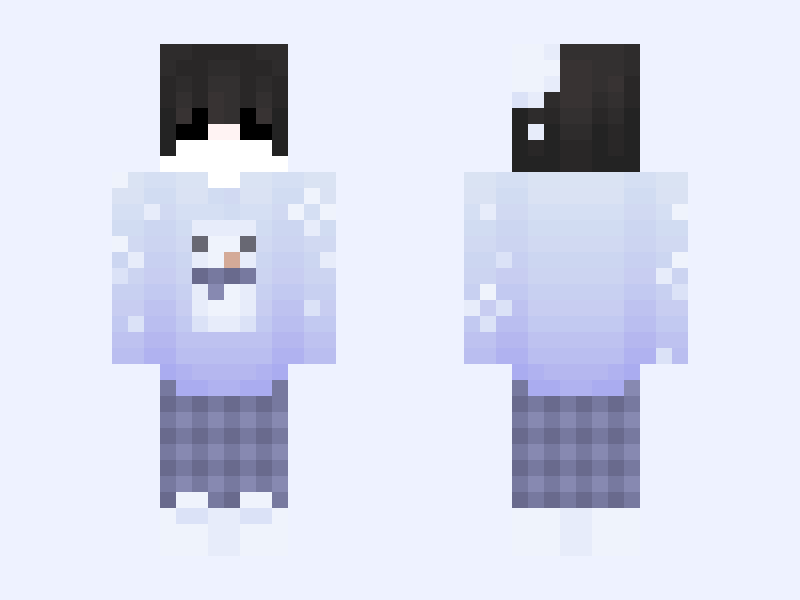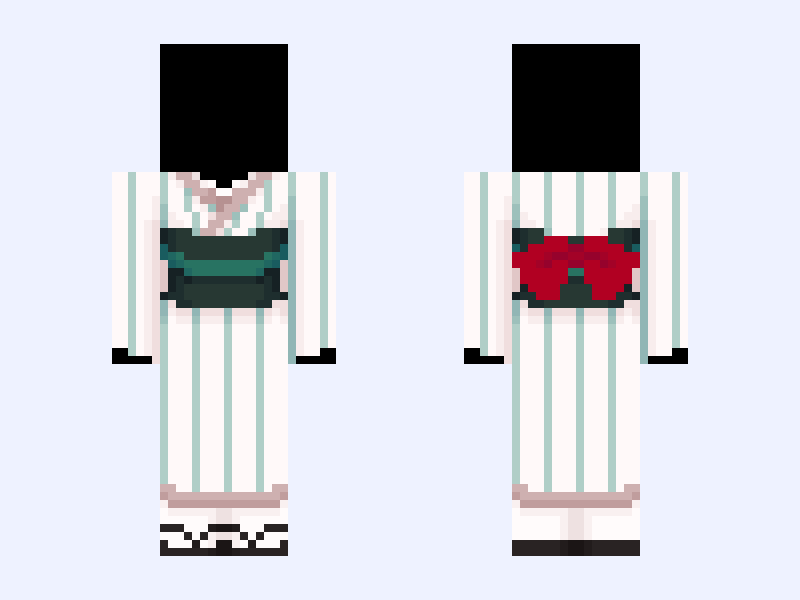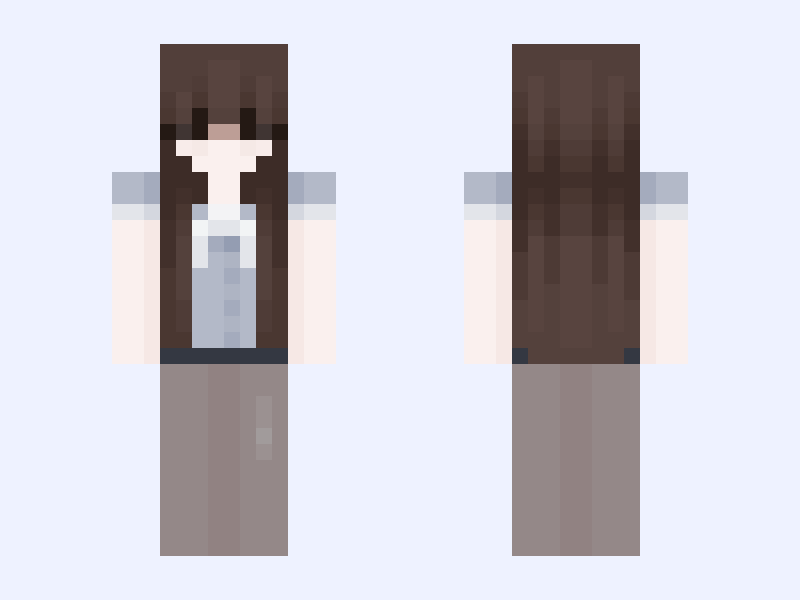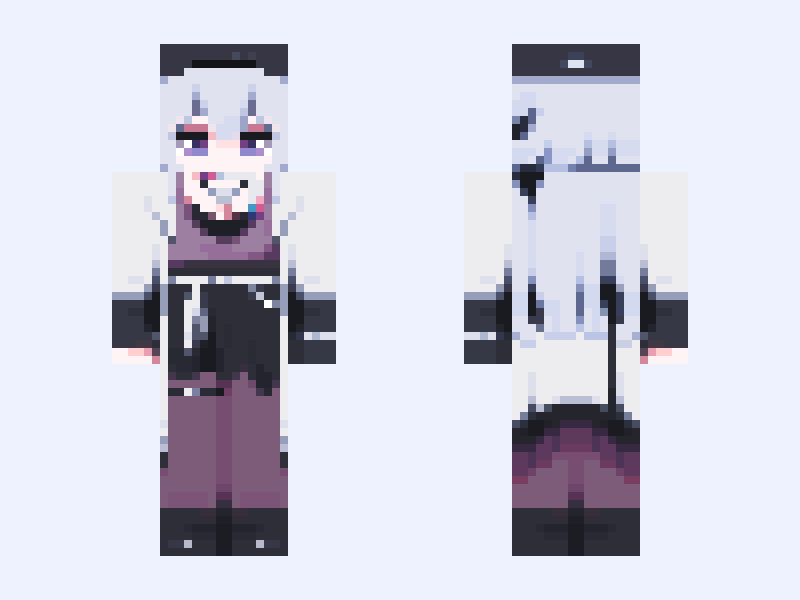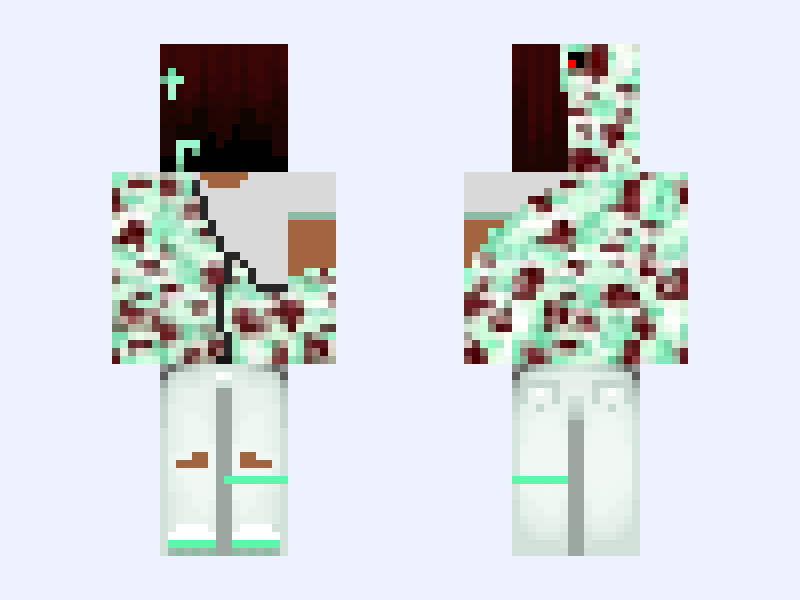
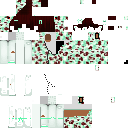
This is the skin file you download: a 128×128 HD PNG texture laid out in the standard Minecraft skin format.
Mint Bape 🧼 Minecraft Skin
Slim
128×128 HD
20 likes
15 comments
Download Skin
About this skin
Appreciating the skin? Enjoying the way you look in game with the skin and want more skins like this? Let me know by liking. Suggestions are also welcome. #Y2k #TheHive #Tryhard #Streetwear #Trending #Eboy #Grunge #Mint #Bape
Skin details
- Model
- Slim (Alex, 3px arms)
- Texture size
- 128×128 HD pixels
- File type
- PNG with transparency
- Likes
- 20
- Comments
- 15
- Added
- September 9, 2026
How to use this skin in Minecraft Java Edition
- Select Download Skin to save the PNG file.
- Open the Minecraft Launcher and go to Skins.
- Choose New Skin and select the Slim player model.
- Browse to the downloaded PNG, then select Save & Use.
How to use this skin in Minecraft Bedrock Edition
- Select Download Skin to save the PNG file.
- Open Minecraft and go to the Dressing Room.
- Under Classic Skins, choose Import, then Choose New Skin.
- Select the PNG and pick the Slim model.