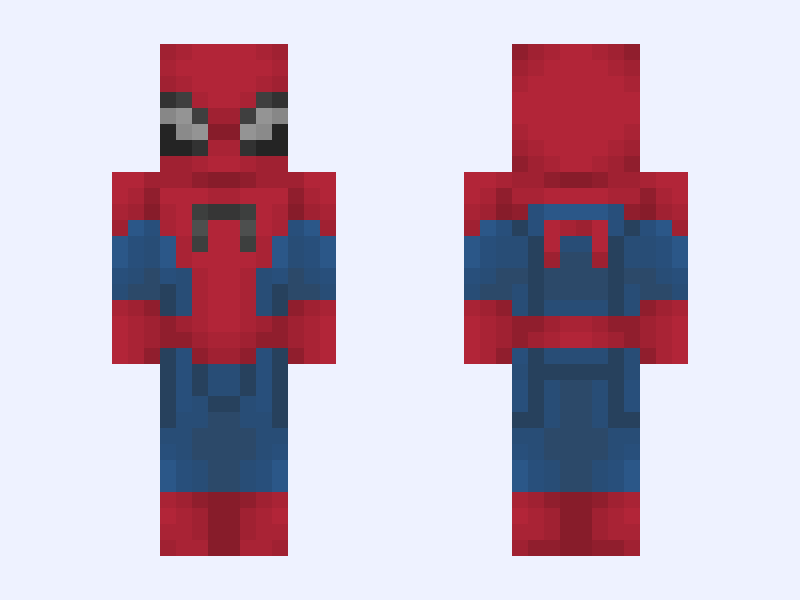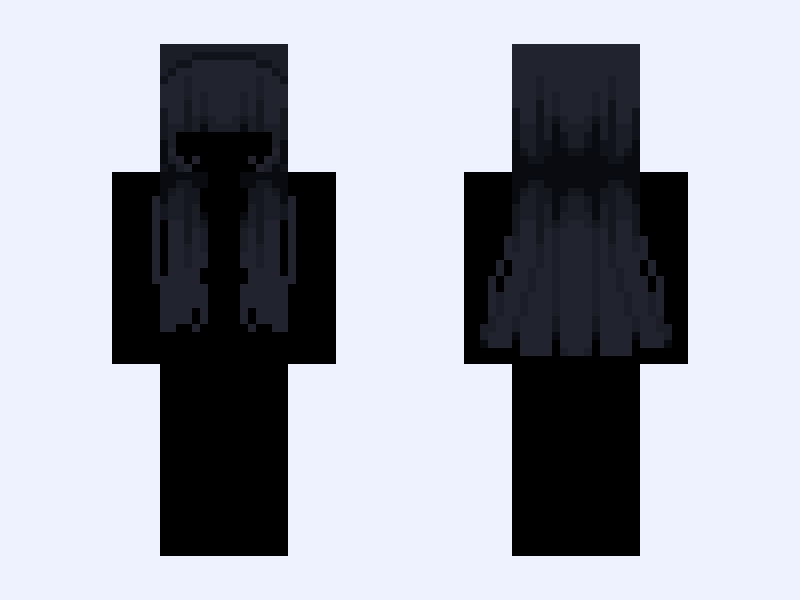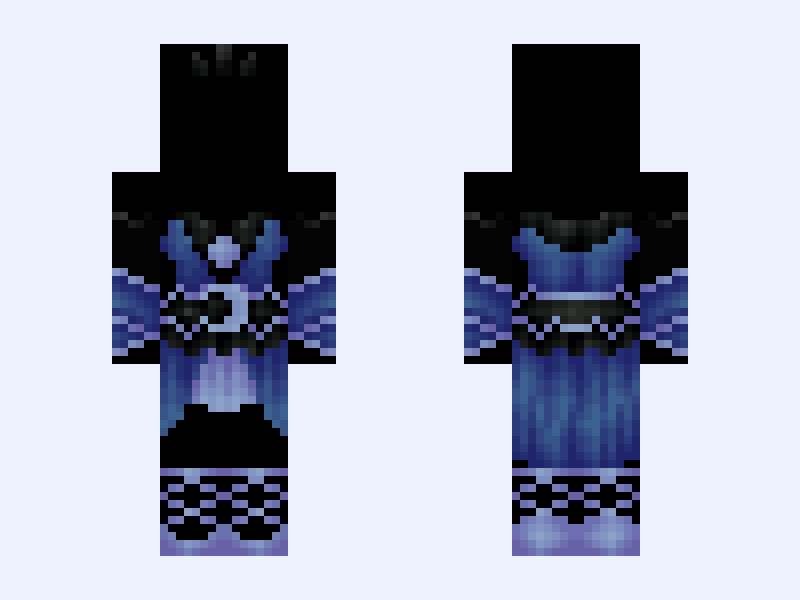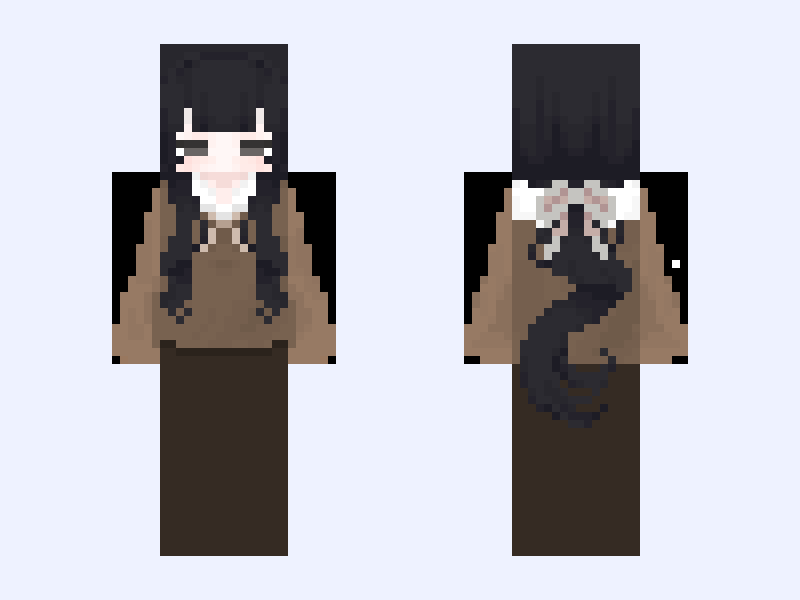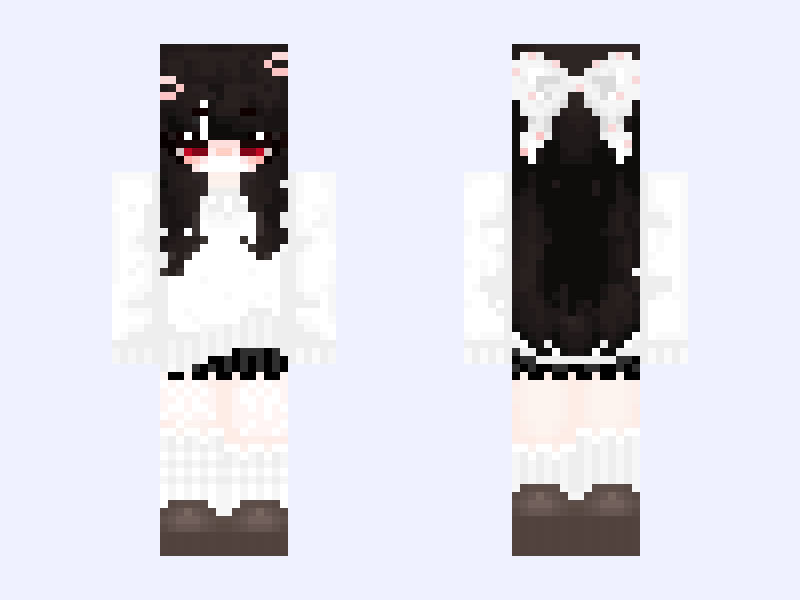
This is the skin file you download: a 128×128 HD PNG texture laid out in the standard Minecraft skin format.
party noob elliot scene forsaken roblox Minecraft Skin
Slim
128×128 HD
32 likes
2 comments
Download Skin
About this skin
i was supposed to finish this last month but got busy and lazy my next post will be killjoy because shes like 30% done and i dont wanna make anything new until i finish her p.s her lil mouth doesnt show ingame unless ur looking up & down then others can see fun fact: ive never played forsaken before
Skin details
- Model
- Slim (Alex, 3px arms)
- Texture size
- 128×128 HD pixels
- File type
- PNG with transparency
- Likes
- 32
- Comments
- 2
- Added
- September 5, 2026
How to use this skin in Minecraft Java Edition
- Select Download Skin to save the PNG file.
- Open the Minecraft Launcher and go to Skins.
- Choose New Skin and select the Slim player model.
- Browse to the downloaded PNG, then select Save & Use.
How to use this skin in Minecraft Bedrock Edition
- Select Download Skin to save the PNG file.
- Open Minecraft and go to the Dressing Room.
- Under Classic Skins, choose Import, then Choose New Skin.
- Select the PNG and pick the Slim model.