
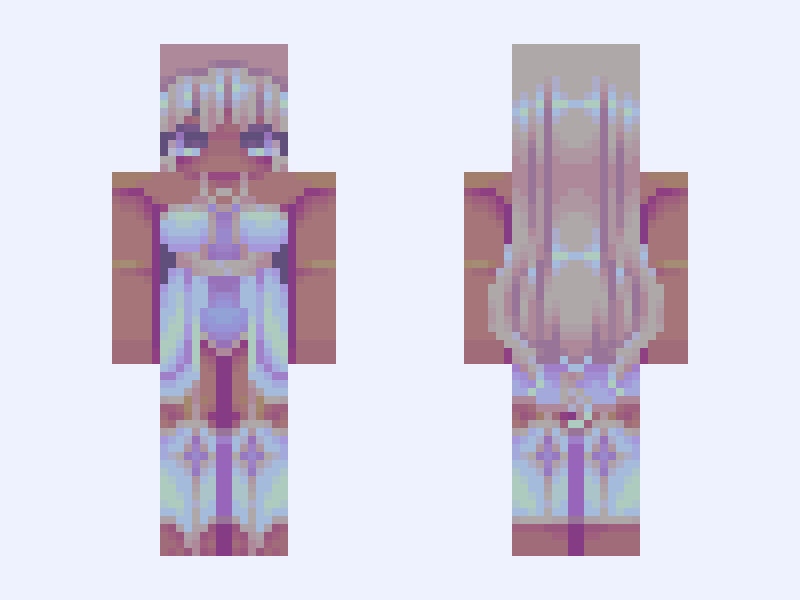
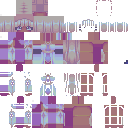
This is the skin file you download: a 128×128 HD PNG texture laid out in the standard Minecraft skin format.
*☆°~ pearlescent ~ °☆* Minecraft Skin
Slim
128×128 HD
27 likes
11 comments
Download Skin
About this skin
Just playing around with some colours
Skin details
- Model
- Slim (Alex, 3px arms)
- Texture size
- 128×128 HD pixels
- File type
- PNG with transparency
- Likes
- 27
- Comments
- 11
- Added
- September 17, 2026
How to use this skin in Minecraft Java Edition
- Select Download Skin to save the PNG file.
- Open the Minecraft Launcher and go to Skins.
- Choose New Skin and select the Slim player model.
- Browse to the downloaded PNG, then select Save & Use.
How to use this skin in Minecraft Bedrock Edition
- Select Download Skin to save the PNG file.
- Open Minecraft and go to the Dressing Room.
- Under Classic Skins, choose Import, then Choose New Skin.
- Select the PNG and pick the Slim model.
Collections this skin is in
More Minecraft skins
 Classic
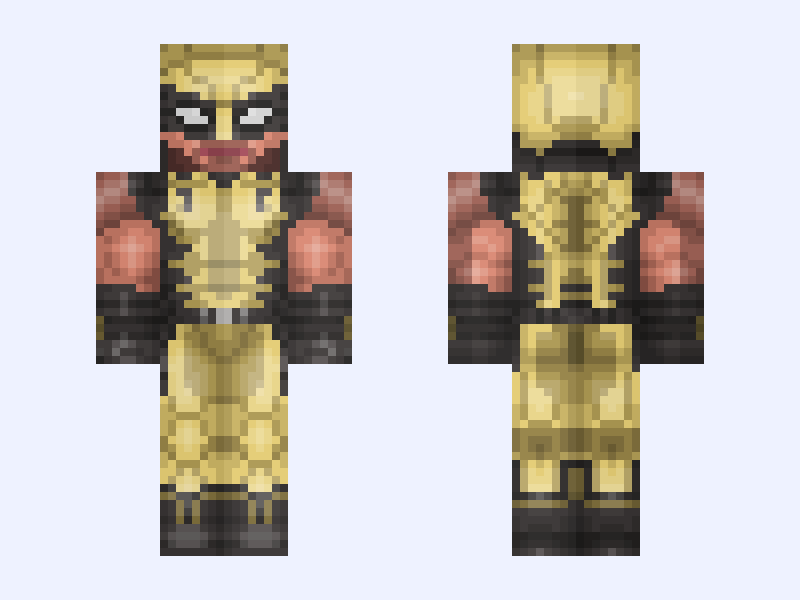
Wolverine: Marvel’s Wolverine PS5 (James ‘Logan’ Howlett: Marvel Games: 2026)
26 likes
 Slim
Slim
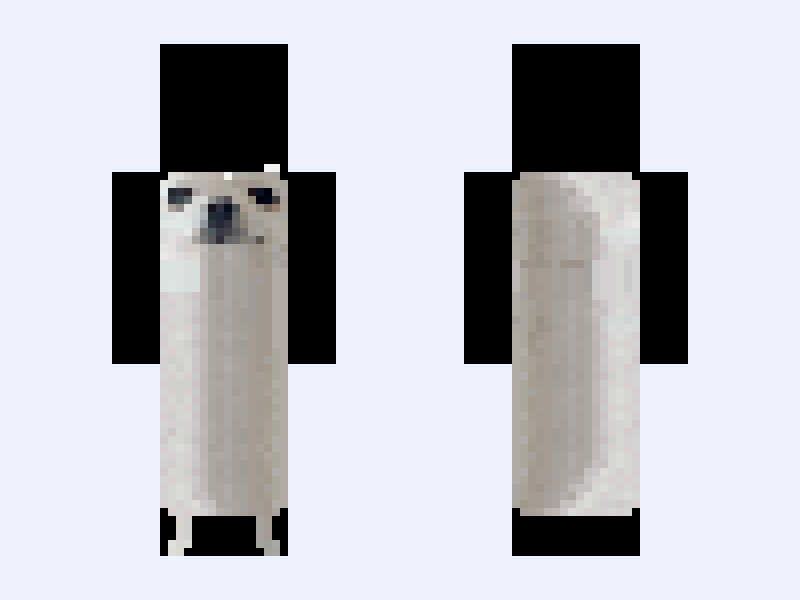
longdog
9 likes
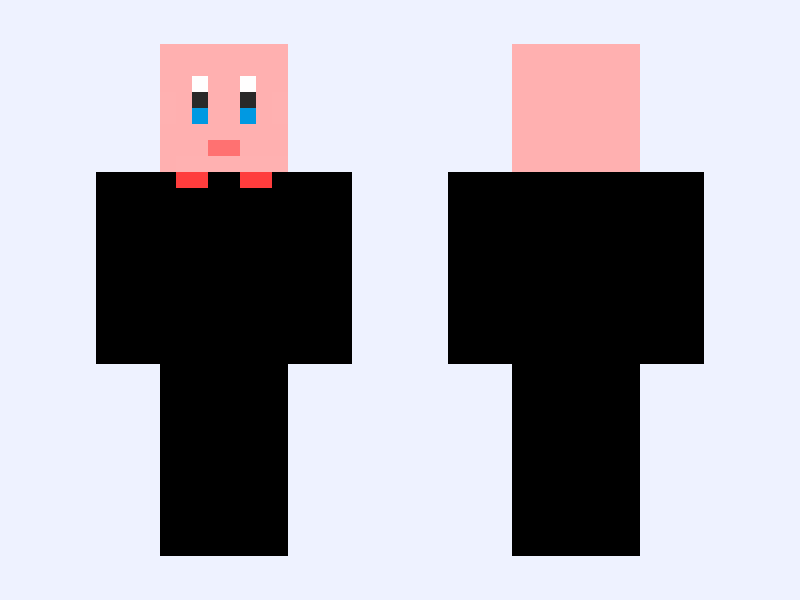 Classic
Kirby
20 likes
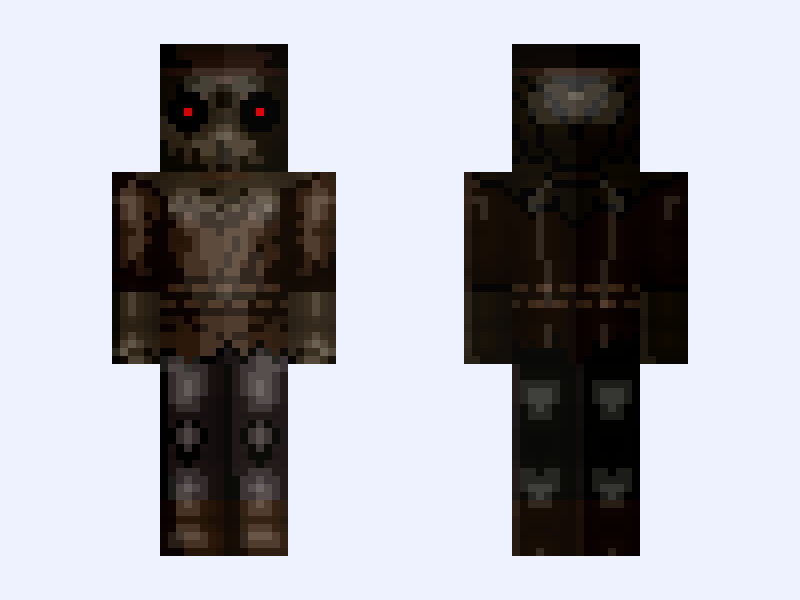 Slim
Slim
Scarecrow: Batman: Knightfall Part 1: Knightfall (Jonathan Crane: DC Animation: 2026)
22 likes
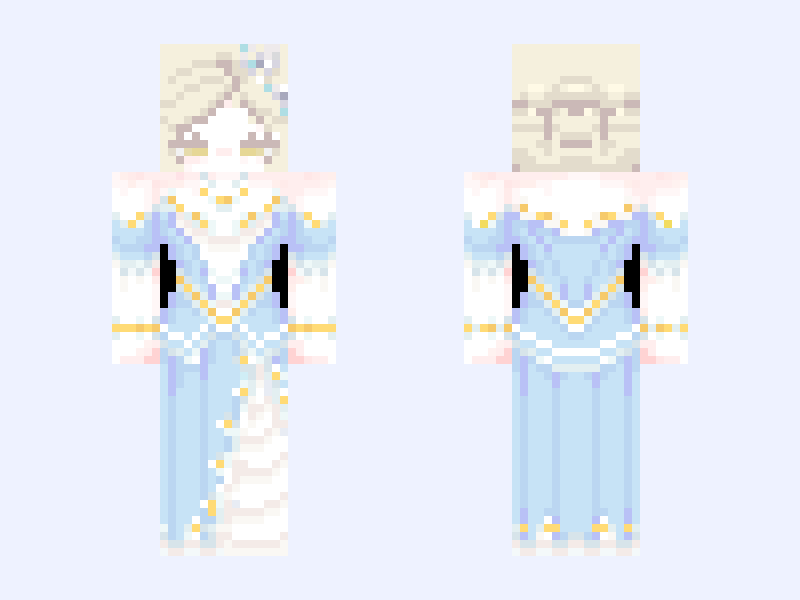 Slim
Slim
✩
23 likes
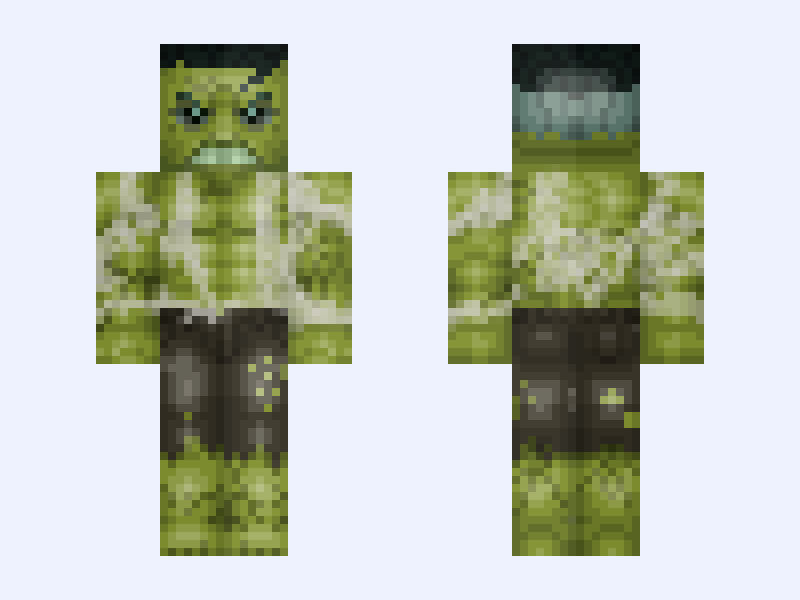 Classic
(Torn Shirt) Savage Hulk: Spider-Man: Brand New Day (Bruce Banner: Marvel Studios: 2026)
25 likes