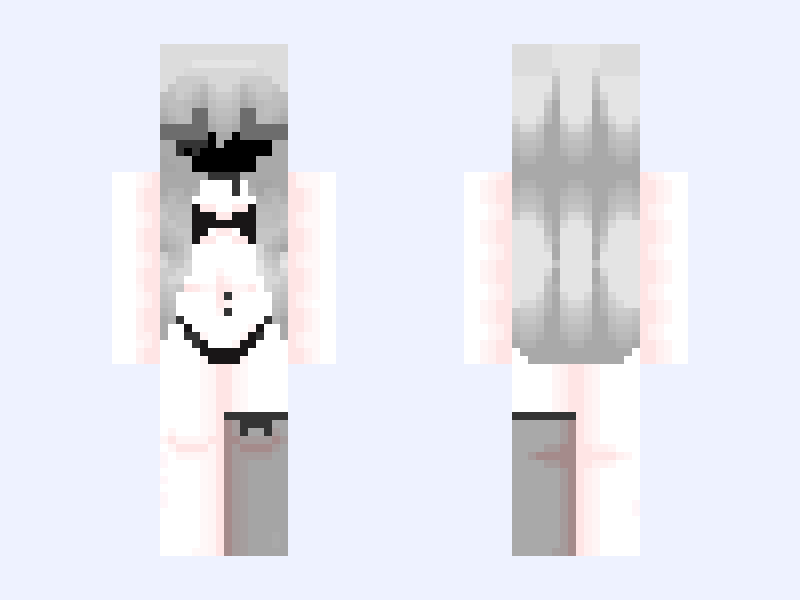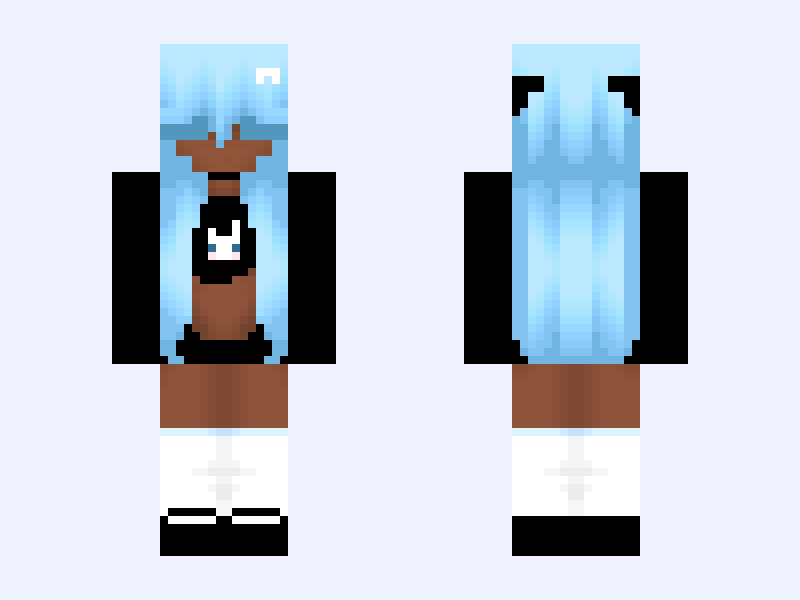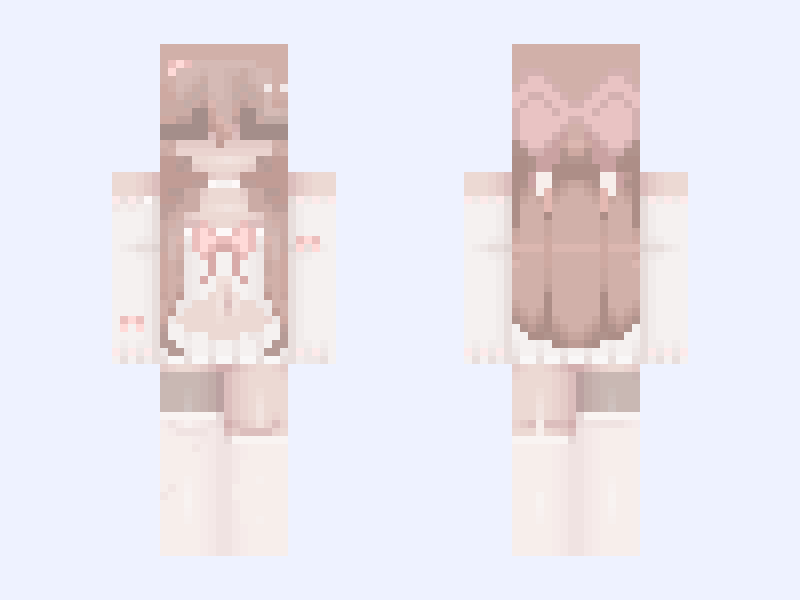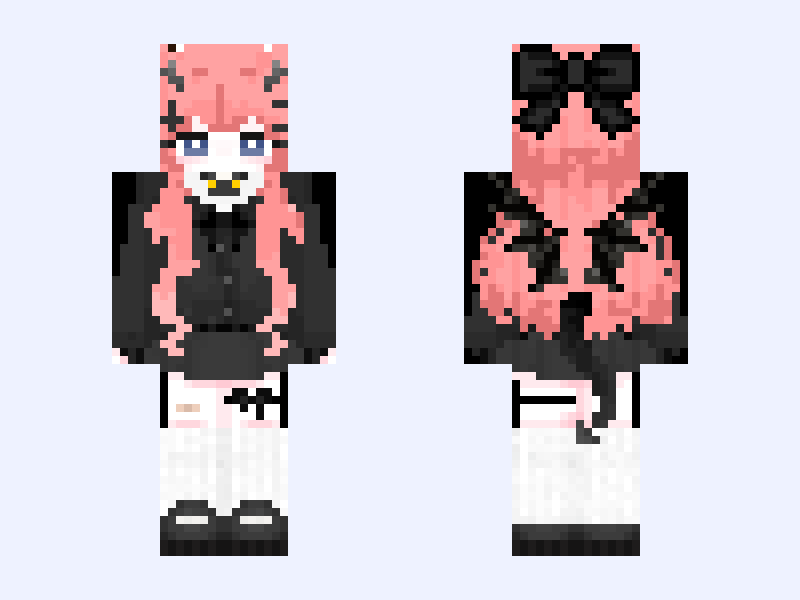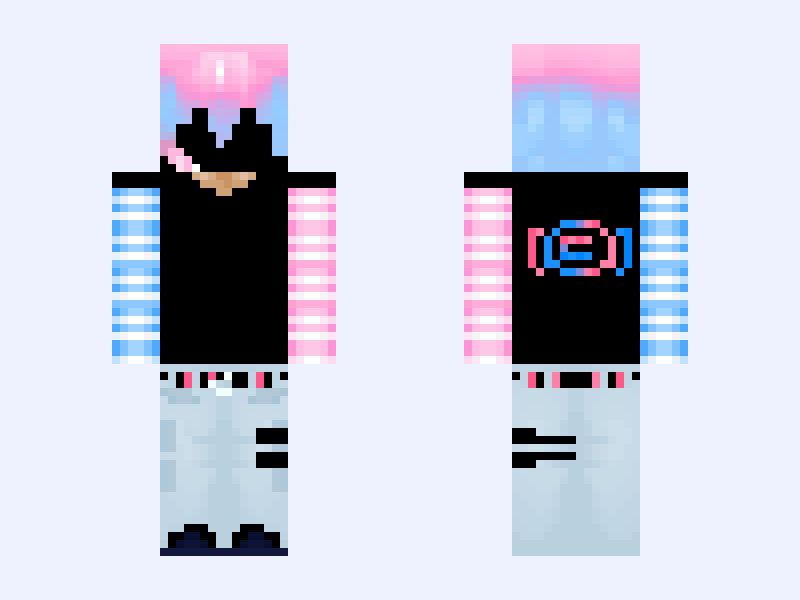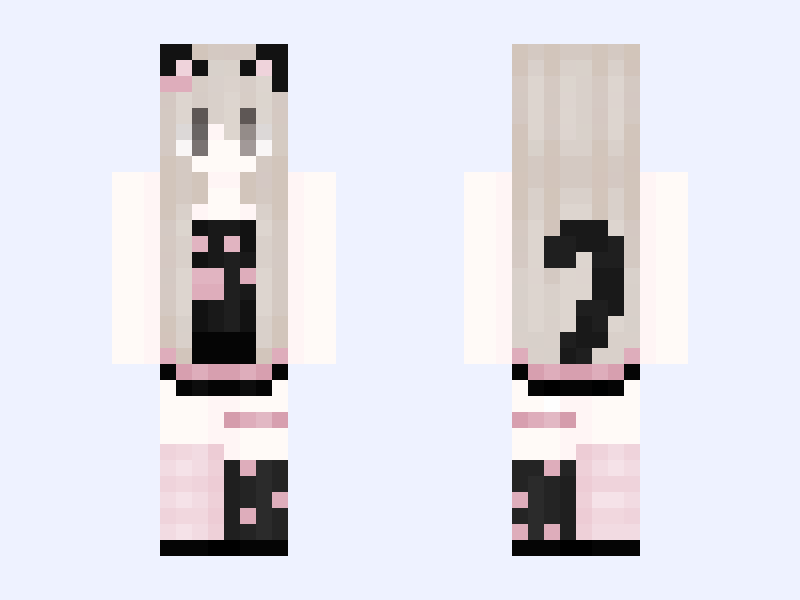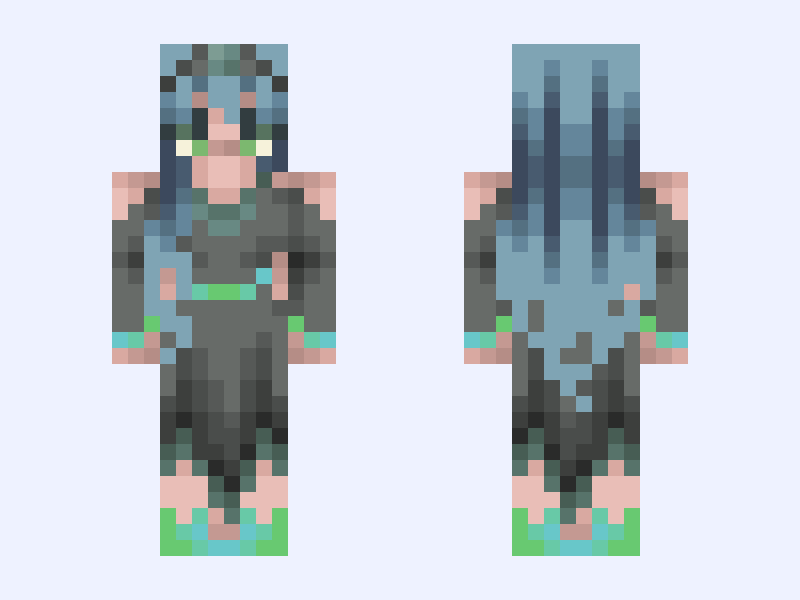

This is the skin file you download: a 64×64 PNG texture laid out in the standard Minecraft skin format.
🧪Queen Chrysalis 🧪 Minecraft Skin
About this skin
If you have a favorite please lmk in the comments and I’ll definitely make it into a skin. Unfortunately I do NOT have the hair ready to post for this series atm, please do not make the hair base it will come out soon.. I’ll also be making a 128x version soon but will be later due to a busy schedule. Tysm for waiting patiently <3 #UwuMlpseries ̍̊·̊‧̥°̩̥˚̩̩̥͙°̩̥‧̥·̊‧̍̊ ♡ °̩̥˚̩̩̥͙°̩̥ ·͙*̩̩͙˚̩̥̩̥*̩̩̥͙·̩̩̥͙*̩̩̥͙˚̩̥̩̥*̩̩͙‧͙ °̩̥˚̩̩̥͙°̩̥ ♡ ‧̍̊·̊‧̥°̩̥˚̩̩̥͙°̩̥‧̥·̊‧̍̊ ═══════ ʚ about me ɞ ═══════ 冷 name UwuTart 愛 pronouns •₊ ❥︎ ❏ ❜ She/her の (๑>◡<๑) don’t Steal/repost my skins!! Don’t make my skins into 128x (Discord requests only!!) (Scroll for my socials) ────୨ৎ──── 𝗜'𝗺 𝗷𝘂𝘀𝘁 𝗮 𝗴𝗶𝗿𝗹 🎀ྀི ────୨ৎ──── ︵‿︵‿୨♡୧‿︵‿︵ Rules ︵‿︵‿୨♡୧‿︵‿︵ do’s: ૮₍´˶• . • ⑅ ₎ა ᯓ★ Enjoy ᯓ★ like before downloading ᯓ★ @ me if stolen!!! Stealing is an ultimate block/report!!! 。°(°.◜ᯅ◝°)°。 so really hope I don’t have to… Do Not’s: ദ്ദി ˉ͈̀꒳ˉ͈́ )✧ ᝰ.ᐟ make my skins into bases ᝰ.ᐟ repost my content ᝰ.ᐟ recolor, I don’t allow that. ✦•┈๑⋅⋯ ⋯⋅๑┈•✦ ദ്ദി(˵ •̀ ᴗ - ˵ ) ✧ Other accounts: @Tartbases (clothes) @bunily (hair bases) @meowbun (128x bases) ₊˚ʚ ᗢ₊˚✧ ゚. ₊˚ʚ ᗢ₊˚✧ ゚. Socials: UwuTart on skindex/namemc Tartbases on skindex Bunily on planet Mc (old acc: UwuTart) Uwutartie on Instagram Uwuisonfire on discord ˖ ݁𖥔 ݁˖ 𐙚 ˖ ݁𖥔 ݁˖ ˖ ݁𖥔 ݁˖ 𐙚 ˖ ݁𖥔 ݁˖ ૮꒰˶ᵔ ᵕ ᵔ˶꒱ა˖⁺‧₊˚ Ttm if you wanna! I’m always down to 𝔁𝓸𝔁𝓸 ˖ ݁𖥔 ݁˖ 𐙚 ˖ ݁𖥔 ݁˖ ˖ ݁𖥔 ݁˖ 𐙚 ˖ ݁𖥔 ݁˖
Skin details
- Model
- Slim (Alex, 3px arms)
- Texture size
- 64×64 pixels
- File type
- PNG with transparency
- Likes
- 9
- Comments
- 0
- Added
- September 15, 2026
How to use this skin in Minecraft Java Edition
- Select Download Skin to save the PNG file.
- Open the Minecraft Launcher and go to Skins.
- Choose New Skin and select the Slim player model.
- Browse to the downloaded PNG, then select Save & Use.
How to use this skin in Minecraft Bedrock Edition
- Select Download Skin to save the PNG file.
- Open Minecraft and go to the Dressing Room.
- Under Classic Skins, choose Import, then Choose New Skin.
- Select the PNG and pick the Slim model.