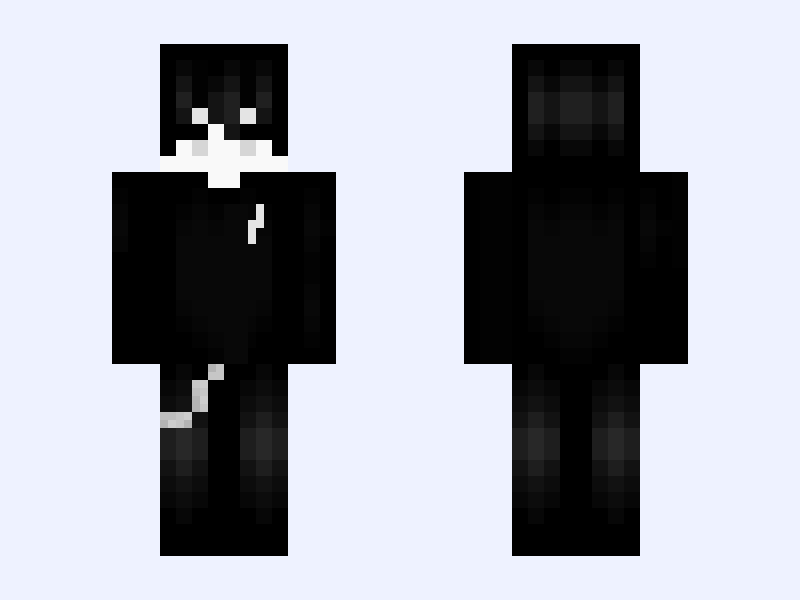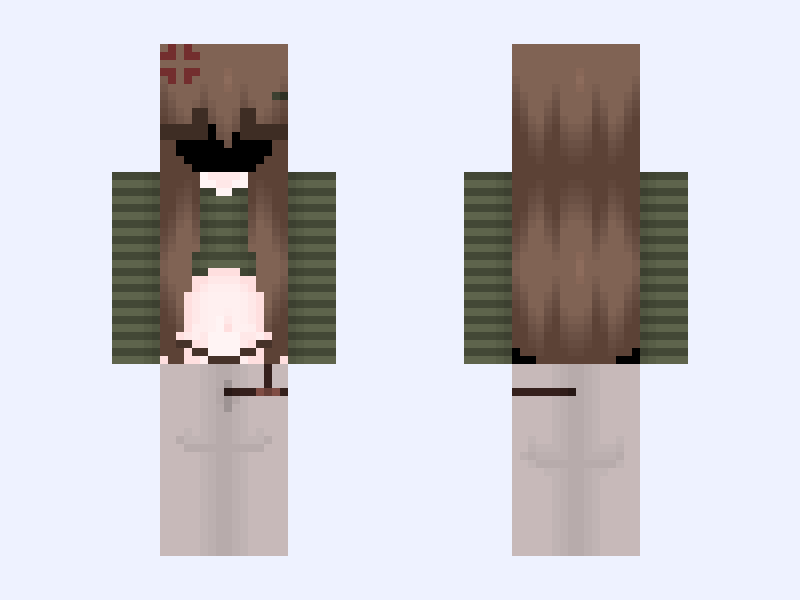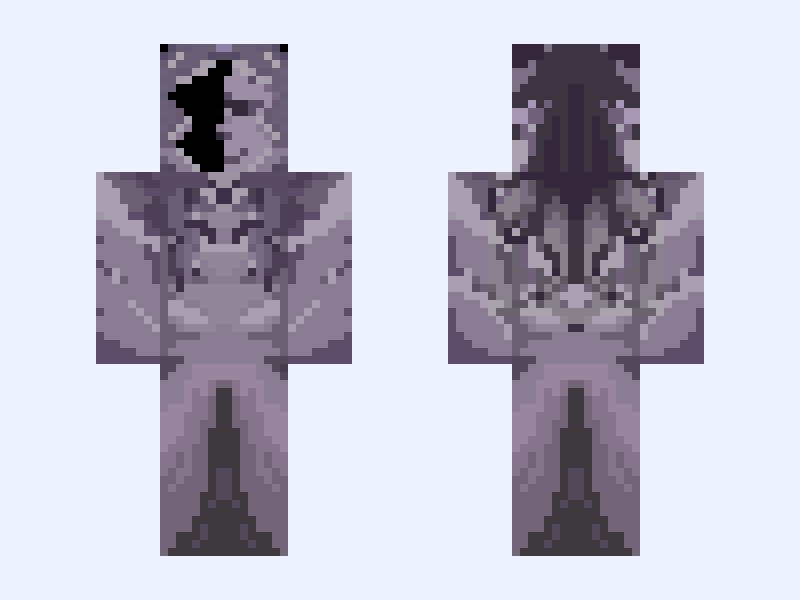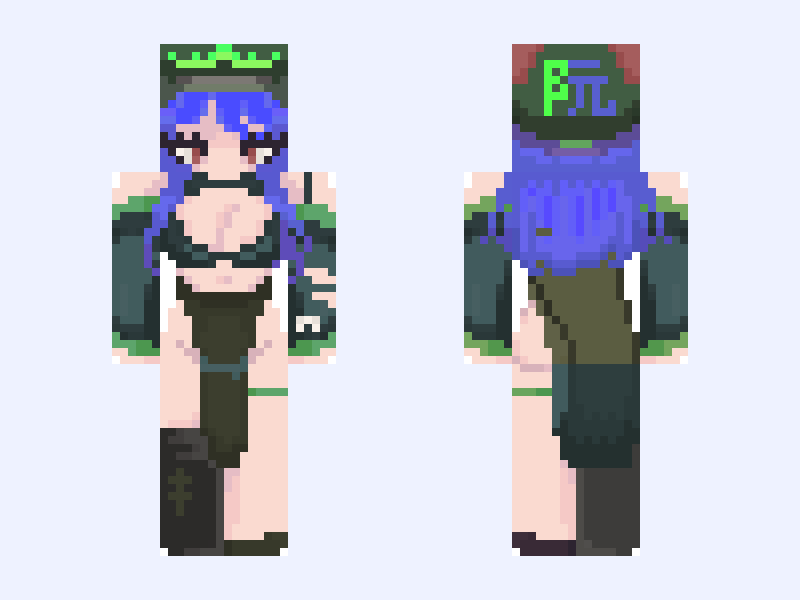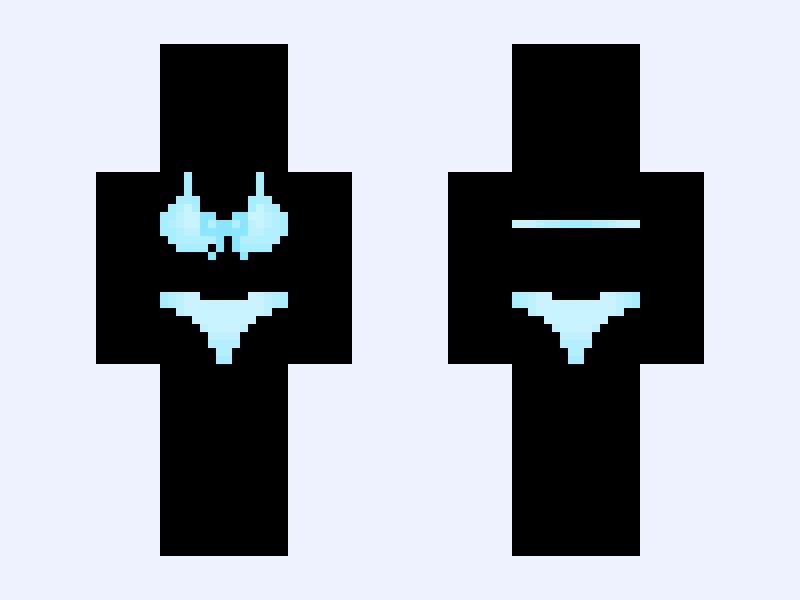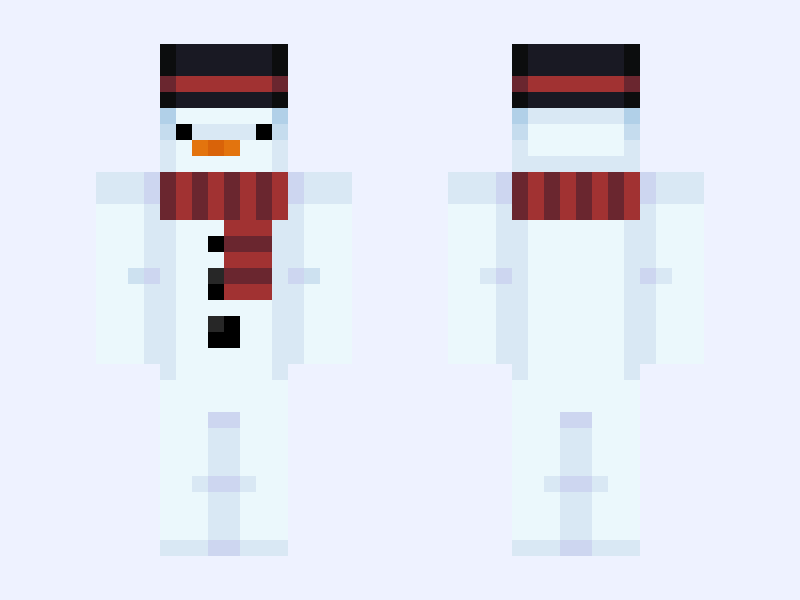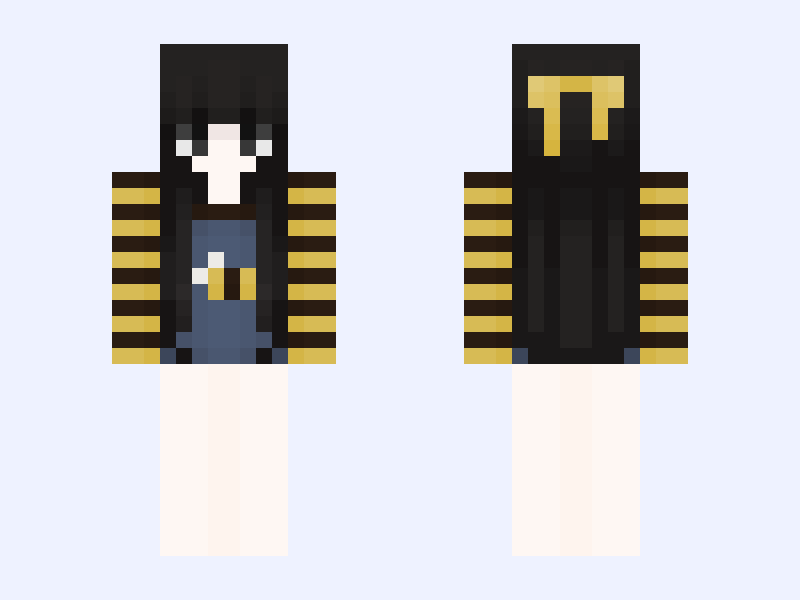

This is the skin file you download: a 64×64 PNG texture laid out in the standard Minecraft skin format.
question ❓ Minecraft Skin
Slim
64×64
5 likes
5 comments
Download Skin
About this skin
So y'all keep hating on me and some of y'all are saying I'm stealing skins and I'm not but pls can y'all stop hating me 😭 fr tho I'm not stealing
Skin details
- Model
- Slim (Alex, 3px arms)
- Texture size
- 64×64 pixels
- File type
- PNG with transparency
- Likes
- 5
- Comments
- 5
- Added
- September 15, 2026
How to use this skin in Minecraft Java Edition
- Select Download Skin to save the PNG file.
- Open the Minecraft Launcher and go to Skins.
- Choose New Skin and select the Slim player model.
- Browse to the downloaded PNG, then select Save & Use.
How to use this skin in Minecraft Bedrock Edition
- Select Download Skin to save the PNG file.
- Open Minecraft and go to the Dressing Room.
- Under Classic Skins, choose Import, then Choose New Skin.
- Select the PNG and pick the Slim model.