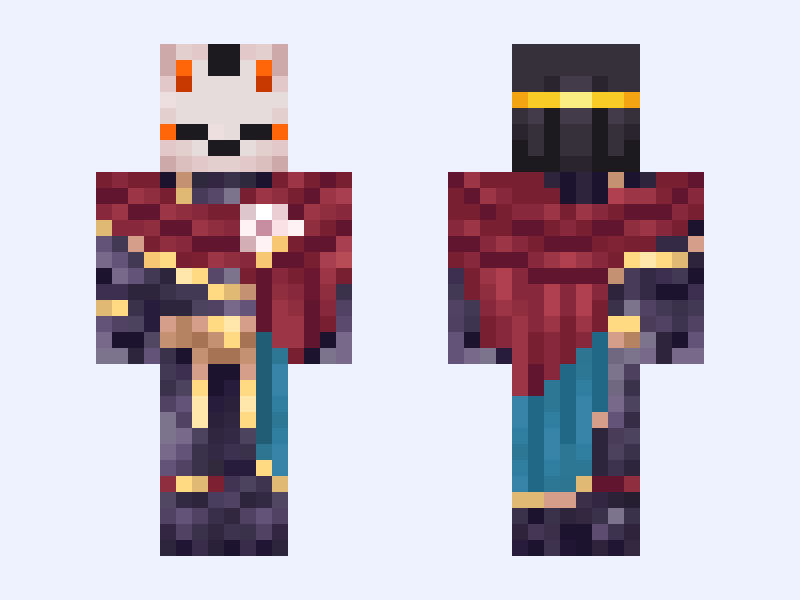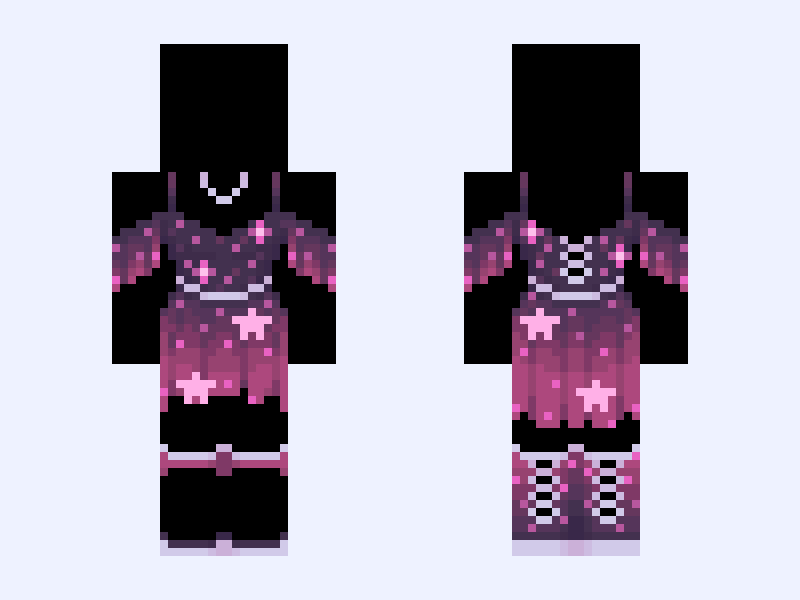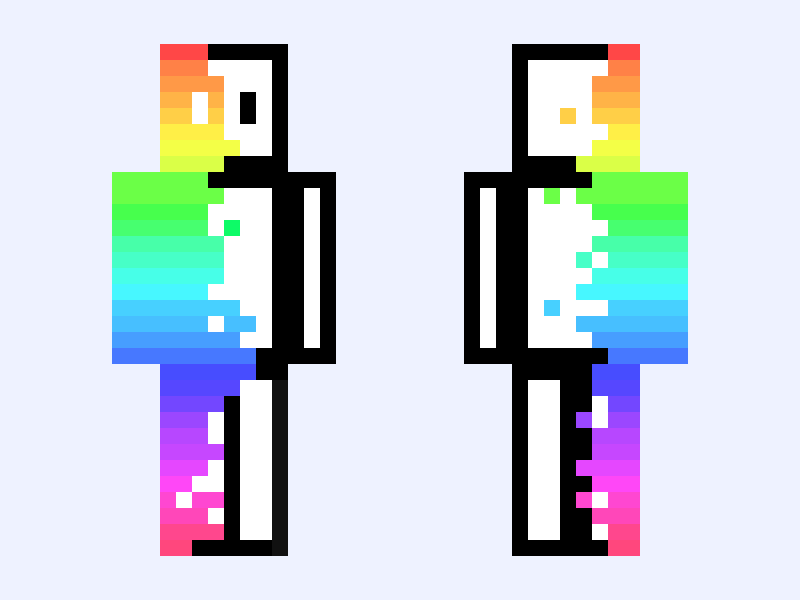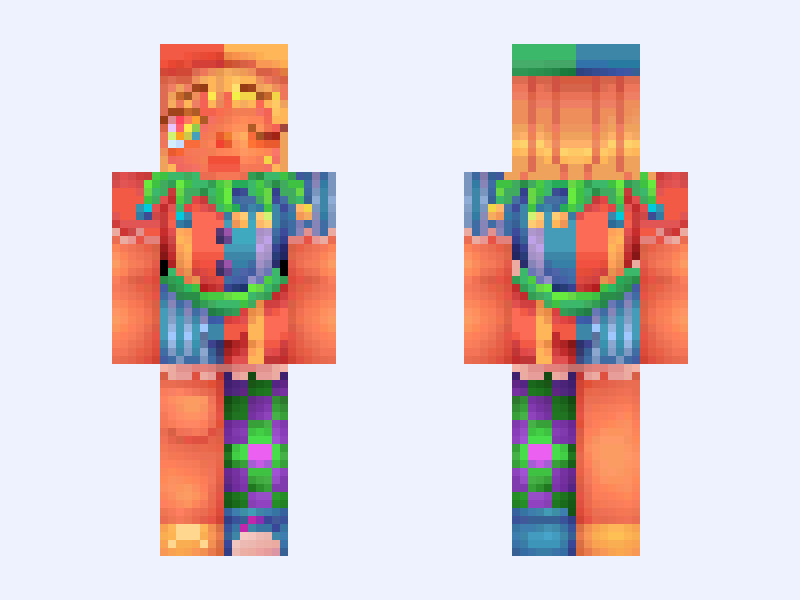
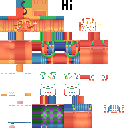
This is the skin file you download: a 128×128 HD PNG texture laid out in the standard Minecraft skin format.
sunnyshineup !! 🎭♦️ Minecraft Skin
Slim
128×128 HD
46 likes
39 comments
Download Skin
About this skin
Btw pennybun ( @penfox ) is my partner here yippeeee she made the other half which was despair sad clown and I made a happy yippe go lucky jester <33 What happens if you say meow meow to a meow MOEW that meows Anyways he makes me happy so he’s happy and he kno2 it so clap ur hands 👏 👏 👏 since he’s happy and he knows it clap ur hands 👏👏 I have this hat irl ayayayyaya anyways he’s my lil happy jester clown myah lil babyheee and he mine aenharnsriunsrounraounar. Did I make him colorful enough he feels colorful enough h,m, Btw making this up rn but him and sad clown r childhood bsfs and u can’t change my mind #eecon5
Skin details
- Model
- Slim (Alex, 3px arms)
- Texture size
- 128×128 HD pixels
- File type
- PNG with transparency
- Likes
- 46
- Comments
- 39
- Added
- September 9, 2026
How to use this skin in Minecraft Java Edition
- Select Download Skin to save the PNG file.
- Open the Minecraft Launcher and go to Skins.
- Choose New Skin and select the Slim player model.
- Browse to the downloaded PNG, then select Save & Use.
How to use this skin in Minecraft Bedrock Edition
- Select Download Skin to save the PNG file.
- Open Minecraft and go to the Dressing Room.
- Under Classic Skins, choose Import, then Choose New Skin.
- Select the PNG and pick the Slim model.