
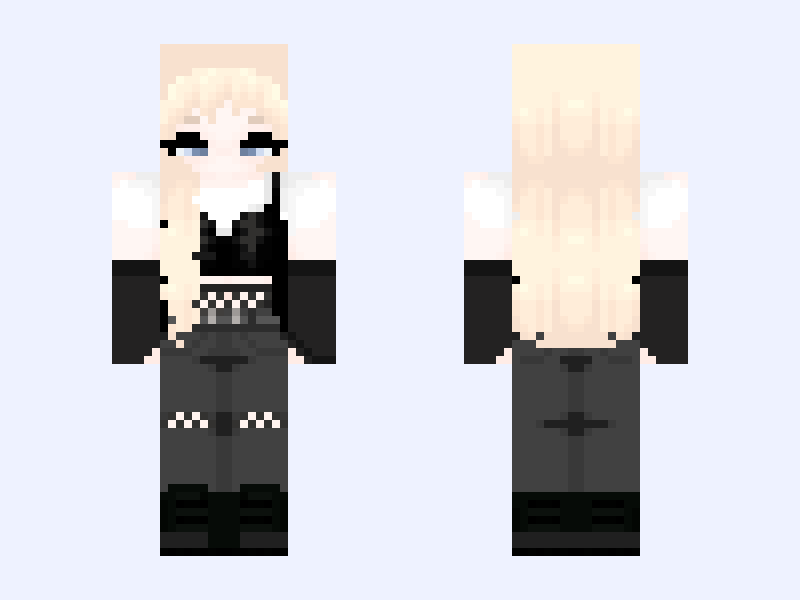
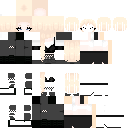
This is the skin file you download: a 128×128 HD PNG texture laid out in the standard Minecraft skin format.
ᰔ 𝓣𝓮𝓵𝓮𝓹𝓱𝓸𝓷𝓮 ᰔ Minecraft Skin
Slim
128×128 HD
29 likes
0 comments
Download Skin
About this skin
I wanted to try out the style @bored made for me. I lightened the hair color a bit. alt: @bowsy 𝓒𝓻𝓮𝓭𝓲𝓽: ➤ @bowsie ~ putting the skin together & lightening the hair color. ➤ @hellgrl ~ clothing base ➤ @verbena ~ original hair base ➤ @dwollie ~ original skin base ➤ @cupid ~ hair base shading ➤ @bored ~ hair base redesign & skin base redesign 𝓕𝓸𝓵𝓵𝓸𝔀: ᰔ @dwolls OR @dwollie ᰔ @bored OR @cigqr ᰔ @agonize
Skin details
- Model
- Slim (Alex, 3px arms)
- Texture size
- 128×128 HD pixels
- File type
- PNG with transparency
- Likes
- 29
- Comments
- 0
- Added
- September 11, 2026
How to use this skin in Minecraft Java Edition
- Select Download Skin to save the PNG file.
- Open the Minecraft Launcher and go to Skins.
- Choose New Skin and select the Slim player model.
- Browse to the downloaded PNG, then select Save & Use.
How to use this skin in Minecraft Bedrock Edition
- Select Download Skin to save the PNG file.
- Open Minecraft and go to the Dressing Room.
- Under Classic Skins, choose Import, then Choose New Skin.
- Select the PNG and pick the Slim model.
Collections this skin is in
More Minecraft skins
 Slim
Slim
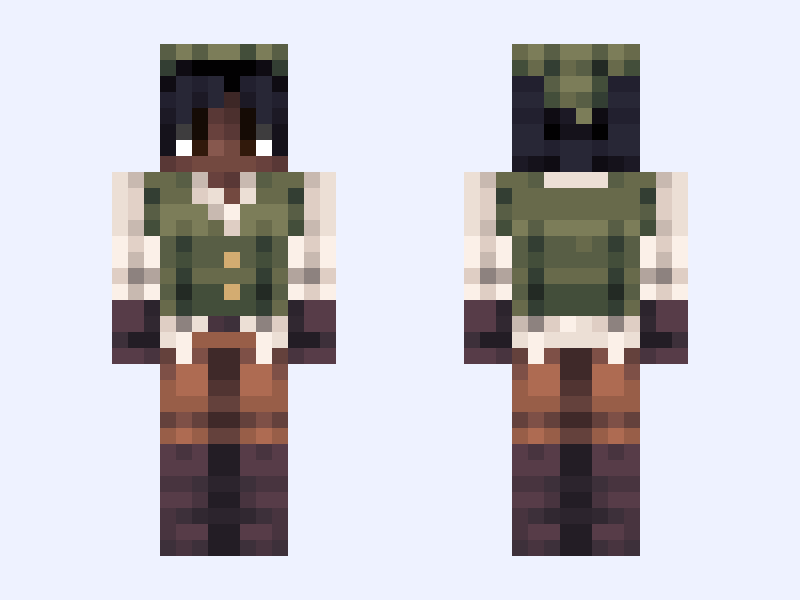
If i was on “The Flight Smp”
32 likes
 Classic
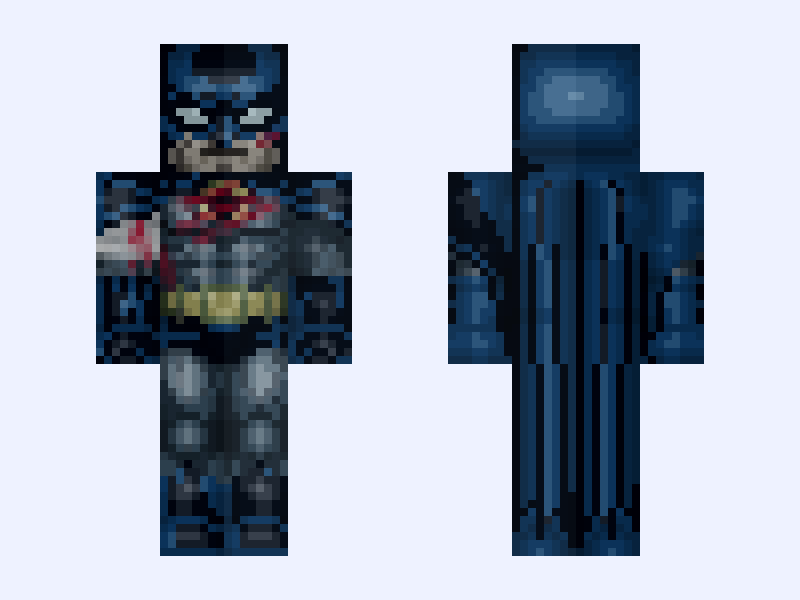
(Battle Damaged) Batman Knightfall Batsuit: Batman: Knightfall Part 1: Knightfall (Bruce Wayne: DC Animation: 2026)
28 likes
 Slim
Slim
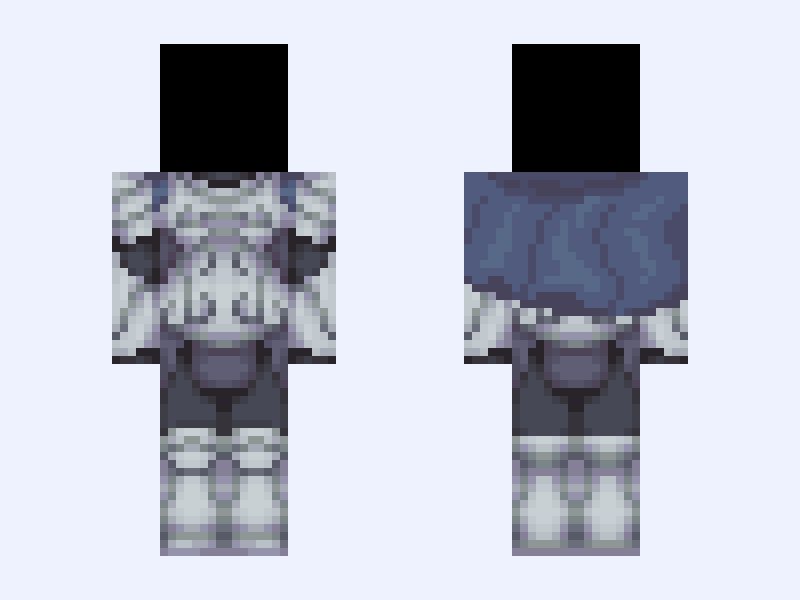
🗡️ - . * + | Armour, Silver, Grey, Cape, Base, 128x128 |
43 likes
 Slim
Slim
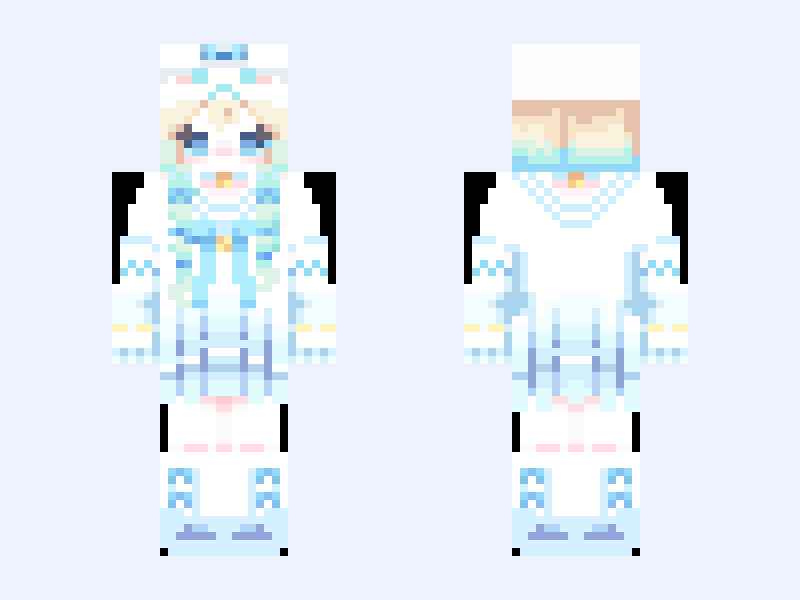
cinnamoroll girl 🩵
46 likes
 Slim
Slim
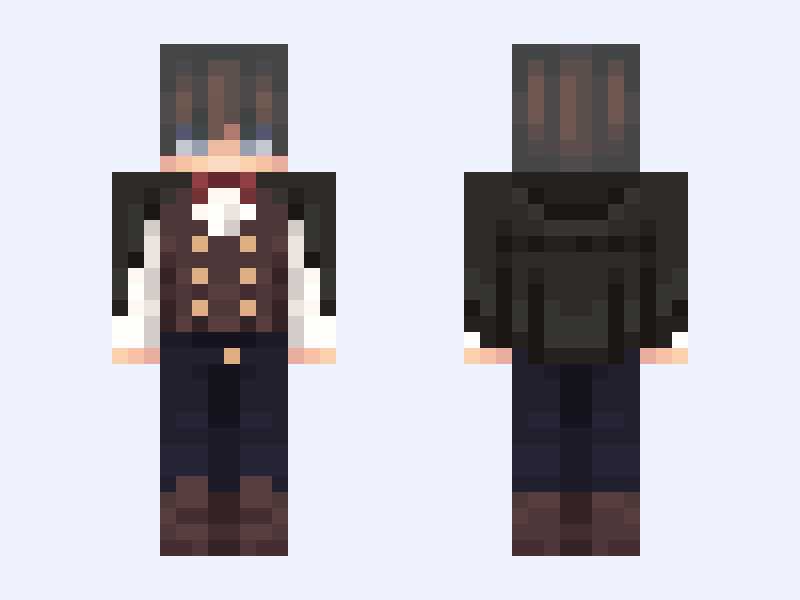
𝐉𝐔𝐒𝐓 𝐄𝐗𝐈𝐒𝐓 🎞️
21 likes
 Slim
Slim
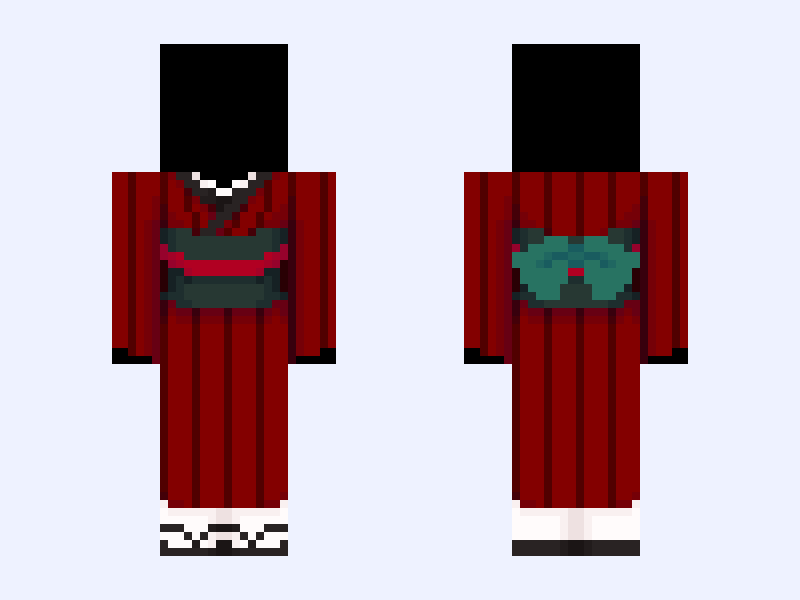
(Base V1) ◾️⛩️◾️
48 likes