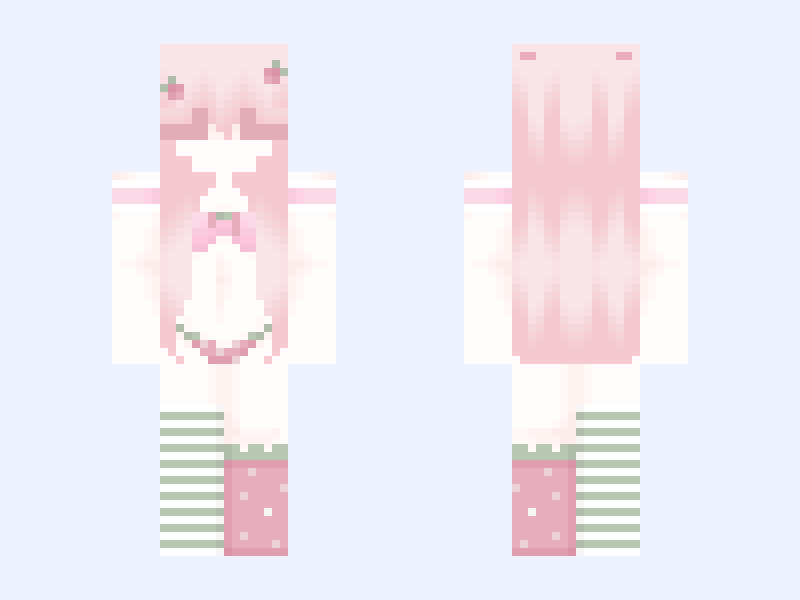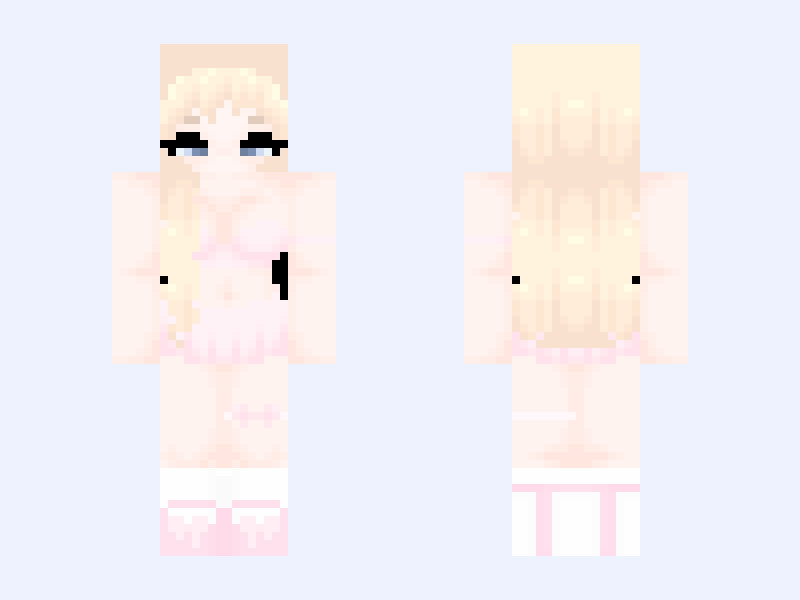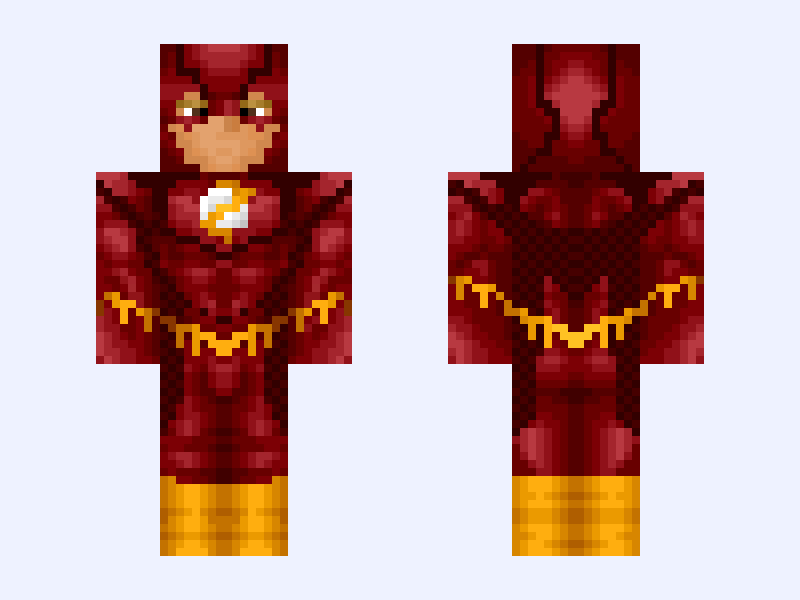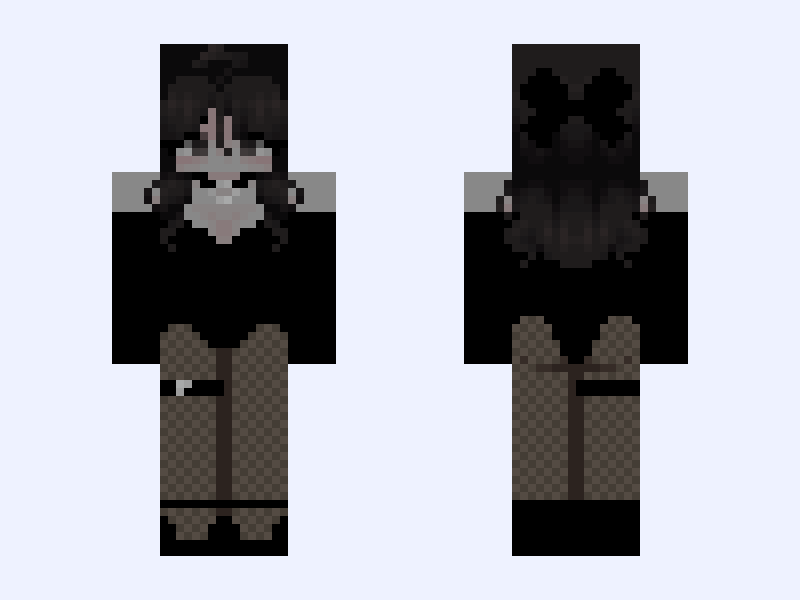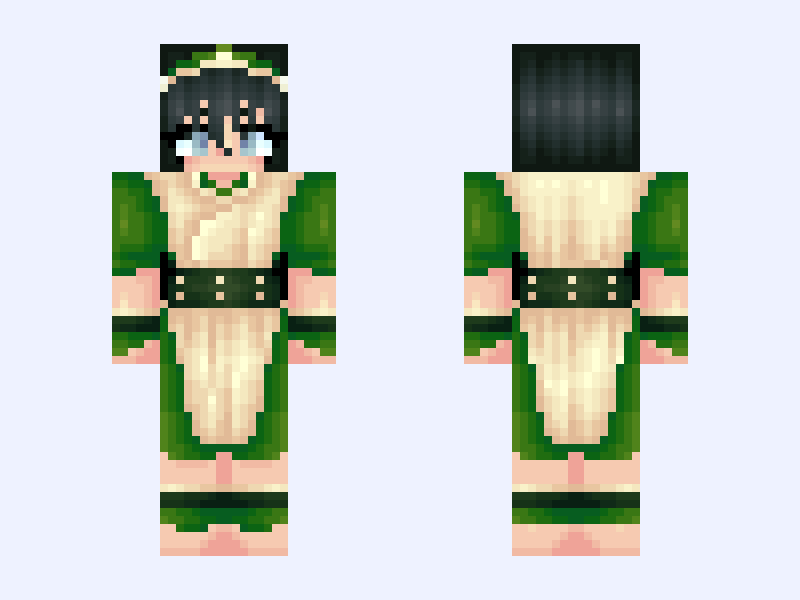
This is the skin file you download: a 128×128 HD PNG texture laid out in the standard Minecraft skin format.
Toph Beifong Avatar / Earthbender / Earth Bender / Blind / ATLAS / Green Minecraft Skin
Slim
128×128 HD
34 likes
6 comments
Download Skin
About this skin
Do NOT repost any of my skins without my Knowledge/Permission. With the recent Avatar: The Last Airbender movie, I decided to remake an old skin from 2020. Plus, there was a contest that revolves around remaking skins. It just seemed like a good opportunity. I feel like I have improved since then, but let me know of that’s the case! #pwxelsremakecon #avatar #atlas #toph
Skin details
- Model
- Slim (Alex, 3px arms)
- Texture size
- 128×128 HD pixels
- File type
- PNG with transparency
- Likes
- 34
- Comments
- 6
- Added
- September 6, 2026
How to use this skin in Minecraft Java Edition
- Select Download Skin to save the PNG file.
- Open the Minecraft Launcher and go to Skins.
- Choose New Skin and select the Slim player model.
- Browse to the downloaded PNG, then select Save & Use.
How to use this skin in Minecraft Bedrock Edition
- Select Download Skin to save the PNG file.
- Open Minecraft and go to the Dressing Room.
- Under Classic Skins, choose Import, then Choose New Skin.
- Select the PNG and pick the Slim model.