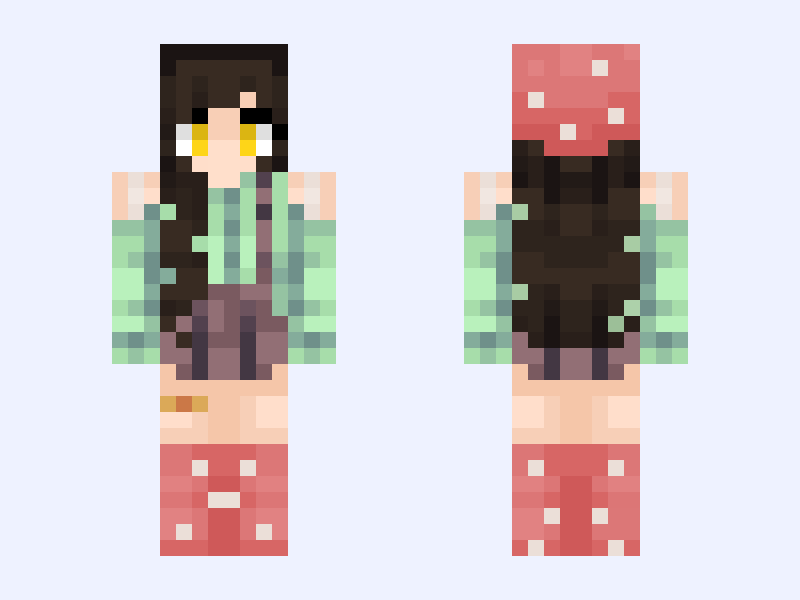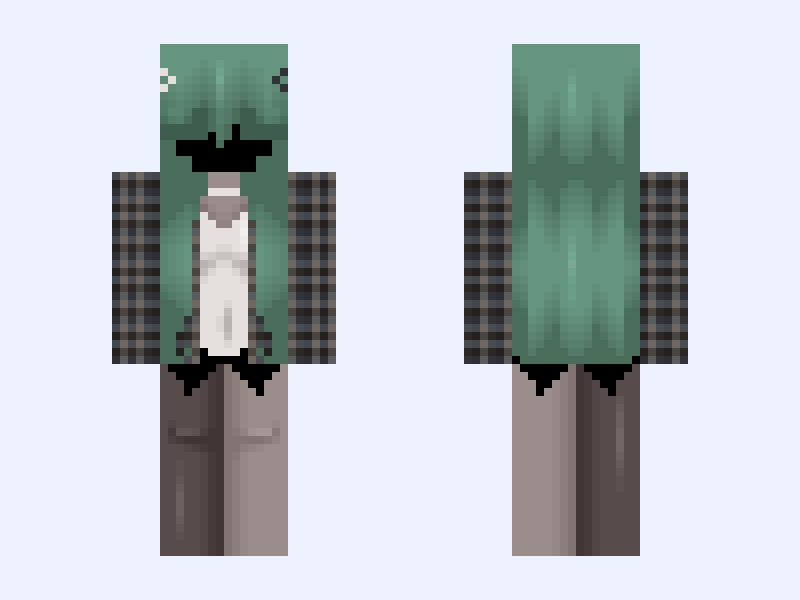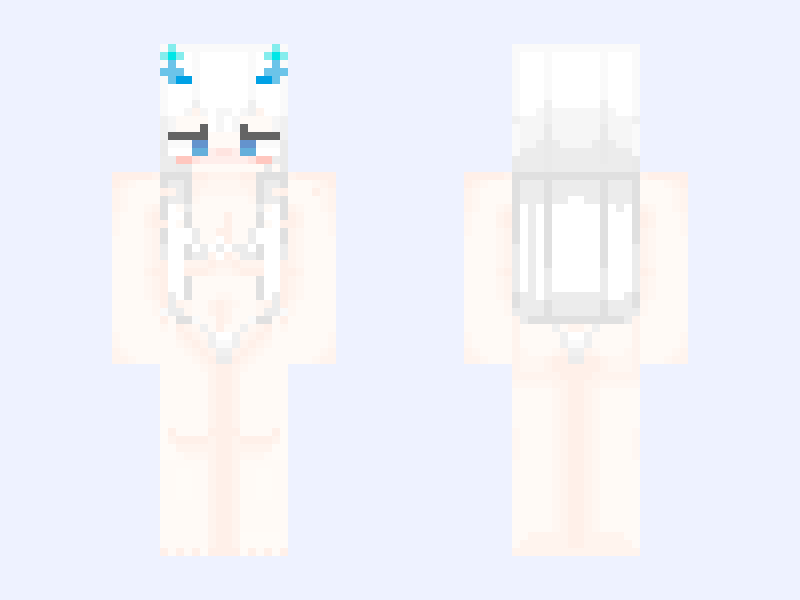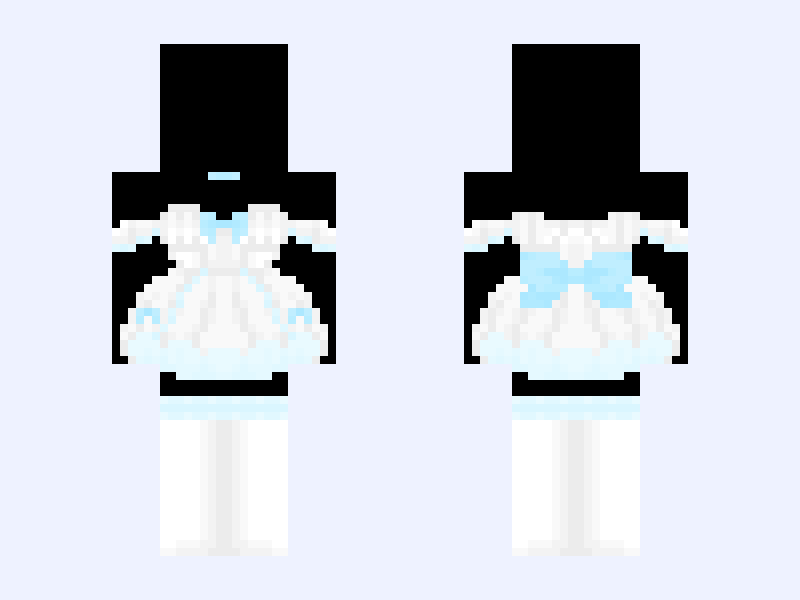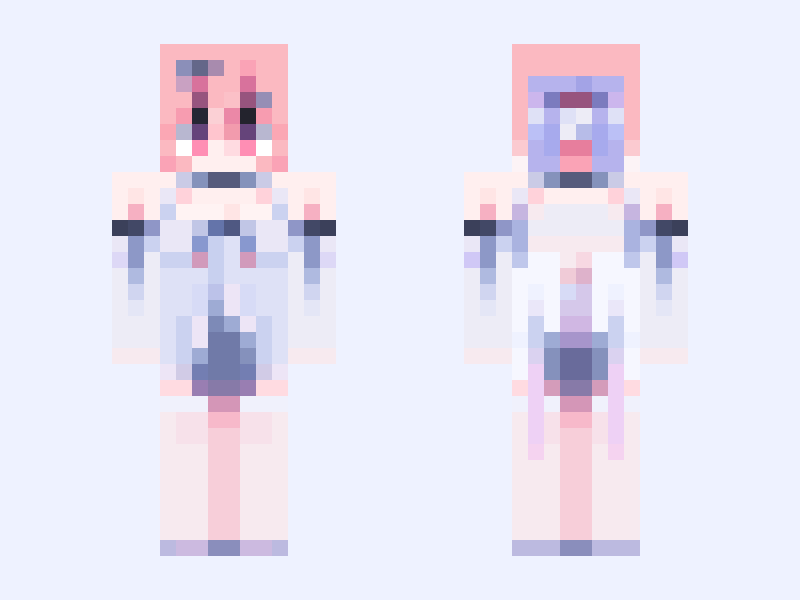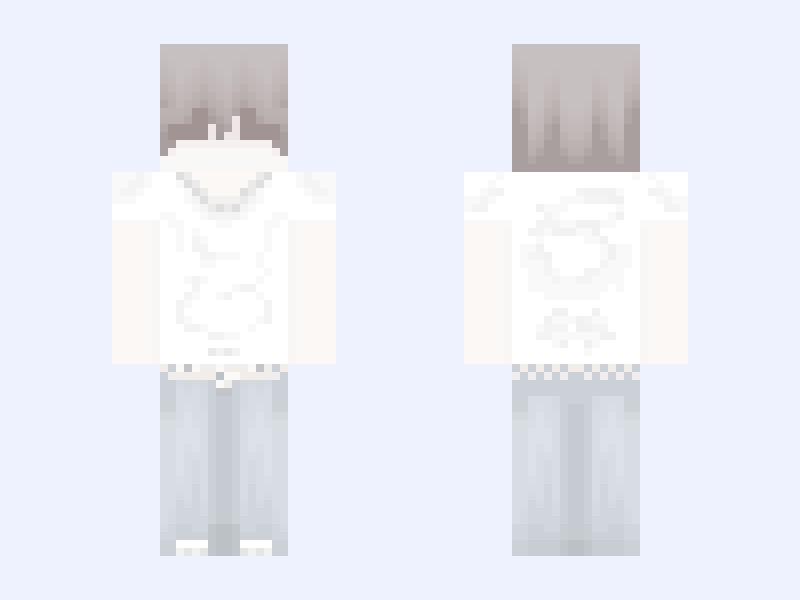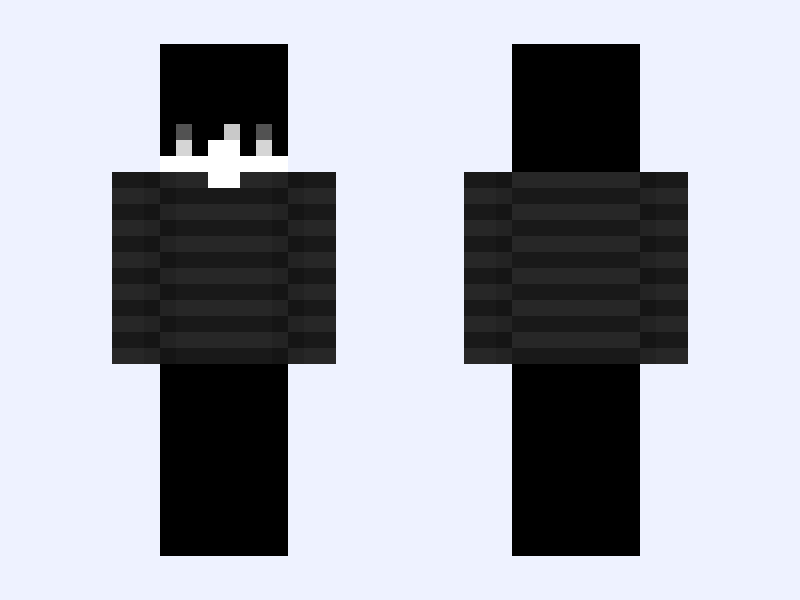

This is the skin file you download: a 64×64 PNG texture laid out in the standard Minecraft skin format.
⊹˚₊‧• 𝓣𝓻𝔂 𝓱𝓪𝓻𝓭 •‧₊˚⊹ Minecraft Skin
Slim
64×64
9 likes
6 comments
Download Skin
About this skin
⊹˚₊‧• ┈┈┈ ୨ৎ ┈┈┈ •‧₊˚⊹ 𝐇𝐞𝐥𝐥𝐨, 𝐈’𝐦 𝐅𝐨𝐫𝐞𝐬𝐭 ! 𝕋𝕚𝕥𝕝𝕖: 𝓣𝓻𝔂 𝓱𝓪𝓻𝓭 Please do not steal or repost my skins without editing a bit, always give credit if you use my skins/bases! If you steal or repost my skins without changing anything at all I will report and block you ♡ 𝔻𝕖𝕤𝕔: Again, boy version of one of my previous skins 💕 𝕋𝕒𝕘𝕤: #eboy #black #grey #white #emo #badass #tryhard #simple 𝕔𝕣𝕖𝕕𝕚𝕥𝕤: 𝕆𝕦𝕥𝕗𝕚𝕥: 𝕙𝕒𝕚𝕣: 𝕋𝕠𝕡: 𝕡𝕒𝕟𝕥𝕤: 𝔸𝕔𝕔𝕖𝕤𝕤𝕠𝕣𝕚𝕖𝕤:
Skin details
- Model
- Slim (Alex, 3px arms)
- Texture size
- 64×64 pixels
- File type
- PNG with transparency
- Likes
- 9
- Comments
- 6
- Added
- September 14, 2026
How to use this skin in Minecraft Java Edition
- Select Download Skin to save the PNG file.
- Open the Minecraft Launcher and go to Skins.
- Choose New Skin and select the Slim player model.
- Browse to the downloaded PNG, then select Save & Use.
How to use this skin in Minecraft Bedrock Edition
- Select Download Skin to save the PNG file.
- Open Minecraft and go to the Dressing Room.
- Under Classic Skins, choose Import, then Choose New Skin.
- Select the PNG and pick the Slim model.