
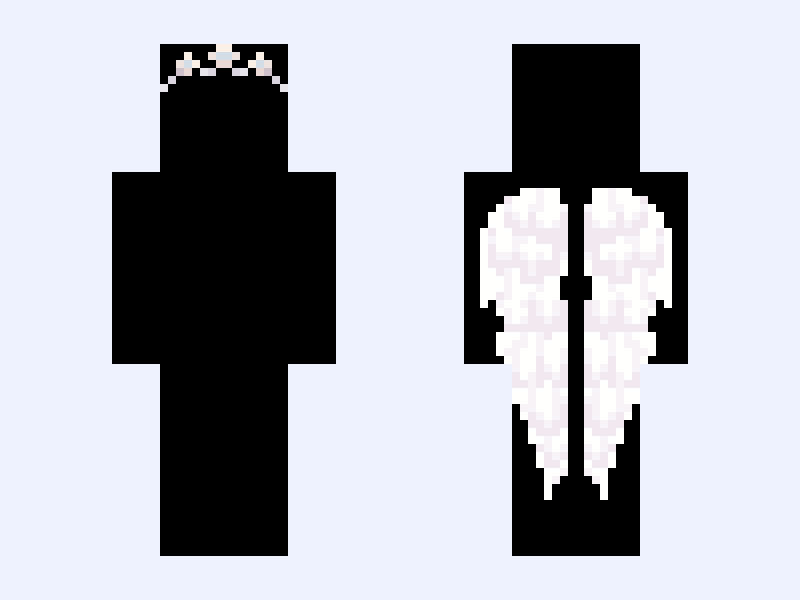
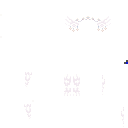
This is the skin file you download: a 128×128 HD PNG texture laid out in the standard Minecraft skin format.
V1 ⚜️🪽Angel Royalty Wings🪽⚜️ Minecraft Skin
Slim
128×128 HD
38 likes
0 comments
Download Skin
About this skin
Im releasing these wings first before i release the outfit bases 👒 #gabzu_accessories 👒
Skin details
- Model
- Slim (Alex, 3px arms)
- Texture size
- 128×128 HD pixels
- File type
- PNG with transparency
- Likes
- 38
- Comments
- 0
- Added
- September 10, 2026
How to use this skin in Minecraft Java Edition
- Select Download Skin to save the PNG file.
- Open the Minecraft Launcher and go to Skins.
- Choose New Skin and select the Slim player model.
- Browse to the downloaded PNG, then select Save & Use.
How to use this skin in Minecraft Bedrock Edition
- Select Download Skin to save the PNG file.
- Open Minecraft and go to the Dressing Room.
- Under Classic Skins, choose Import, then Choose New Skin.
- Select the PNG and pick the Slim model.
Collections this skin is in
More Minecraft skins
 Slim
Slim
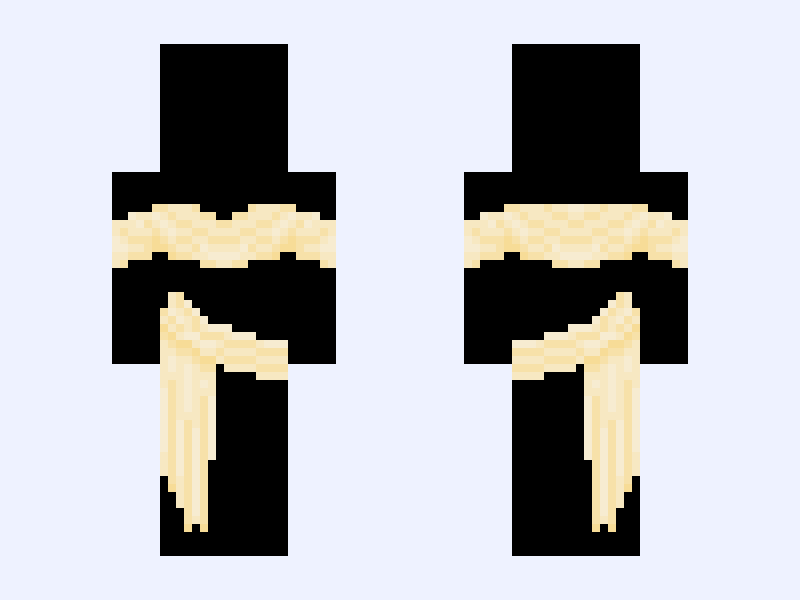
♡ Sun Goddess ♡ Greek god goddess dress beautiful mythology sun yellow gold golden pretty
52 likes
 Slim
Slim
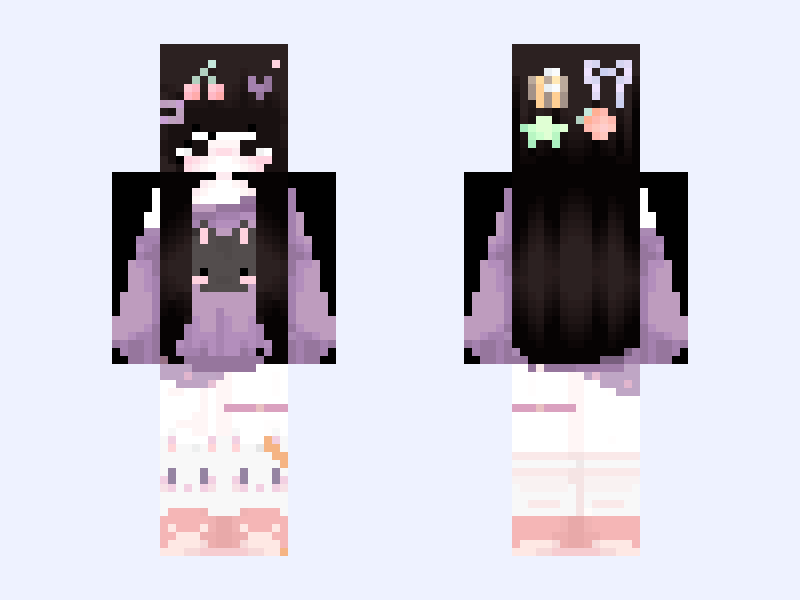
sami
37 likes
 Slim
Slim
Base remake-> “.❤💣 And yet it Recovers 💣❤.”
73 likes
 Slim
Slim
original girl summer
30 likes
 Slim
Slim
(V1) ⚜️🪽Angel Royalty🪽⚜️ white blue heaven light gown dress
49 likes
 Slim
Slim
𓆩. I'ʟʟ Wᴀɪᴛ .𓆪
94 likes