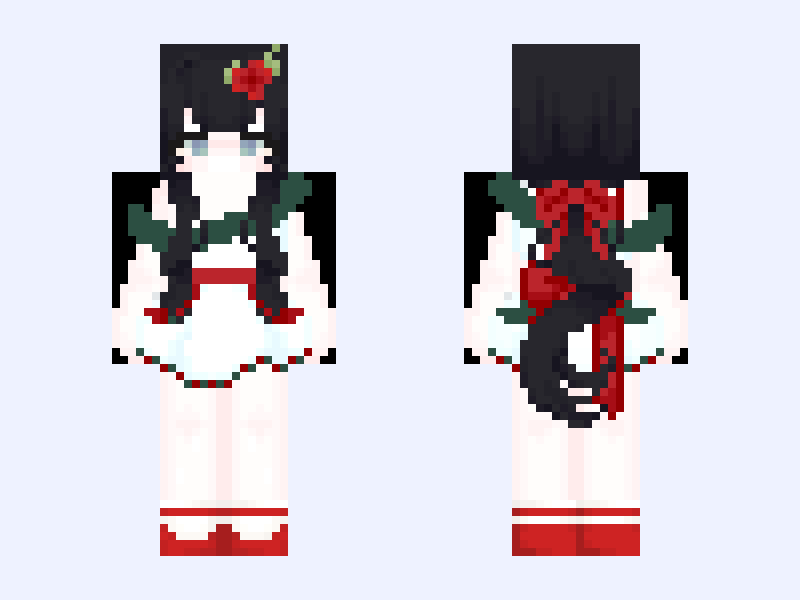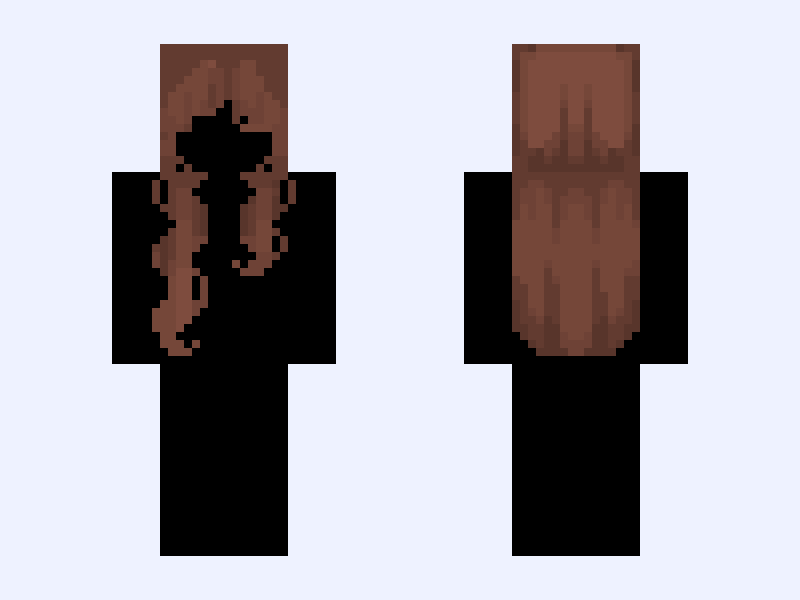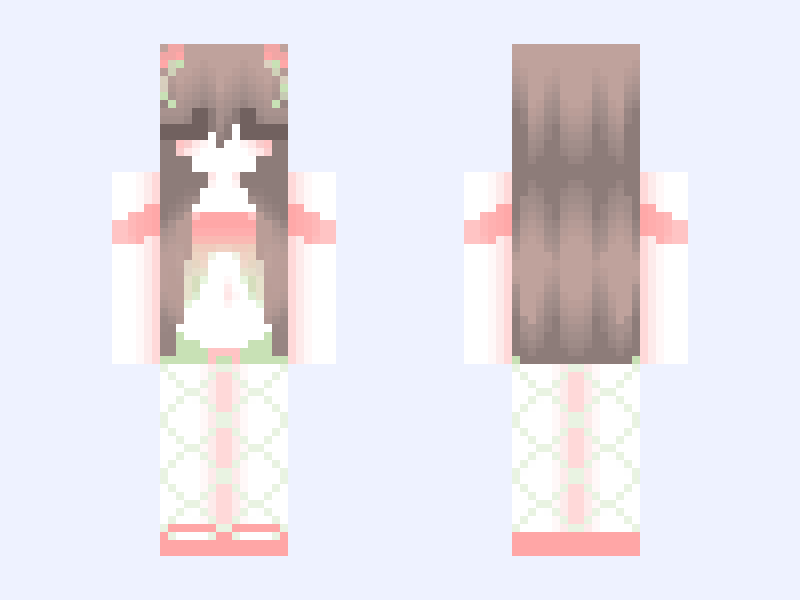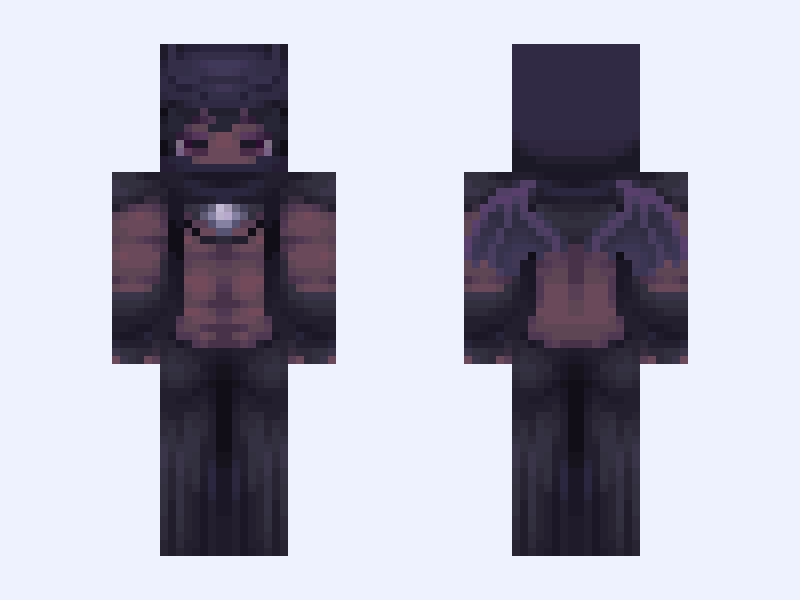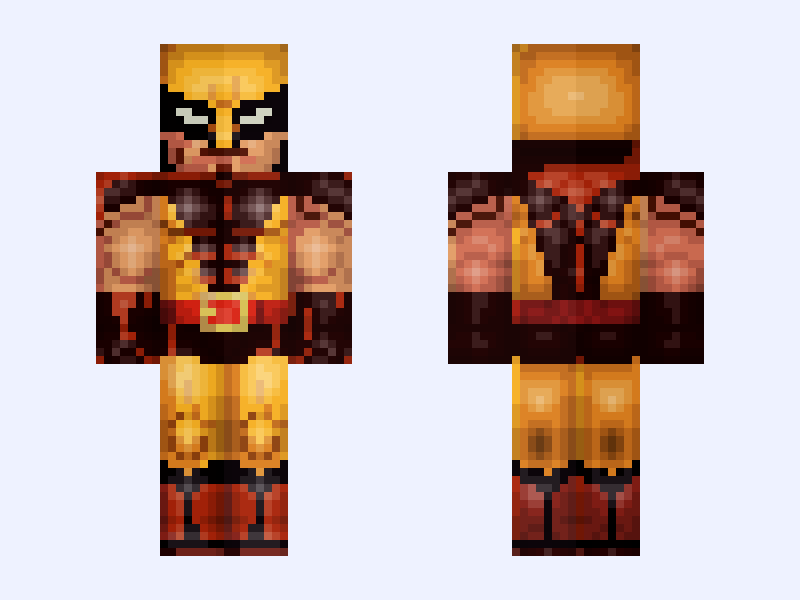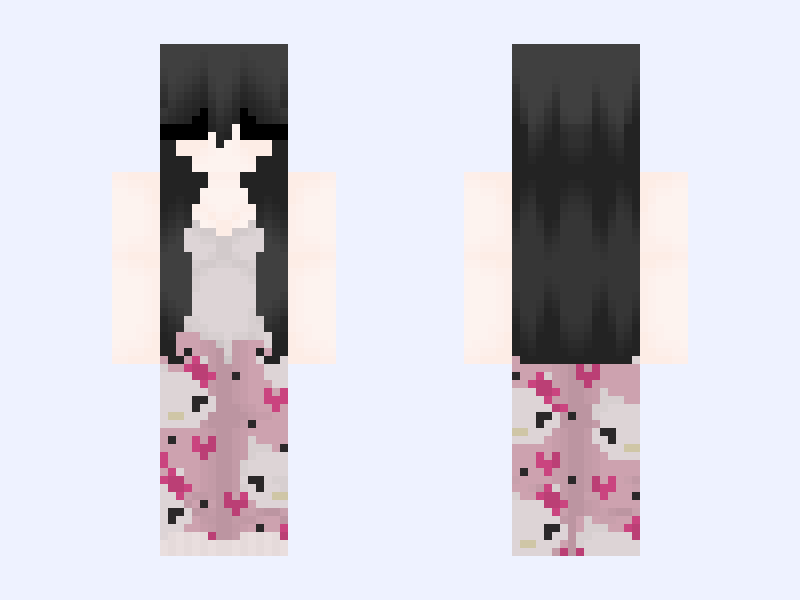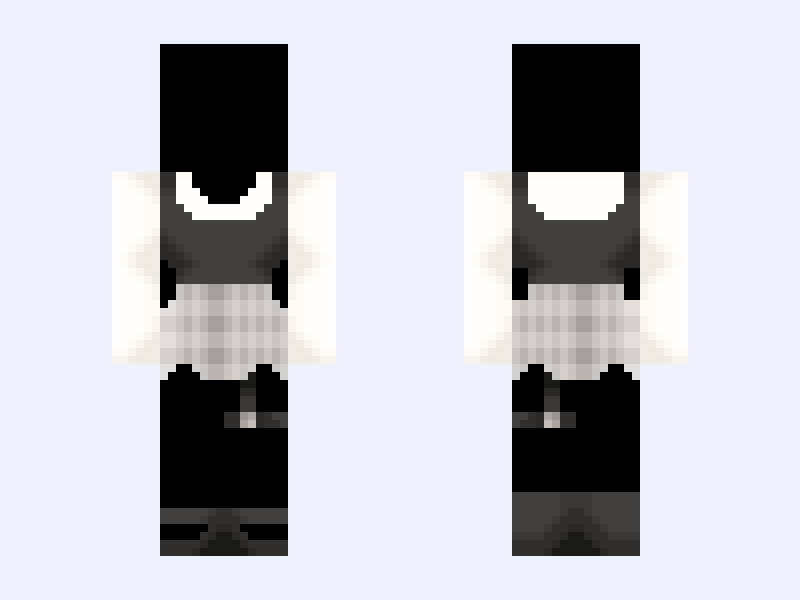
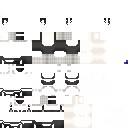
This is the skin file you download: a 128×128 HD PNG texture laid out in the standard Minecraft skin format.
vintage heart base🪦🤍 Minecraft Skin
About this skin
♡ ∩_∩ ╭ („• ֊ •„)♡ ୨୧ ┈┈ • ┈╮ U U Hello @UwuTart here! ♡ ╰┈ • ┈ ┈ ୨୧ ┈┈ • ┈╯ Do NOT recolor/repost/steal or I’ll block/report you. PLEASE use credit if you use. Please follow the rules. Thanks ‿︵‿︵‿︵୨˚̣̣̣͙୧ - - - - - ୨˚̣̣̣͙୧‿︵‿︵‿︵ I have finally decided To make my Bases only Into 128x due to people on This app only making 128x Skins.. ~ do not repost/recolor I don’t allow that. ~ credit if you use. This skin is 100% mine. ~ my 64x skins are at @UwuTart ~ my 64x Bases are at @TartBases ~ my 64x hairs are at @bunily I do not allow anyone to make my @UwuTart Skins into 128x if I decide to it will be on this account as well.. but for now I’ve decided to finally make some of my bases into 128x Also! I won’t be posting them everyday or the new ones. Until I can. I’m a busy person and making a 128x isn’t worth my time. They will post eventually. Things take time. Thanks for waiting patiently! ‿︵‿︵‿︵୨˚̣̣̣͙୧ - - - - - ୨˚̣̣̣͙୧‿︵‿︵‿︵
Skin details
- Model
- Slim (Alex, 3px arms)
- Texture size
- 128×128 HD pixels
- File type
- PNG with transparency
- Likes
- 27
- Comments
- 0
- Added
- September 9, 2026
How to use this skin in Minecraft Java Edition
- Select Download Skin to save the PNG file.
- Open the Minecraft Launcher and go to Skins.
- Choose New Skin and select the Slim player model.
- Browse to the downloaded PNG, then select Save & Use.
How to use this skin in Minecraft Bedrock Edition
- Select Download Skin to save the PNG file.
- Open Minecraft and go to the Dressing Room.
- Under Classic Skins, choose Import, then Choose New Skin.
- Select the PNG and pick the Slim model.