
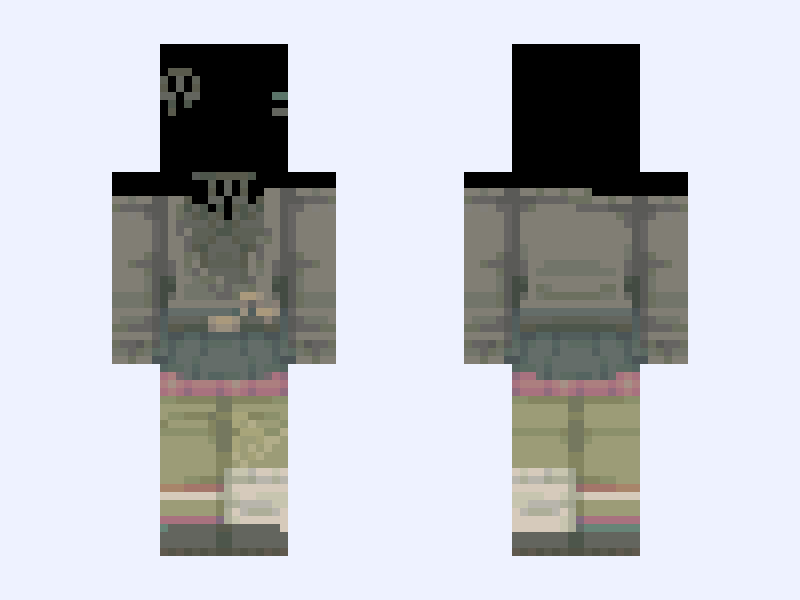
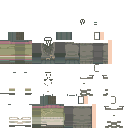
This is the skin file you download: a 128×128 HD PNG texture laid out in the standard Minecraft skin format.
Whimsical Green 『 Base 』 Minecraft Skin
Slim
128×128 HD
37 likes
2 comments
Download Skin
About this skin
i changed it from whimsy to whimsical because i see people get pissy when someone says whimsy and it's sticking with me rn i haven't made skins on here in a long time i can't believe there's actually new new ui update!! but yeah i was supposed to share bases for my skins i made in janurary but never did !!! here u go guys :3
Skin details
- Model
- Slim (Alex, 3px arms)
- Texture size
- 128×128 HD pixels
- File type
- PNG with transparency
- Likes
- 37
- Comments
- 2
- Added
- September 11, 2026
How to use this skin in Minecraft Java Edition
- Select Download Skin to save the PNG file.
- Open the Minecraft Launcher and go to Skins.
- Choose New Skin and select the Slim player model.
- Browse to the downloaded PNG, then select Save & Use.
How to use this skin in Minecraft Bedrock Edition
- Select Download Skin to save the PNG file.
- Open Minecraft and go to the Dressing Room.
- Under Classic Skins, choose Import, then Choose New Skin.
- Select the PNG and pick the Slim model.
Collections this skin is in
More Minecraft skins
 Slim
Slim
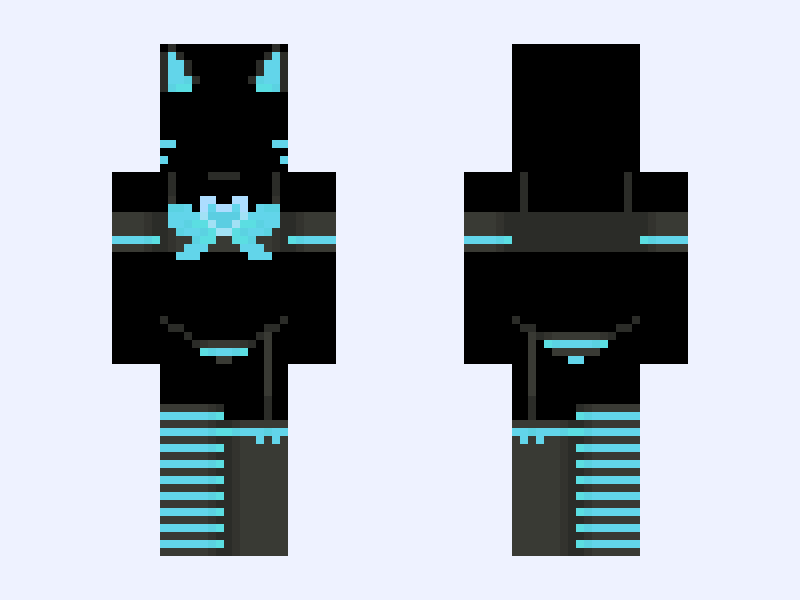
KITTY Blue Version
23 likes
 Slim
Slim
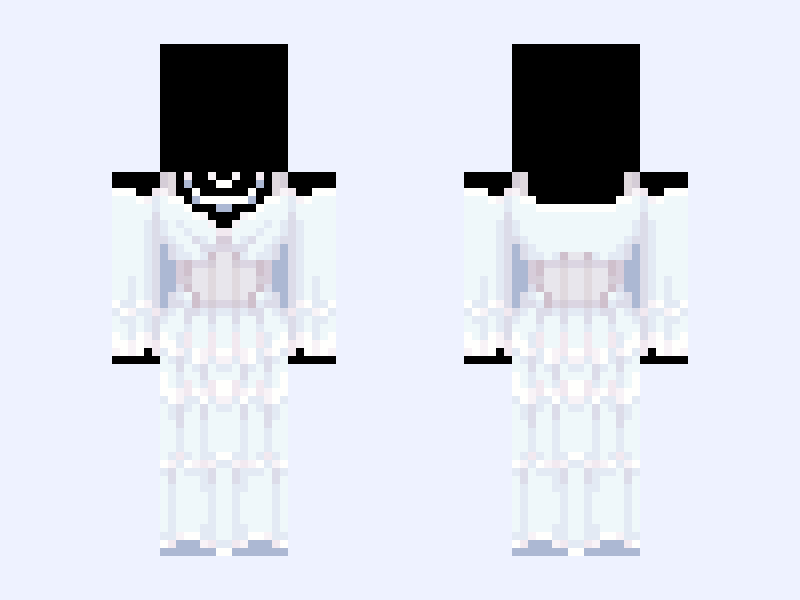
(V4) ⚜️🪽Angel Royalty🪽⚜️ white blue heaven light
39 likes
 Slim
Slim
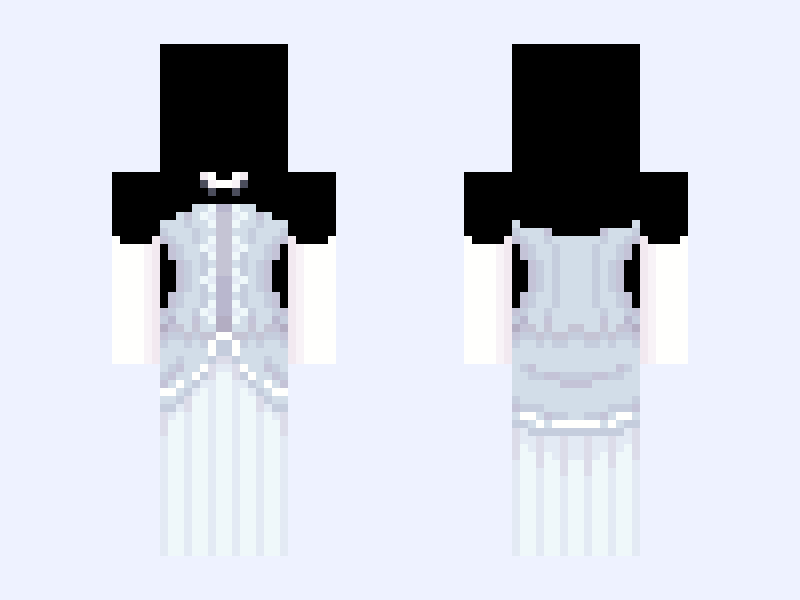
(V7) ⚜️🪽Angel Royalty🪽⚜️ white blue heaven light dress gown
34 likes
 Slim
Slim
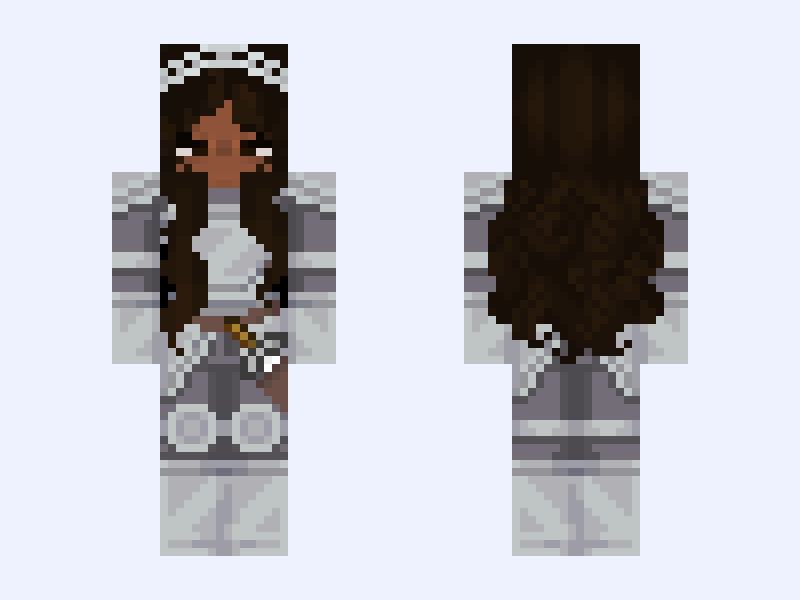
poc edit : ⟢ feminine knight girl armor silver cute brown
26 likes
 Classic
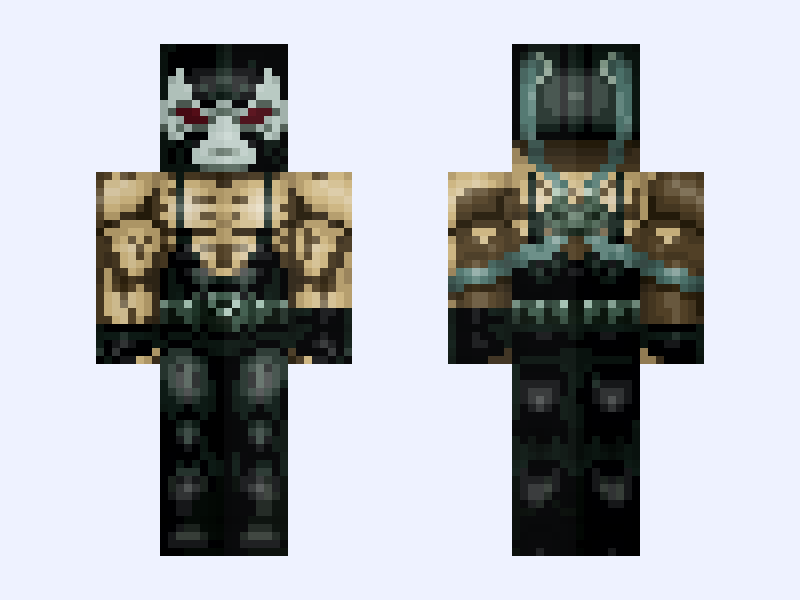
Bane: Batman: Knightfall Part 1: Knightfall (DC Animation: 2026)
37 likes
 Slim
Slim
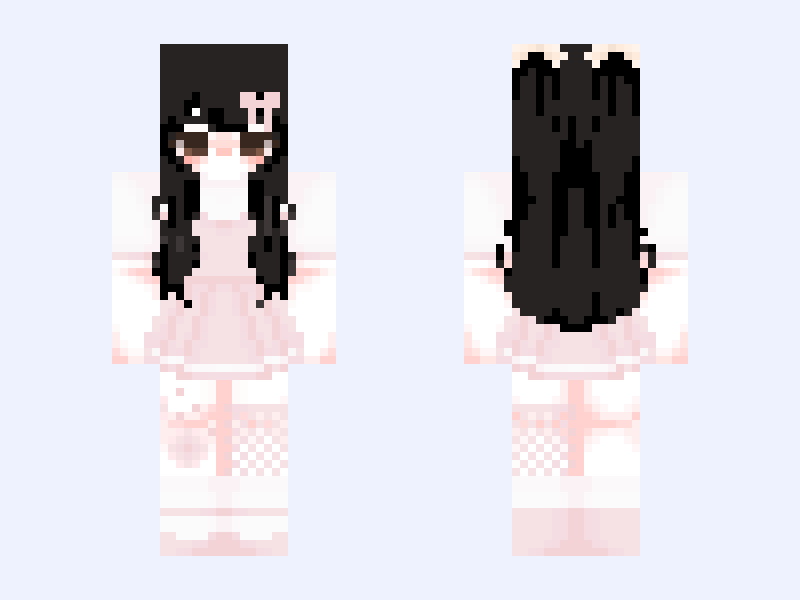
cute girl
29 likes