
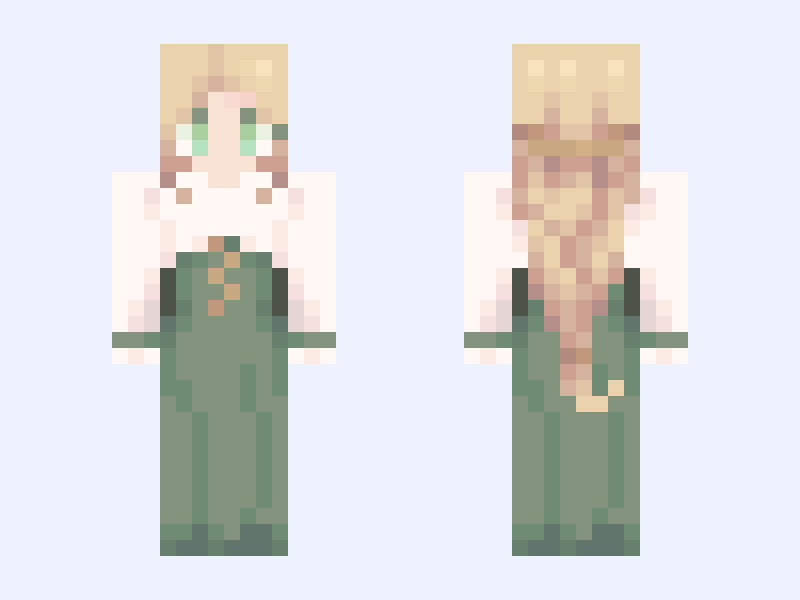

This is the skin file you download: a 64×64 PNG texture laid out in the standard Minecraft skin format.
wip Minecraft Skin
Slim
64×64
19 likes
14 comments
Download Skin
About this skin
1. I was genuinely so happy and relieved that I was finished with the skin before I realised it was just the front and back done 😭 2. one of my doomed royal yuri oc duo 3. her design genuinely got butchered in Minecraft skin form I'm crine #aidoru
Skin details
- Model
- Slim (Alex, 3px arms)
- Texture size
- 64×64 pixels
- File type
- PNG with transparency
- Likes
- 19
- Comments
- 14
- Added
- September 11, 2026
How to use this skin in Minecraft Java Edition
- Select Download Skin to save the PNG file.
- Open the Minecraft Launcher and go to Skins.
- Choose New Skin and select the Slim player model.
- Browse to the downloaded PNG, then select Save & Use.
How to use this skin in Minecraft Bedrock Edition
- Select Download Skin to save the PNG file.
- Open Minecraft and go to the Dressing Room.
- Under Classic Skins, choose Import, then Choose New Skin.
- Select the PNG and pick the Slim model.
Collections this skin is in
More Minecraft skins
 Slim
Slim
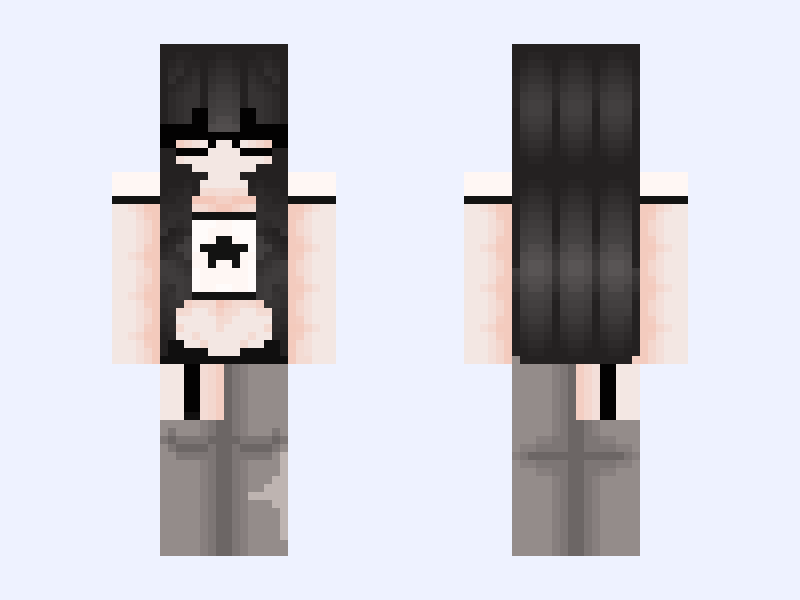
Dunno.。*゚+
10 likes
 Slim
Slim
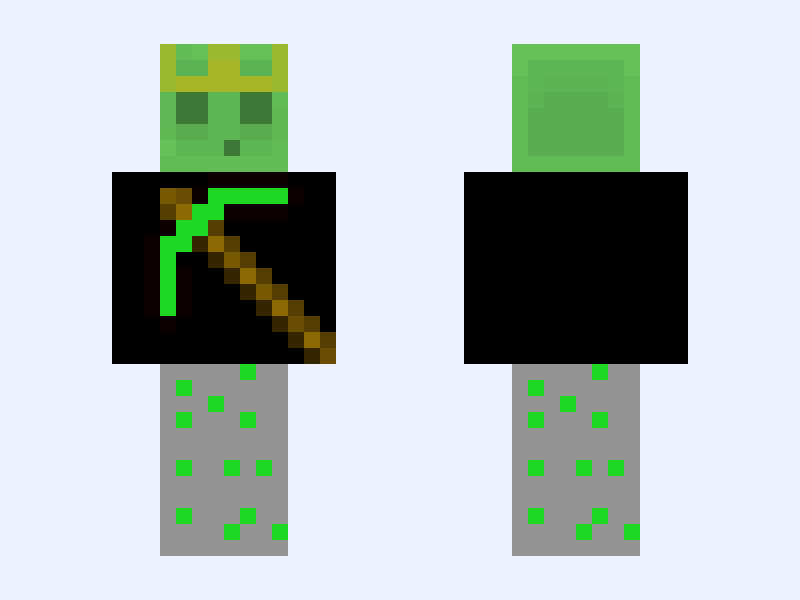
Like If You Love Me Slimey Emerald Pickaxe And EmeraldCombined With Redstone Ore
6 likes
 Classic
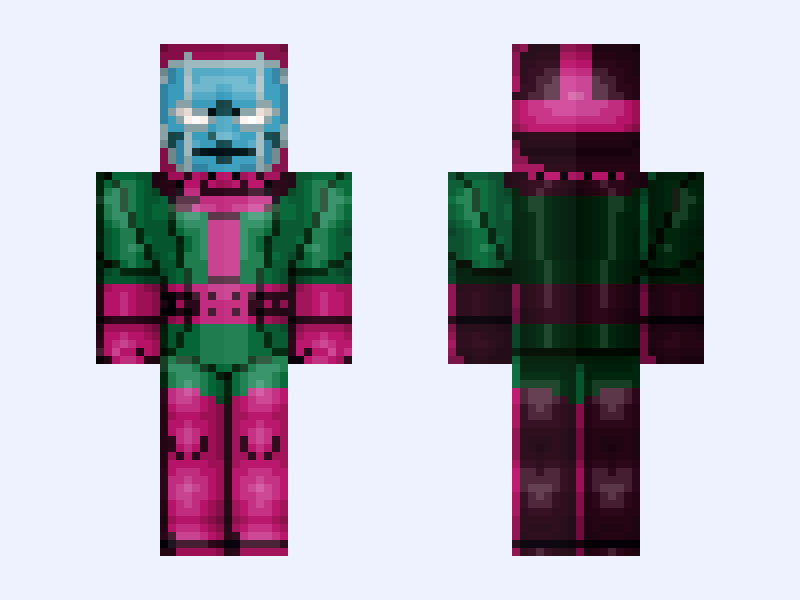
Kang the Conqueror: X-Men '97 (Season 2: Nathaniel Richards: Marvel Animation: 2026)
20 likes
 Classic
𝕡𝕖𝕒𝕔𝕙𝕪 // beach vibes bikini bathing suit cute girl peachy clothes base
7 likes
 Classic
Whispy (original)
4 likes
 Slim
Slim
🚬ℭ𝔥𝔦𝔩𝔩 𝔖𝔱𝔯𝔢𝔢𝔱🚬
13 likes