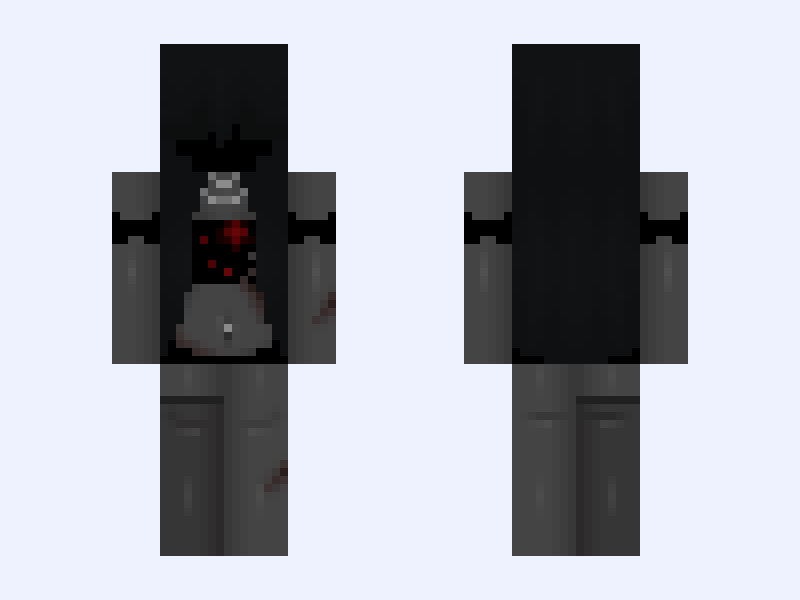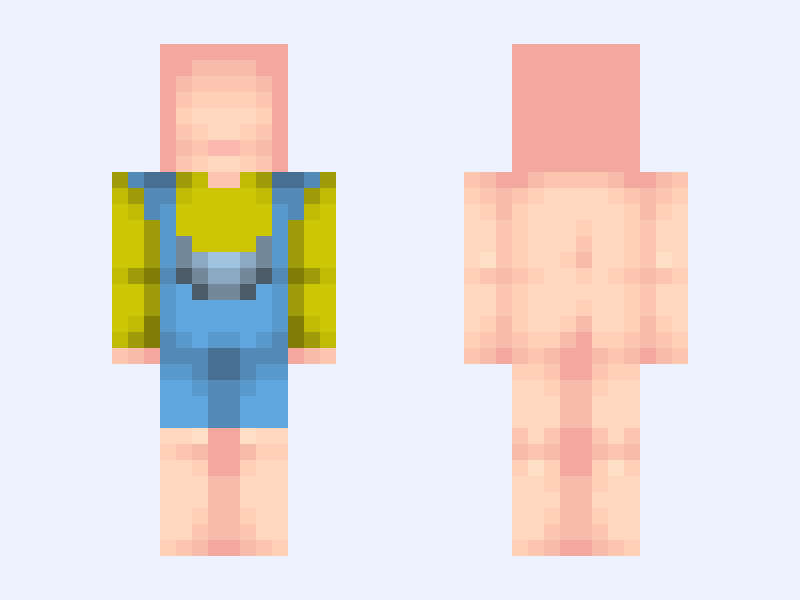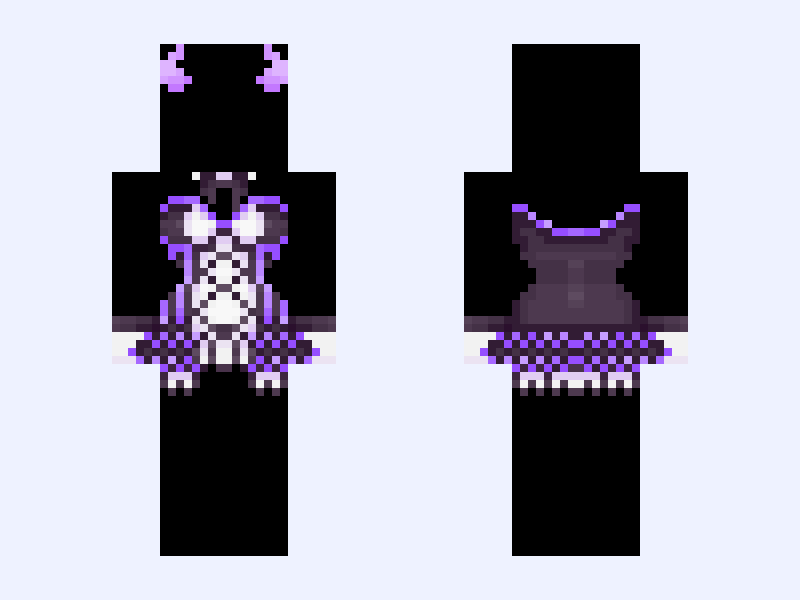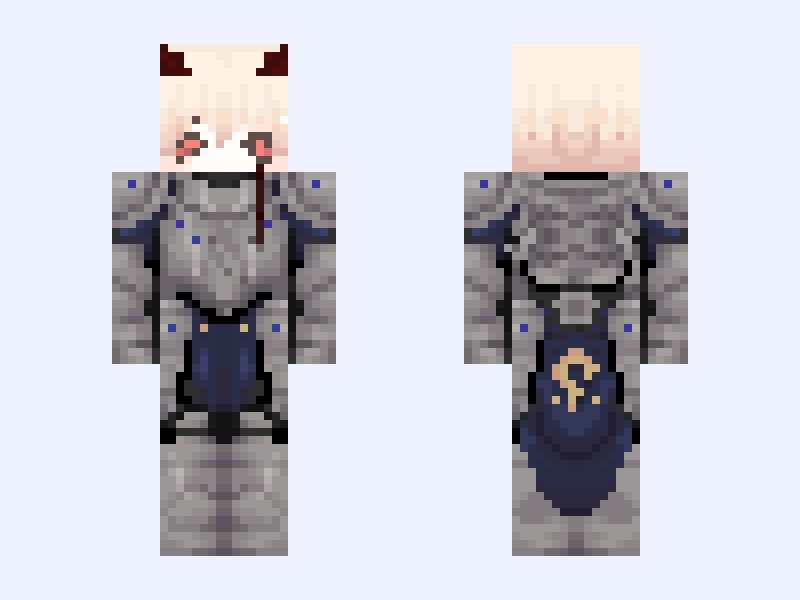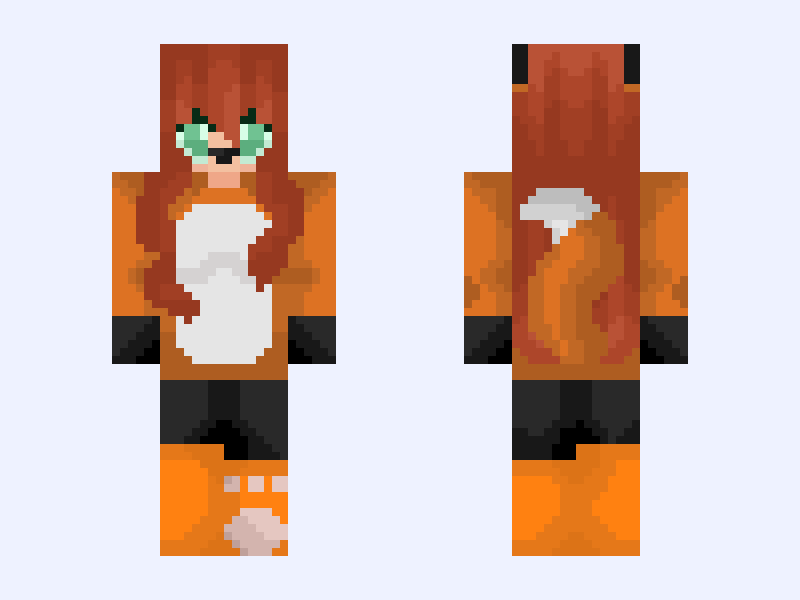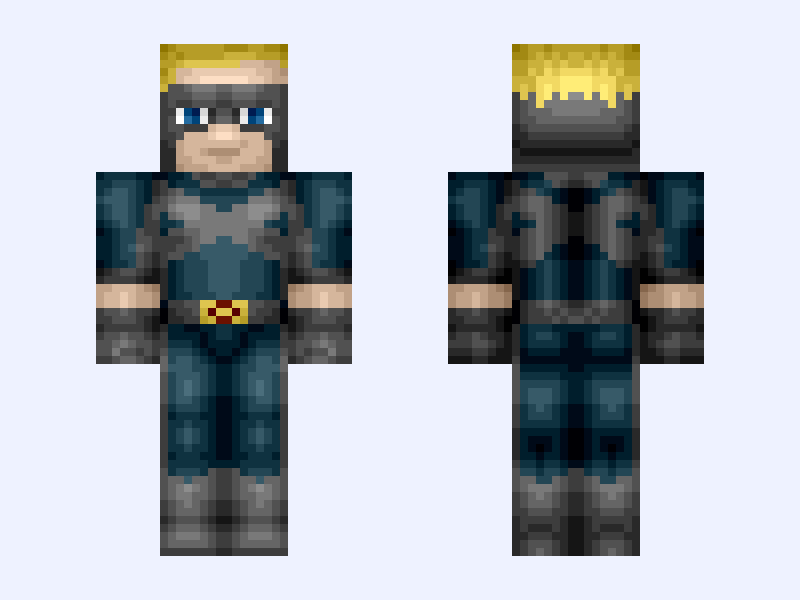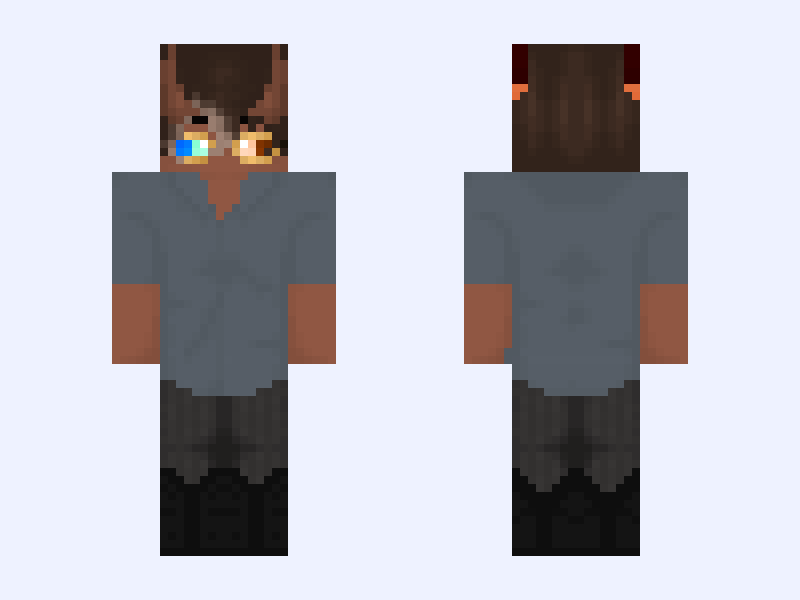
This is the skin file you download: a 128×128 HD PNG texture laid out in the standard Minecraft skin format.
Aftershock Franchise Revival! Minecraft Skin
About this skin
After a LOT of thinking on it, I am planning to bring back Aftershock BUT it will have a slight twist. Mishka Savir Gold will be the primary antagonist of Aftershock: Chapter 5, I don't know if I'll open it up to multi-player like I did with Ascendants but it's not off the table entirely just yet. There is potential that my offical persona MIGHT appear in the revival of it but nothing confirmed yet BUT I will say that this revival will be pivotal for Mishka especially considering Aftershock was his series that literally showed his entire origin and his adventures into Universe 314. ~Tags~ #O9MJ_OCs #O9MJ_AFTERSHOCK ~Credits~ @verbena @valtiel @Chiavan @readySTART @XxQuorraxX
Skin details
- Model
- Slim (Alex, 3px arms)
- Texture size
- 128×128 HD pixels
- File type
- PNG with transparency
- Likes
- 6
- Comments
- 0
- Added
- September 17, 2026
How to use this skin in Minecraft Java Edition
- Select Download Skin to save the PNG file.
- Open the Minecraft Launcher and go to Skins.
- Choose New Skin and select the Slim player model.
- Browse to the downloaded PNG, then select Save & Use.
How to use this skin in Minecraft Bedrock Edition
- Select Download Skin to save the PNG file.
- Open Minecraft and go to the Dressing Room.
- Under Classic Skins, choose Import, then Choose New Skin.
- Select the PNG and pick the Slim model.