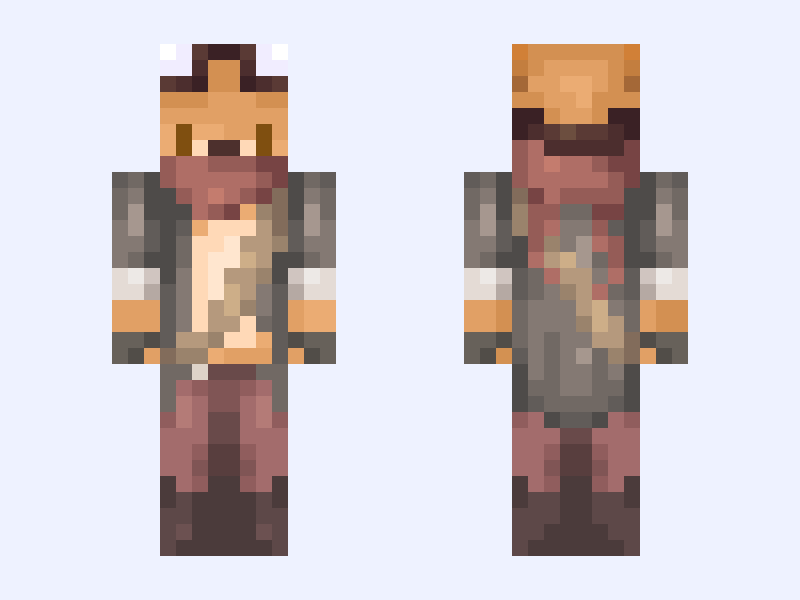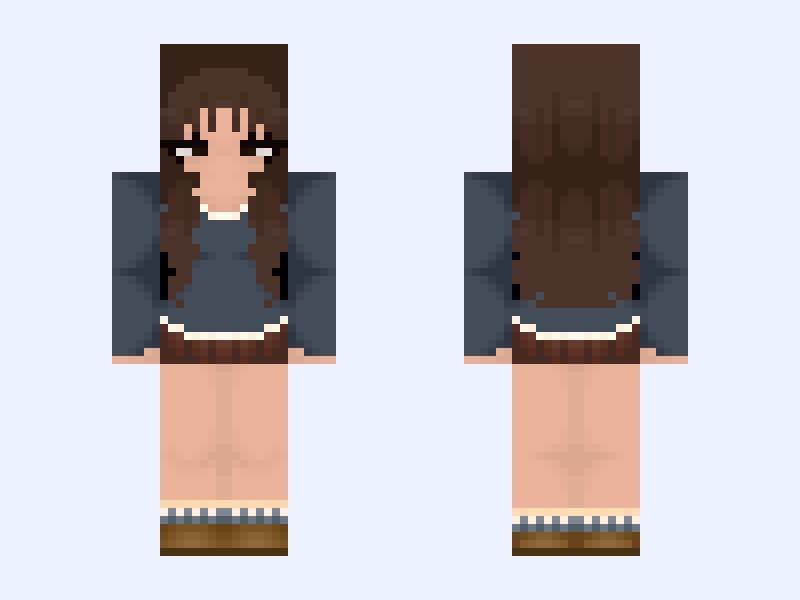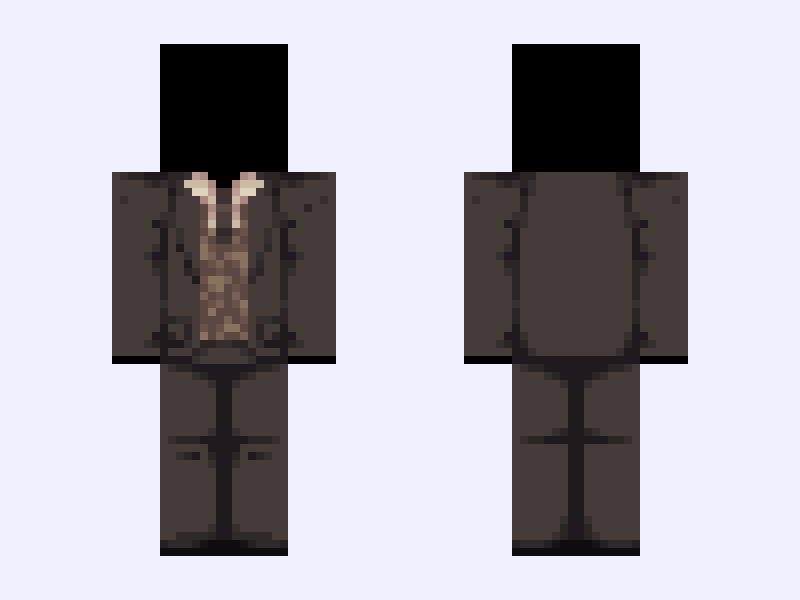
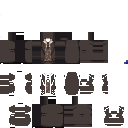
This is the skin file you download: a 128×128 HD PNG texture laid out in the standard Minecraft skin format.
💼 - . * + | Brown, Suit, Tux, Shirt, Blazer, Base, 128x128 | Minecraft Skin
Slim
128×128 HD
23 likes
0 comments
Download Skin
About this skin
+ * . - 💼.. - . * + + * . - 💉.. - . * + - . * + Lowkey just a reshade of my Hermes base🤫 Inspiration: https://pin.it/7nwv4ko99 https://pin.it/7vBsEboUZ https://pin.it/htHeflmmB Song recommendation: Confrontation from Jekyll & Hyde: The Gothic Musical Thriller - . * + Like before leaving ads If used give credit Don’t repost or steal Like before download - . * + Everything: @MoonlitStars462 (me) - . * + #Stars128
Skin details
- Model
- Slim (Alex, 3px arms)
- Texture size
- 128×128 HD pixels
- File type
- PNG with transparency
- Likes
- 23
- Comments
- 0
- Added
- September 16, 2026
How to use this skin in Minecraft Java Edition
- Select Download Skin to save the PNG file.
- Open the Minecraft Launcher and go to Skins.
- Choose New Skin and select the Slim player model.
- Browse to the downloaded PNG, then select Save & Use.
How to use this skin in Minecraft Bedrock Edition
- Select Download Skin to save the PNG file.
- Open Minecraft and go to the Dressing Room.
- Under Classic Skins, choose Import, then Choose New Skin.
- Select the PNG and pick the Slim model.