
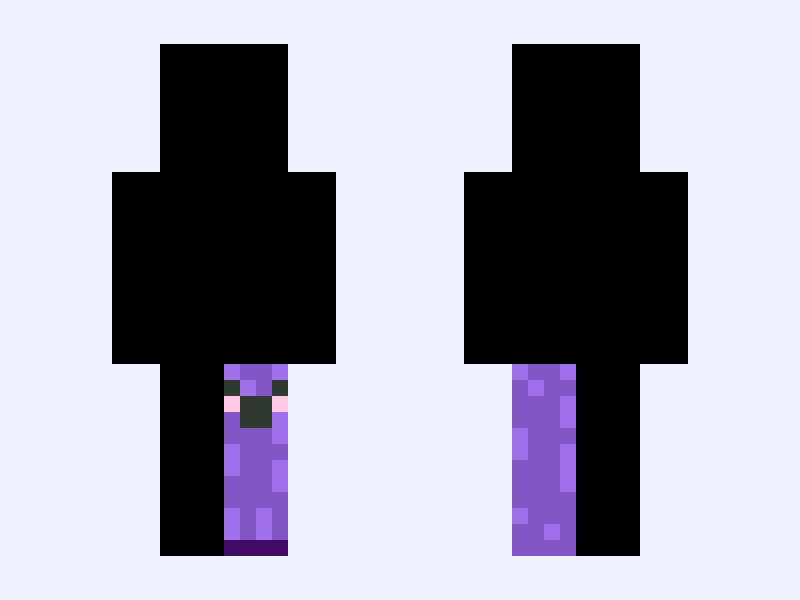

This is the skin file you download: a 64×64 PNG texture laid out in the standard Minecraft skin format.
cute purple creeper Minecraft Skin
Slim
64×64
11 likes
6 comments
Download Skin
About this skin
OK, so are you someone’s skin and I edited the colors and it looks really great and I like it. And that’s for purple lovers if you want color of a creeper, you can just tell me in the comments right here🩷🩷🩷🩷🩷🩷
Skin details
- Model
- Slim (Alex, 3px arms)
- Texture size
- 64×64 pixels
- File type
- PNG with transparency
- Likes
- 11
- Comments
- 6
- Added
- September 5, 2026
How to use this skin in Minecraft Java Edition
- Select Download Skin to save the PNG file.
- Open the Minecraft Launcher and go to Skins.
- Choose New Skin and select the Slim player model.
- Browse to the downloaded PNG, then select Save & Use.
How to use this skin in Minecraft Bedrock Edition
- Select Download Skin to save the PNG file.
- Open Minecraft and go to the Dressing Room.
- Under Classic Skins, choose Import, then Choose New Skin.
- Select the PNG and pick the Slim model.
Collections this skin is in
More Minecraft skins
 Slim
Slim
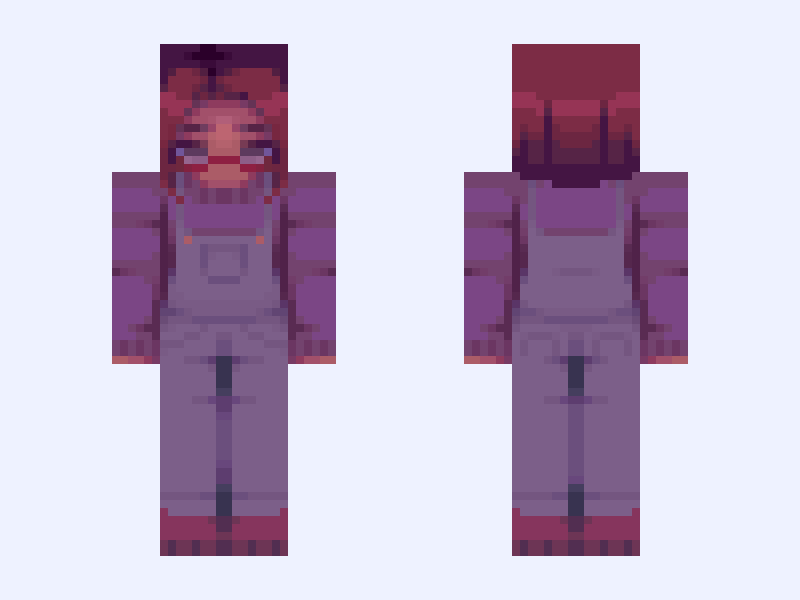
𝑀𝒶𝓇𝓊 maru stardew valley game overalls
19 likes
 Slim
Slim
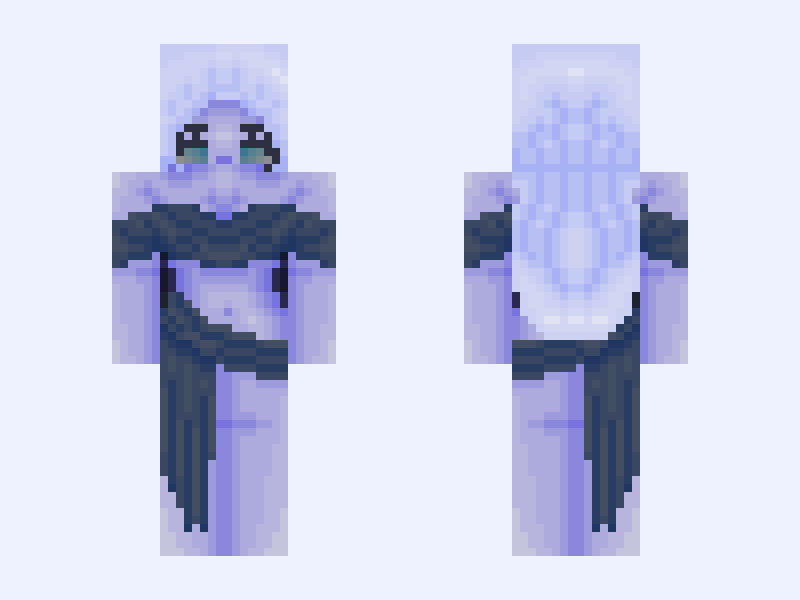
♡ The End ♡ night sky beautiful pretty Greek mythology goddess dress stars blue purple dress
23 likes
![[ 🦊 ] ~foxy~ Minecraft skin, slim model, front and back view](/assets/image/skins/foxy.png) Slim
Slim
[ 🦊 ] ~foxy~
35 likes
 Classic
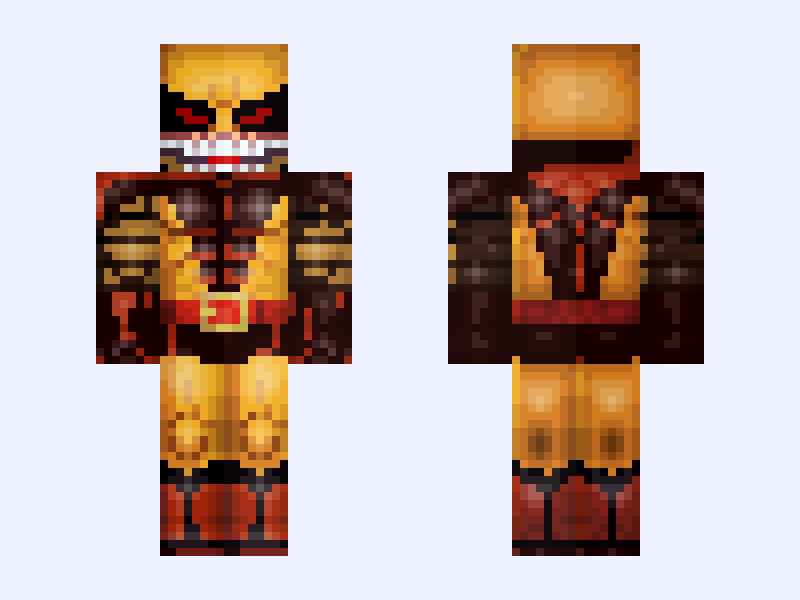
(Brood) Classic Wolverine: X-Men '97 (Season 2: James 'Logan' Howlett: Marvel Animation: 2026)
18 likes
 Classic
Untitled Skin #262D15
14 likes
 Slim
Slim
oh my gawd, it’s Elliot !!
20 likes