
![[ 🦊 ] ~foxy~ Minecraft skin, slim model, front and back view](/assets/image/skins/foxy.png)
![[ 🦊 ] ~foxy~ skin texture file (128×128 HD)](https://skinseed.minecraftmod.fun/images/skins/DD8971FB60D25AB2088825657FEB0261.png)
This is the skin file you download: a 128×128 HD PNG texture laid out in the standard Minecraft skin format.
[ 🦊 ] ~foxy~ Minecraft Skin
About this skin
This is for @enchanted_echo’s contest, and my partner is @CassidyFNAF5373! This is a red fox skin since Cassidy made an arctic fox. 🎀✨ **Welcome to my workshop!** ✨🎀 Welcome! I hope this skin adds some magic to your game! 🪐✨ 🕊️ **Bases Used:** ☄️ Hair Base: @ennui_ ☄️ Skin Base: @verbena ☄️ Outfit Base: @boomchickaboom 🔮 **Rules:** ✕ Do not re-upload without credit. ✓ Credit me if you edit! Like before downloading please! I spend a lot of time on these skins so please like before downloading! ☁️ *Feel free to use and edit for personal use!* 🌟 *Likes and follows mean the world to me!* Road to 700! Progress: 700________🚗______________600 All accounts 💖 -@pwxels -@pwxkitt -@bwightly -@buhny -@pwuffs ‼️⚠️REPORT @ReadyTedStudios he steals skins! ⚠️‼️ Have a magical day in your world! 🍰🌸 ─── ・ 。゚☆: *.☽ .* :☆゚. ─── *“Keep shining, the world needs your magic.”* ✨🧸 Closest friends go follow emmm’ [@itzliliann] [@youto] [@enchanted_echo] [@kamelonwolf] [@C00LGAL7] [@dwolls] [@SidneyKitt] Friends: (go support these baddddieeesss 💋) @gone @error_ipromise_ @twinkliee @emergence @PenFox @Myteddys @guts @Lilenddays12345 @BlushBlocks @C00LGAL7 @dollyluv @vampy @ive @blob_x_bread @velbi @rainy____ @doIIsie @RiaEve0 @objectsfly @P3pperMNt @dollmira @luvydovey @HotterThanU @eyekonic @julysky @dollyxluv @lovest @Cut3_Cakes @dollicakes @girl_living_love @cinna @forestt @eyekonfrvr @catcute2135 @strqberry @youto @like @lillianwasfound @vqni @kamelonwolf @kkayy @itzliliann @dwolls @lotany @sidneykitt @yaa22 @louloui @raxei @Portuguese @silas_sspb @notluna__ Tags/contests #EEcon5
Skin details
- Model
- Slim (Alex, 3px arms)
- Texture size
- 128×128 HD pixels
- File type
- PNG with transparency
- Likes
- 35
- Comments
- 11
- Added
- September 9, 2026
How to use this skin in Minecraft Java Edition
- Select Download Skin to save the PNG file.
- Open the Minecraft Launcher and go to Skins.
- Choose New Skin and select the Slim player model.
- Browse to the downloaded PNG, then select Save & Use.
How to use this skin in Minecraft Bedrock Edition
- Select Download Skin to save the PNG file.
- Open Minecraft and go to the Dressing Room.
- Under Classic Skins, choose Import, then Choose New Skin.
- Select the PNG and pick the Slim model.
Collections this skin is in
More Minecraft skins
 Classic
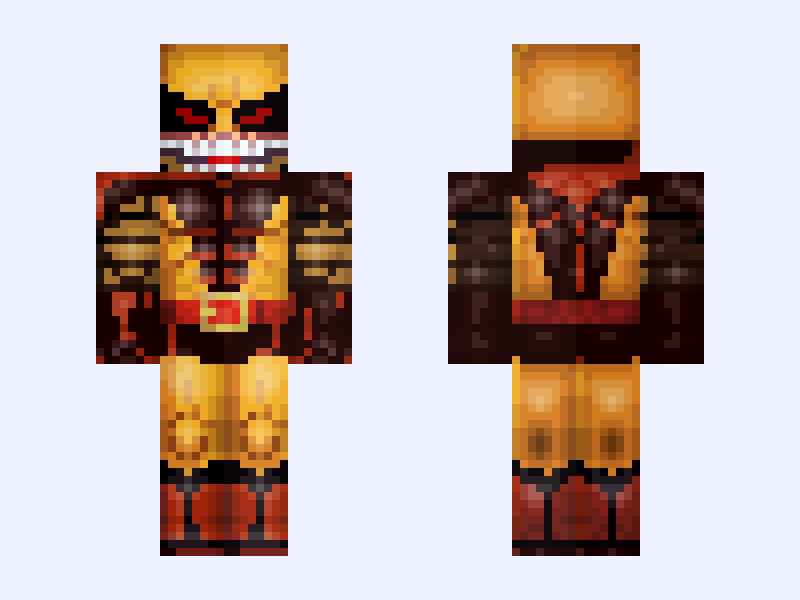
(Brood) Classic Wolverine: X-Men '97 (Season 2: James 'Logan' Howlett: Marvel Animation: 2026)
18 likes
 Classic
Untitled Skin #262D15
14 likes
 Slim
Slim
oh my gawd, it’s Elliot !!
20 likes
 Slim
Slim
(Black hair base) 🌈Colorful🌈
33 likes
 Slim
Slim
V3 (Base) 💔Heartbreak💔
33 likes
 Slim
Slim
Cute Deer Christmas Girl (Read description) Please don't report... :(
16 likes