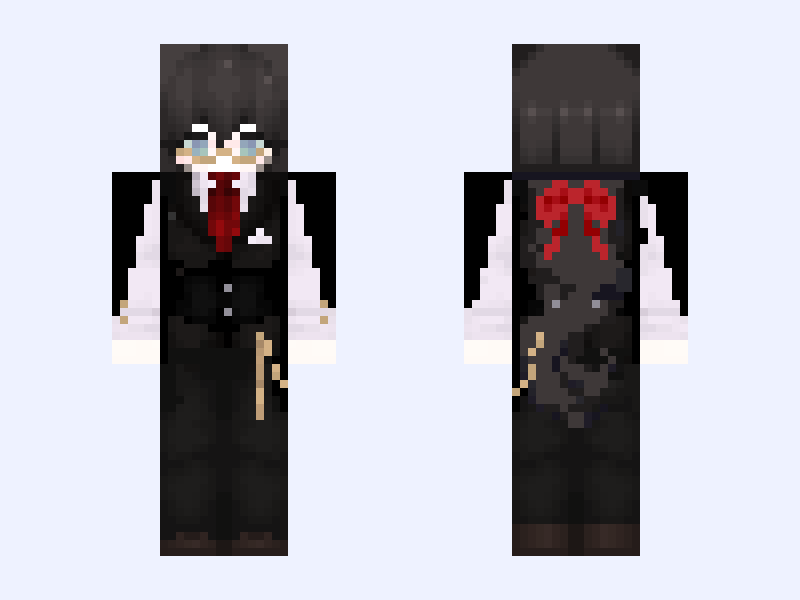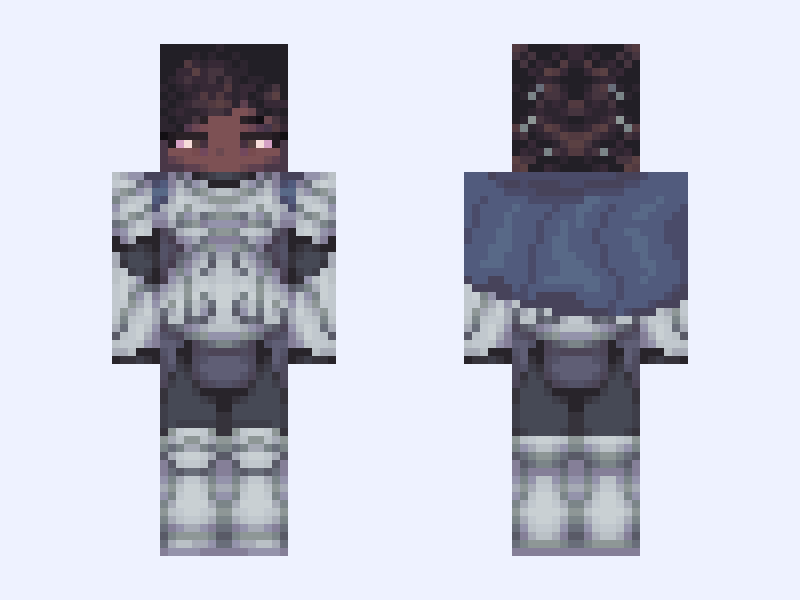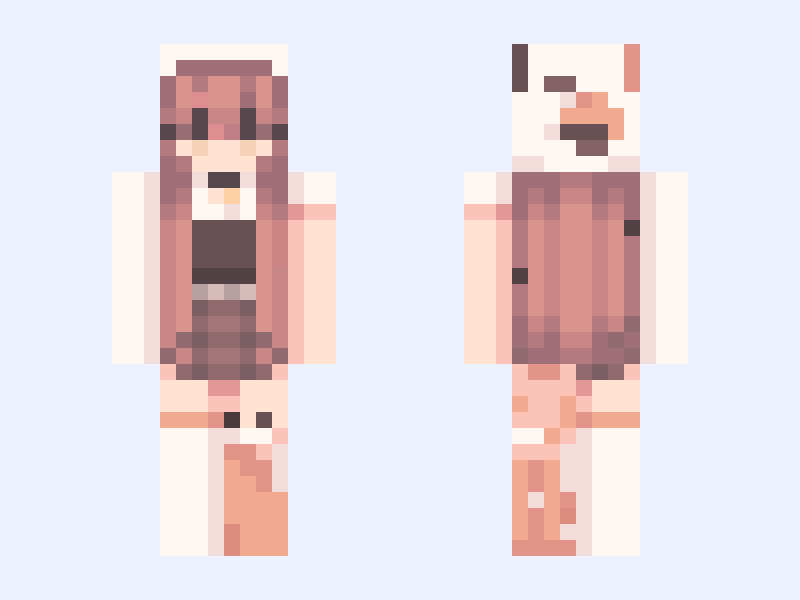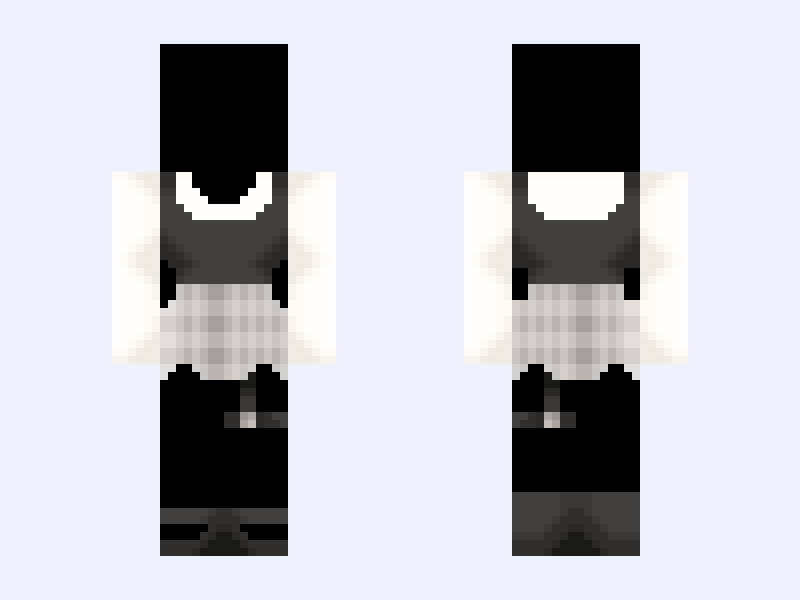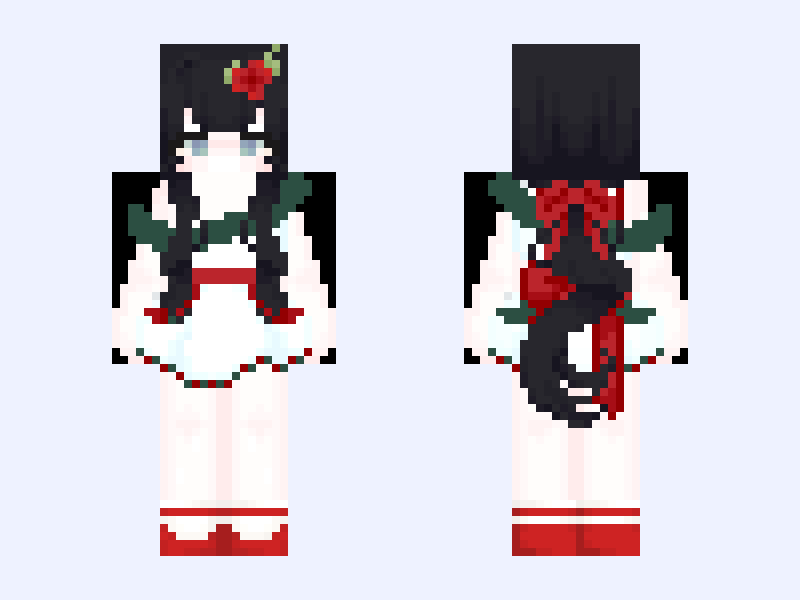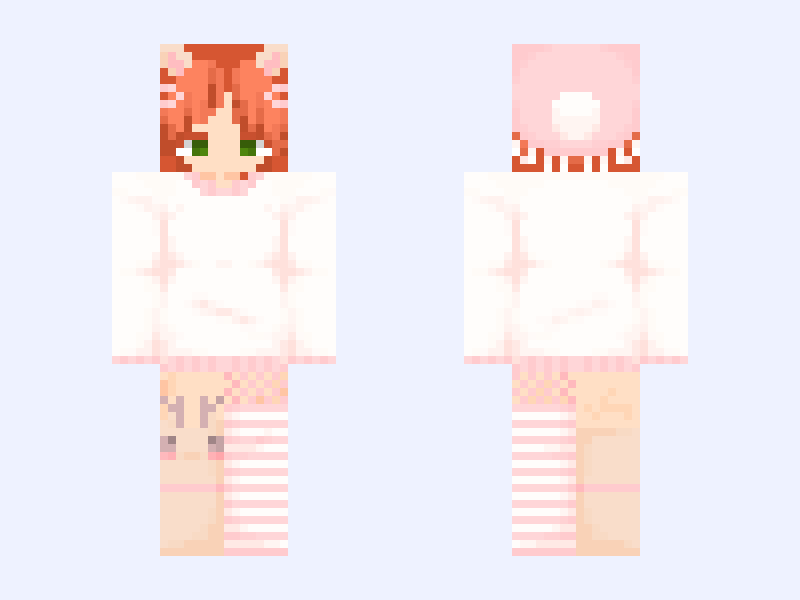
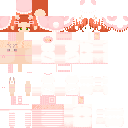
This is the skin file you download: a 128×128 HD PNG texture laid out in the standard Minecraft skin format.
Cute Deer Christmas Girl (Read description) Please don't report... :( Minecraft Skin
Slim
128×128 HD
16 likes
0 comments
Download Skin
About this skin
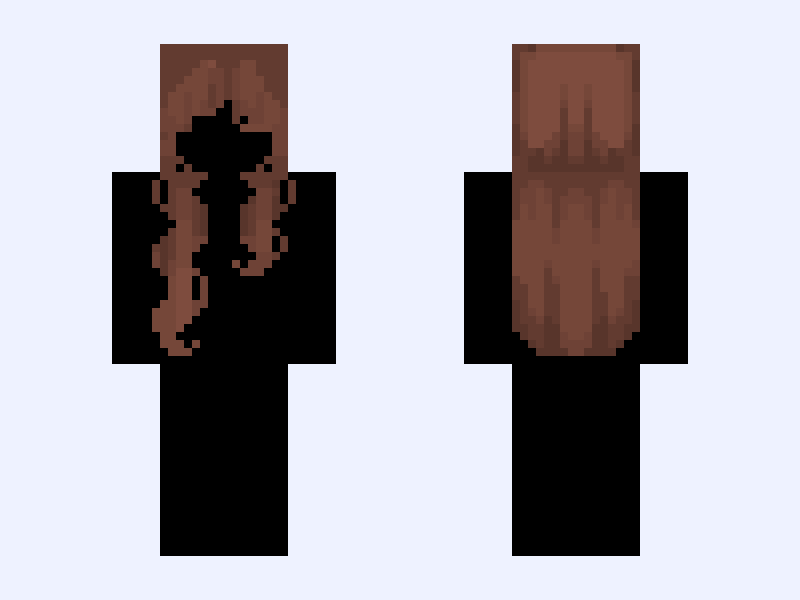
Yes I know its not Christmas.. :[ it was cuteeee..... Credits ~~~~~~~ Hair - (ok, so I was looking at all my liked skins and searched for the hair BUT I COULDNT FIND ITTT so if y'all can find who made the hair PLZ tell me in the comments so I can credit and plz don't report or repost...) Outfit - @AlenaNeko #CassSKINS5373 #Deer #Popular #Cute #Kawaii #Softy #Girl #Woman #Lady
Skin details
- Model
- Slim (Alex, 3px arms)
- Texture size
- 128×128 HD pixels
- File type
- PNG with transparency
- Likes
- 16
- Comments
- 0
- Added
- September 13, 2026
How to use this skin in Minecraft Java Edition
- Select Download Skin to save the PNG file.
- Open the Minecraft Launcher and go to Skins.
- Choose New Skin and select the Slim player model.
- Browse to the downloaded PNG, then select Save & Use.
How to use this skin in Minecraft Bedrock Edition
- Select Download Skin to save the PNG file.
- Open Minecraft and go to the Dressing Room.
- Under Classic Skins, choose Import, then Choose New Skin.
- Select the PNG and pick the Slim model.