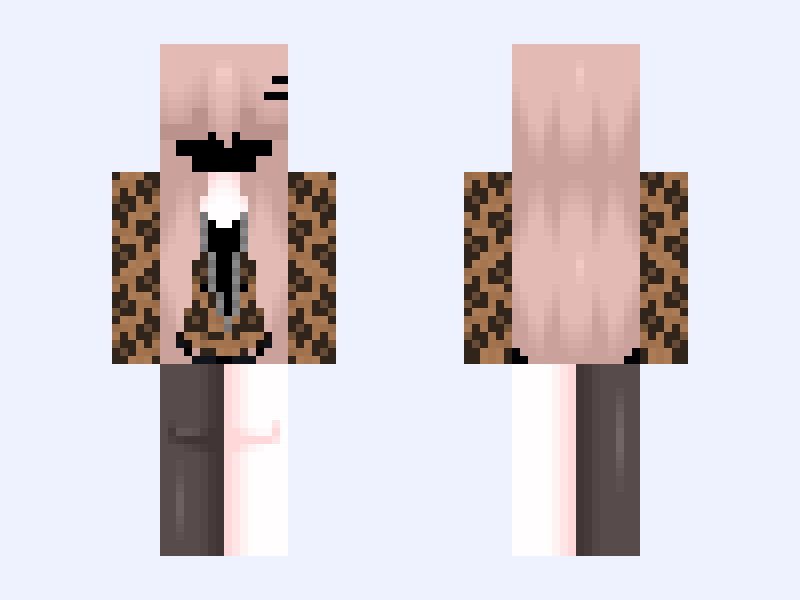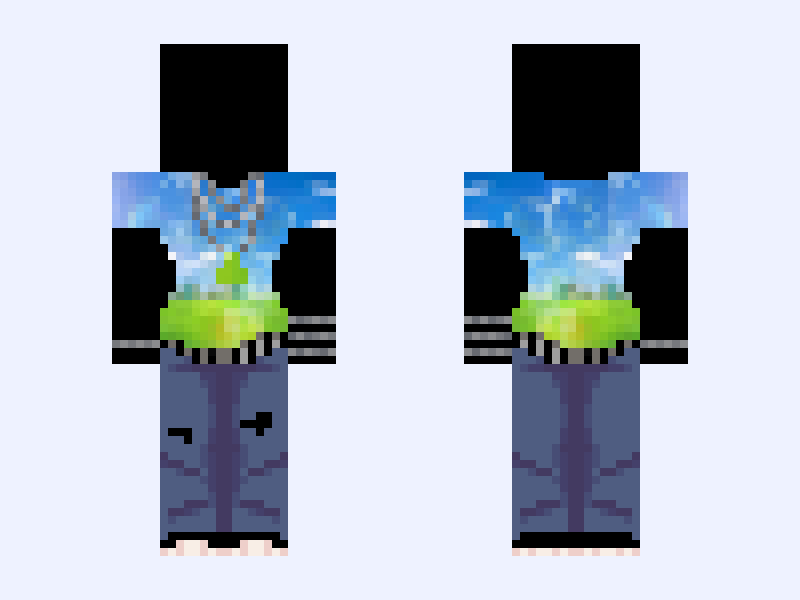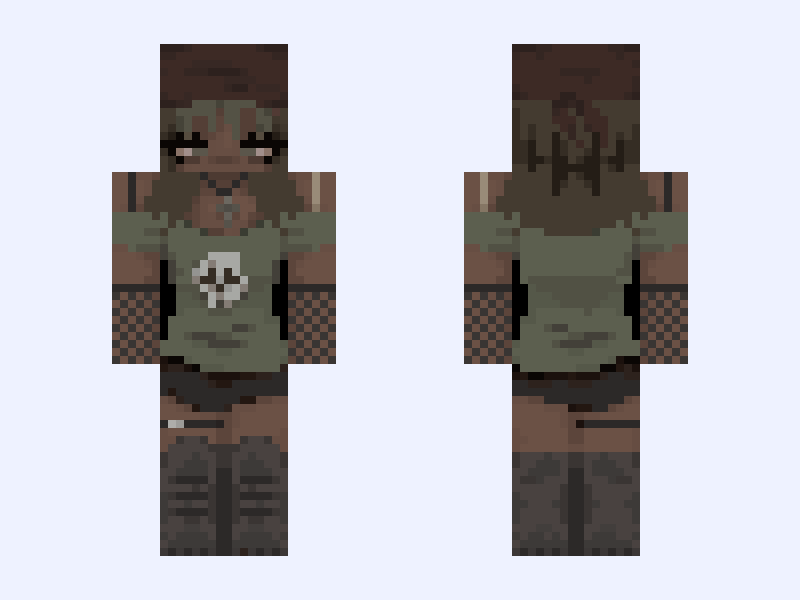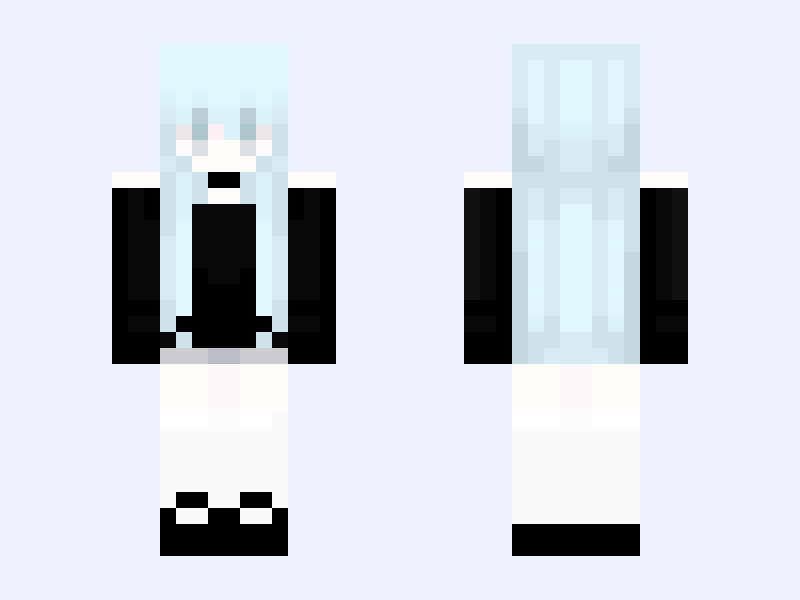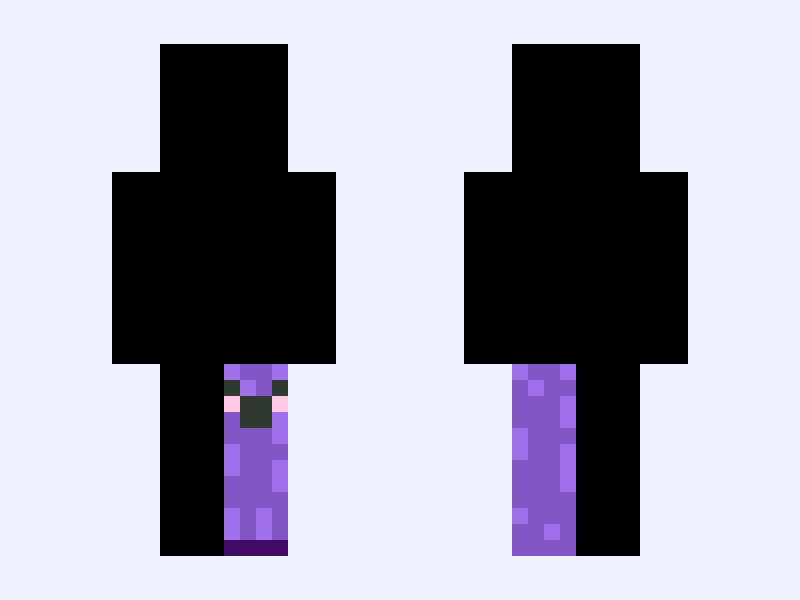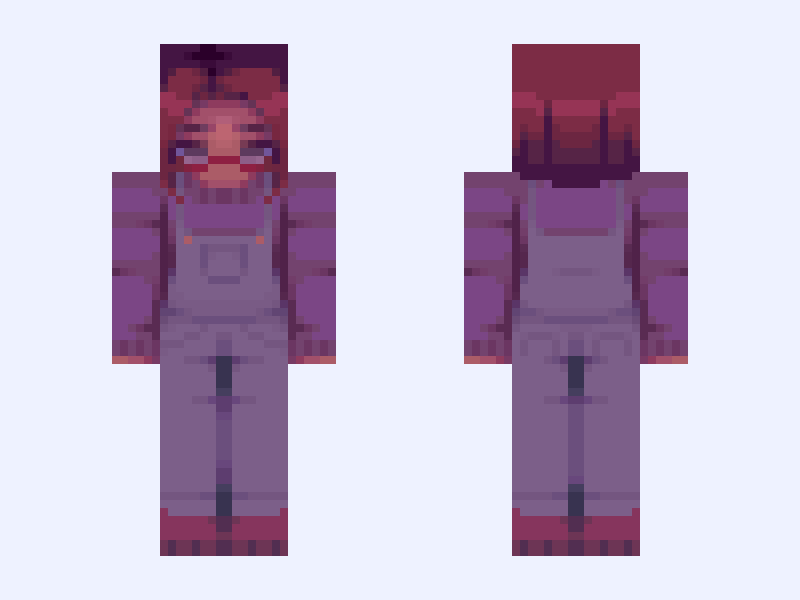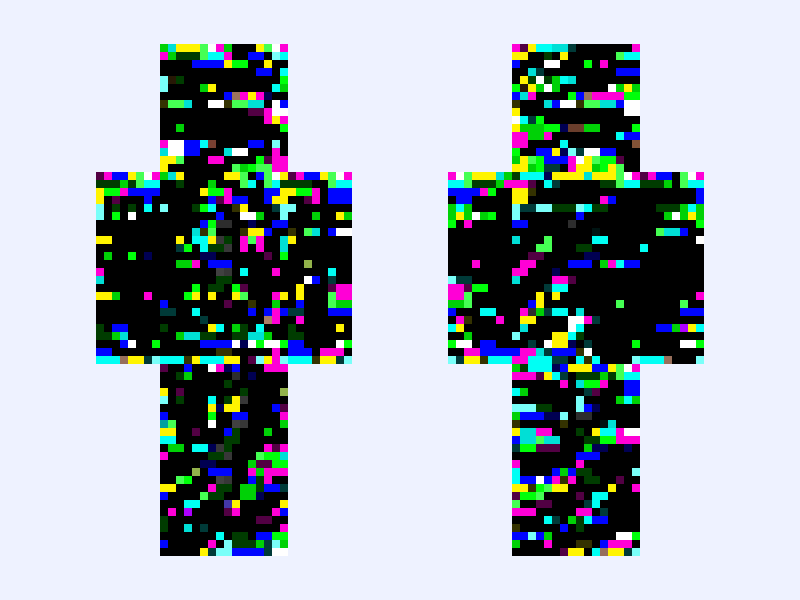
This is the skin file you download: a 128×128 HD PNG texture laid out in the standard Minecraft skin format.
glitched skin Minecraft Skin
Classic
128×128 HD
12 likes
5 comments
Download Skin
About this skin
If you think this is stealing I’ll delete this
Skin details
- Model
- Classic (Steve, 4px arms)
- Texture size
- 128×128 HD pixels
- File type
- PNG with transparency
- Likes
- 12
- Comments
- 5
- Added
- September 9, 2026
How to use this skin in Minecraft Java Edition
- Select Download Skin to save the PNG file.
- Open the Minecraft Launcher and go to Skins.
- Choose New Skin and select the Classic player model.
- Browse to the downloaded PNG, then select Save & Use.
How to use this skin in Minecraft Bedrock Edition
- Select Download Skin to save the PNG file.
- Open Minecraft and go to the Dressing Room.
- Under Classic Skins, choose Import, then Choose New Skin.
- Select the PNG and pick the Classic model.