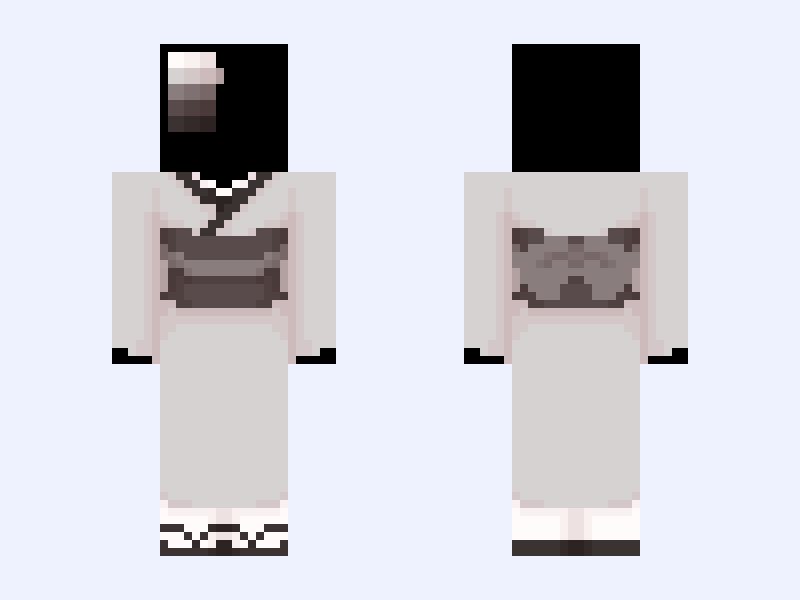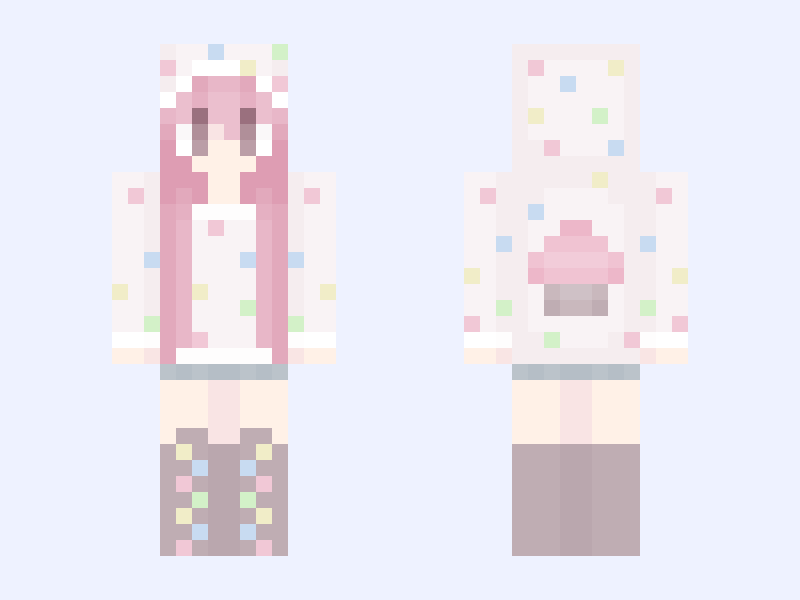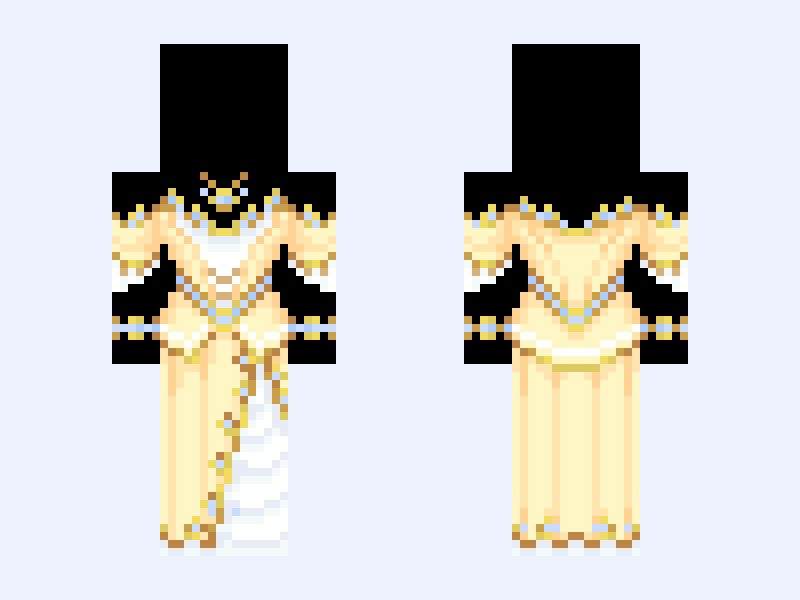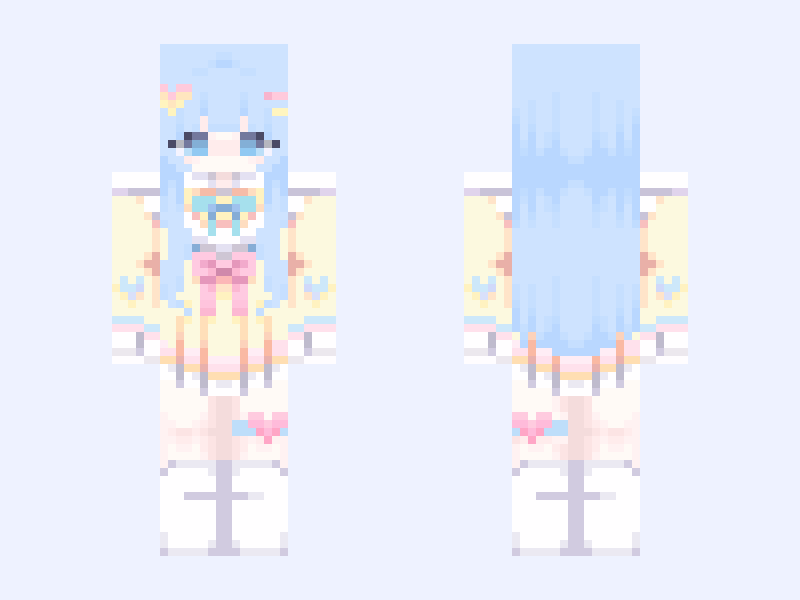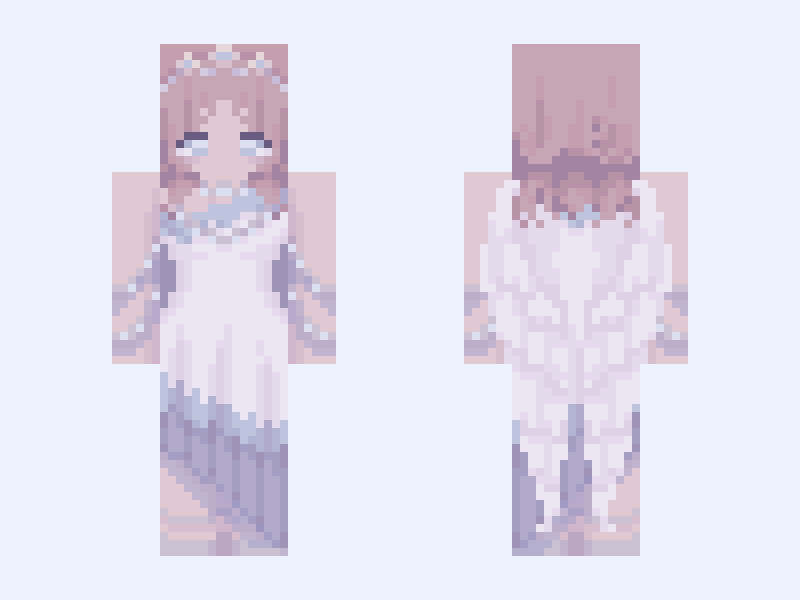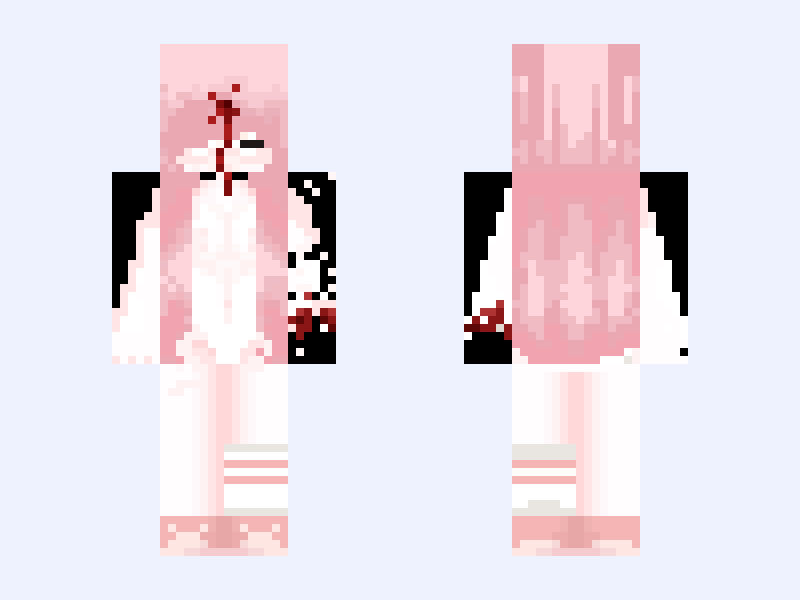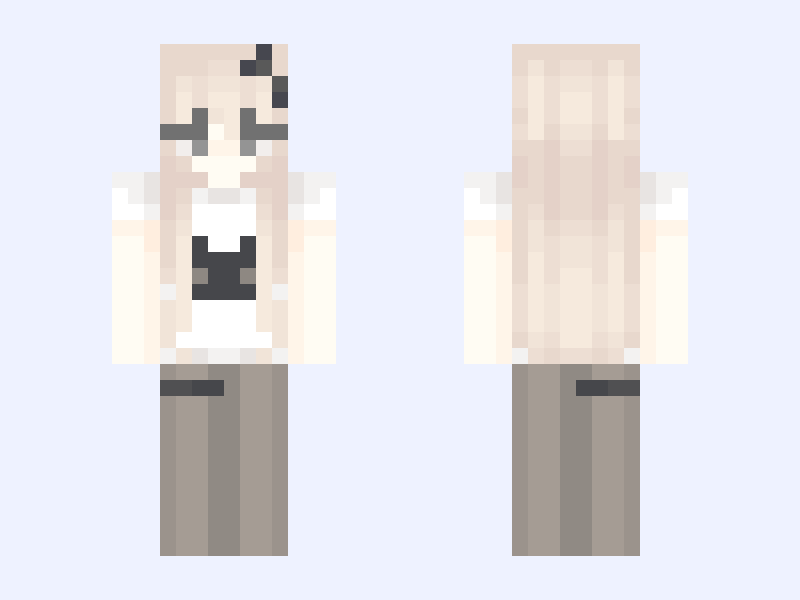

This is the skin file you download: a 64×64 PNG texture laid out in the standard Minecraft skin format.
≽(•⩊ •マ≼ 𐙚₊˚⊹♡ Minecraft Skin
About this skin
𝓓𝓸𝓷’𝓽 𝔀𝓸𝓻𝓻𝔂 𝓘’𝓶 𝓼𝓽𝓲𝓵𝓵 𝓭𝓸𝓲𝓷𝓰 𝓻𝓮𝓺𝓾𝓮𝓼𝓽 :3 ⠀୨୧⌢⌢⌢⌢୨꒰ 𐙚 ꒱୧⌢⌢⌢⌢୨୧ • ೀ 𝑡𝑒𝑎𝑟𝑠 𝑖𝑛 𝑡ℎ𝑒 𝑎𝑏𝑦𝑠𝑠 🩹 𝑜𝑓 𝑚𝑒𝑙𝑎𝑛𝑐ℎ𝑜𝑙𝑦 ა ᱖ ´` ⠀ ⠀ ⠀ ⠀ ,´´ヽ. ,, . ׳``· ⠀ ⠀ ⠀ ⠀⠀ ;⠀⑅⠀⠀⠀⠀⠀⠀ ; ♡ ⠀ ⠀ ⠀⠀`,, ◌´⠀ˆ⠀`◌ ,,ˊ ⠀ ⠀ ⠀ ა 🥛 ૮ ⠀ ⠀ ⠀୨୧⌢⌢⌢⌢୨꒰ 𐙚 ꒱୧⌢⌢⌢⌢୨୧ ⌒ ― ⌒ ⊹⠀ ( ・(ェ)・) ⋅ ㅤ ₊ㅤ˚ ㅤ⋅ / ⌒ヽ𓈒 ꒰ 𝐻𝑒𝓁𝓁𝑜 𝑒𝓋𝑒𝓇𝓎𝑜𝓃𝑒 𝐼’𝓂 @𝓅𝓅𝓌𝓊𝓅𝓅𝒾𝑒 𝒶𝓃𝒹 𝐼’𝓂 𝒽𝑒𝓇𝑒 𝓉𝑜 𝓈𝒽𝒶𝓇𝑒 𝓈𝑜𝓂𝑒 𝒸𝓊𝓉𝑒 𝓅𝒶𝓈𝓉𝑒𝓁 𝓈𝓀𝒾𝓃𝓈 ྀི ꒱ 人___つつ ୭ 🧷 ✧ ˚. ᵎᵎ 🎀‹𝟹 ꒰ about me🎀꒱ ╰┈┈➤name: 𝒫𝓅𝓌𝓊𝓅𝓅𝒾𝑒 (𝓅𝓊𝓅 𝒻𝑜𝓇 𝓈𝒽𝑜𝓇𝓉) ╰┈➤age: 23 ╰➤i like: 𝒫𝒶𝓈𝓉𝑒𝓁 𝓀𝒶𝓌𝒶𝒾𝒾 𝓈𝓉𝓊𝒻𝒻, 𝓁𝓅𝓈, 𝓅𝑜𝓂𝓅𝑜𝓂𝓅𝓊𝓇𝒾𝓃, 𝒹𝑜𝑔𝓈, 𝒦𝒾𝓇𝒷𝓎, 𝒞𝒽𝒶𝓇𝓂𝓎𝒦𝒾𝓉𝓉𝓎, 𝓀𝒶𝓌𝒶𝒾𝒾 𝒸𝓁𝑜𝓌𝓃𝓈 ⠀୨୧⌢⌢⌢⌢୨꒰ 𐙚 ꒱୧⌢⌢⌢⌢୨୧ ⠀ , ´´; __ , ´´; , ⑅ 、 ; ◌ ´ ^ ` ◌ ; ⠀⠀ “ ୨୧ “ ⠀ ⠀ ⠀ ⠀ ⠀ ⠀⠀ : ¨·.·¨ :ㅤ ⠀ ⠀ `· .⠀ ⠀ 𝓁𝑖𝑡𝑡𝑙𝑒⠀𝒶𝑛𝑔𝑒𝑙 ⠀ ⠀ ⠀୨୧⌢⌢⌢⌢୨꒰ 𐙚 ꒱୧⌢⌢⌢⌢୨୧ ֹ ⑅᜔ ׄ ݊ ݂ 𝓒𝓻𝓮𝓭𝓲𝓽 ۪ ֹ ᮫ ・❥・ 𝐻𝒶𝒾𝓇: me ・❥・𝒞𝓁𝑜𝓉𝒽𝑒𝓈: me 𝐼𝒻 𝓎𝑜𝓊 𝓂𝒶𝓀𝑒 𝒶𝓃𝓎 𝑜𝒻 𝓂𝓎 𝓈𝓀𝒾𝓃𝓈 128𝓍 𝓅𝓁𝑒𝒶𝓈𝑒 𝒸𝓇𝑒𝒹𝒾𝓉 𝓂𝑒<3 𝓝𝓸 𝓻𝓮𝓹𝓸𝓼𝓽𝓲𝓷𝓰 𝓶𝔂 64𝔁 ⠀୨୧⌢⌢⌢⌢୨꒰ 𐙚 ꒱୧⌢⌢⌢⌢୨୧
Skin details
- Model
- Slim (Alex, 3px arms)
- Texture size
- 64×64 pixels
- File type
- PNG with transparency
- Likes
- 71
- Comments
- 0
- Added
- September 7, 2026
How to use this skin in Minecraft Java Edition
- Select Download Skin to save the PNG file.
- Open the Minecraft Launcher and go to Skins.
- Choose New Skin and select the Slim player model.
- Browse to the downloaded PNG, then select Save & Use.
How to use this skin in Minecraft Bedrock Edition
- Select Download Skin to save the PNG file.
- Open Minecraft and go to the Dressing Room.
- Under Classic Skins, choose Import, then Choose New Skin.
- Select the PNG and pick the Slim model.