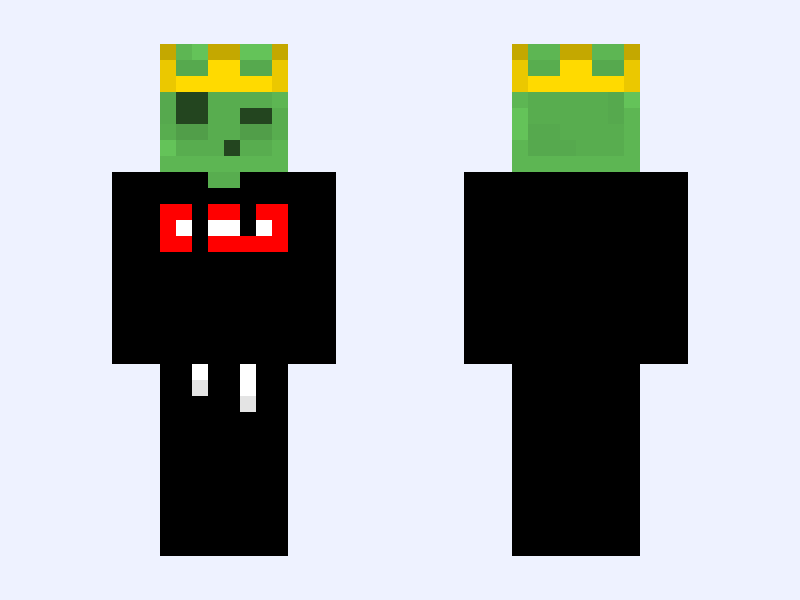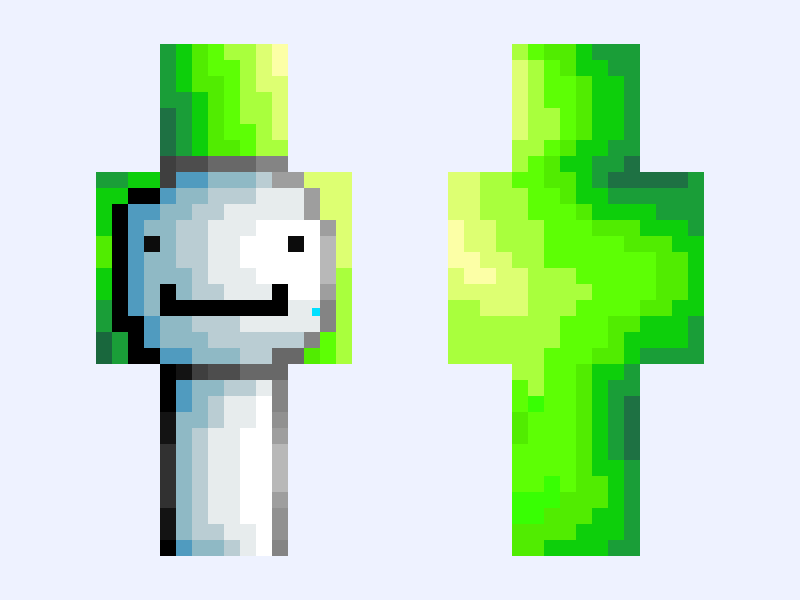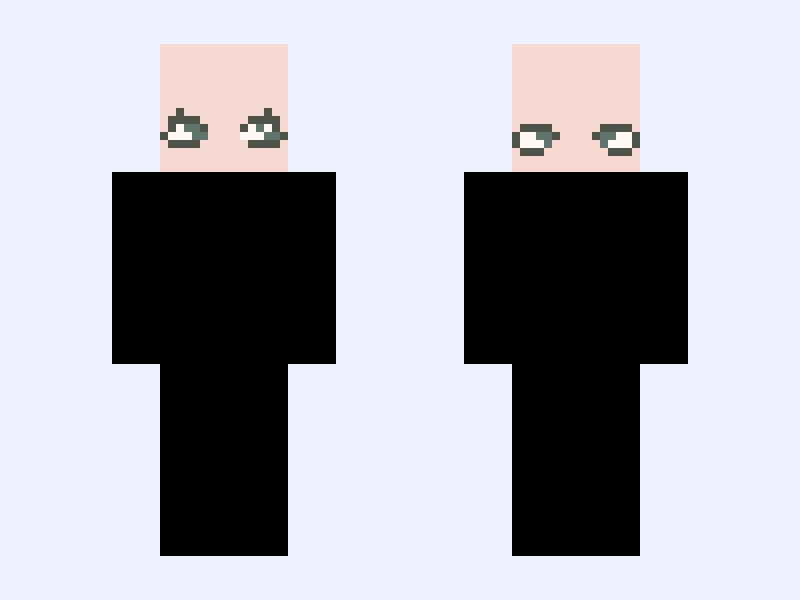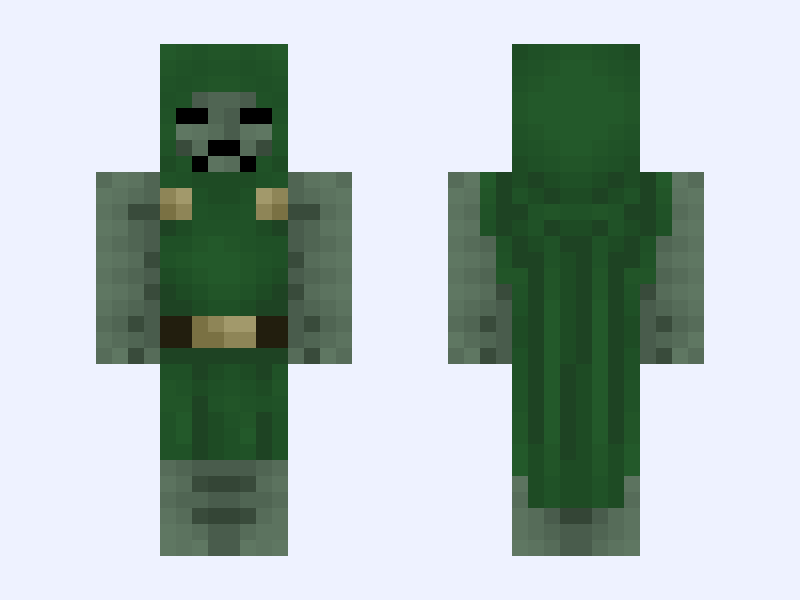
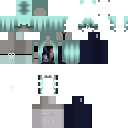
This is the skin file you download: a 128×128 HD PNG texture laid out in the standard Minecraft skin format.
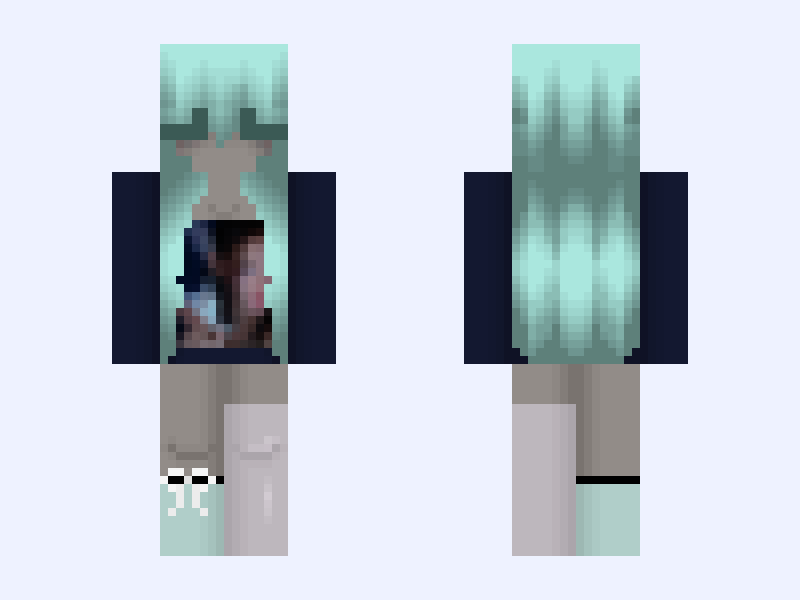
Gray and White #CF16 Minecraft Skin
Slim
128×128 HD
7 likes
0 comments
Download Skin
About this skin
💦💖SKIN FOR FANS AND MYSELF TO WHERE WITH PFP ON IT💖🐬 Made this skin from @doosybluesy ‘s skin/hair base. Love the hair btw! It has my pfp on the front of the sweater/shirt with a blue sock and pink sock. I am thinking about doing a contest. Anyways, please ❤️ before you download! ✨”Stars aren’t afraid of the dark. They shine brightest when the sun is gone” hard times don’t lower your worth. They give you a perfect backdrop to shine your brightest✨ Skin: @doosybluesy Hair: mostly @doosybluesy Outfit: me 😊 Tags: #blue #pink #fanskin #magic #mermaid #girl #navy #grayskin #gray #pfp
Skin details
- Model
- Slim (Alex, 3px arms)
- Texture size
- 128×128 HD pixels
- File type
- PNG with transparency
- Likes
- 7
- Comments
- 0
- Added
- September 13, 2026
How to use this skin in Minecraft Java Edition
- Select Download Skin to save the PNG file.
- Open the Minecraft Launcher and go to Skins.
- Choose New Skin and select the Slim player model.
- Browse to the downloaded PNG, then select Save & Use.
How to use this skin in Minecraft Bedrock Edition
- Select Download Skin to save the PNG file.
- Open Minecraft and go to the Dressing Room.
- Under Classic Skins, choose Import, then Choose New Skin.
- Select the PNG and pick the Slim model.