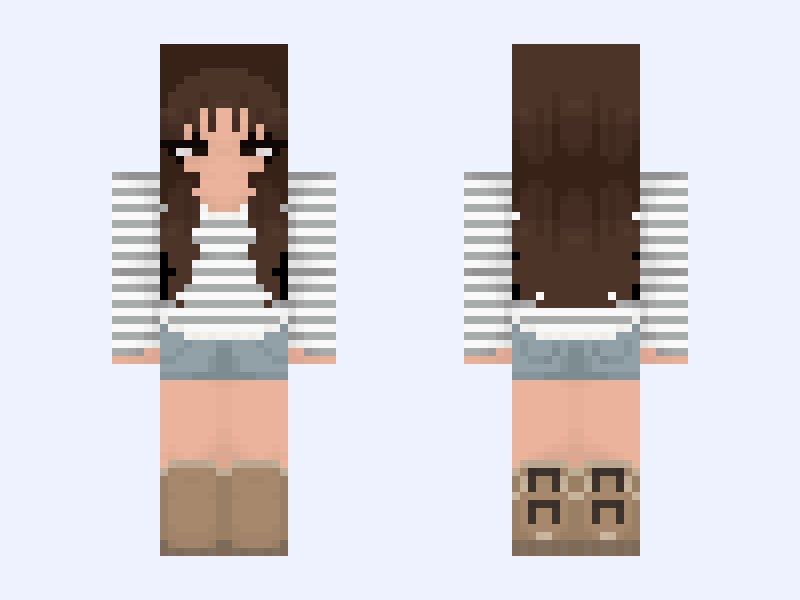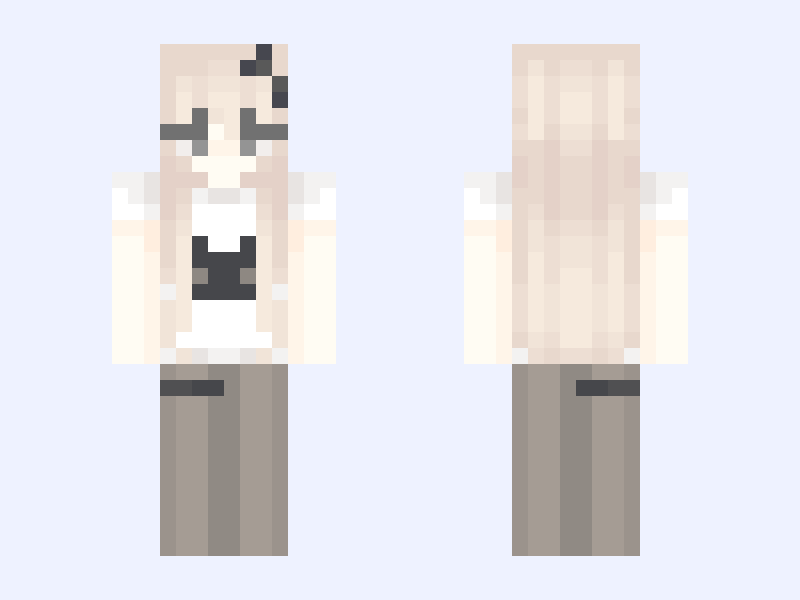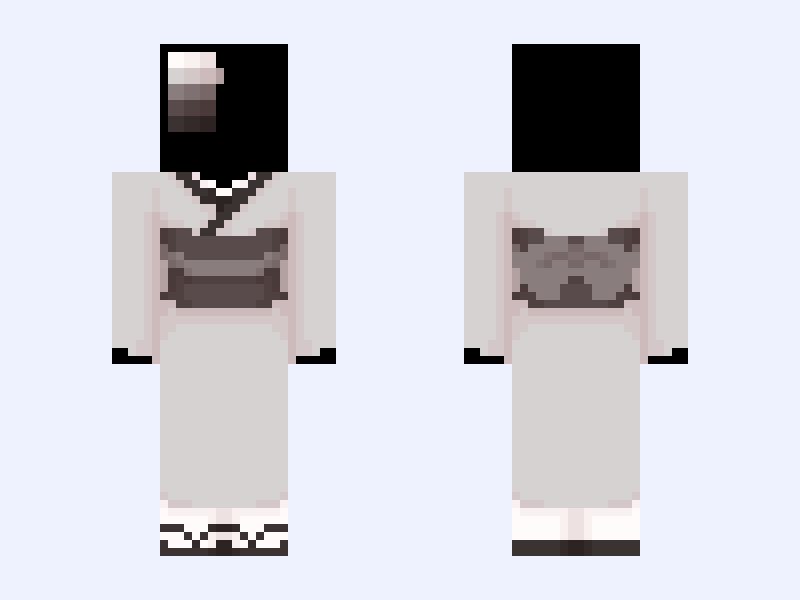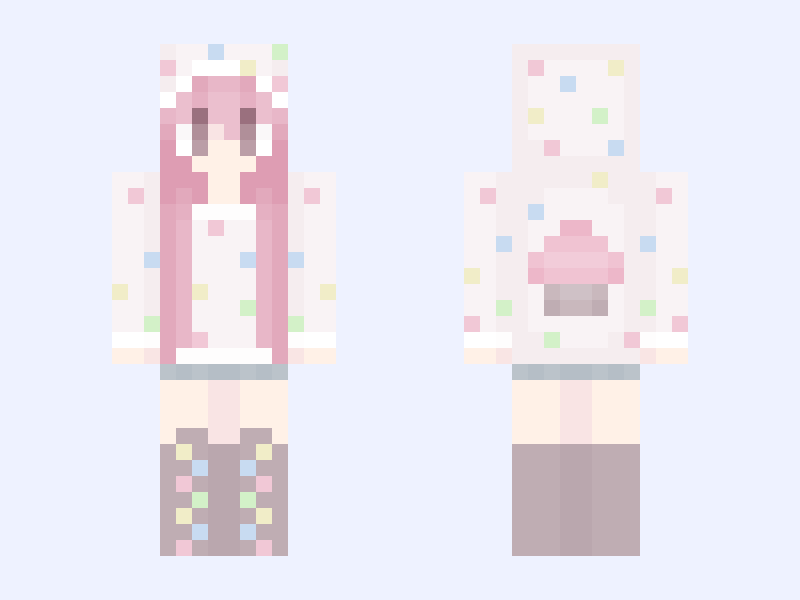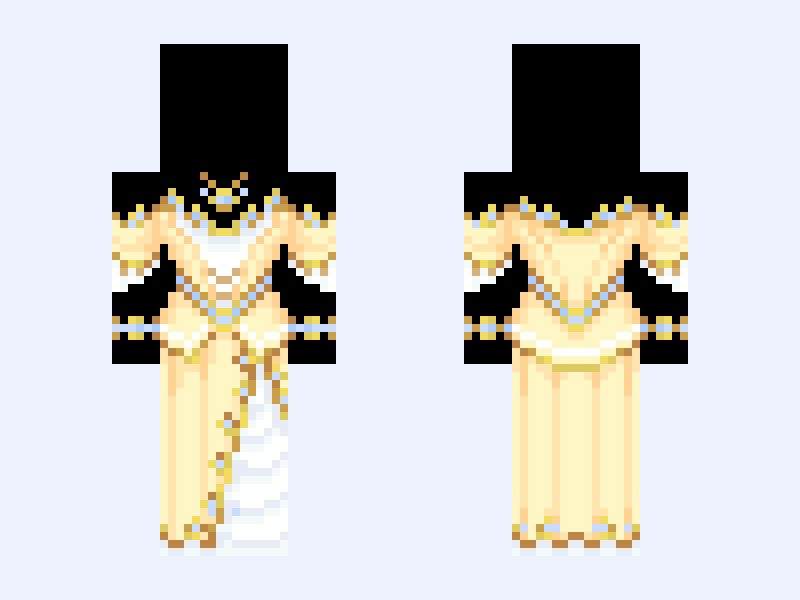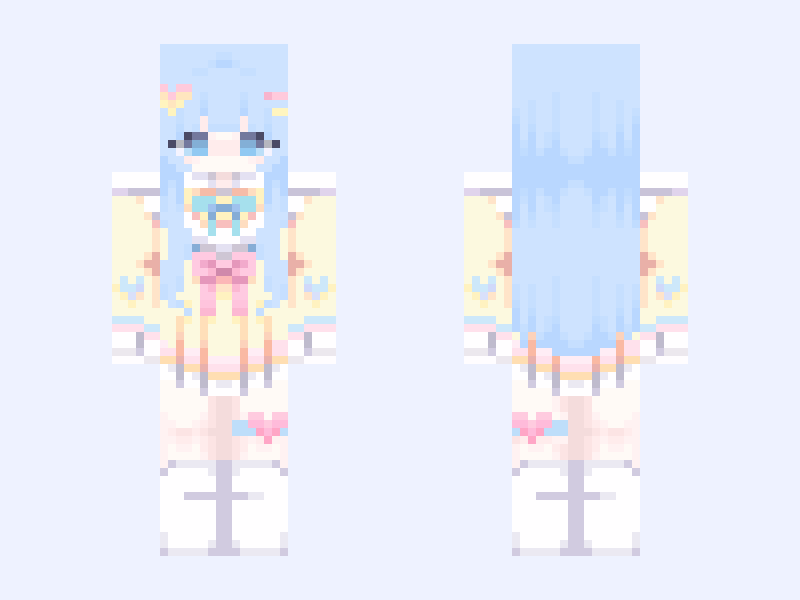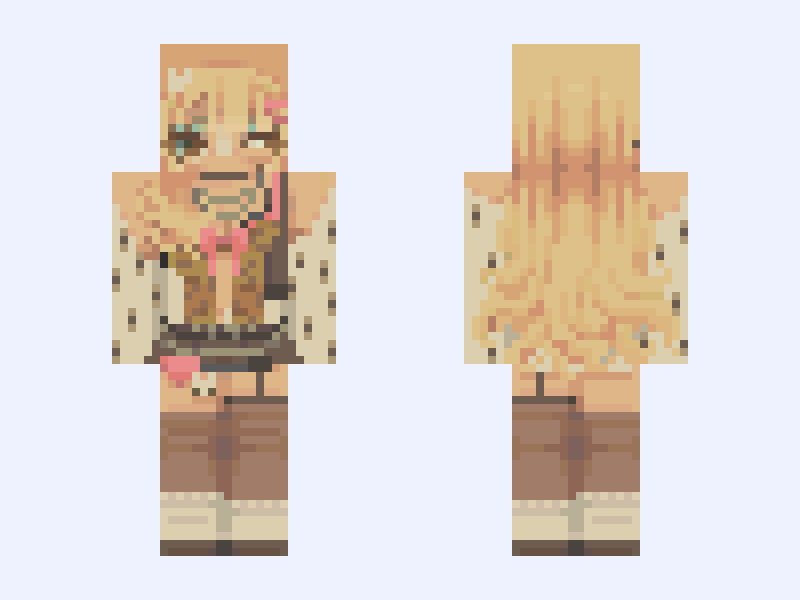
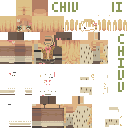
This is the skin file you download: a 128×128 HD PNG texture laid out in the standard Minecraft skin format.
Gyaru Baby 🌸 『 128x 』 Minecraft Skin
Slim
128×128 HD
111 likes
12 comments
Download Skin
About this skin
i'm currently at work LOL i was trying to do this quickly before my shift ends!!! i have 30 mins left until i leave so yaaay i finished on time 👼👼 love this turned out though!! 🥺💗 thinking about recolouring the skins i made in janurary and february tbh and decided to take down my other skin LOLL i am too scared of someone taking that skin specifically (it was my persona i wanted to use for content creation)
Skin details
- Model
- Slim (Alex, 3px arms)
- Texture size
- 128×128 HD pixels
- File type
- PNG with transparency
- Likes
- 111
- Comments
- 12
- Added
- September 12, 2026
How to use this skin in Minecraft Java Edition
- Select Download Skin to save the PNG file.
- Open the Minecraft Launcher and go to Skins.
- Choose New Skin and select the Slim player model.
- Browse to the downloaded PNG, then select Save & Use.
How to use this skin in Minecraft Bedrock Edition
- Select Download Skin to save the PNG file.
- Open Minecraft and go to the Dressing Room.
- Under Classic Skins, choose Import, then Choose New Skin.
- Select the PNG and pick the Slim model.