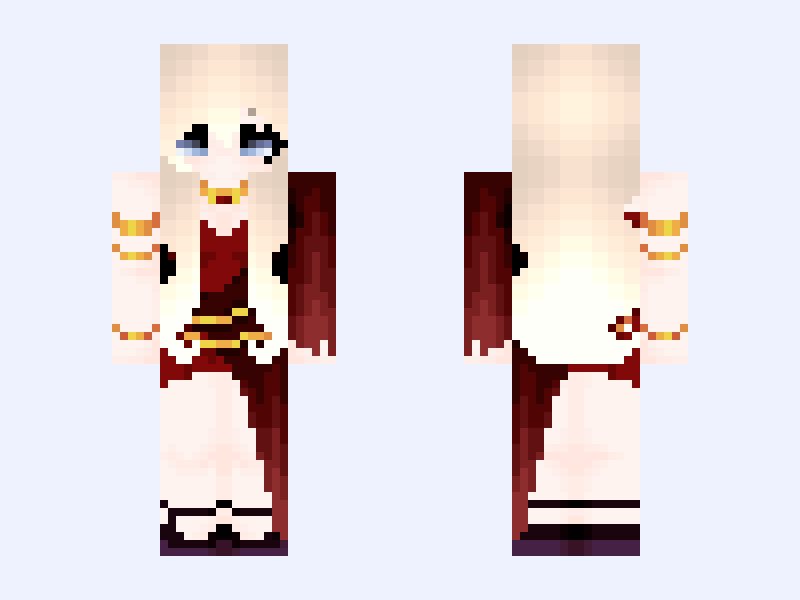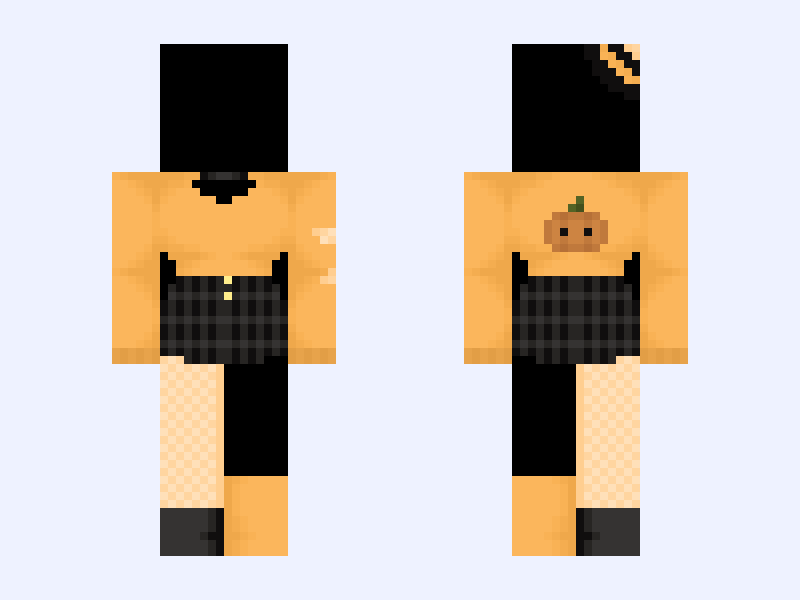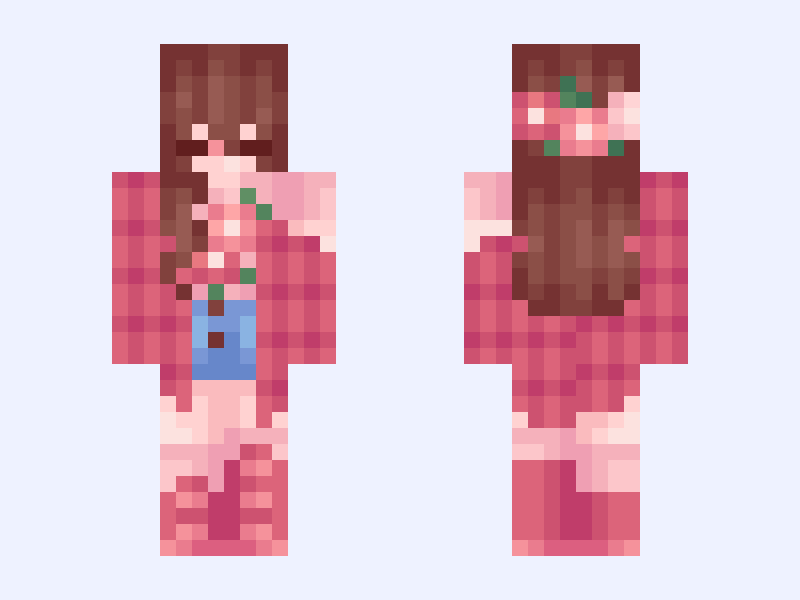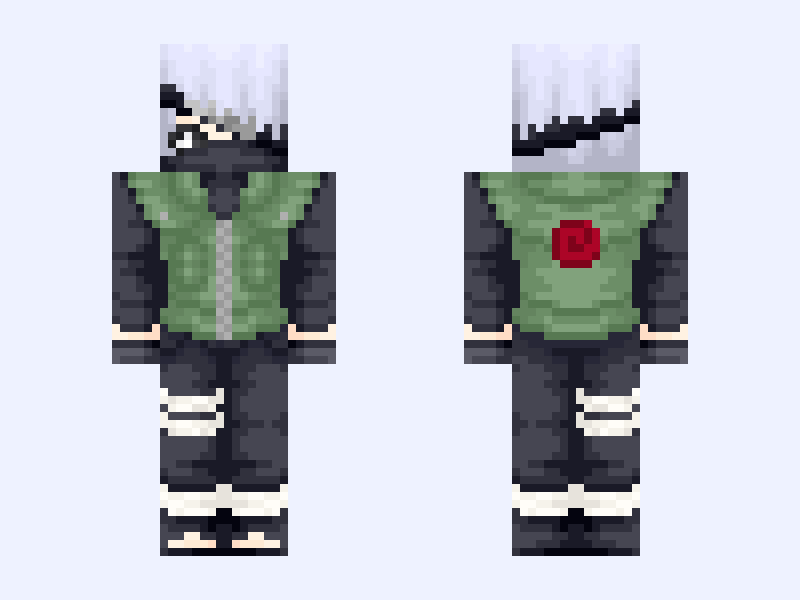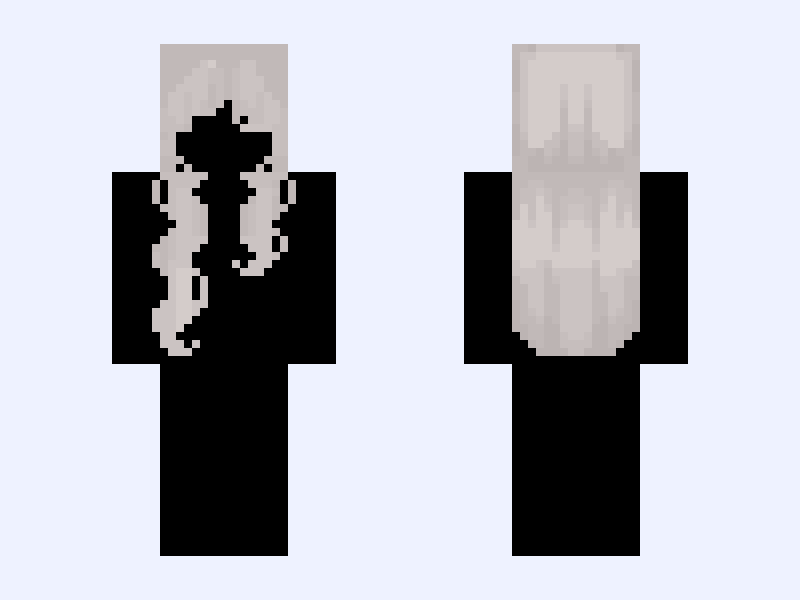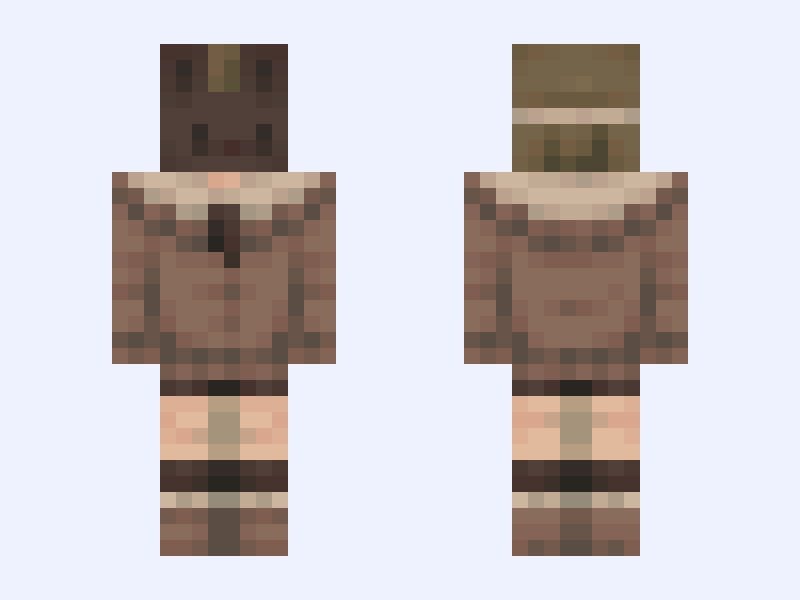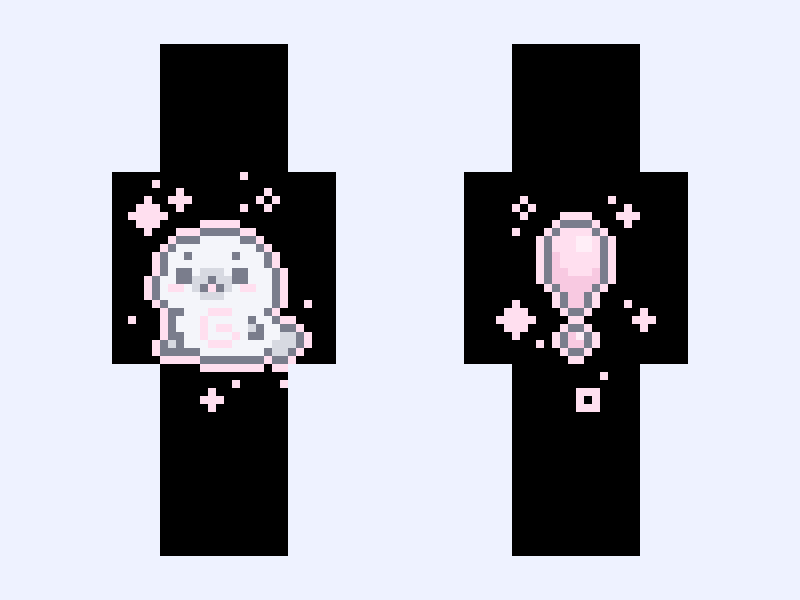

This is the skin file you download: a 128×128 HD PNG texture laid out in the standard Minecraft skin format.
𝙷𝚘𝚝 𝚃𝚊𝚔𝚎! 🦭⋆ . 🍥 ࿔ ˚ Minecraft Skin
Slim
128×128 HD
7 likes
1 comments
Download Skin
About this skin
˚₊‧꒰ა ☆ ໒꒱ ‧₊˚ • ꜱᴇɴᴅɪɴɢ ᴅ3@ᴛʜ ᴛʜʀᴇᴀᴛꜱ, ʀ@ᴘ3 ᴛʜʀᴇᴀᴛꜱ ᴀɴᴅ ᴅ0xx!ɴɢ ꜱᴏᴍᴇᴏɴᴇ ᴊᴜꜱᴛ ʙᴇᴄᴀᴜꜱᴇ ᴛʜᴇʏ ᴅɪᴅ ꜱᴏᴍᴇᴛʜɪɴɢ ᴘʀᴏʙʟᴇᴍᴀᴛɪᴄ ᴍᴀᴋᴇꜱ ʏᴏᴜ ᴍᴏʀᴇ ᴘʀᴏʙʟᴇᴍᴀᴛɪᴄ ᴛʜᴀɴ ᴛʜᴇ ᴘᴇʀꜱᴏɴ ʏᴏᴜ'ʀᴇ ꜱᴇɴᴅɪɴɢ ɪᴛ ᴛᴏ! xᴏxᴏ ᴄꜱᴇᴘᴇʟ! ⠀⠀⠀⠀⠀⠀⠀⠀⠀⠀⠀⠀⠀⠀⠀⠀⠀⠀⠀⠀⠀⠀⠀⠀⠀⠀⠀⠀⠀⠀ ⠀⠰⠎⠉⢶⠀⠀⠀⠀⠀⠀⠀⠀⠀⠀⠀⠀⠀⠀⠀⠀⠀⠀⠀⠀⢰⠊⠙⡆⠀ ⠀⢸⠀⠒⢌⠣⢤⡀⡀⠀⠀⠀⠀⠀⠀⠀⠀⠀⠀⠀⠀⢀⡀⣠⠾⠁⠞⠀⡏⠀ ⠀⠀⠙⡦⢀⢕⣄⣀⣉⣉⡓⠰⢄⡀⠀⠀⠀⣀⠶⠒⢉⠁⢉⠀⡀⠀⢴⡏⠀⠀ ⠀⠀⢺⠀⠶⠰⠡⠟⢇⣼⣷⣆⡄⢳⠀⠀⡶⠁⣠⣶⣮⣅⢥⠁⠁⠠⠀⡿⠀⠀ ⠀⠀⠈⠉⠚⡷⠀⠀⢼⡟⠌⠅⡎⢸⠆⠈⣇⠈⡪⡃⠙⣿⠔⠅⢼⠓⠙⠁⠀⠀ ⠀⠀⠀⠀⠀⠙⠴⠴⠚⠧⣠⢤⡴⠋⠀⠀⠘⠇⢬⡬⠼⠓⠶⠶⠊⠀⠀⠀⠀⠀ ⠀⠀⠀⠀⠀⠀⠀⠀⠀⠀⠀⠀⠀⠀⠀⠀⠀⠀⠀⠀⠀⠀⠀⠀⠀⠀⠀⠀⠀⠀ ⠀⠀⠀⠀⠀⠀⠀⠀⠀⠀⠀⠀⠀⠀⠀⠀⠀⠀⠀⠀⠀⠀⠀⠀⠀⠀⠀⠀⠀⠀
Skin details
- Model
- Slim (Alex, 3px arms)
- Texture size
- 128×128 HD pixels
- File type
- PNG with transparency
- Likes
- 7
- Comments
- 1
- Added
- September 10, 2026
How to use this skin in Minecraft Java Edition
- Select Download Skin to save the PNG file.
- Open the Minecraft Launcher and go to Skins.
- Choose New Skin and select the Slim player model.
- Browse to the downloaded PNG, then select Save & Use.
How to use this skin in Minecraft Bedrock Edition
- Select Download Skin to save the PNG file.
- Open Minecraft and go to the Dressing Room.
- Under Classic Skins, choose Import, then Choose New Skin.
- Select the PNG and pick the Slim model.