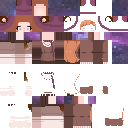
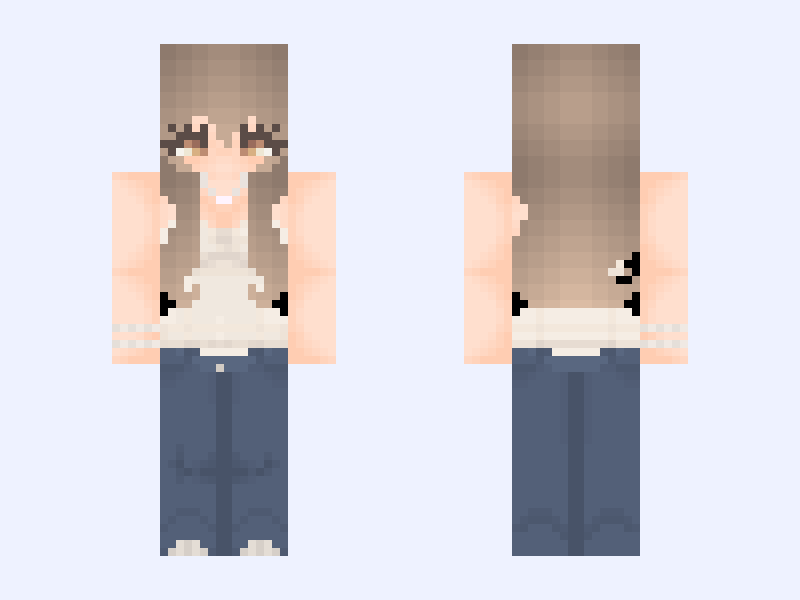
This is the skin file you download: a 128×128 HD PNG texture laid out in the standard Minecraft skin format.
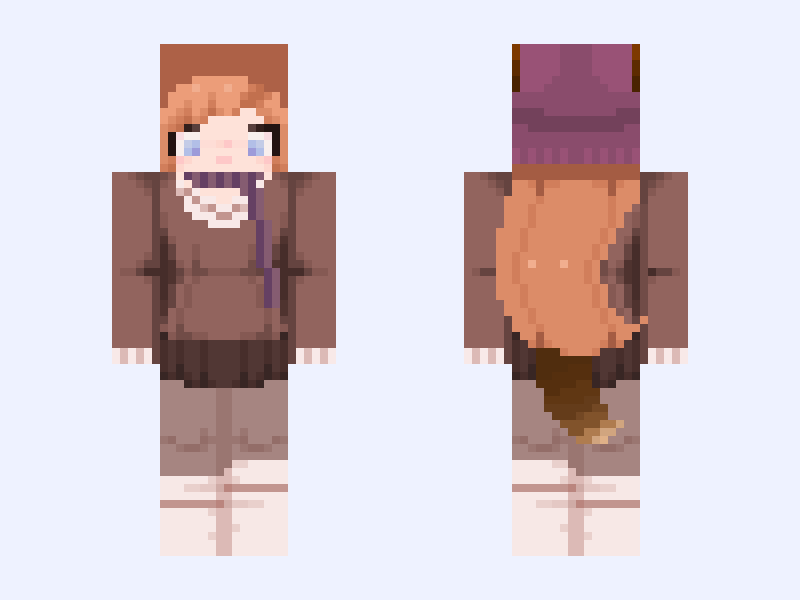
✩°˖🍂⋆。˚kitsune neko Minecraft Skin
Slim
128×128 HD
36 likes
23 comments
Download Skin
About this skin
I made my own version of @FoxtaiI ‘s oc🍂🍆🍁 I hope you like it I added a scarf to match the hat but I really loved your design and I hope you like my version <3 I decided to add this to the contest because it is obviously fall! #autumnskinforaug
Skin details
- Model
- Slim (Alex, 3px arms)
- Texture size
- 128×128 HD pixels
- File type
- PNG with transparency
- Likes
- 36
- Comments
- 23
- Added
- September 5, 2026
How to use this skin in Minecraft Java Edition
- Select Download Skin to save the PNG file.
- Open the Minecraft Launcher and go to Skins.
- Choose New Skin and select the Slim player model.
- Browse to the downloaded PNG, then select Save & Use.
How to use this skin in Minecraft Bedrock Edition
- Select Download Skin to save the PNG file.
- Open Minecraft and go to the Dressing Room.
- Under Classic Skins, choose Import, then Choose New Skin.
- Select the PNG and pick the Slim model.
![[1] 64x64 skin base — unisex Minecraft skin, slim model, front and back view](/assets/image/skins/1-64x64-skin-base-unisex.png)