![[Onyx] | Yin Yang | Dragon Dancer | Epilogue #EECon5 Minecraft skin, slim model, front and back view](/assets/image/skins/onyx-yin-yang-dragon-dancer-epilogue-eecon5.png)
![[Onyx] | Yin Yang | Dragon Dancer | Epilogue #EECon5 skin texture file (128×128 HD)](https://skinseed.minecraftmod.fun/images/skins/42937BD5BFA7E655F54218F4C8B66FB6.png)
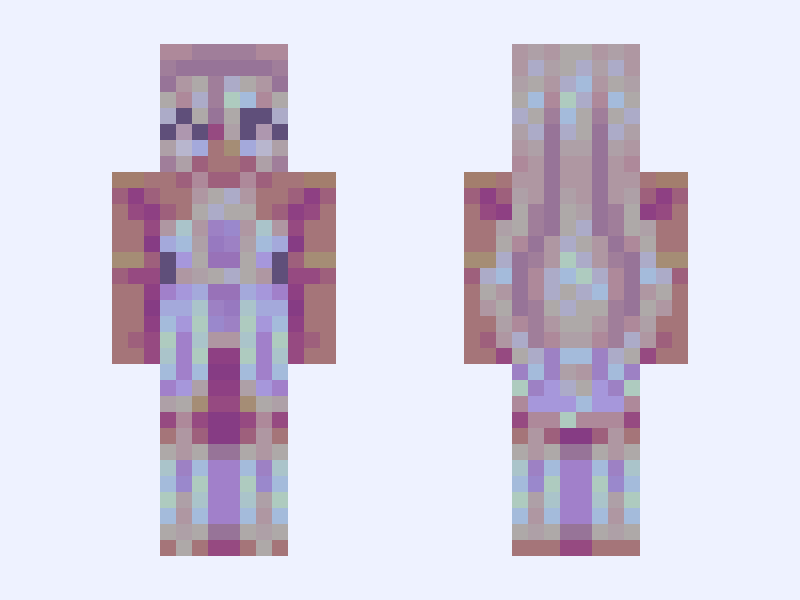
This is the skin file you download: a 128×128 HD PNG texture laid out in the standard Minecraft skin format.
[Onyx] | Yin Yang | Dragon Dancer | Epilogue #EECon5 Minecraft Skin
Slim
128×128 HD
23 likes
8 comments
Download Skin
About this skin
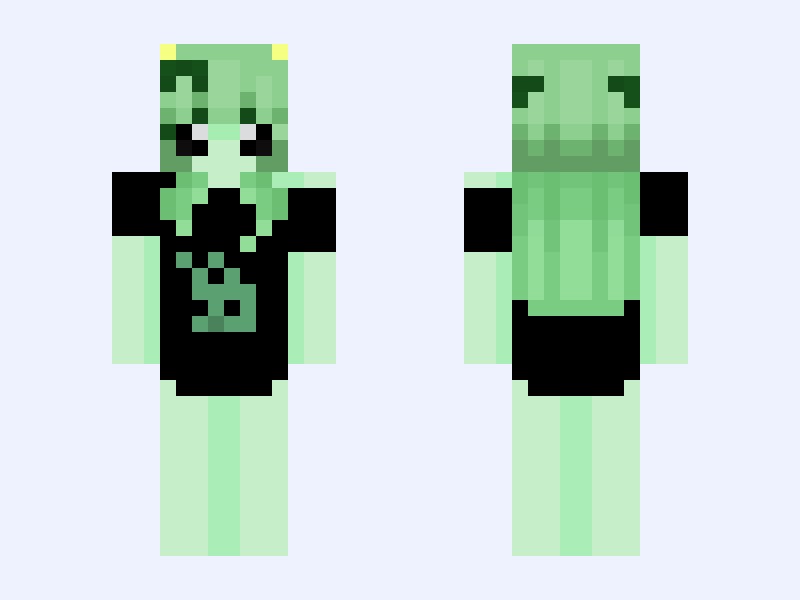
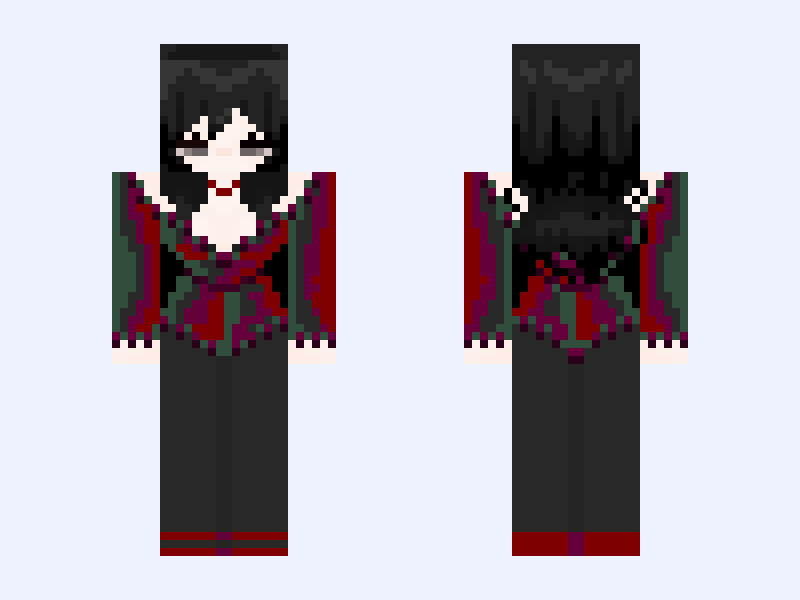
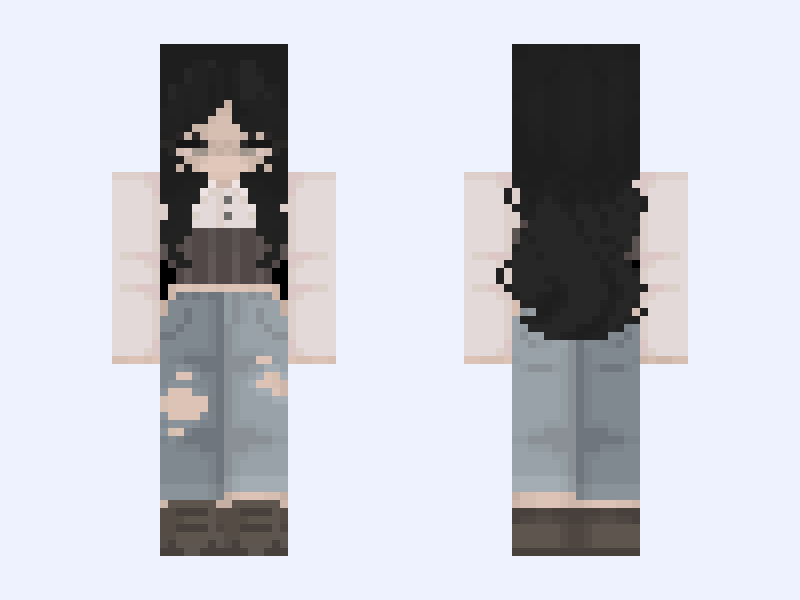
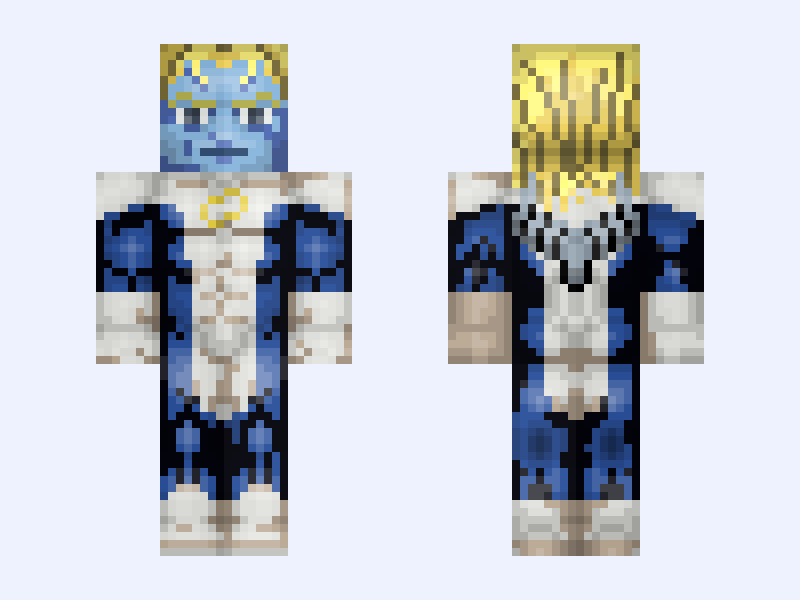
“ Nothing is inherently good, neither can exist without each other.” So me and @wind decided to do yin and yang for the contest #EECon5. They are both dragon dancers, and the stones their names are based off the stones they wear that represent the dots in the yin and yang symbol that show that nothing is inherently good or evil.
Skin details
- Model
- Slim (Alex, 3px arms)
- Texture size
- 128×128 HD pixels
- File type
- PNG with transparency
- Likes
- 23
- Comments
- 8
- Added
- September 18, 2026
How to use this skin in Minecraft Java Edition
- Select Download Skin to save the PNG file.
- Open the Minecraft Launcher and go to Skins.
- Choose New Skin and select the Slim player model.
- Browse to the downloaded PNG, then select Save & Use.
How to use this skin in Minecraft Bedrock Edition
- Select Download Skin to save the PNG file.
- Open Minecraft and go to the Dressing Room.
- Under Classic Skins, choose Import, then Choose New Skin.
- Select the PNG and pick the Slim model.