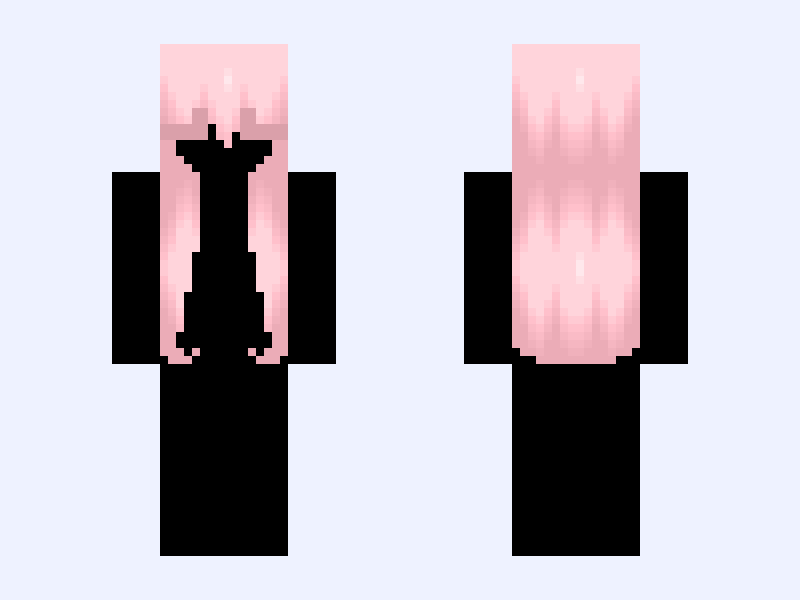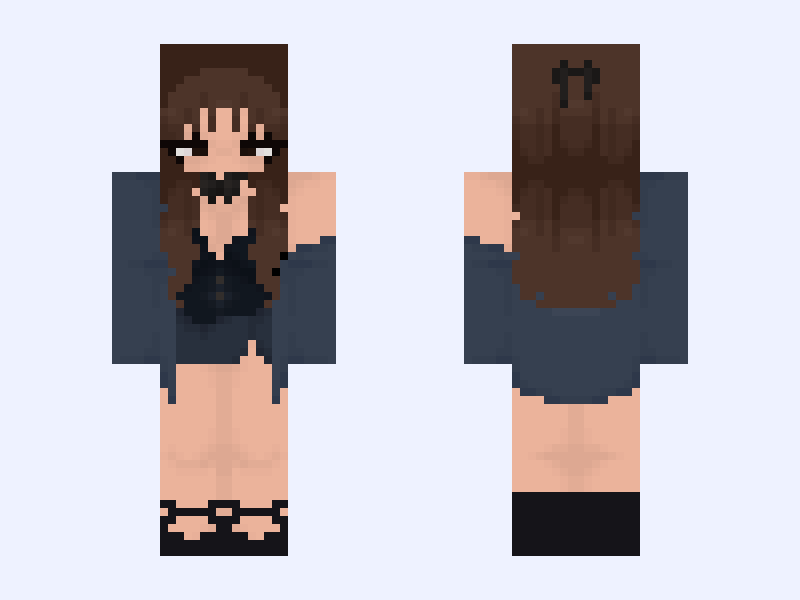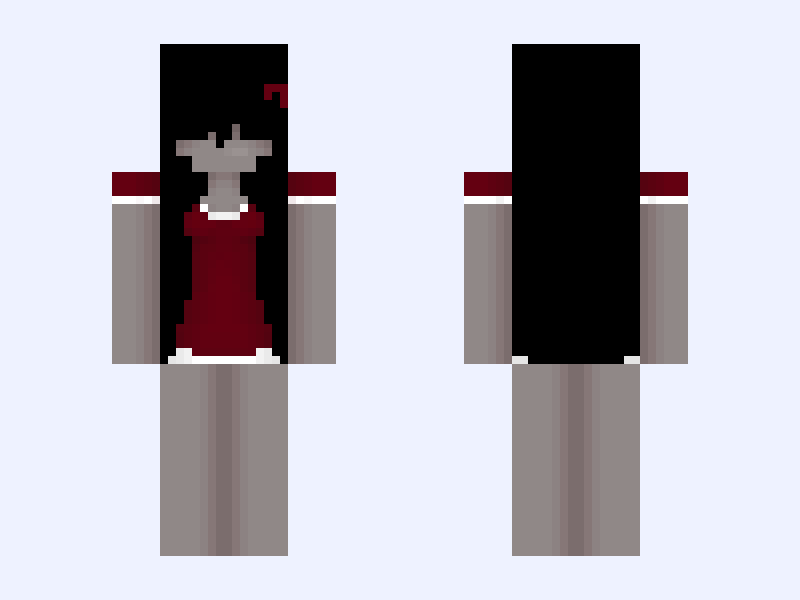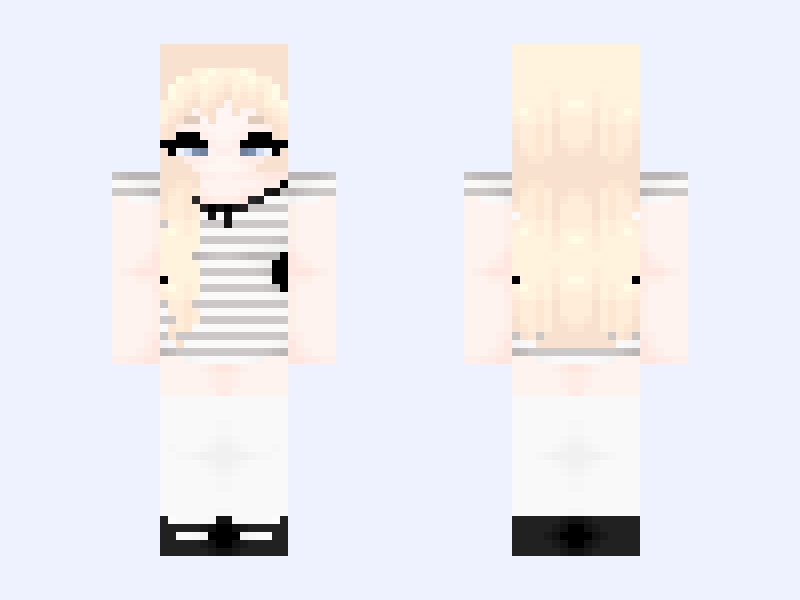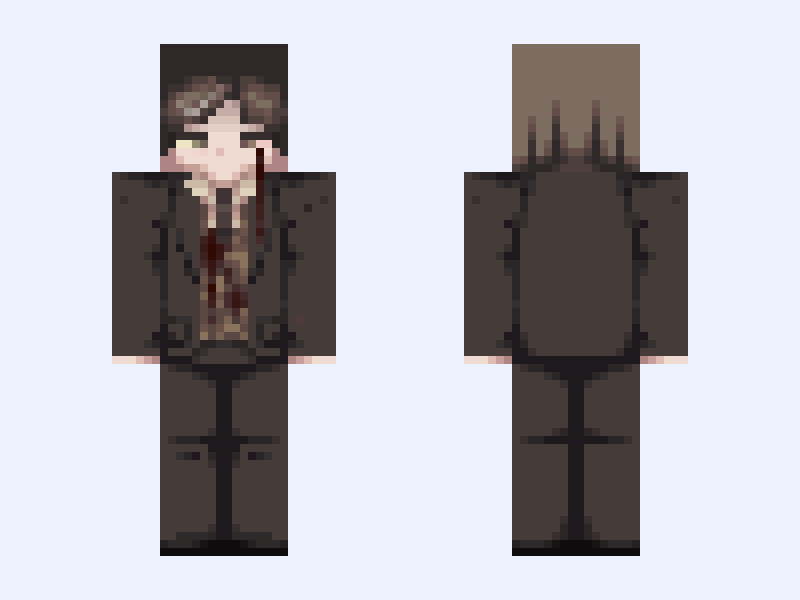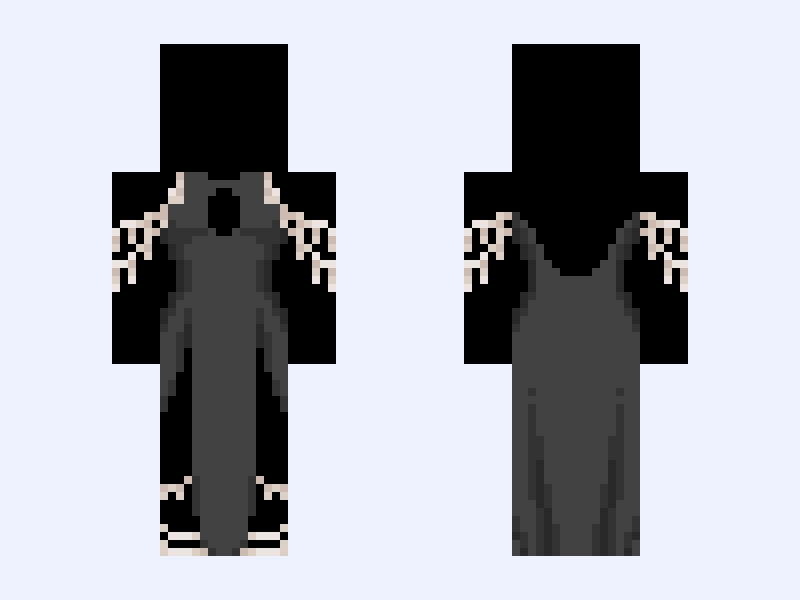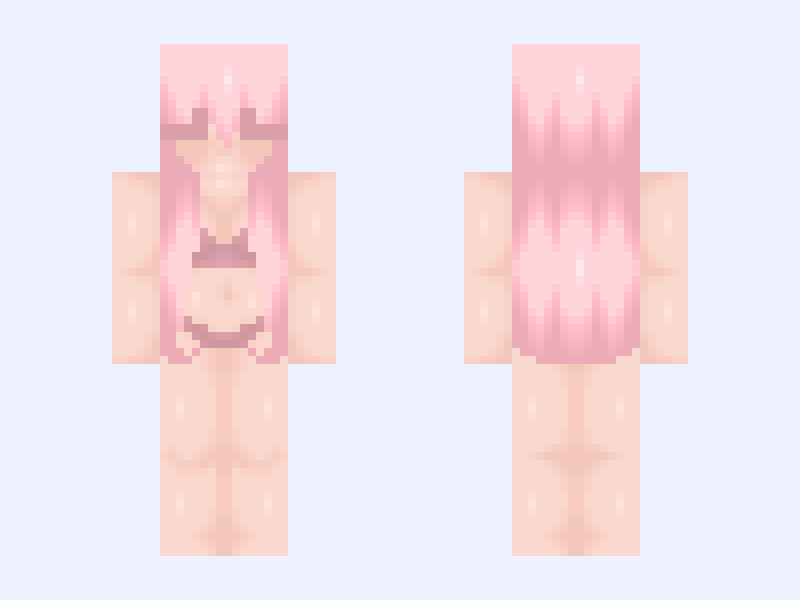
This is the skin file you download: a 128×128 HD PNG texture laid out in the standard Minecraft skin format.
𓆩. Pɪɴᴋ .𓆪 Minecraft Skin
Slim
128×128 HD
25 likes
0 comments
Download Skin
About this skin
𝙈𝙮 𝘼𝙡𝙩: @Bored #Sarahs_ES This is a skin & hair base combo! «──────« ⋅ʚ🎐ɞ⋅ » ──────» 𝘿𝙤𝙣'𝙩 𝙧𝙚𝙥𝙤𝙨𝙩 𝙢𝙮 𝙨𝙠𝙞𝙣𝙨! 𝘿𝙤𝙣'𝙩 𝙨𝙩𝙚𝙖𝙡/𝙖𝙡𝙩𝙚𝙧 𝙢𝙮 𝙨𝙝𝙖𝙙𝙞𝙣𝙜 𝙨𝙡𝙞𝙜𝙝𝙩𝙡𝙮! ⚝──⭒─⭑─⭒──⚝ 𝐶𝑟𝑒𝑑𝑖𝑡: ೃ⁀➷ @Cigqr , @Bored , @Fqe ⭒ ˎˊ˗ «──────« ⋅ʚ🎐ɞ⋅ » ──────» 𝐹𝑜𝑙𝑙𝑜𝑤: ♡₊˚ @Dwolls / @Dwollie , @Lwk , @FoxTaiI / @LunaStella , @Louloui , @Agonize & @Bowsy ・₊✧
Skin details
- Model
- Slim (Alex, 3px arms)
- Texture size
- 128×128 HD pixels
- File type
- PNG with transparency
- Likes
- 25
- Comments
- 0
- Added
- September 8, 2026
How to use this skin in Minecraft Java Edition
- Select Download Skin to save the PNG file.
- Open the Minecraft Launcher and go to Skins.
- Choose New Skin and select the Slim player model.
- Browse to the downloaded PNG, then select Save & Use.
How to use this skin in Minecraft Bedrock Edition
- Select Download Skin to save the PNG file.
- Open Minecraft and go to the Dressing Room.
- Under Classic Skins, choose Import, then Choose New Skin.
- Select the PNG and pick the Slim model.