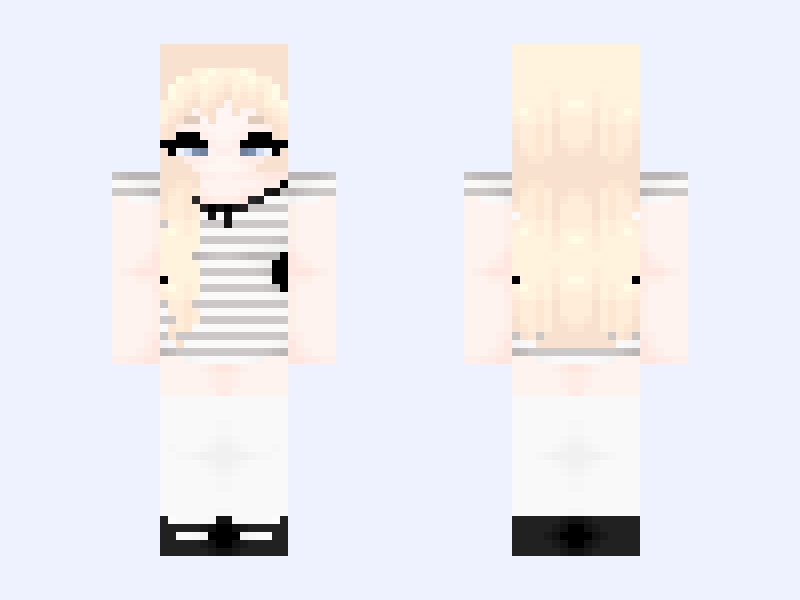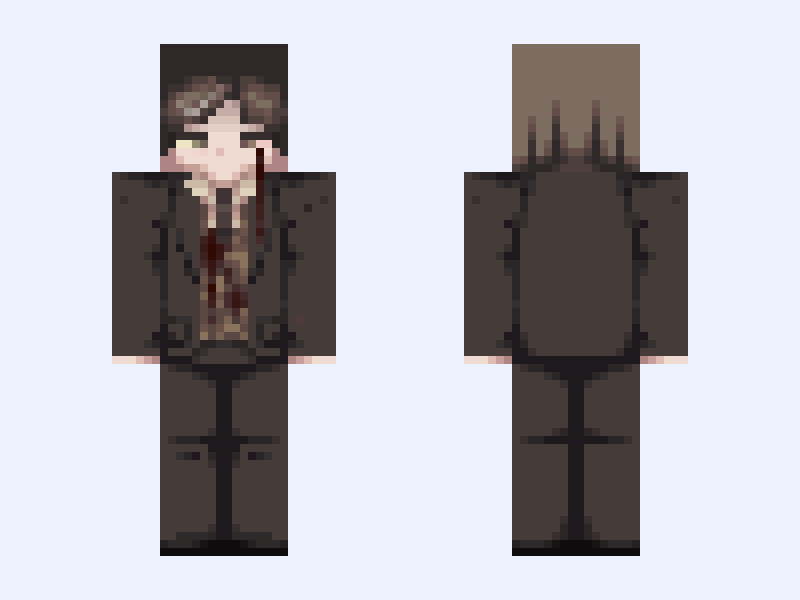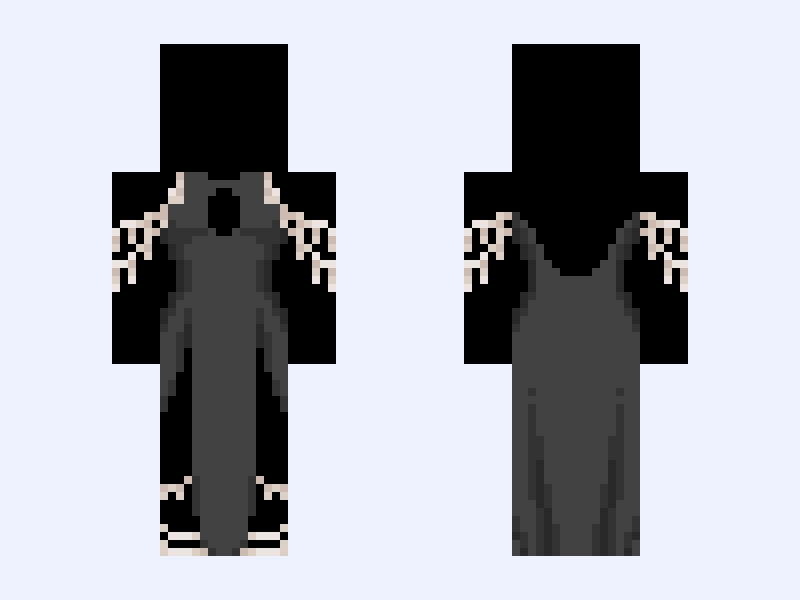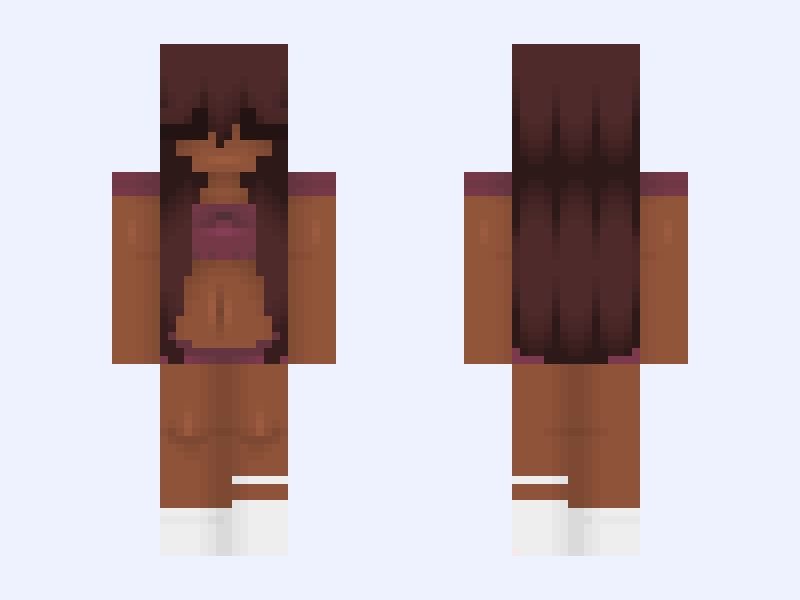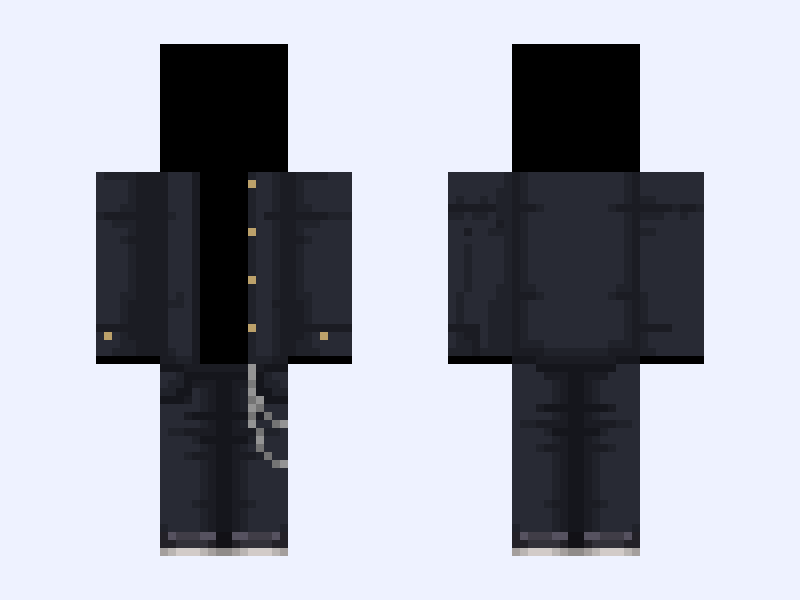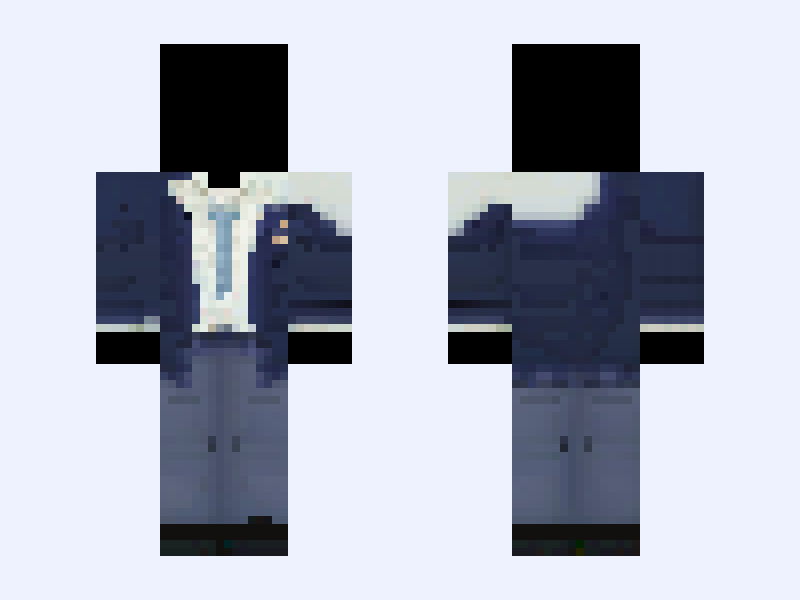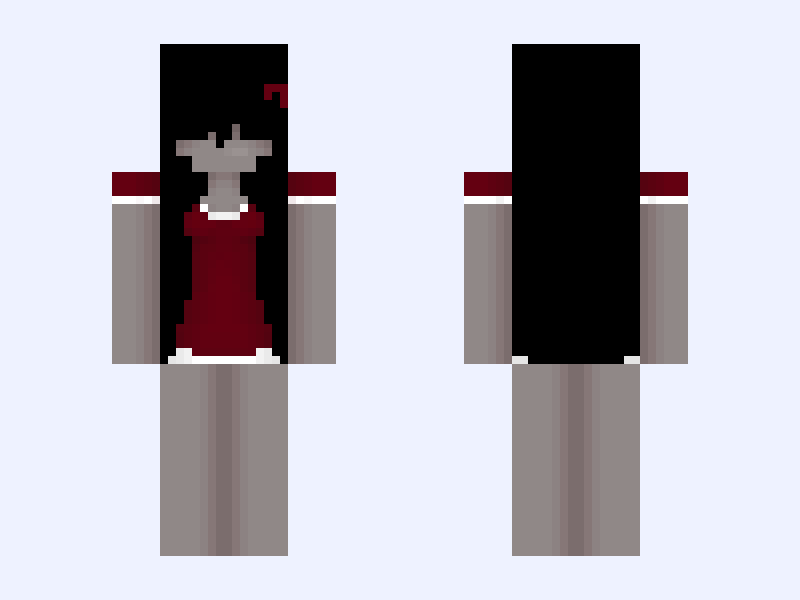
This is the skin file you download: a 128×128 HD PNG texture laid out in the standard Minecraft skin format.
Black and Gray #E9F3 Minecraft Skin
Slim
128×128 HD
21 likes
9 comments
Download Skin
About this skin
Too lazy for motivation ✌️ Credit to @cooldonuttt for top Pls 💖 before downloading ╔══╦════╦═══╗ ║╔╗║╔╗╔╗║╔═╗║ ║╚╝╚╣║║╚╣╚══╗ ║╔═╗║║║─╚══╗║ ║╚═╝║║║─║╚═╝║ ╚═══╝╚╝─╚═══╝ «────── « ⋅ʚ♡ɞ⋅ » ──────» BTS (방탄소년단) 'Yet to Come' MV 01:43 ━━━━●───── 04:40 ⇆ㅤ ㅤ◁ㅤ ❚❚ ㅤ▷ ㅤㅤ↻ ılıılıılıılıılıılı ᴠᴏʟᴜᴍᴇ : ▮▮▮▮▮▮▮▮▮▮
Skin details
- Model
- Slim (Alex, 3px arms)
- Texture size
- 128×128 HD pixels
- File type
- PNG with transparency
- Likes
- 21
- Comments
- 9
- Added
- September 7, 2026
How to use this skin in Minecraft Java Edition
- Select Download Skin to save the PNG file.
- Open the Minecraft Launcher and go to Skins.
- Choose New Skin and select the Slim player model.
- Browse to the downloaded PNG, then select Save & Use.
How to use this skin in Minecraft Bedrock Edition
- Select Download Skin to save the PNG file.
- Open Minecraft and go to the Dressing Room.
- Under Classic Skins, choose Import, then Choose New Skin.
- Select the PNG and pick the Slim model.