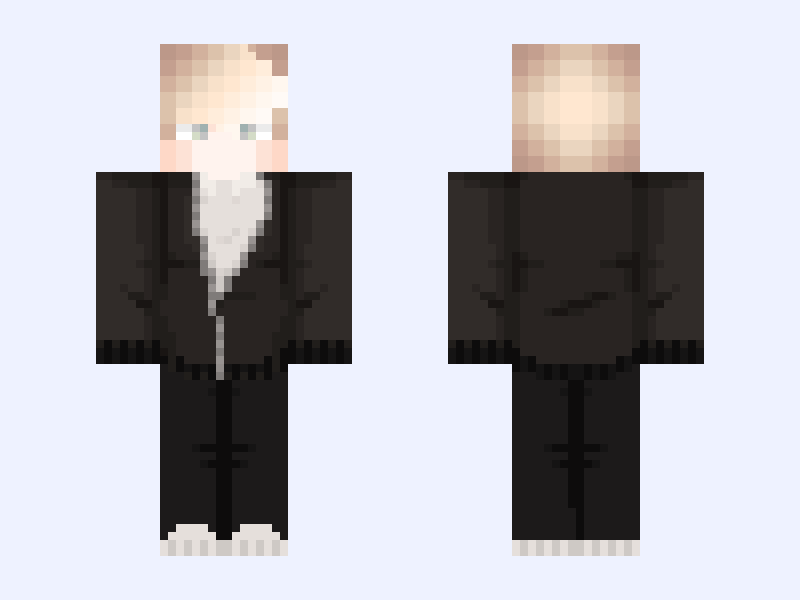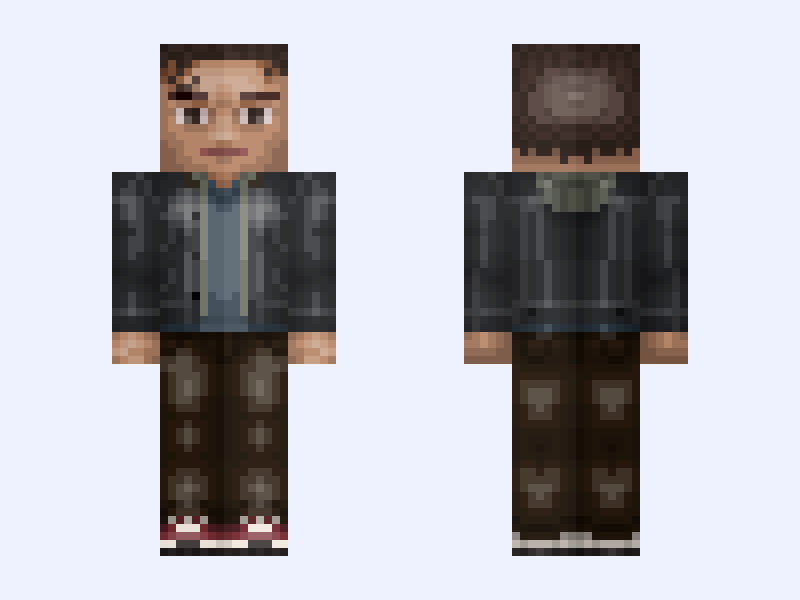
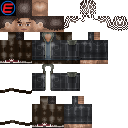
This is the skin file you download: a 128×128 HD PNG texture laid out in the standard Minecraft skin format.
Peter Parker: Spider-Man: Brand New Day (Marvel Studios: 2026) Minecraft Skin
About this skin
Peter Parker: Spider-Man: Brand New Day (Marvel Studios: 2026) By: @ETNIBOR I’ve never met this man in my life No Spoilers please, comments with Spoilers will be removed. #Spider_Man_199999_Variants Franchise Packs: #Marvel_Skin_Pack #Marvel_Earth_199999_Skin_Pack #Marvel_Studios_Spider_Man_Skin_Pack - Spider-Man: Brand New Day (2026) Character Pack: #Peter_Parker_Character_Pack Played by: Tom Holland Skin Status: Up to date Do not repost without liking and asking permission. It must be edited. You may not just copy and paste my skins on your account. If you would like to use the bases, they are available on my other account here @Etnibor_Bases
Skin details
- Model
- Slim (Alex, 3px arms)
- Texture size
- 128×128 HD pixels
- File type
- PNG with transparency
- Likes
- 28
- Comments
- 2
- Added
- September 9, 2026
How to use this skin in Minecraft Java Edition
- Select Download Skin to save the PNG file.
- Open the Minecraft Launcher and go to Skins.
- Choose New Skin and select the Slim player model.
- Browse to the downloaded PNG, then select Save & Use.
How to use this skin in Minecraft Bedrock Edition
- Select Download Skin to save the PNG file.
- Open Minecraft and go to the Dressing Room.
- Under Classic Skins, choose Import, then Choose New Skin.
- Select the PNG and pick the Slim model.