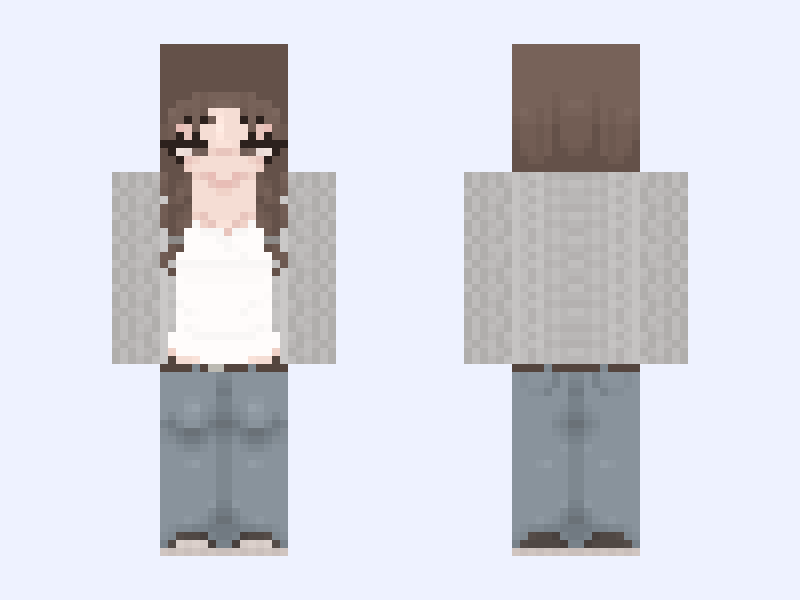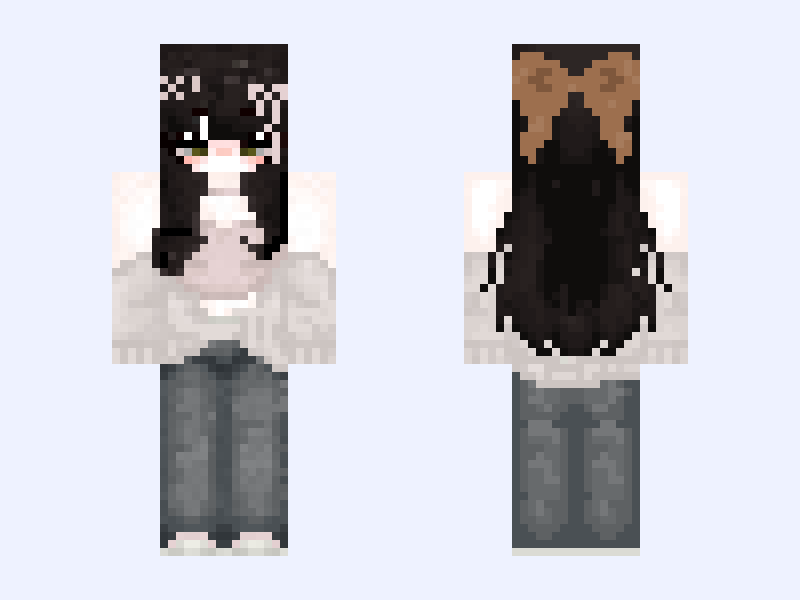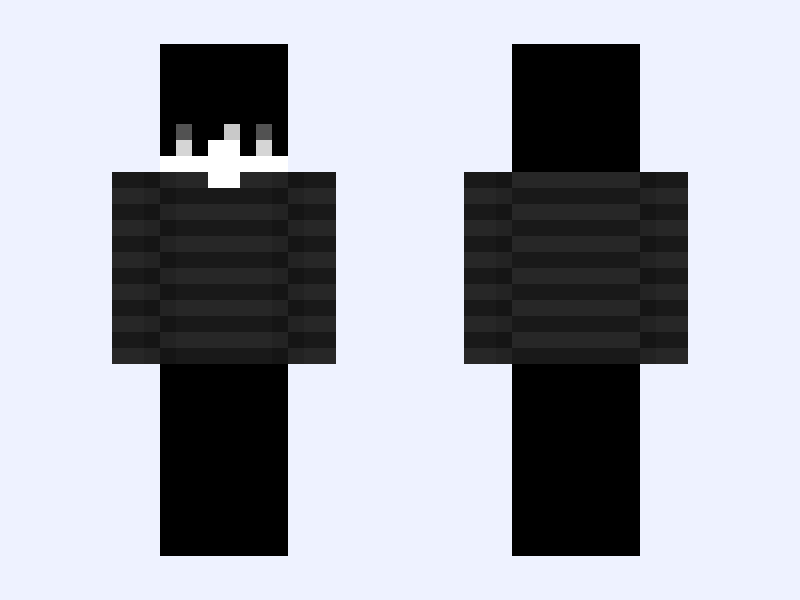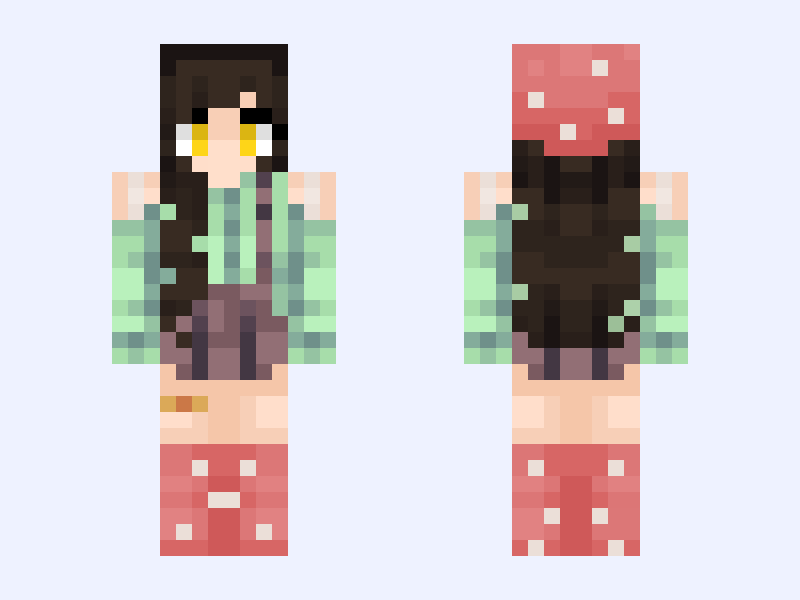
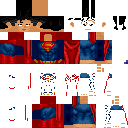
This is the skin file you download: a 128×128 HD PNG texture laid out in the standard Minecraft skin format.
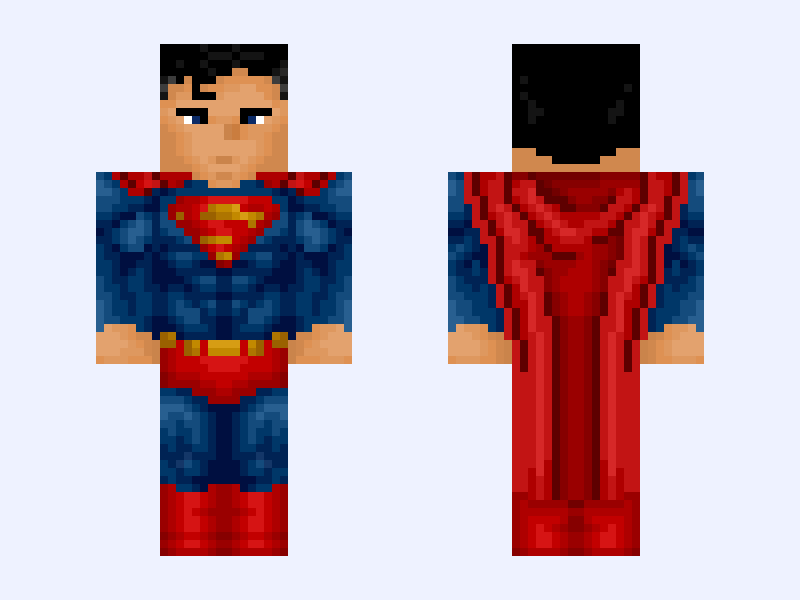
Superman | Clark Kent Minecraft Skin
Classic
128×128 HD
12 likes
15 comments
Download Skin
About this skin
now… i don’t want to brag.. BUT I THINK I MADE THE MOST ACCURATE S SYMBOL POSSIBLE ON THIS DAMN APP. belts cool too cape is for wacky guy to goon to like b4 download follow it do encourage me to do more yk
Skin details
- Model
- Classic (Steve, 4px arms)
- Texture size
- 128×128 HD pixels
- File type
- PNG with transparency
- Likes
- 12
- Comments
- 15
- Added
- September 16, 2026
How to use this skin in Minecraft Java Edition
- Select Download Skin to save the PNG file.
- Open the Minecraft Launcher and go to Skins.
- Choose New Skin and select the Classic player model.
- Browse to the downloaded PNG, then select Save & Use.
How to use this skin in Minecraft Bedrock Edition
- Select Download Skin to save the PNG file.
- Open Minecraft and go to the Dressing Room.
- Under Classic Skins, choose Import, then Choose New Skin.
- Select the PNG and pick the Classic model.