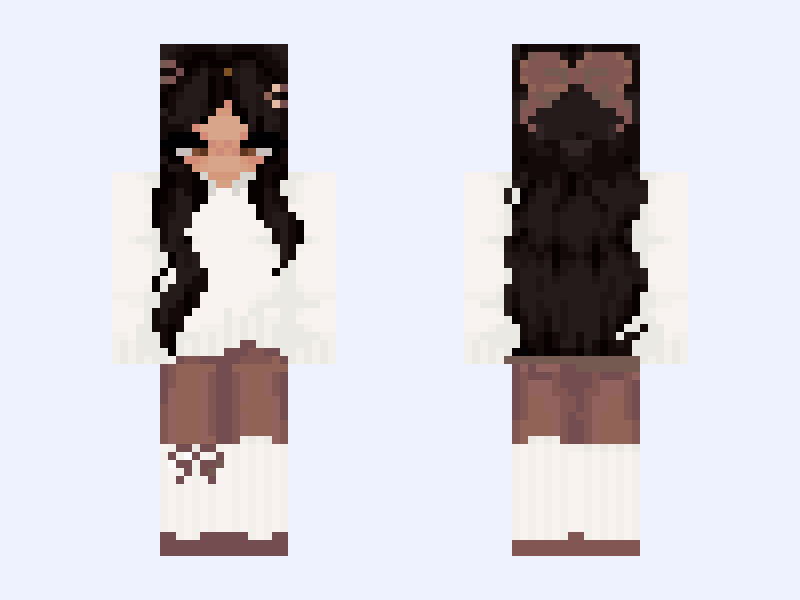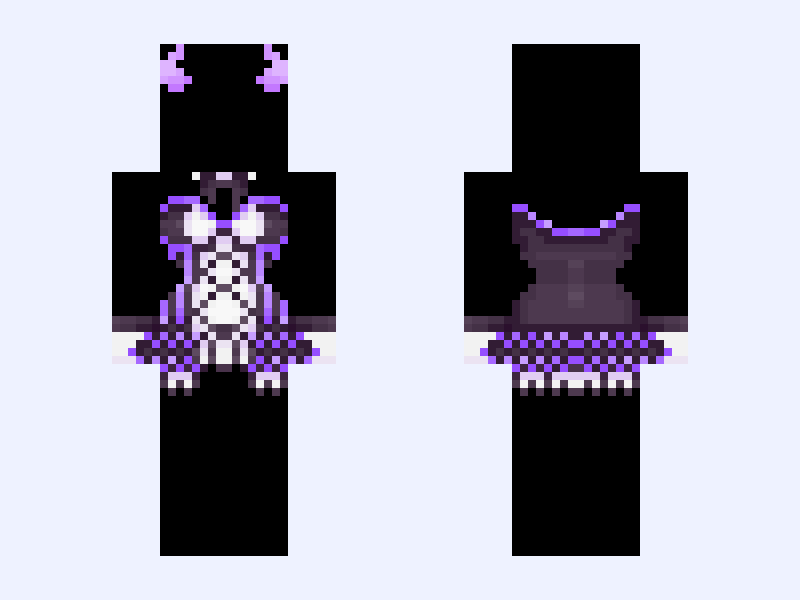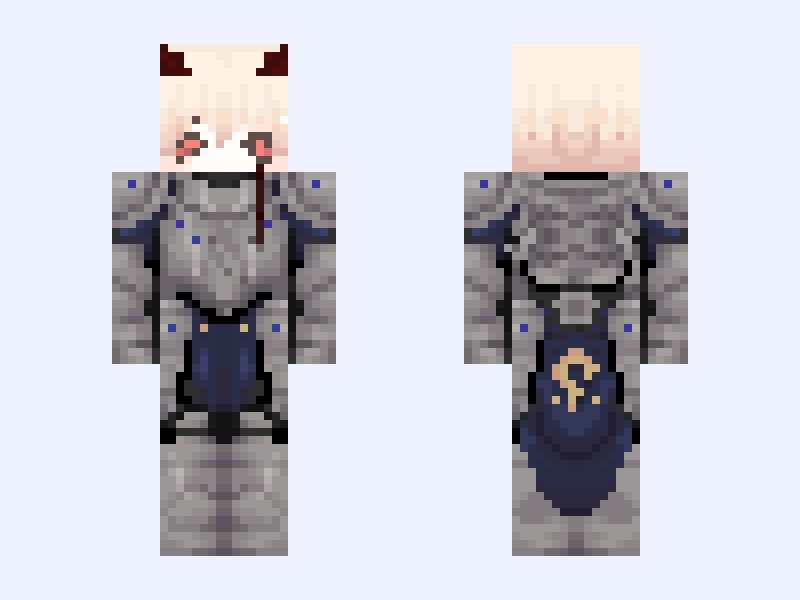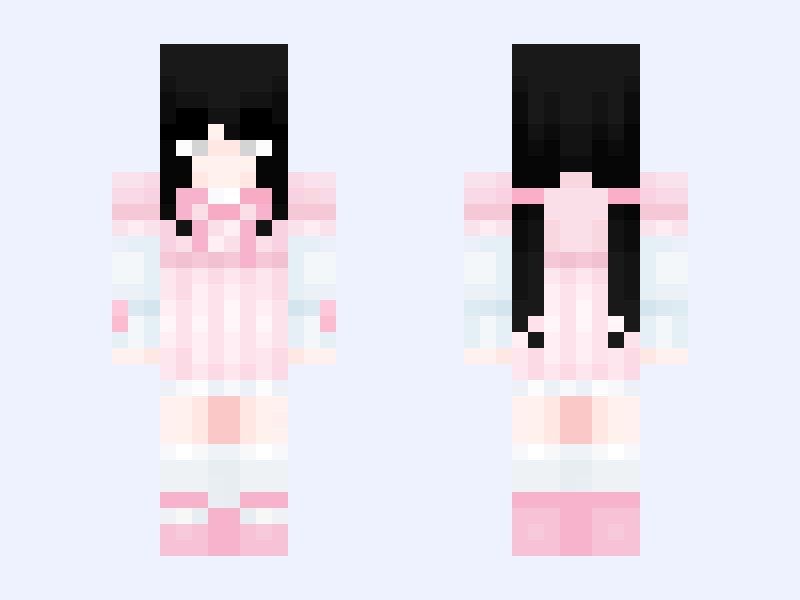

This is the skin file you download: a 64×64 PNG texture laid out in the standard Minecraft skin format.
sweet baby 💕 Minecraft Skin
Slim
64×64
6 likes
0 comments
Download Skin
About this skin
⃠𝒫𝓁𝑒𝒶𝓈𝑒 𝒹𝑜 𝓃𝑜𝓉 𝓇𝑒𝒸𝑜𝓁𝑜𝓇/𝓇𝑒𝓅𝑜𝓈𝓉 𝒟𝑜 𝓃𝑜𝓉 𝓈𝓉𝑒𝒶𝓁. ⃠ Creds: non --------------------- 𝐵𝑒𝓈𝓉𝒾𝑒𝓈 🤙🏼 𝒹𝑜𝓃'𝓉 𝒻𝓊𝒸𝓀 𝓌/𝓉𝒽𝑒𝓂 Some left so.. idk if we Click.. anymore.. ♡ @forvry ♡ @Antidead ♡ @Softdxddyy ♡ @sweetcherri ♡ @Dipping ♡ @SugarDolls --------------------- Yo I’m always down to make more 🫶🏻 ᴺᴼᵂ ᴾᴸᴬᵞᴵᴺᴳ : PASSION ѧяṭıṡṭ: DeeKay Volume: ■■■■■□□□ 0:57 ————|——— -2:10 ↺ ᴿᴱᴾᴱᴬᵀ ‖ ᴾᴬᵁˢᴱ ≫ ᴺᴱˣᵀ ˢᴼᴺᴳ 🖤
Skin details
- Model
- Slim (Alex, 3px arms)
- Texture size
- 64×64 pixels
- File type
- PNG with transparency
- Likes
- 6
- Comments
- 0
- Added
- September 17, 2026
How to use this skin in Minecraft Java Edition
- Select Download Skin to save the PNG file.
- Open the Minecraft Launcher and go to Skins.
- Choose New Skin and select the Slim player model.
- Browse to the downloaded PNG, then select Save & Use.
How to use this skin in Minecraft Bedrock Edition
- Select Download Skin to save the PNG file.
- Open Minecraft and go to the Dressing Room.
- Under Classic Skins, choose Import, then Choose New Skin.
- Select the PNG and pick the Slim model.