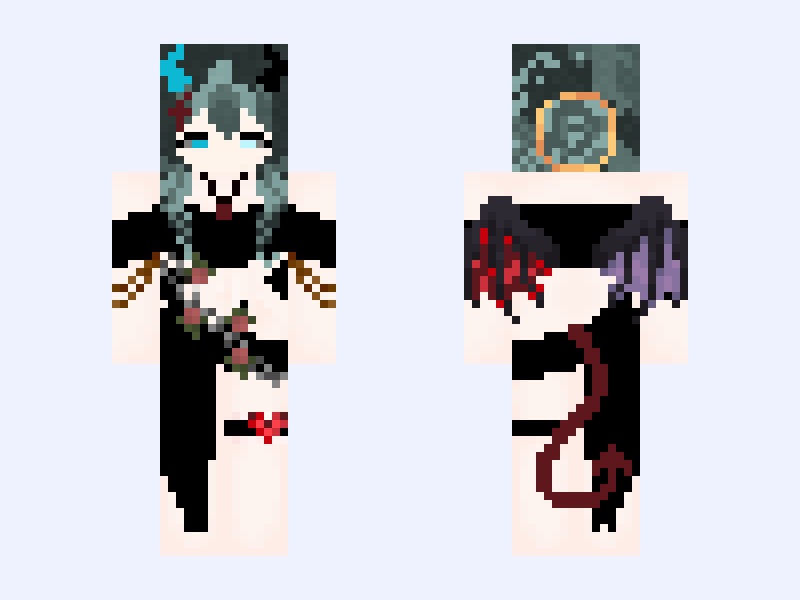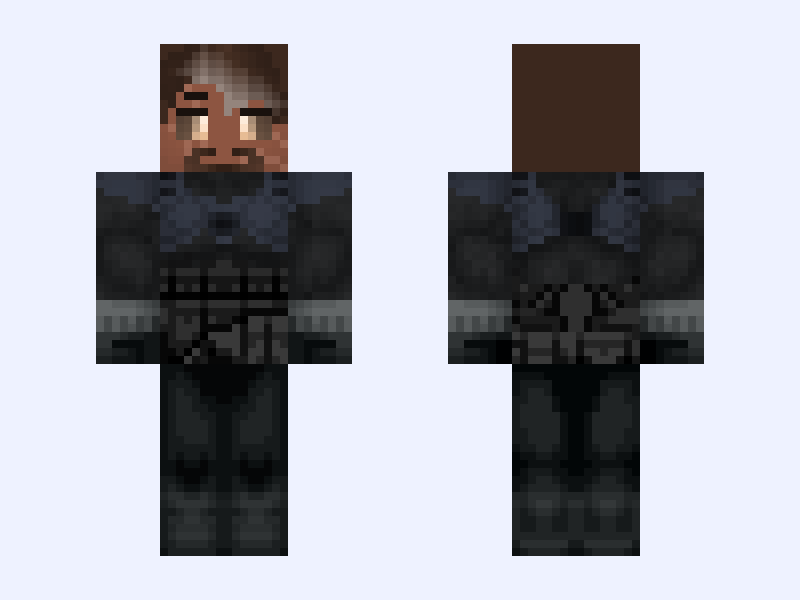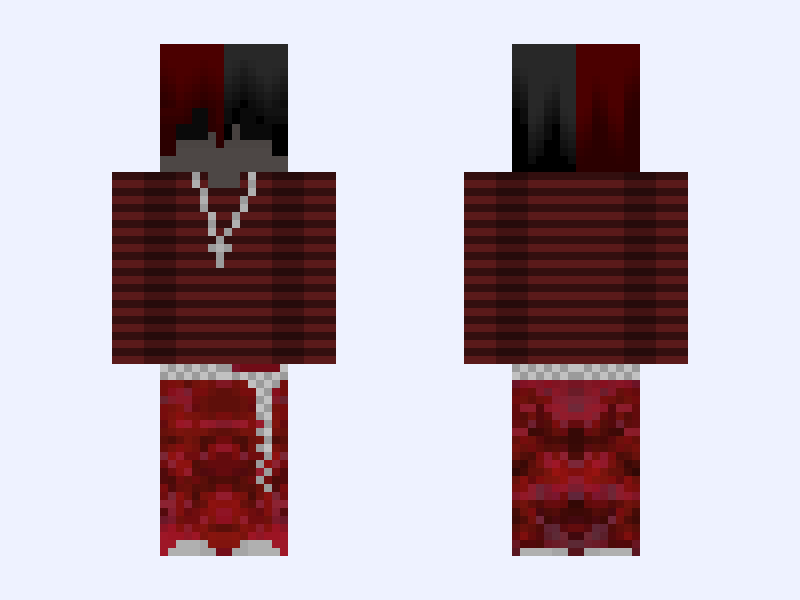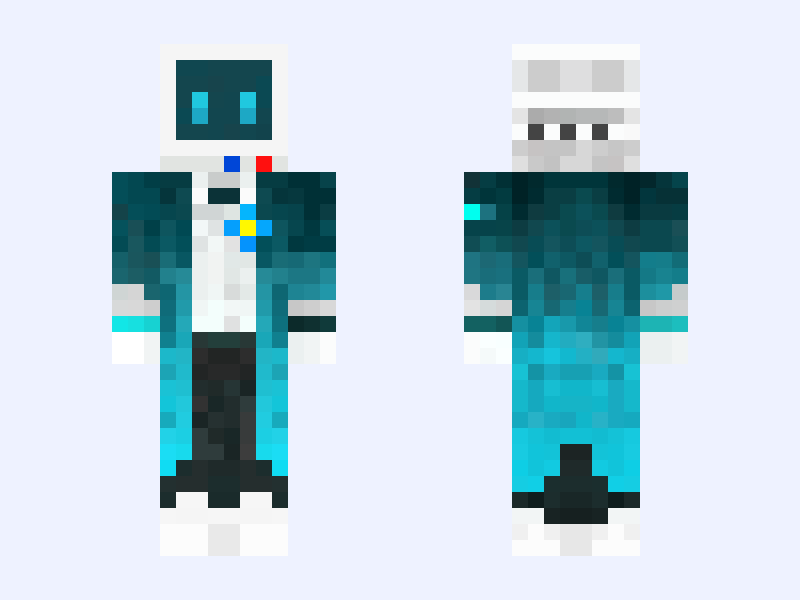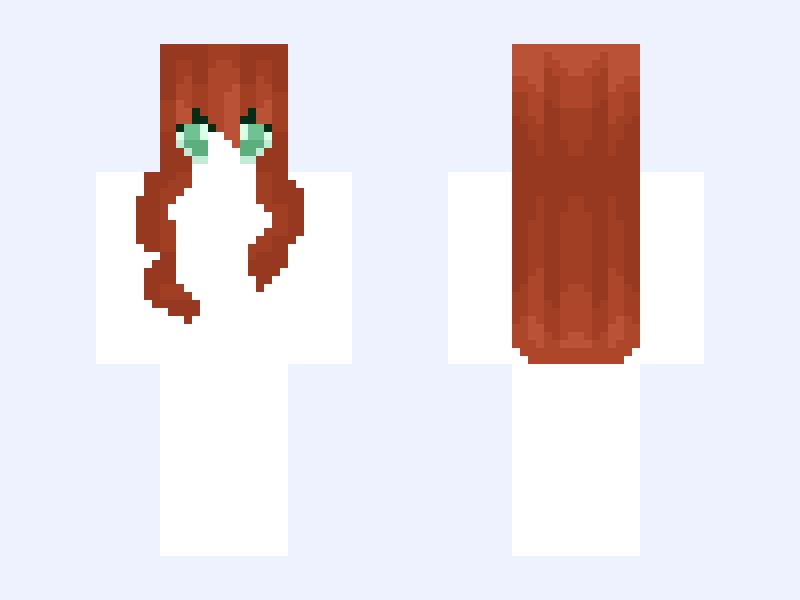
This is the skin file you download: a 128×128 HD PNG texture laid out in the standard Minecraft skin format.
WHAT IN THE WORD IS THIS?!?! THIS IS ON FOXTAIL’S ACCOUNT RIGHT?! ~Hair~base~Red~ Minecraft Skin
Classic
128×128 HD
7 likes
1 comments
Download Skin
About this skin
What is this? A hair base? By Foxtail? She barely even makes her own hair?! How is this possible? Well credit me is used, sorry for the eyes but they’re cute aren’t they? Tag me on the skin you use this on if you do. Sorry for the white instead of pixelless.
Skin details
- Model
- Classic (Steve, 4px arms)
- Texture size
- 128×128 HD pixels
- File type
- PNG with transparency
- Likes
- 7
- Comments
- 1
- Added
- September 15, 2026
How to use this skin in Minecraft Java Edition
- Select Download Skin to save the PNG file.
- Open the Minecraft Launcher and go to Skins.
- Choose New Skin and select the Classic player model.
- Browse to the downloaded PNG, then select Save & Use.
How to use this skin in Minecraft Bedrock Edition
- Select Download Skin to save the PNG file.
- Open Minecraft and go to the Dressing Room.
- Under Classic Skins, choose Import, then Choose New Skin.
- Select the PNG and pick the Classic model.