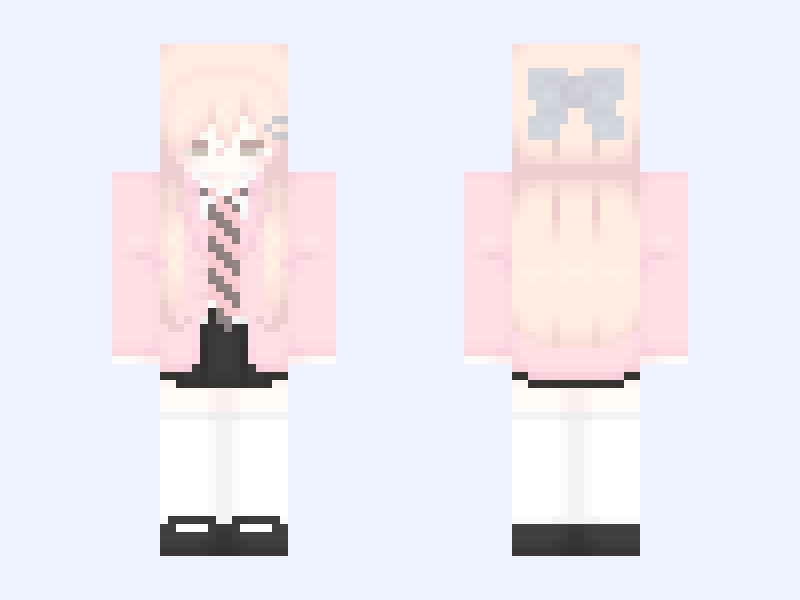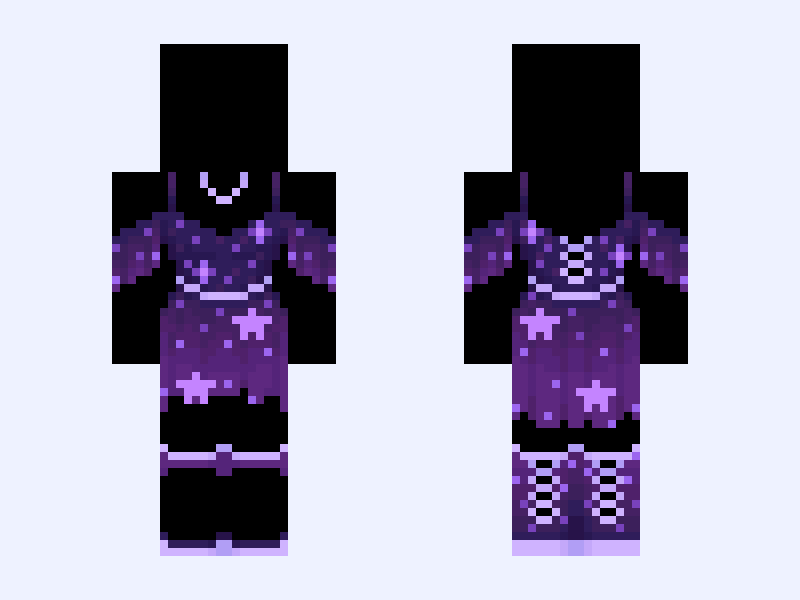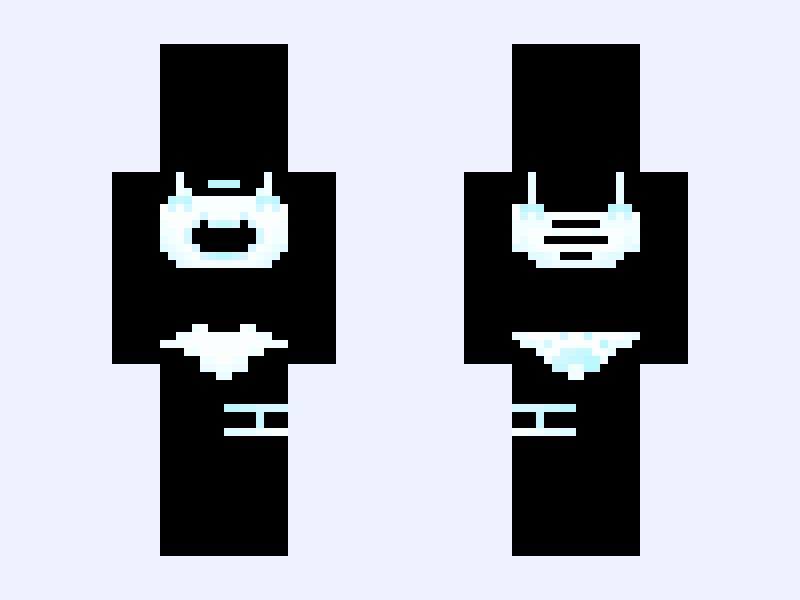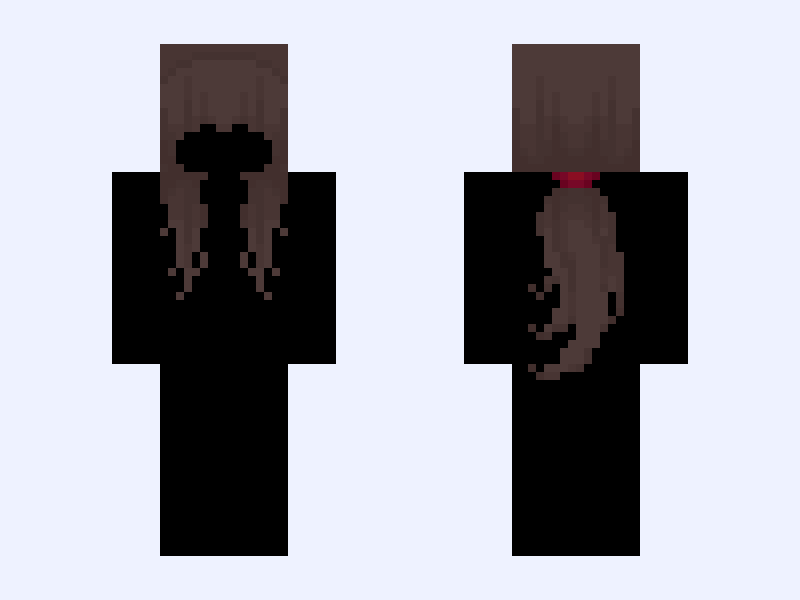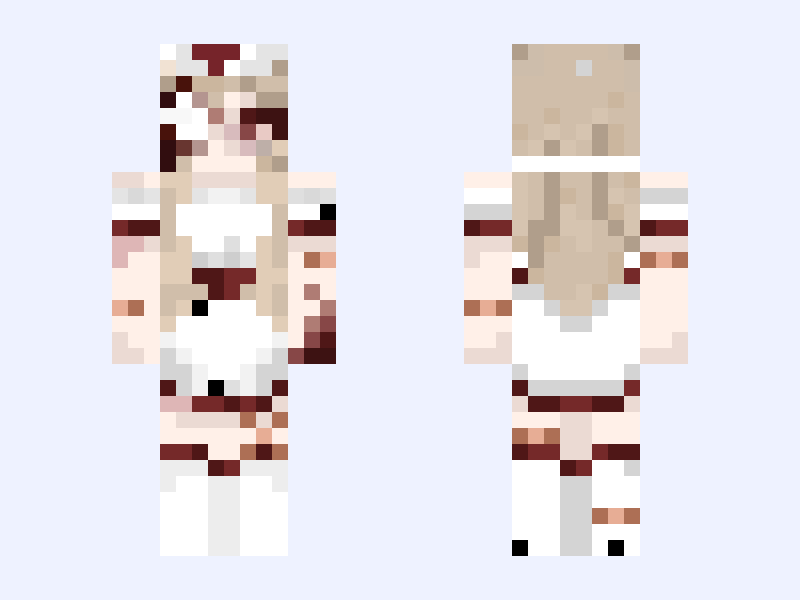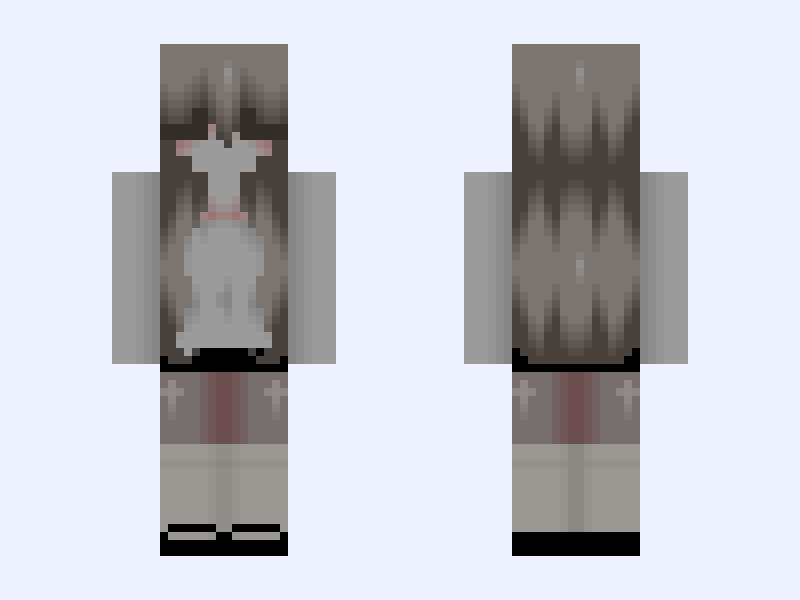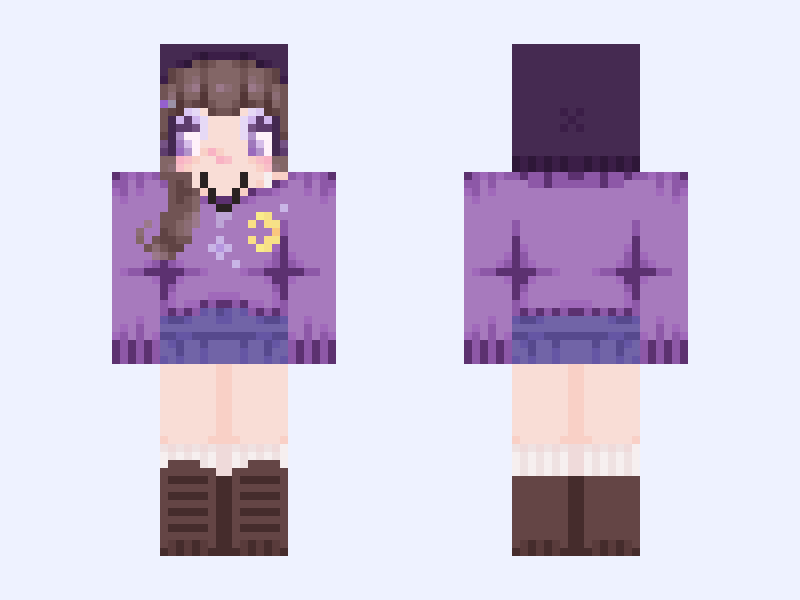
This is the skin file you download: a 128×128 HD PNG texture laid out in the standard Minecraft skin format.
꩜ ⋆.ೃ࿔*:・🌙 whimsy fall Minecraft Skin
Slim
128×128 HD
37 likes
24 comments
Download Skin
About this skin
Look at the lil moon necklace🥹🦄 Also this skin is me :3 So for the fall contest I made a whimsical fall outfit I might make a classic brown orange type of skin as well bc I luvv fall 🎃🥧🍄🟫 Happy September guys💟💜it’s my birthday month yippeeee For #autumnskinforaug
Skin details
- Model
- Slim (Alex, 3px arms)
- Texture size
- 128×128 HD pixels
- File type
- PNG with transparency
- Likes
- 37
- Comments
- 24
- Added
- September 7, 2026
How to use this skin in Minecraft Java Edition
- Select Download Skin to save the PNG file.
- Open the Minecraft Launcher and go to Skins.
- Choose New Skin and select the Slim player model.
- Browse to the downloaded PNG, then select Save & Use.
How to use this skin in Minecraft Bedrock Edition
- Select Download Skin to save the PNG file.
- Open Minecraft and go to the Dressing Room.
- Under Classic Skins, choose Import, then Choose New Skin.
- Select the PNG and pick the Slim model.