
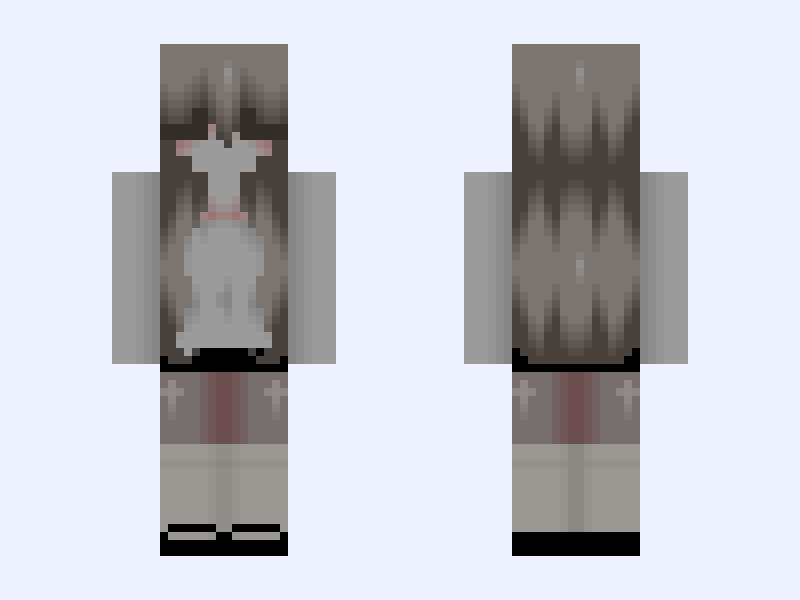
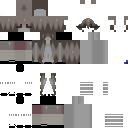
This is the skin file you download: a 128×128 HD PNG texture laid out in the standard Minecraft skin format.
Gray #DB0B Minecraft Skin
Slim
128×128 HD
29 likes
2 comments
Download Skin
About this skin
༻𓊈𒆜𝕕𝕒𝕚𝕝𝕪 𝕞𝕠𝕥𝕚𝕧𝕒𝕥𝕚𝕠𝕟𒆜𓊉༺ 𝕋𝕙𝕖 𝕘𝕣𝕒𝕤𝕤 𝕚𝕤 𝕘𝕣𝕖𝕖𝕟𝕖𝕣 𝕨𝕙𝕖𝕣𝕖 𝕪𝕠𝕦 𝕨𝕒𝕥𝕖𝕣 𝕚𝕥. **✿❀○❀✿***✿❀○❀✿***✿❀○❀✿***✿❀○❀✿***✿❀○❀✿***✿❀○❀✿** ℂ𝕣𝕖𝕕𝕚𝕥 𝕥𝕠 @riivyx 𝕥𝕙𝕖 𝕤𝕠𝕔𝕜𝕤 𝕒𝕟𝕕 𝕝𝕖𝕘𝕘𝕚𝕟𝕘𝕤 ℂ𝕣𝕖𝕕𝕚𝕥 𝕥𝕠 @fqye 𝕗𝕠𝕣 𝕥𝕙𝕖 𝕠𝕣𝕚𝕘𝕚𝕟𝕒𝕝 𝕙𝕒𝕚𝕣 𝕓𝕦𝕥 𝕀 𝕕𝕒𝕣𝕜𝕖𝕟𝕖𝕕 𝕚𝕥 ℙ𝕝𝕤 ᰔ 𝕓𝕖𝕗𝕠𝕣𝕖 𝕕𝕠𝕨𝕟𝕝𝕠𝕒𝕕𝕚𝕟𝕘 ✄┈┈┈┈┈┈┈┈┈┈┈┈┈┈┈┈┈┈┈┈┈┈┈┈┈┈┈┈┈┈ ╱▔▔╲╱▔▔╲ ╱ ╭━━━━╮╲ ▏ ┃▍▍┃ ┃▕ ▏▅━╯ ┃ ┃▕ ╲┣━━━╯┃ ┃╱ ╰━━┳ ╰━╯ ╲╭╯ ╱ ╲ ╱ ╲╱
Skin details
- Model
- Slim (Alex, 3px arms)
- Texture size
- 128×128 HD pixels
- File type
- PNG with transparency
- Likes
- 29
- Comments
- 2
- Added
- September 4, 2026
How to use this skin in Minecraft Java Edition
- Select Download Skin to save the PNG file.
- Open the Minecraft Launcher and go to Skins.
- Choose New Skin and select the Slim player model.
- Browse to the downloaded PNG, then select Save & Use.
How to use this skin in Minecraft Bedrock Edition
- Select Download Skin to save the PNG file.
- Open Minecraft and go to the Dressing Room.
- Under Classic Skins, choose Import, then Choose New Skin.
- Select the PNG and pick the Slim model.
Collections this skin is in
More Minecraft skins
 Slim
Slim
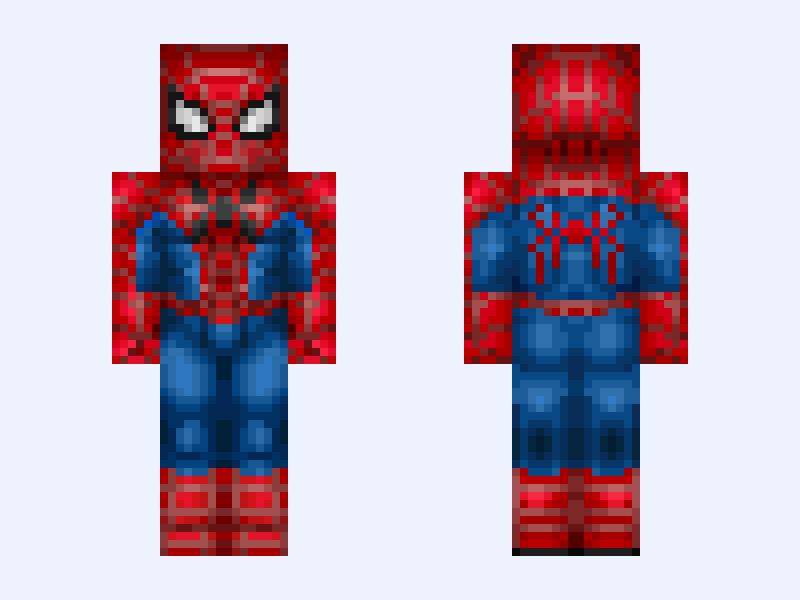
Spiderman Fresh Start Suit. Brand New Day2
7 likes
 Slim
Slim
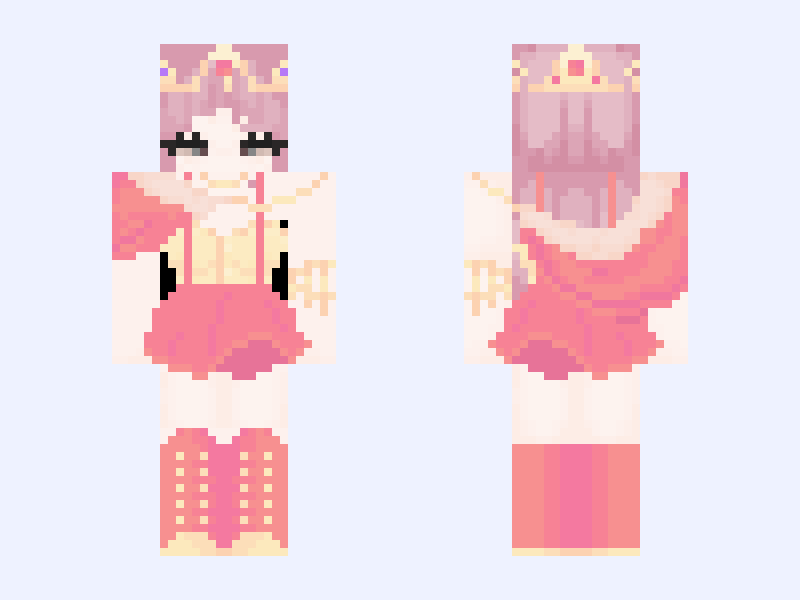
⋆。°✩ 𝒥𝓊𝓁𝒾𝑒𝓉 𝓉𝒽𝑒 𝒰𝓃𝓀𝓃𝑜𝓌𝓃 (𝒫𝒶𝓇𝓉 𝒯𝓌𝑜) ✩°。⋆
8 likes
 Slim
Slim
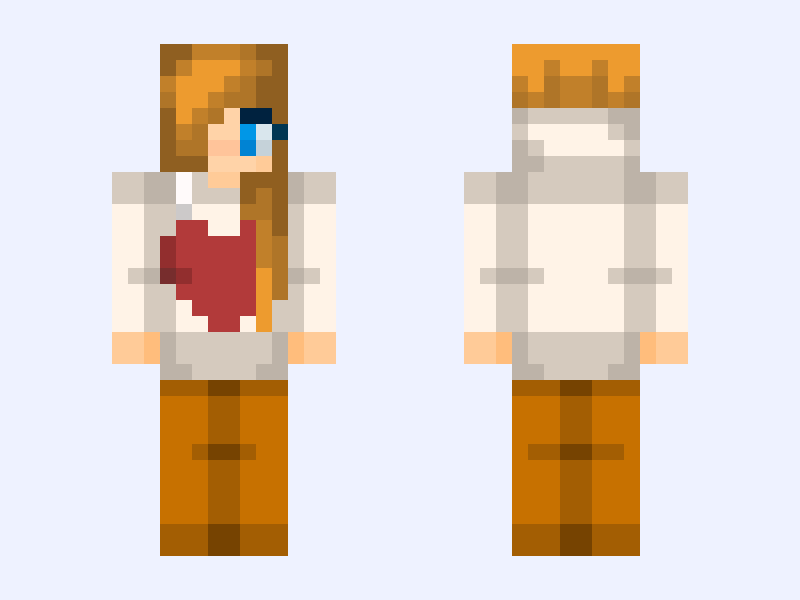
HORRIBLE human Brightheart skin. ~Hoodie~sweater~girl~heart~cute~64x64~
8 likes
 Slim
Slim
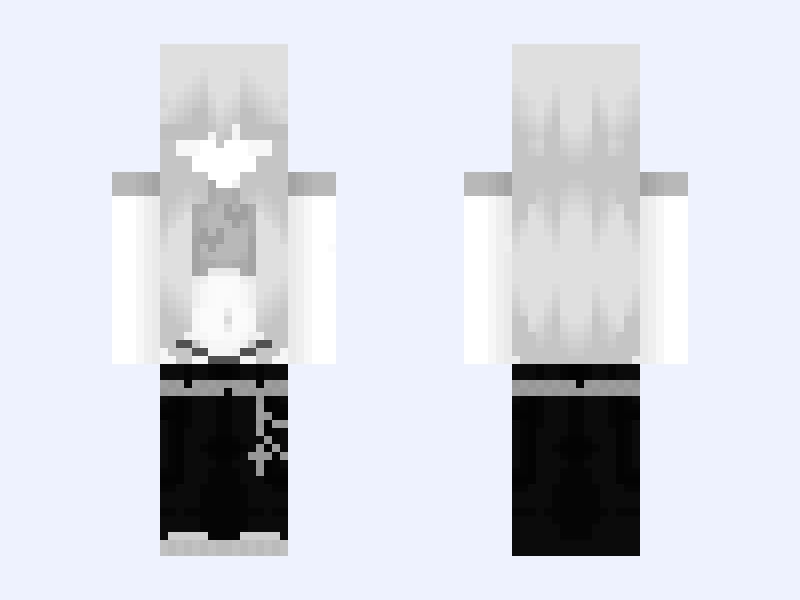
Emo 🖤
6 likes
 Classic
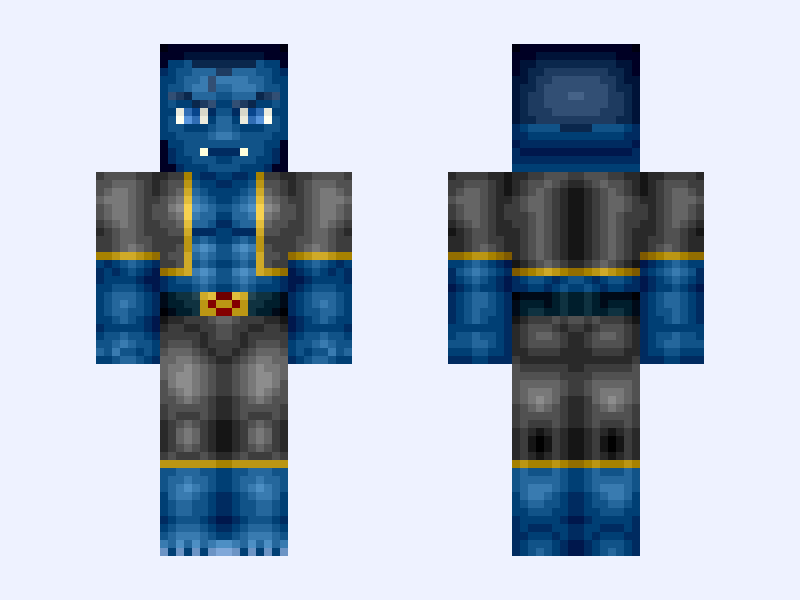
Beast (X-Men Uniform)
8 likes
 Classic
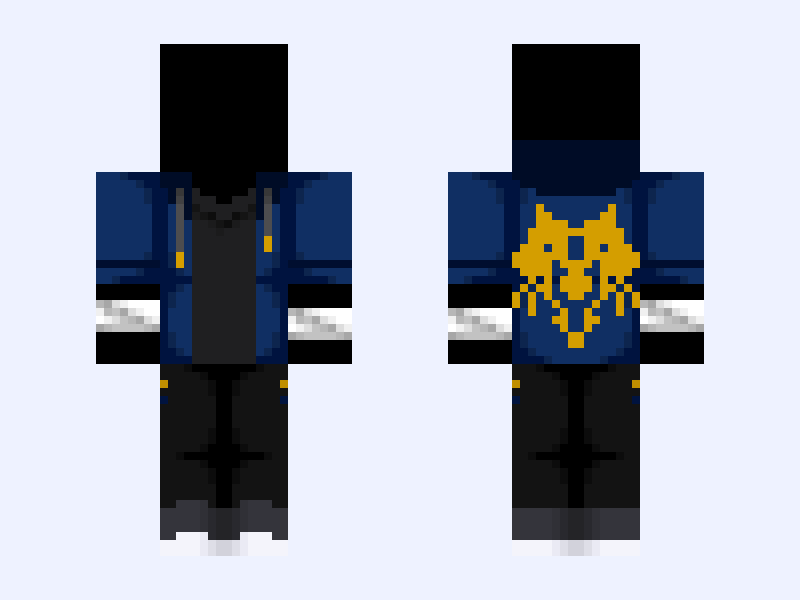
Base Mix-up! - “Hail to the Victors” (Mystreet Edition) - Aaron Lycan & Michigan Wolverines
6 likes