
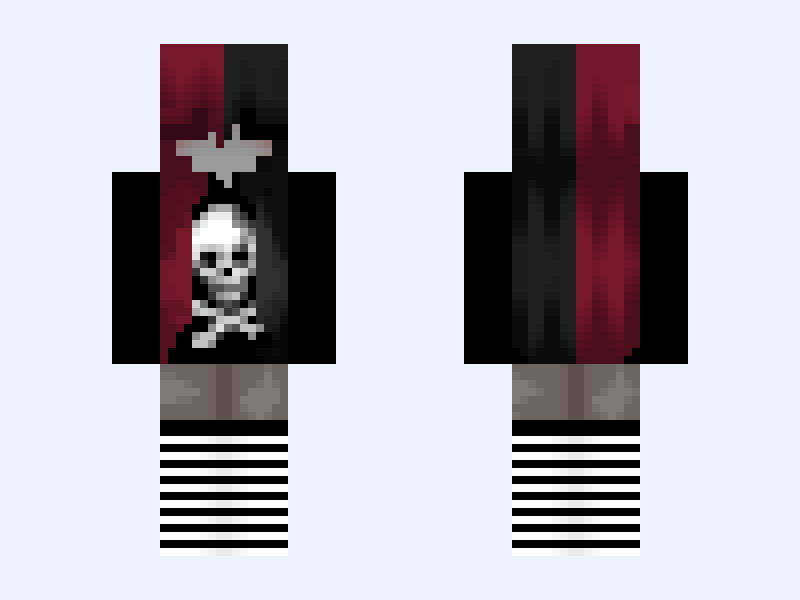
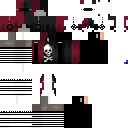
This is the skin file you download: a 128×128 HD PNG texture laid out in the standard Minecraft skin format.
Black #5B4B Minecraft Skin
Slim
128×128 HD
32 likes
4 comments
Download Skin
About this skin
☆彡彡 𝕕𝕒𝕚𝕝𝕪 𝕞𝕠𝕥𝕚𝕧𝕒𝕥𝕚𝕠𝕟 ミミ☆ 𝕊𝕦𝕔𝕔𝕖𝕤𝕤 𝕚𝕤𝕟'𝕥 𝕒𝕟 𝕒𝕔𝕔𝕚𝕕𝕖𝕟𝕥, 𝕚𝕥'𝕤 𝕒 𝕔𝕙𝕠𝕚𝕔𝕖 ꒷︶꒷꒥꒷‧₊˚꒷︶꒷꒥꒷‧₊˚꒷︶꒷꒥꒷‧₊˚꒷︶꒷꒥꒷‧₊˚꒷︶꒷꒥꒷‧₊˚꒷︶꒷꒥꒷‧₊˚꒷︶꒷꒥꒷‧₊˚꒷︶꒷꒥꒷‧₊˚꒷︶꒷꒥꒷‧₊˚꒷︶꒷꒥꒷‧₊˚ ℂ𝕣𝕖𝕕𝕚𝕥 𝕥𝕠 @ayashii 𝕗𝕠𝕣 𝕥𝕙𝕖 𝕙𝕒𝕚𝕣 𝕒𝕟𝕕 𝕤𝕙𝕚𝕣𝕥 ℙ𝕝𝕤 ᥫ᭡ 𝕓𝕖𝕗𝕠𝕣𝕖 𝕕𝕠𝕨𝕟𝕝𝕠𝕒𝕕𝕚𝕟𝕘 ➴➵➶➴➵➶➴➵➶➴➵➶➴➵➶➴➵➶➴➵➶➴➵➶➴➵➶➴➵➶➴➵➶➴➵➶➴➵➶➴➵➶➴➵➶ ┈╱▔▔▔▔▔▔╲┈╭━━━━━━━━━━╮ ▕┈╭━╮╭━╮┈▏┃like and follow oooo~ ┃ ▕┈┃╭╯╰╮┃┈▏╰┳━━━━━━━━━╯ ▕┈╰╯╭╮╰╯┈▏┈┃ ▕┈┈┈┃┃┈┈┈▏━╯ ▕┈┈┈╰╯┈┈┈▏ ▕╱╲╱╲╱╲╱╲▏
Skin details
- Model
- Slim (Alex, 3px arms)
- Texture size
- 128×128 HD pixels
- File type
- PNG with transparency
- Likes
- 32
- Comments
- 4
- Added
- September 5, 2026
How to use this skin in Minecraft Java Edition
- Select Download Skin to save the PNG file.
- Open the Minecraft Launcher and go to Skins.
- Choose New Skin and select the Slim player model.
- Browse to the downloaded PNG, then select Save & Use.
How to use this skin in Minecraft Bedrock Edition
- Select Download Skin to save the PNG file.
- Open Minecraft and go to the Dressing Room.
- Under Classic Skins, choose Import, then Choose New Skin.
- Select the PNG and pick the Slim model.
Collections this skin is in
More Minecraft skins
 Classic
 Wolverine: X-Men '97 (Season 1: James 'Logan' Howlett: Marvel Animation: 2024)
20 likes
 Classic
glitched skin
12 likes
 Slim
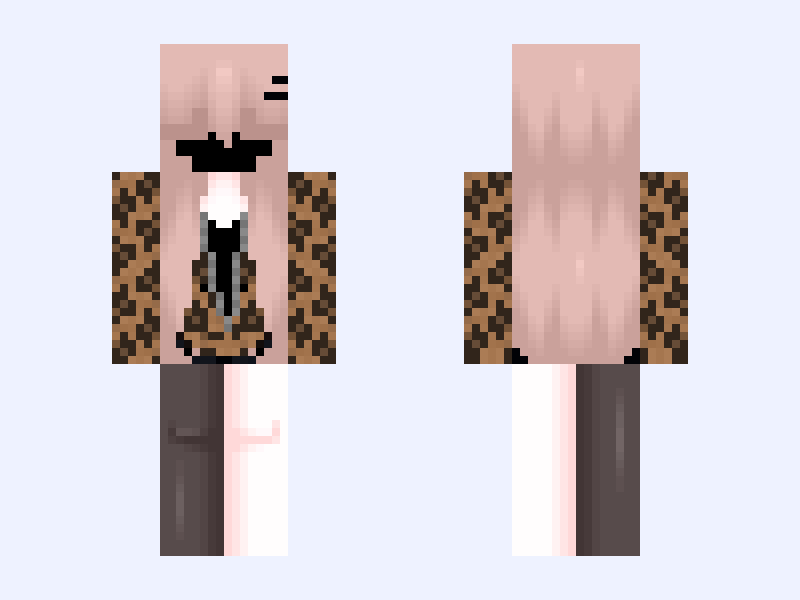
<3
17 likes
 Slim
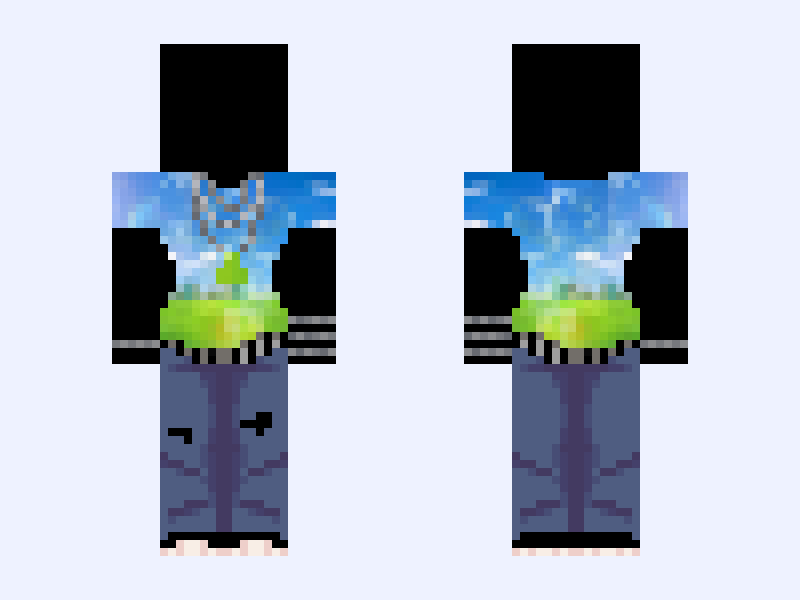
𝖥𝗋𝗎𝗍𝗂𝗀𝖾𝗋 𝖺𝖾𝗋𝗈 💧 frutiger aero chains jeans headphones belt 2000x
15 likes
 Slim
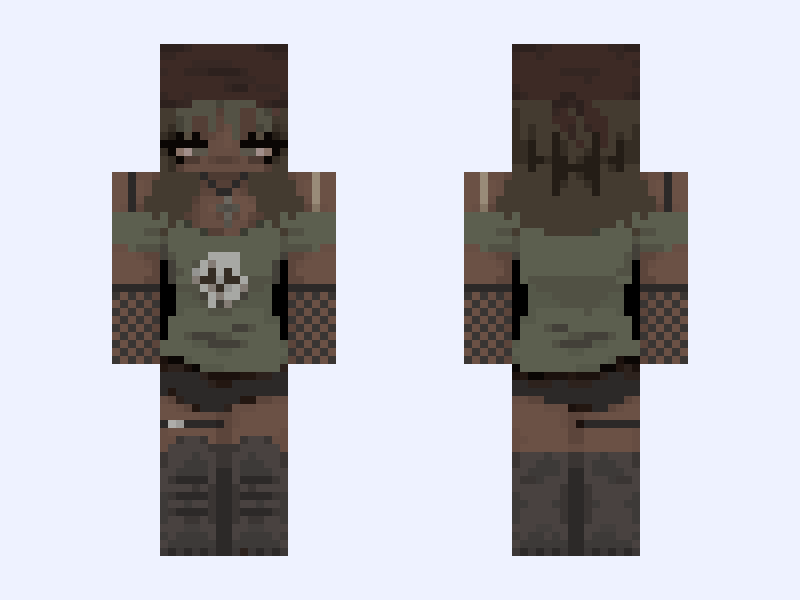
poc edit :: rUmine?
22 likes
 Slim
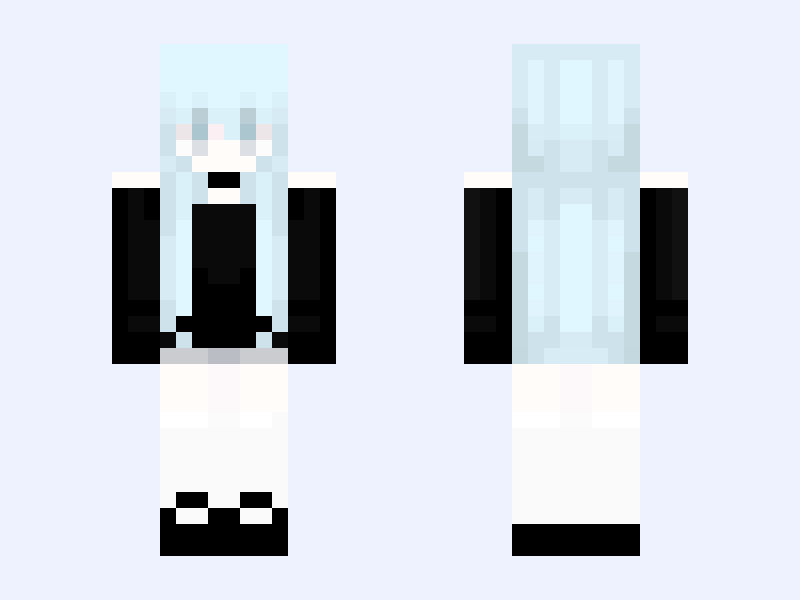
♡Silent Angel (Last remake)
19 likes