
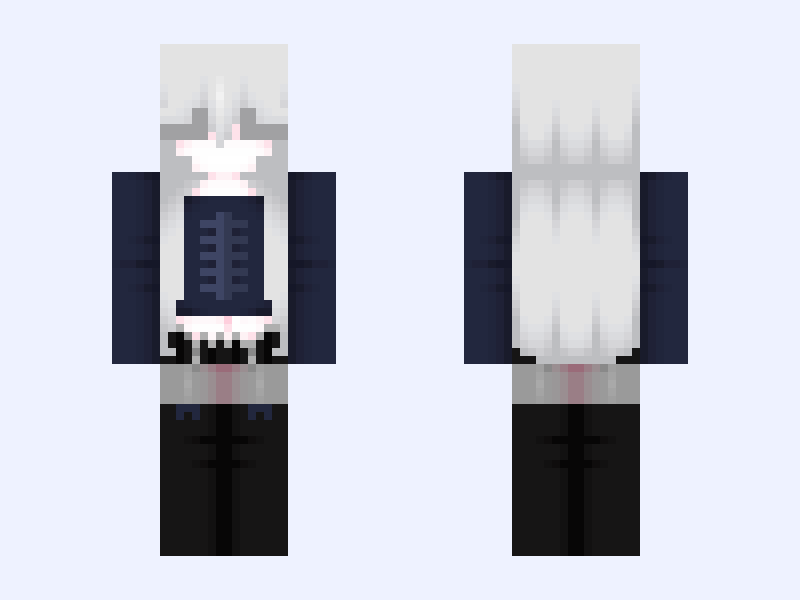
This is the skin file you download: a 128×128 HD PNG texture laid out in the standard Minecraft skin format.
Black #DBF8 Minecraft Skin
Slim
128×128 HD
40 likes
8 comments
Download Skin
About this skin
⋆.ೃ࿔🪽*:・ ⟶ 𝘋𝘰 𝘯𝘰𝘵 𝘳𝘦𝘱𝘰𝘴𝘵 𝘢𝘯𝘺𝘸𝘩𝘦𝘳𝘦. ⟶ 𝘎𝘪𝘷𝘦 𝘤𝘳𝘦𝘥𝘪𝘵 𝘪𝘧 𝘺𝘰𝘶 𝘶𝘴𝘦 𝘢𝘯𝘺𝘵𝘩𝘪𝘯𝘨. ⟶ 𝘋𝘰 𝘯𝘰𝘵 𝘦𝘥𝘪𝘵 𝘢𝘯𝘥 𝘳𝘦𝘱𝘰𝘴𝘵. ⟶ 𝘋𝘰 𝘯𝘰𝘵 𝘳𝘦𝘤𝘰𝘭𝘰𝘳. 𝘐𝘯𝘴𝘱𝘰: 𝘯𝘢𝘮𝘦𝘮𝘤 🎵 . ݁₊ ⊹ . ݁ 🎶 ݁ . ⊹ ₊ ݁. 🎵 ໒꒰ྀི๑• ༝ •๑꒱ྀི১ 𝘛𝘩𝘢𝘯𝘬 𝘺𝘰𝘶 𝘢𝘭𝘭 𝘧𝘰𝘳 𝘵𝘩𝘦 𝘴𝘶𝘱𝘱𝘰𝘳𝘵 𝘰𝘯 𝘮𝘺 𝘴𝘬𝘪𝘯𝘴.
Skin details
- Model
- Slim (Alex, 3px arms)
- Texture size
- 128×128 HD pixels
- File type
- PNG with transparency
- Likes
- 40
- Comments
- 8
- Added
- September 7, 2026
How to use this skin in Minecraft Java Edition
- Select Download Skin to save the PNG file.
- Open the Minecraft Launcher and go to Skins.
- Choose New Skin and select the Slim player model.
- Browse to the downloaded PNG, then select Save & Use.
How to use this skin in Minecraft Bedrock Edition
- Select Download Skin to save the PNG file.
- Open Minecraft and go to the Dressing Room.
- Under Classic Skins, choose Import, then Choose New Skin.
- Select the PNG and pick the Slim model.
Collections this skin is in
More Minecraft skins
 Slim
Slim
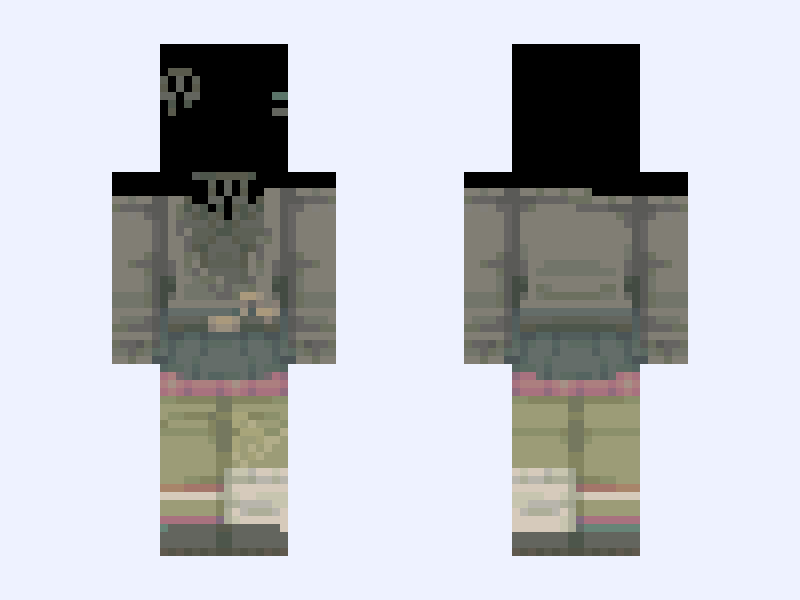
Whimsical Green 『 Base 』
37 likes
 Slim
Slim
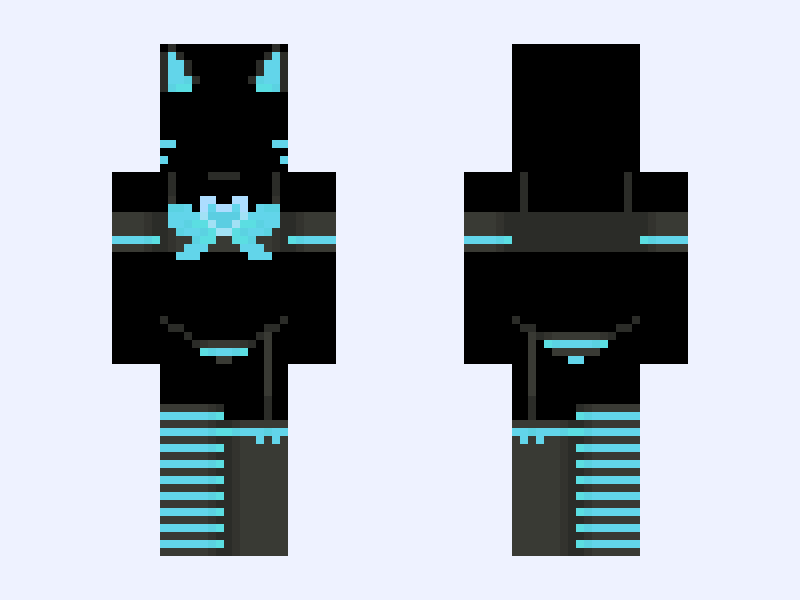
KITTY Blue Version
23 likes
 Slim
Slim
(V4) ⚜️🪽Angel Royalty🪽⚜️ white blue heaven light
39 likes
 Slim
Slim
(V7) ⚜️🪽Angel Royalty🪽⚜️ white blue heaven light dress gown
34 likes
 Slim
Slim
poc edit : ⟢ feminine knight girl armor silver cute brown
26 likes
 Classic
Bane: Batman: Knightfall Part 1: Knightfall (DC Animation: 2026)
37 likes