
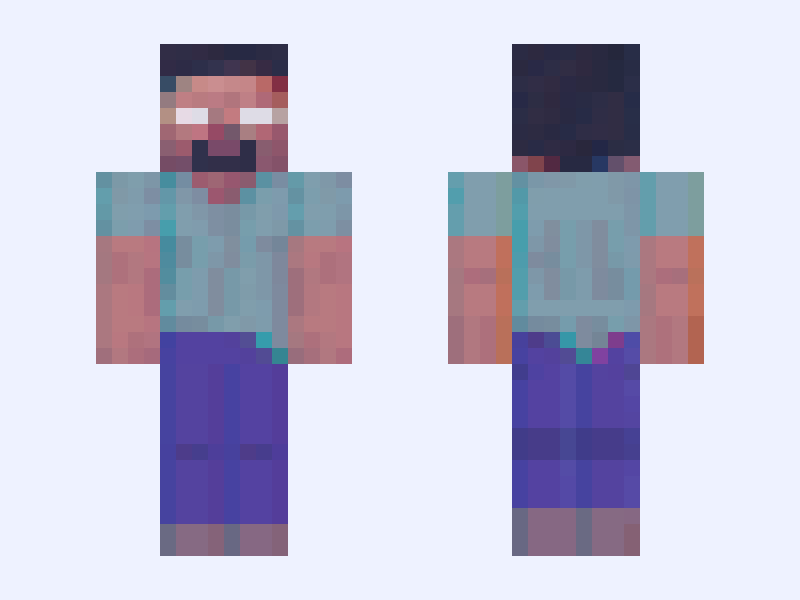

This is the skin file you download: a 64×64 PNG texture laid out in the standard Minecraft skin format.
Lifesteal Admin Minecraft Skin
Classic
64×64
32 likes
0 comments
Download Skin
About this skin
Lifesteal admin's skin
Skin details
- Model
- Classic (Steve, 4px arms)
- Texture size
- 64×64 pixels
- File type
- PNG with transparency
- Likes
- 32
- Comments
- 0
- Added
- September 6, 2026
How to use this skin in Minecraft Java Edition
- Select Download Skin to save the PNG file.
- Open the Minecraft Launcher and go to Skins.
- Choose New Skin and select the Classic player model.
- Browse to the downloaded PNG, then select Save & Use.
How to use this skin in Minecraft Bedrock Edition
- Select Download Skin to save the PNG file.
- Open Minecraft and go to the Dressing Room.
- Under Classic Skins, choose Import, then Choose New Skin.
- Select the PNG and pick the Classic model.
Collections this skin is in
More Minecraft skins
 Slim
Slim
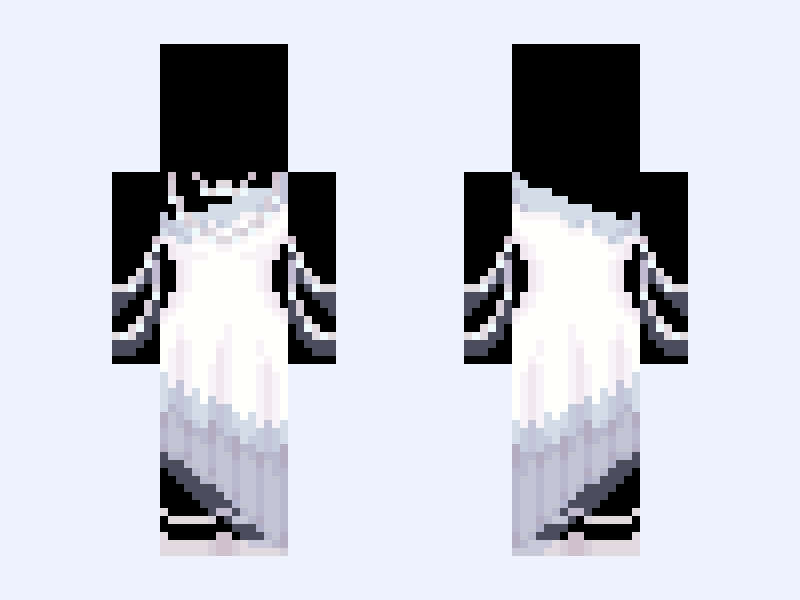
(V3) ⚜️🪽Angel Royalty🪽⚜️ white blue heaven light gown dress
63 likes
 Slim
Slim
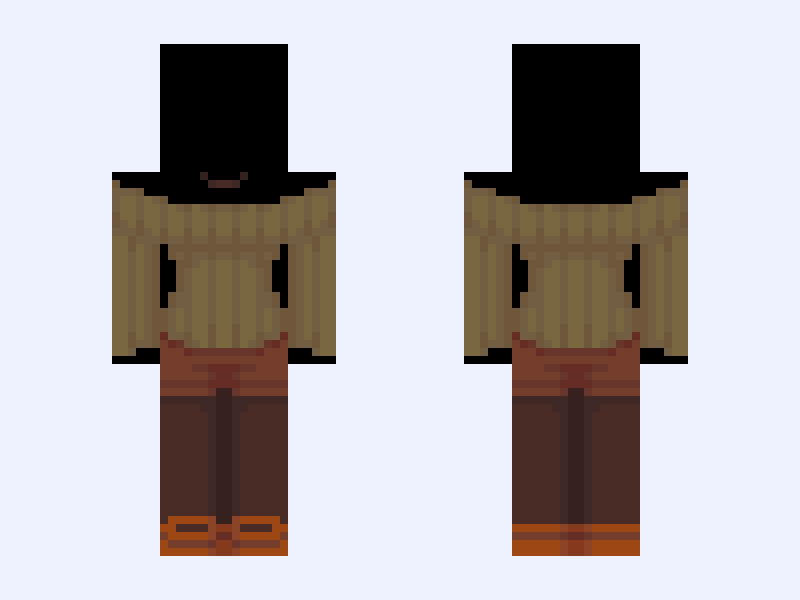
(V13) 🍂Autumn🍂 green brown shorts orange fall
112 likes
 Classic
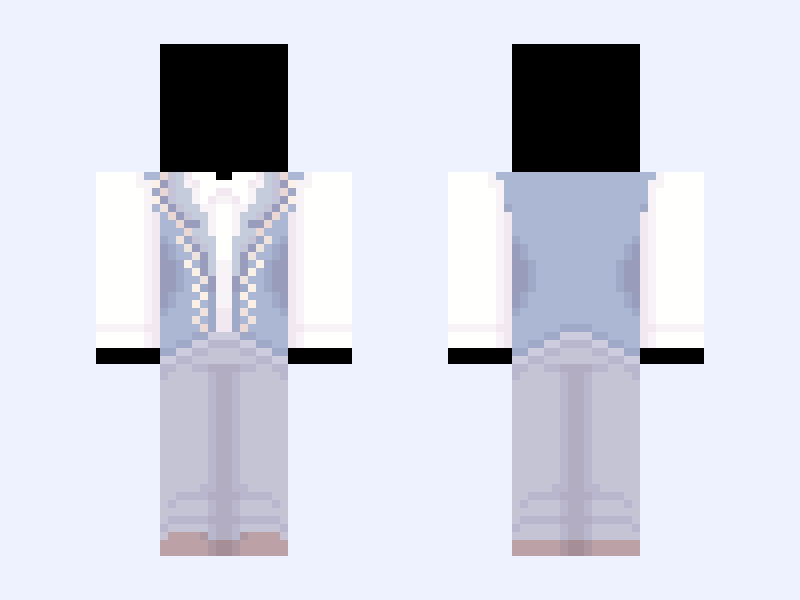
(M) (V10) ⚜️🪽Angel Royalty🪽⚜️ white blue heaven light
58 likes
 Slim
Slim
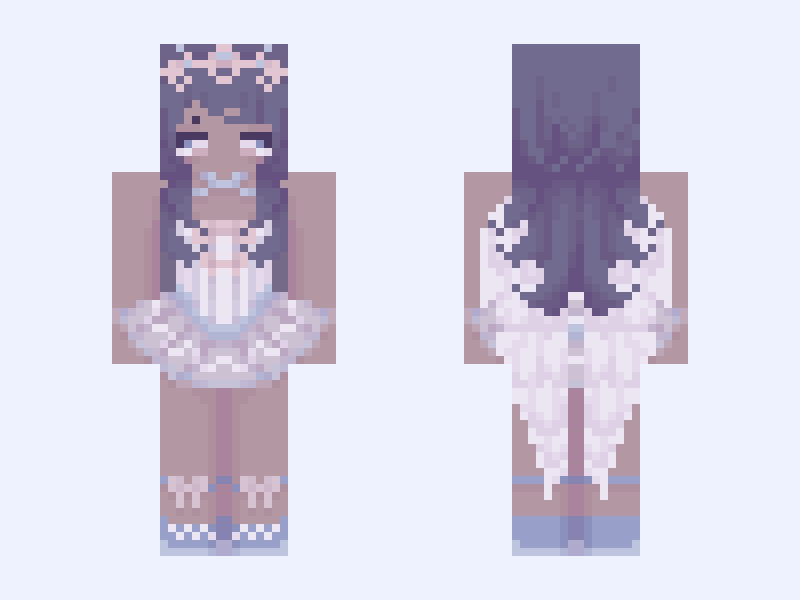
⚜️🪽Angel Royalty Ballerina🪽⚜️ white blue heaven light ballerina dress
54 likes
 Slim
Slim
Untitled Skin #8A7DBB
52 likes
 Slim
Slim
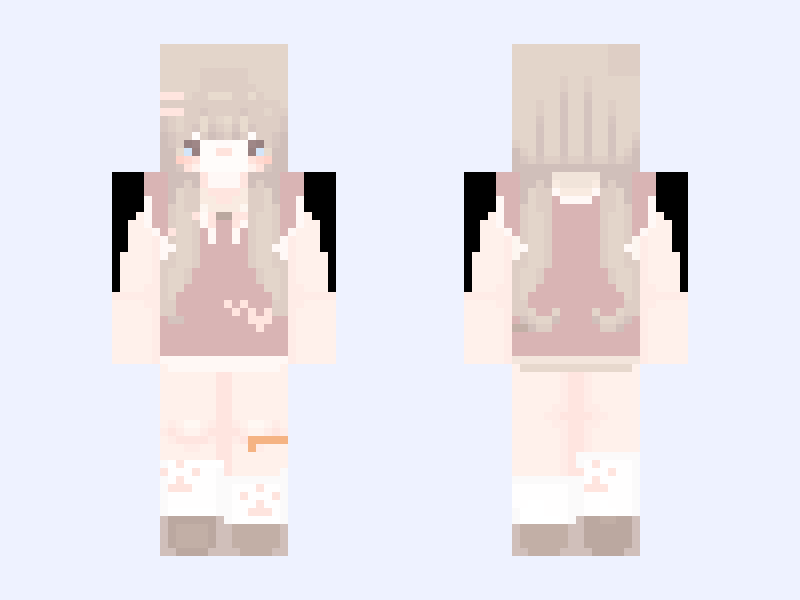
°•girl | cute skin | Baby girl | cutecore | blonde | cute | kawaii •°
44 likes