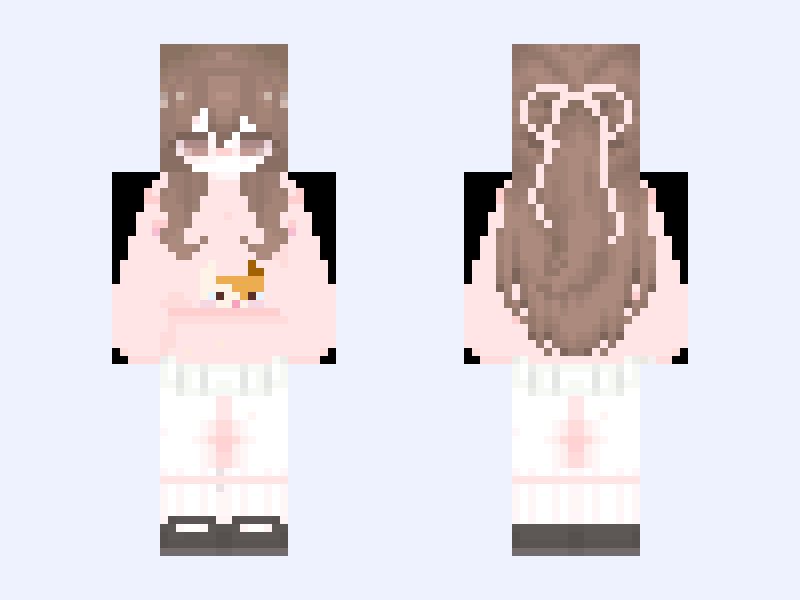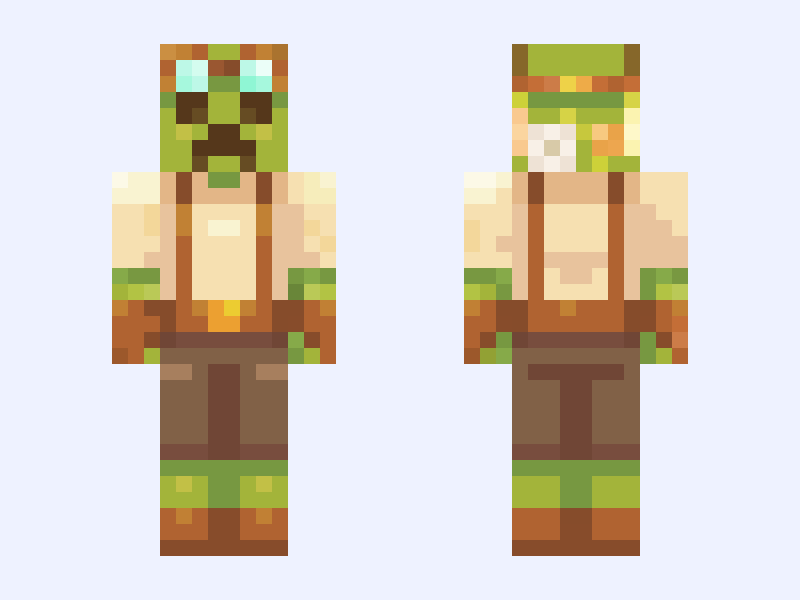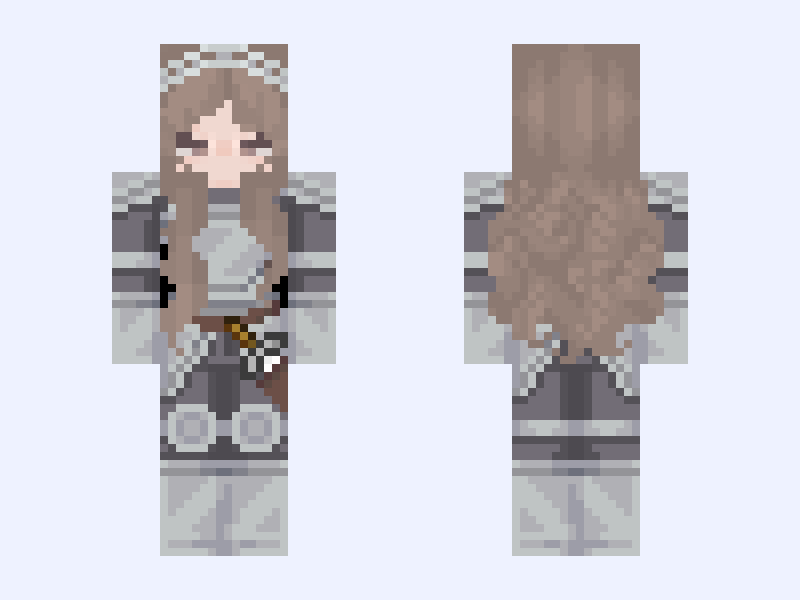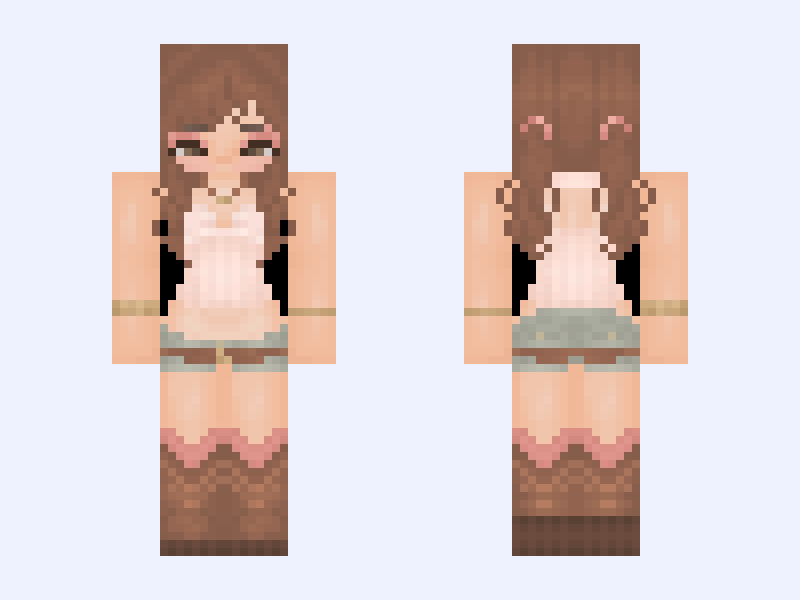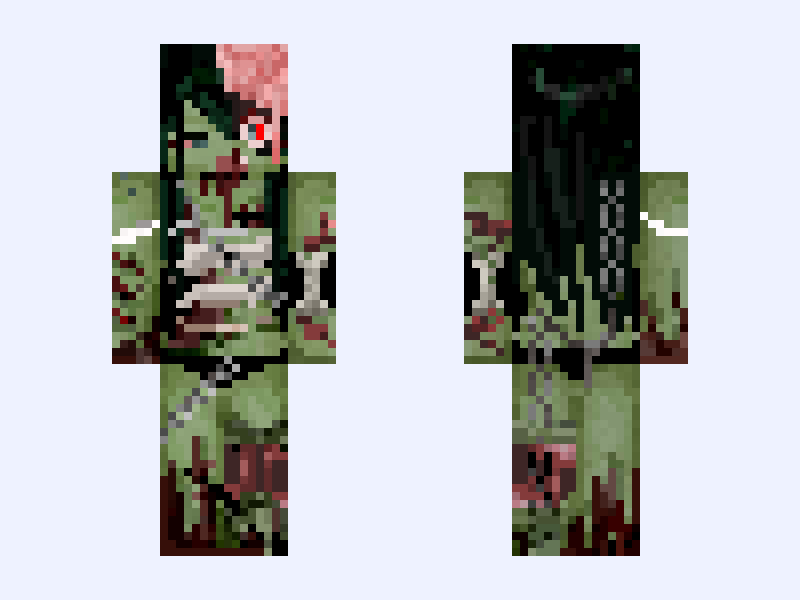
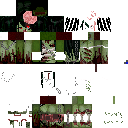
This is the skin file you download: a 128×128 HD PNG texture laid out in the standard Minecraft skin format.
Zom girl -Gore,Zombie,Undead,blood,scary,monster- Minecraft Skin
Slim
128×128 HD
495 likes
16 comments
Download Skin
About this skin
before download ₊˚⊹♡ . Spooky! First gore skin of mine! . DO NOT REPOST THIS 𖦹★ . . IF YOU USE THIS OR RECOLOR PLEASE GIVE CREDIT TO MY ORIGINAL DESIGN 𐙚
Skin details
- Model
- Slim (Alex, 3px arms)
- Texture size
- 128×128 HD pixels
- File type
- PNG with transparency
- Likes
- 495
- Comments
- 16
- Added
- September 2, 2026
How to use this skin in Minecraft Java Edition
- Select Download Skin to save the PNG file.
- Open the Minecraft Launcher and go to Skins.
- Choose New Skin and select the Slim player model.
- Browse to the downloaded PNG, then select Save & Use.
How to use this skin in Minecraft Bedrock Edition
- Select Download Skin to save the PNG file.
- Open Minecraft and go to the Dressing Room.
- Under Classic Skins, choose Import, then Choose New Skin.
- Select the PNG and pick the Slim model.