
![Black Widow (Yelena Belova) [Thunderbolts] Minecraft skin, slim model, front and back view](/assets/image/skins/black-widow-yelena-belova-thunderbolts.png)
![Black Widow (Yelena Belova) [Thunderbolts] skin texture file (128×128 HD)](https://skinseed.minecraftmod.fun/images/skins/5F825949BBEF7D87ED2FD673579026E8.png)
This is the skin file you download: a 128×128 HD PNG texture laid out in the standard Minecraft skin format.
Black Widow (Yelena Belova) [Thunderbolts] Minecraft Skin
About this skin
[Who's this character?] Natasha Romanoff's "younger sister", Yelena Belova was raised just like she, in the red room and learned to become a black widow. After certain events, she got independent from the red room and eventually started working for Valentina de lá Fontaine, but everything changed in the day she was sent on a simple "cleanup mission" which eventually, made her and some other people became The New Avengers if you liked this skin before downloading for use, give a like and if you want, comment something. And please subscribe to my Skinseed account to see in your feed when my next skin is released. Anyway Have a nice day... MB98
Skin details
- Model
- Slim (Alex, 3px arms)
- Texture size
- 128×128 HD pixels
- File type
- PNG with transparency
- Likes
- 17
- Comments
- 2
- Added
- September 9, 2026
How to use this skin in Minecraft Java Edition
- Select Download Skin to save the PNG file.
- Open the Minecraft Launcher and go to Skins.
- Choose New Skin and select the Slim player model.
- Browse to the downloaded PNG, then select Save & Use.
How to use this skin in Minecraft Bedrock Edition
- Select Download Skin to save the PNG file.
- Open Minecraft and go to the Dressing Room.
- Under Classic Skins, choose Import, then Choose New Skin.
- Select the PNG and pick the Slim model.
Collections this skin is in
More Minecraft skins
 Slim
Slim
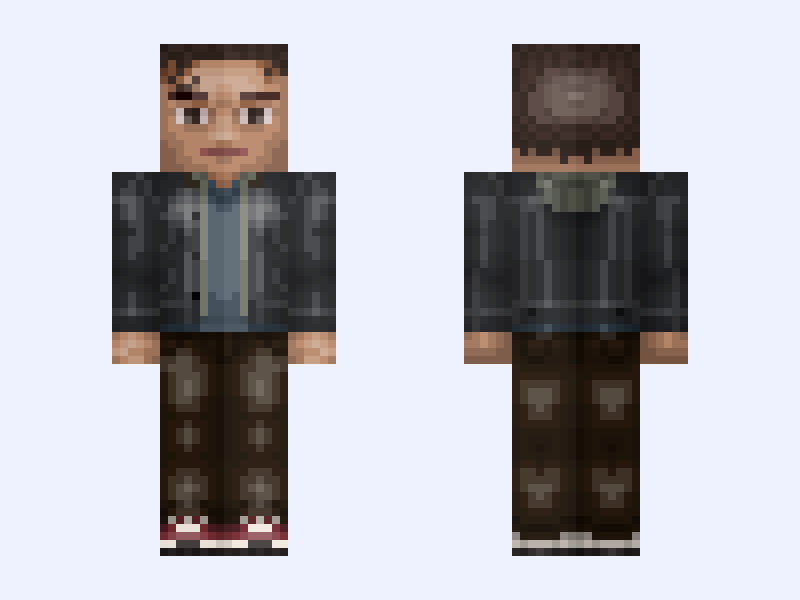
Peter Parker: Spider-Man: Brand New Day (Marvel Studios: 2026)
28 likes
 Classic
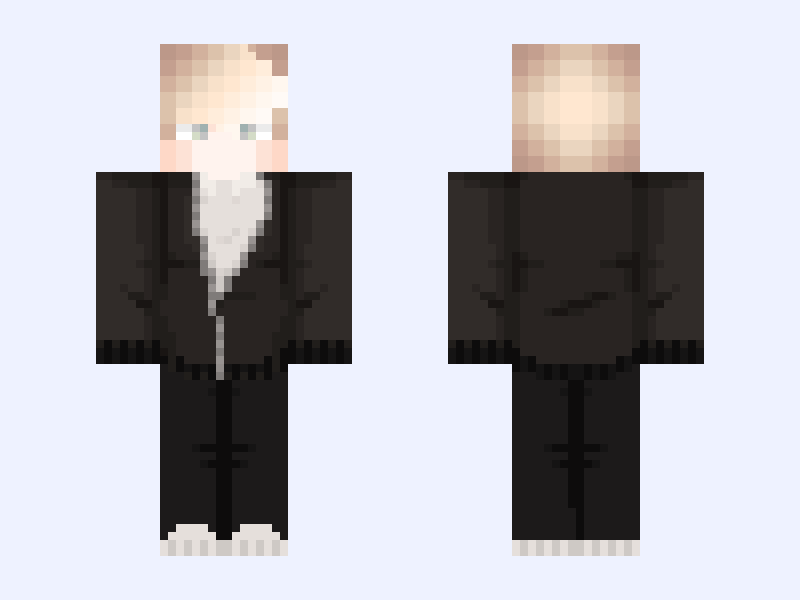
something chill 🪦
18 likes
 Slim
Slim
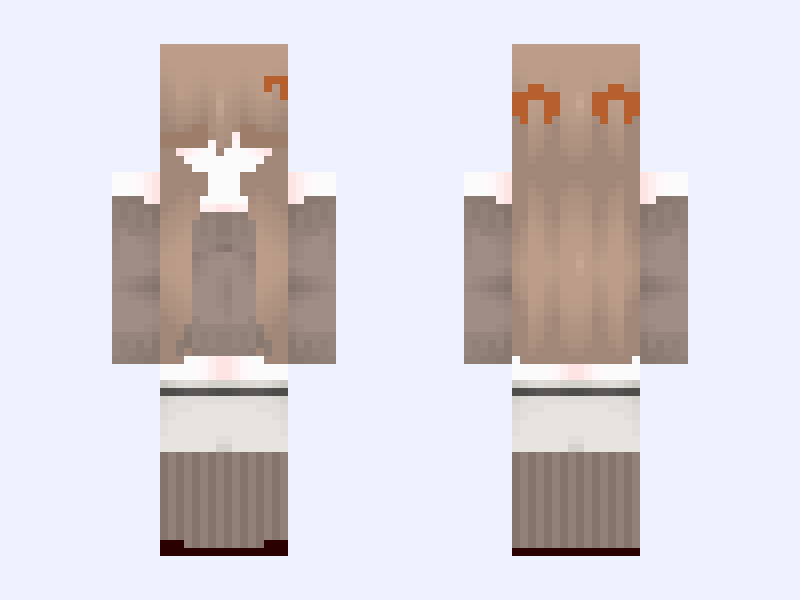
Autumn Cutiee🤎🍂📚☕️
9 likes
 Slim
Slim
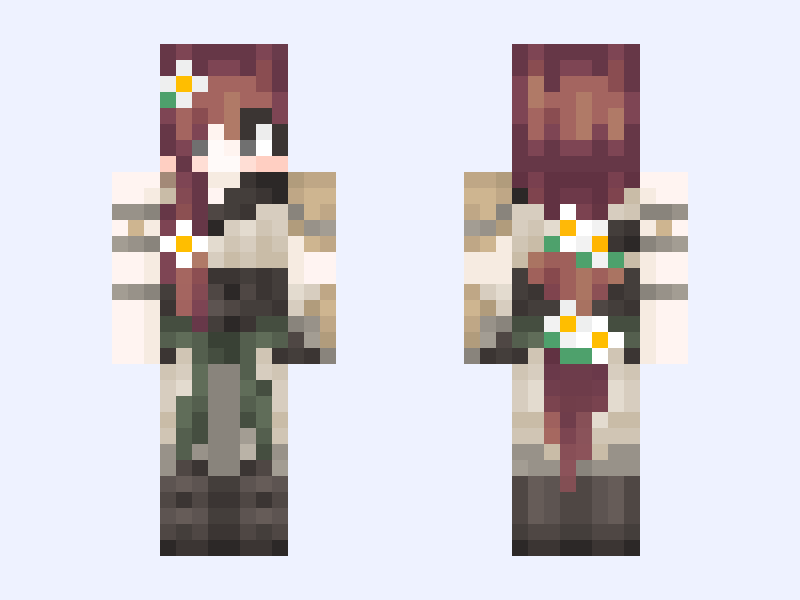
qsmp skin 01
6 likes
 Slim
Slim
(No extra accessories) 🌈Colorful🌈
22 likes
 Slim
Slim
hive style Steve holding a command block (first time doing this thing)
5 likes