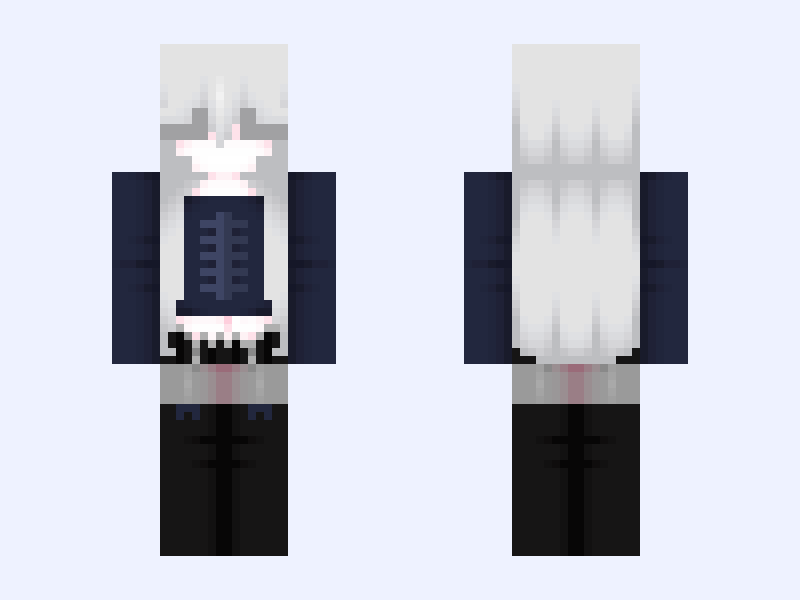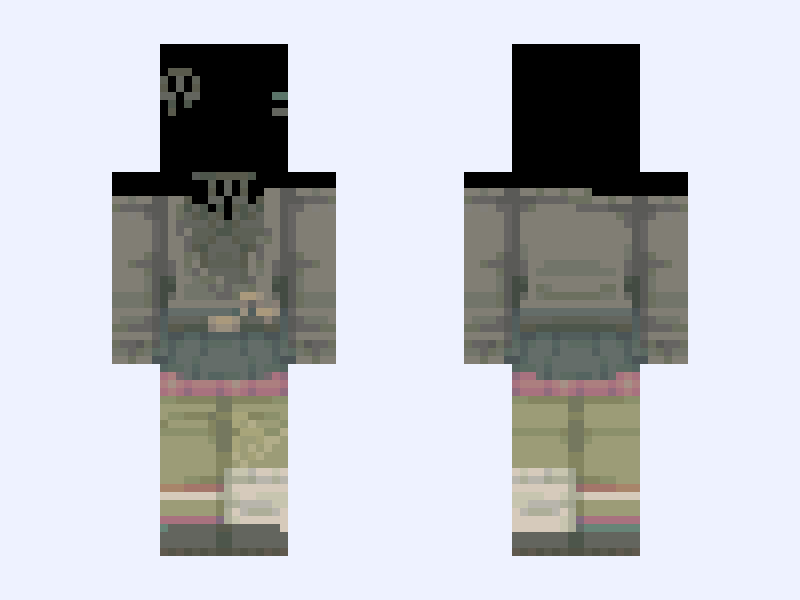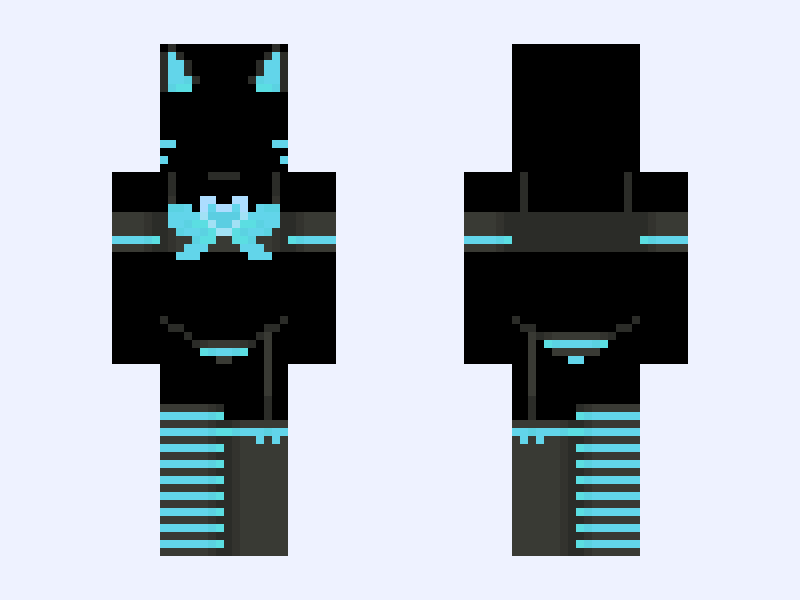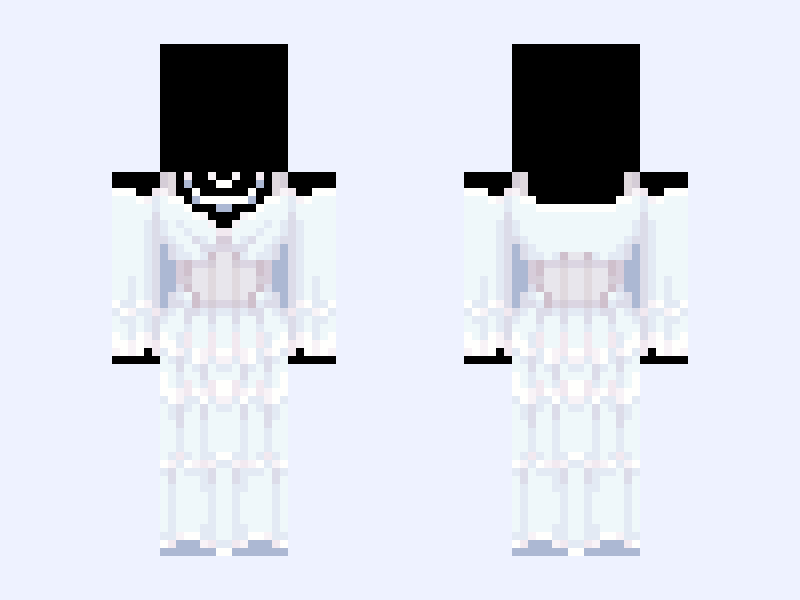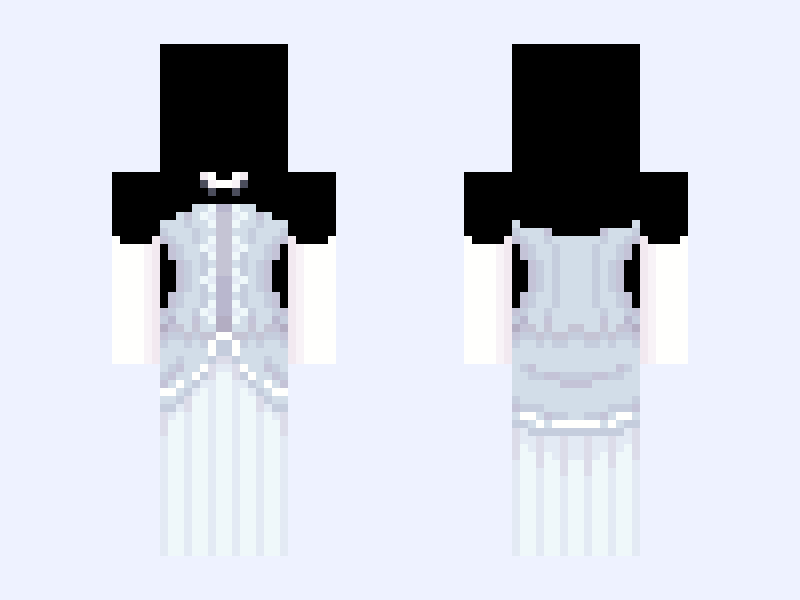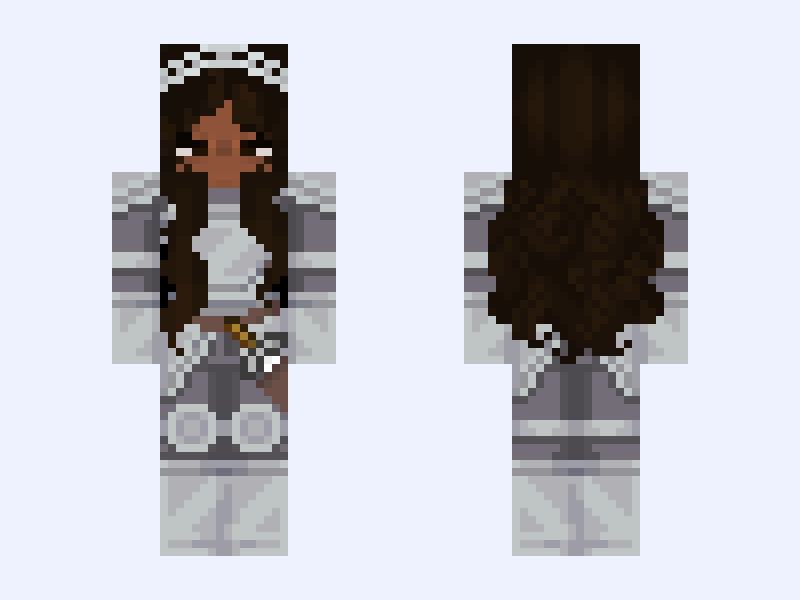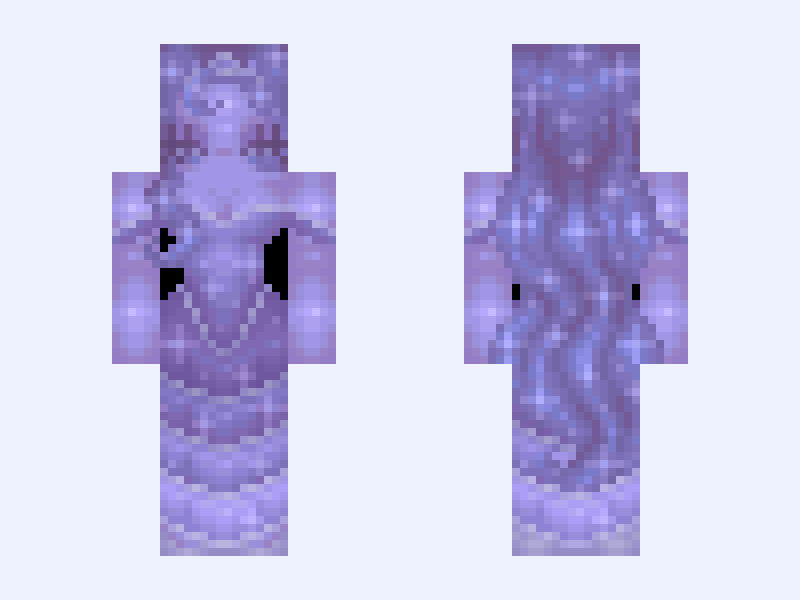
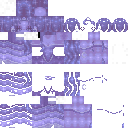
This is the skin file you download: a 128×128 HD PNG texture laid out in the standard Minecraft skin format.
𝒫𝓇𝒾𝓃𝒸ℯ𝓈𝓈 ℒ𝓊𝓃𝒶◦✬ princess luna,moon,purple,blue,sparkly,mlp,long hair,stars,galaxy Minecraft Skin
Slim
128×128 HD
92 likes
6 comments
Download Skin
About this skin
been working on this rework on and off for so long, i just decided to post her. im pretty happy with it :) i gave her little moon earrings 🥹 i couldn’t help myself, i dumped the whole bottle of glitter on her she’s gleaming ✨ (liking before downloading would be appreciated ;)💖) #mlp #mylittlepony
Skin details
- Model
- Slim (Alex, 3px arms)
- Texture size
- 128×128 HD pixels
- File type
- PNG with transparency
- Likes
- 92
- Comments
- 6
- Added
- September 3, 2026
How to use this skin in Minecraft Java Edition
- Select Download Skin to save the PNG file.
- Open the Minecraft Launcher and go to Skins.
- Choose New Skin and select the Slim player model.
- Browse to the downloaded PNG, then select Save & Use.
How to use this skin in Minecraft Bedrock Edition
- Select Download Skin to save the PNG file.
- Open Minecraft and go to the Dressing Room.
- Under Classic Skins, choose Import, then Choose New Skin.
- Select the PNG and pick the Slim model.