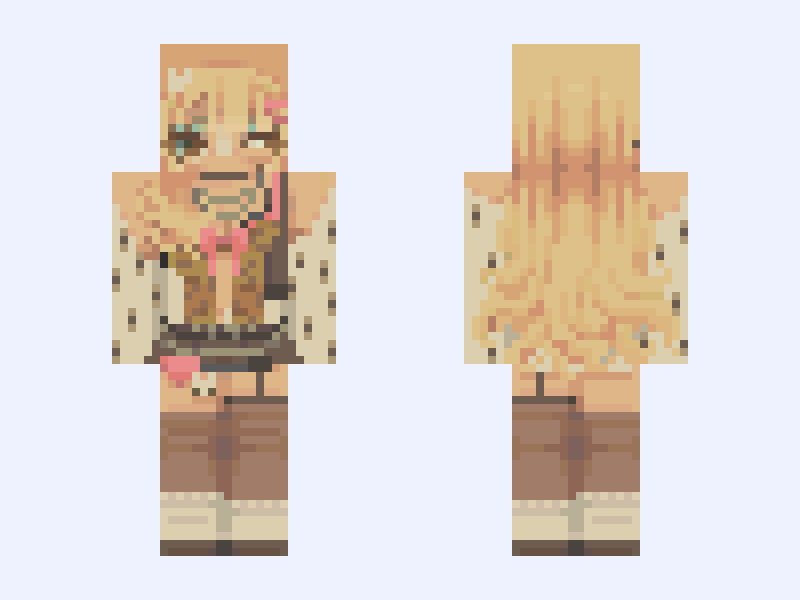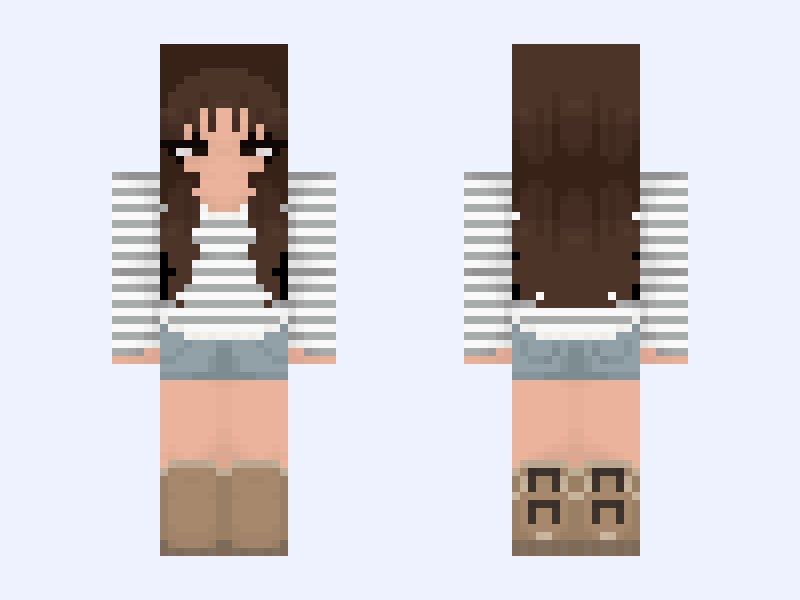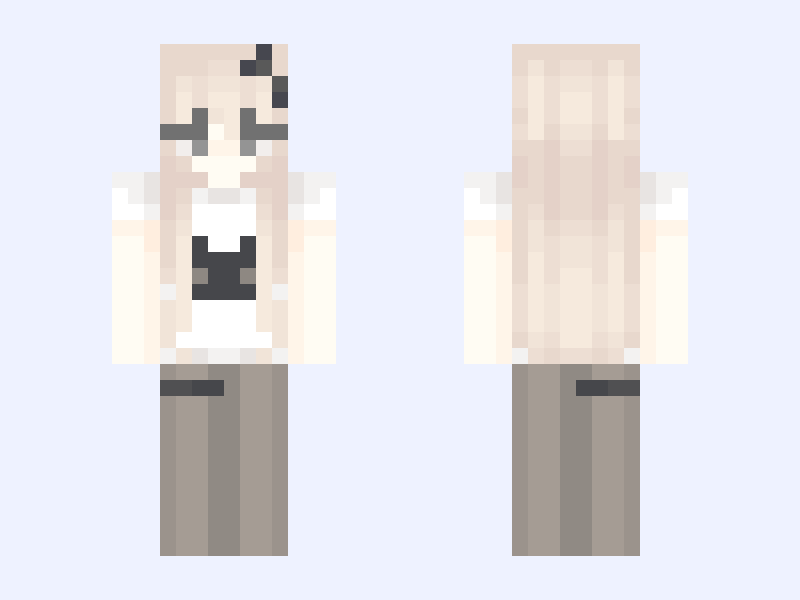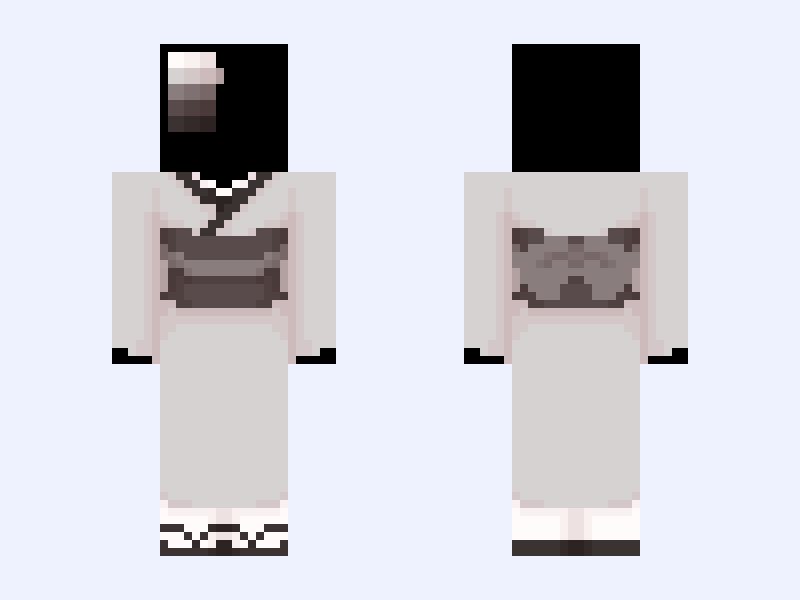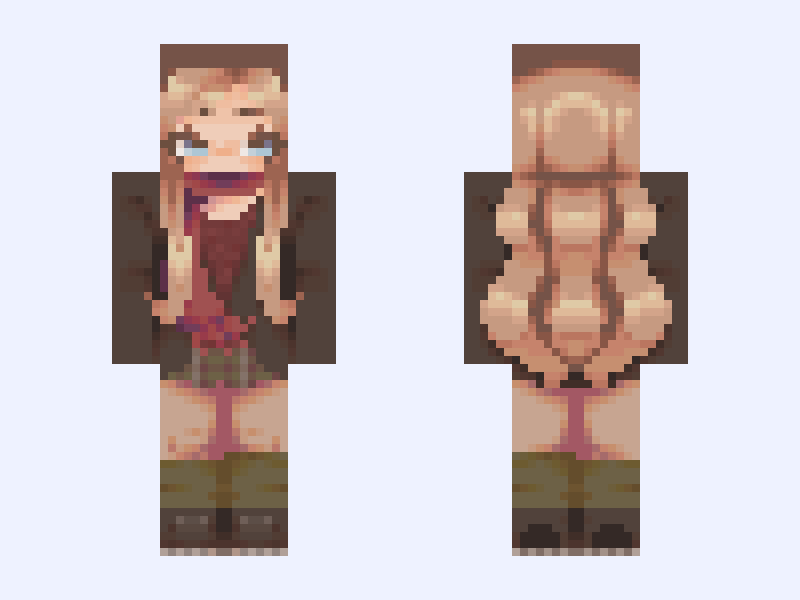
This is the skin file you download: a 128×128 HD PNG texture laid out in the standard Minecraft skin format.
ʙʟᴀɪʀ 🍂🌰 (remake) Minecraft Skin
Slim
128×128 HD
117 likes
98 comments
Download Skin
About this skin
entry for - @CassidyFNAF5373 - #AutumnSkinForAug - contest. remake* of my 1 year old skin titled "🍁" how's it look? still pretty plain if you ask me, I do love the shading tho, It's a huge improvement in comparison to the old one. gave her an actual name this time lol also, should I make a clothing base out of this like the old one... or no- ೃ༄*- ᴄʀᴇᴅɪᴛꜱ -⋆˚࿔ ___ @PenFox #PenFox #egirl #autumn #fall #brown #green #girl #blonde #128x128
Skin details
- Model
- Slim (Alex, 3px arms)
- Texture size
- 128×128 HD pixels
- File type
- PNG with transparency
- Likes
- 117
- Comments
- 98
- Added
- September 11, 2026
How to use this skin in Minecraft Java Edition
- Select Download Skin to save the PNG file.
- Open the Minecraft Launcher and go to Skins.
- Choose New Skin and select the Slim player model.
- Browse to the downloaded PNG, then select Save & Use.
How to use this skin in Minecraft Bedrock Edition
- Select Download Skin to save the PNG file.
- Open Minecraft and go to the Dressing Room.
- Under Classic Skins, choose Import, then Choose New Skin.
- Select the PNG and pick the Slim model.