GameModHub Gaming
Best Minecraft Skins for Girls
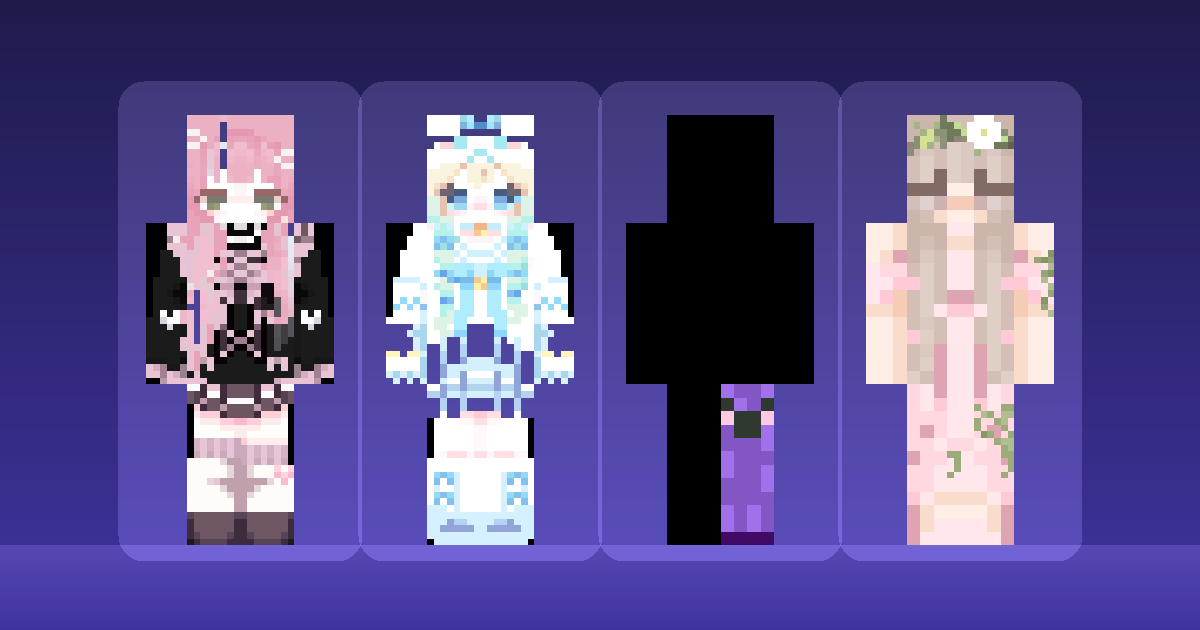
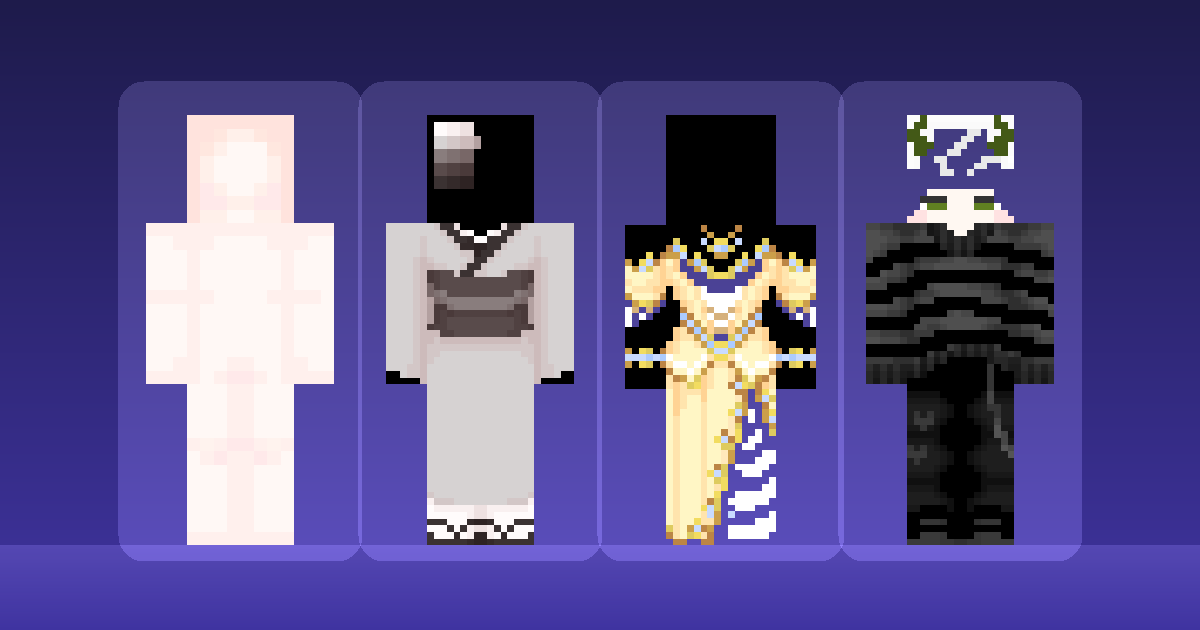
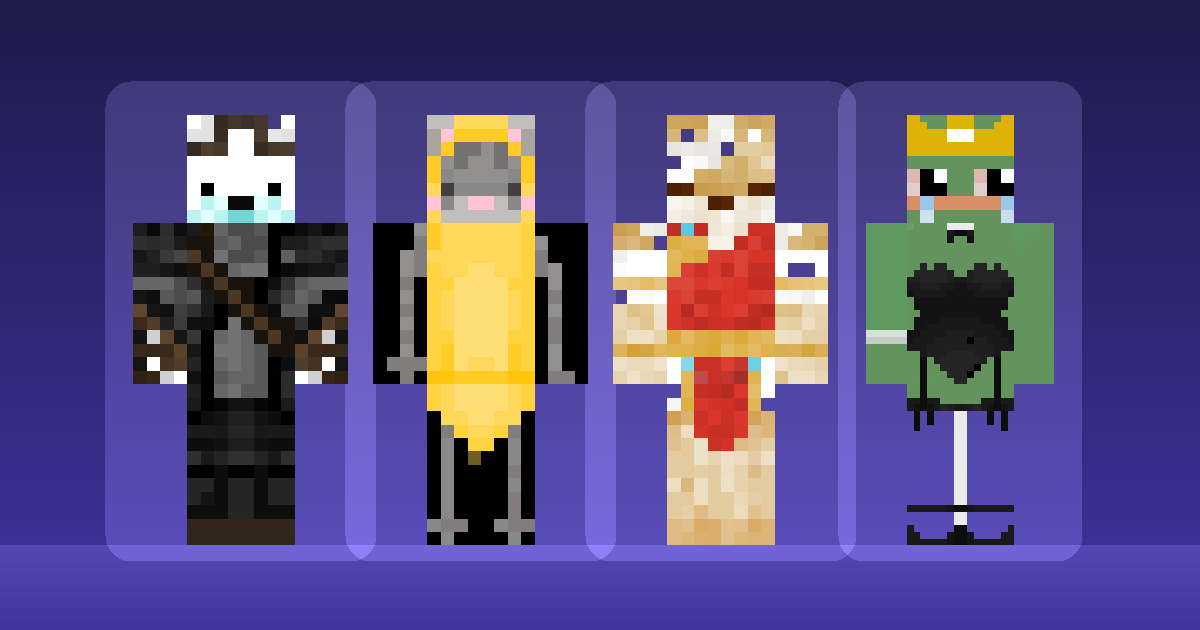
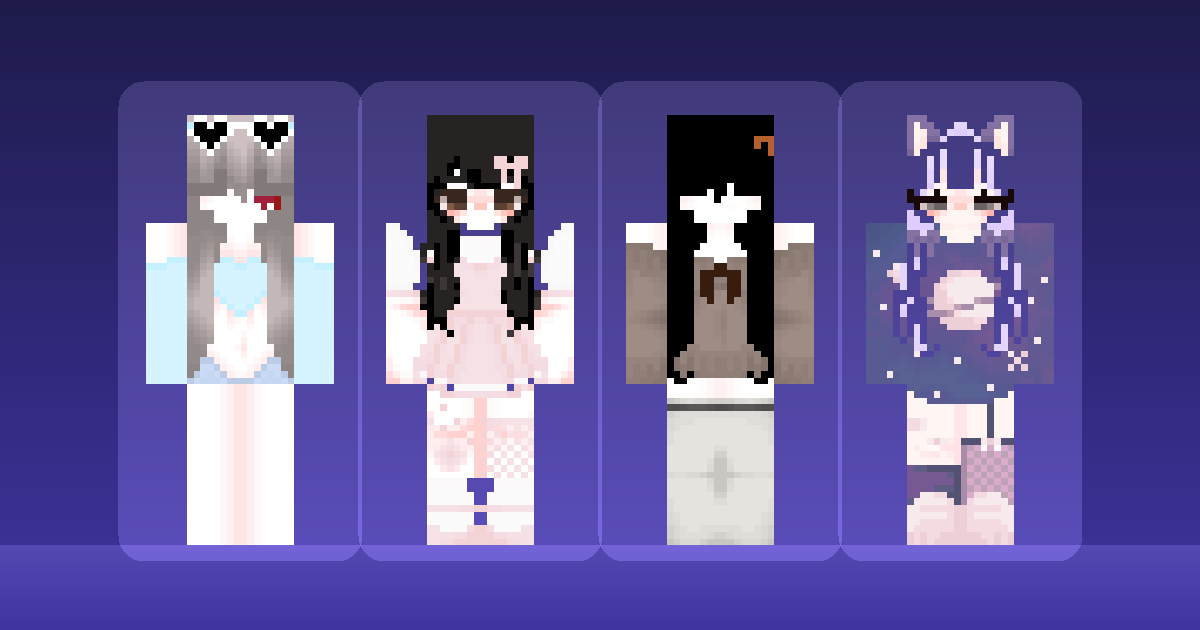
Search for "Minecraft skins for girls" and you get thousands of results with no way to tell which ones will look good on an actual character. The thumbnails are rendered large and lit perfectly. In game you are a small figure seen mostly from behind, at middle distance, often in poor light.
So the useful question is not which skin looks prettiest in a preview. It is which skins survive being played. Three things decide that, and they are worth knowing before you pick anything.
Silhouette over detail. At playing distance you read shape first. A skin with a distinctive hair shape or a strong colour block on the torso stays recognisable; one that relies on fine facial detail turns to mush.
Layer use. Hair, jackets and accessories on the second layer sit slightly outside the model and read as real objects. Painted flat onto the base, the same design looks printed on.
Palette range. Three or four tones per material, not one. A single flat colour makes a limb look like a rectangle, which is exactly what it is.
Picks from the library
Autumn Girl is the clearest example of palette range done well — warm browns and oranges with enough tonal separation that the outfit reads as layered clothing rather than a block of colour.
Blue Girl takes the opposite approach: a tight, near-monochrome palette that works because the silhouette carries it. Good if you want something that reads instantly at distance.
Cute Girl is a straightforward, well-built design with sensible layer use, and a reasonable default if you want something that simply works.
Galaxy Cat Girl uses the overlay for ears, which is the single most effective accessory trick at this resolution — it changes the head silhouette completely.
Elegant Cyclops Girl and Cute Fairy Girl both build a strong shape from the dress, which gives the lower half of the model something to do.
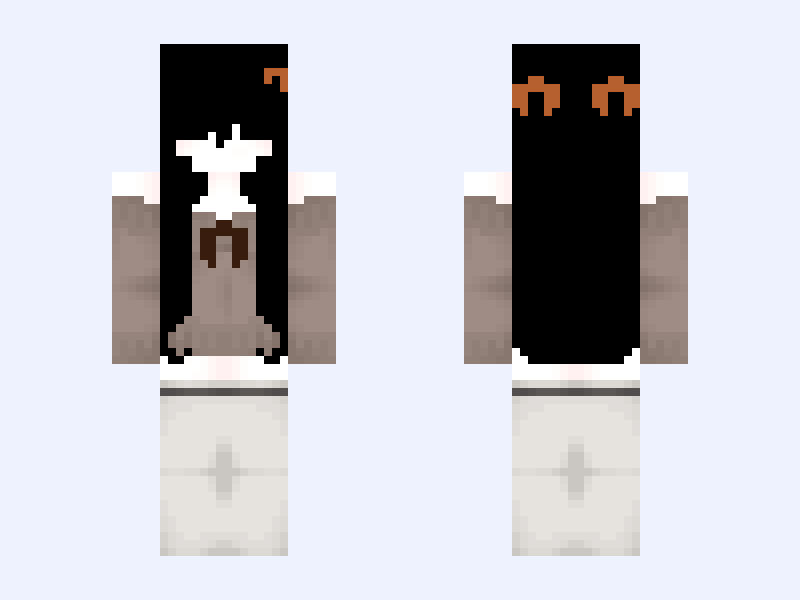
Check the model before you commit
Most of the skins above were built for the Slim model — three-pixel arms, the Alex proportions. Upload one onto the Classic model and you get an unpainted stripe down each arm.
Several are also marked HD, meaning the source artwork is 128x128 rather than 64x64. Unmodified Minecraft will not accept those dimensions. If you play vanilla, that matters: you need either a standard-resolution skin or a client mod such as OptiFine on every client meant to see it properly. The format guide covers why.
Every skin page states its model and resolution, so this is a thing you can check rather than discover after a failed upload.
If none of these fit
The full skins library runs to several hundred, and the picks above are a starting point rather than a ranking. Browse by what catches your eye, then apply the three tests: does the silhouette read, does it use the second layer, does the palette have range.
If you find something close but not quite right, most skins make decent starting points for your own edit. Bases and templates covers working from an existing file, and the skin-making guide covers the editing itself.